
1. Introduction
This manual provides instructions for the safe and effective use of the Newbealer Wallpaper Remover Accessory, model NB282C-WPR. This accessory is designed to be used exclusively with compatible Newbealer steam cleaners (e.g., NB282C) to facilitate the removal of wallpaper using steam. Please read this manual thoroughly before use and retain it for future reference.

Image 1.1: The Newbealer Wallpaper Remover Accessory shown with a compatible Newbealer Steam Cleaner NB282C.
2. Safety Information
Always prioritize safety when operating steam-generating equipment. Steam is hot and can cause burns. Follow all safety guidelines provided in your main Newbealer steam cleaner manual. This accessory is designed to direct steam for wallpaper removal; ensure it is securely attached before use. Keep hands and face away from the steam outlet during operation. Do not use this accessory for purposes other than intended wallpaper removal.
3. Compatibility and Package Contents
3.1. Compatibility
This Wallpaper Remover Accessory (Model NB282C-WPR) is specifically designed for use with Newbealer Steam Cleaner models, including NB282C. It is not guaranteed to be compatible with steam cleaners from other brands or different Newbealer models. Please verify your steam cleaner model before attempting to attach this accessory.
3.2. Package Contents
The package contains:
- 1 x Newbealer Wallpaper Remover Accessory (NB282C-WPR)
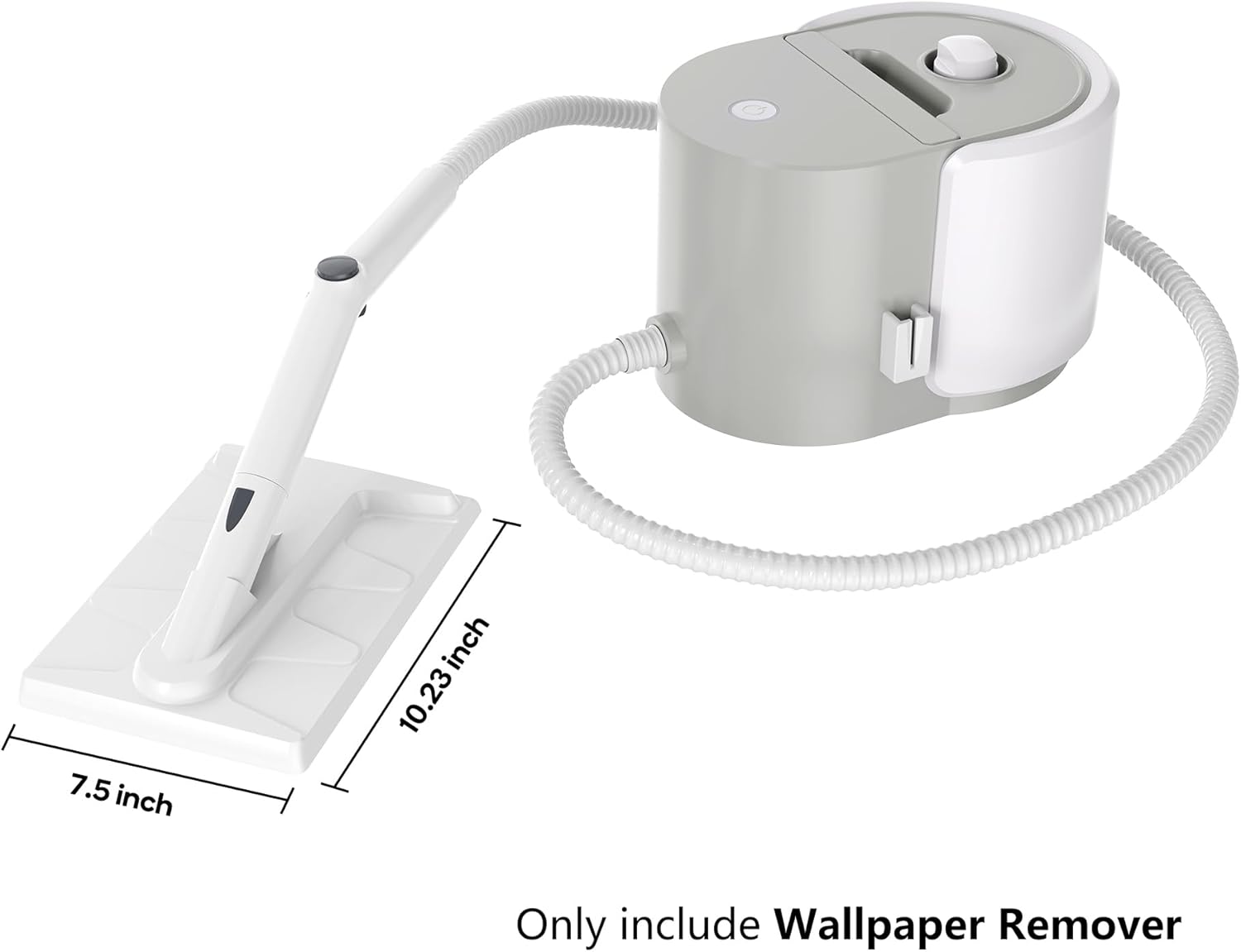
Image 3.1: The Newbealer Wallpaper Remover Accessory, showing its approximate dimensions.
4. Setup
Before attaching the wallpaper remover accessory, ensure your Newbealer steam cleaner is unplugged and cool. Refer to your steam cleaner's manual for initial setup, filling, and heating instructions.
- Prepare the Steam Cleaner: Ensure your Newbealer steam cleaner is ready for use according to its instruction manual. This typically involves filling the water tank and allowing it to heat up until steam is ready.
- Attach the Accessory: Locate the main nozzle on your Newbealer steam cleaner. Align the Wallpaper Remover Accessory with the nozzle and snap it into place. No tools are required for attachment. Ensure it is securely fastened and does not wobble.

Image 4.1: The wallpaper remover accessory designed for the NB282C steam cleaner, ready for attachment.
5. Operating Instructions
The Newbealer Wallpaper Remover Accessory uses hot steam to soften wallpaper adhesive, making removal easier and less damaging to underlying surfaces.
5.1. Preparation
- Protect Surfaces: Lay down drop cloths or old sheets to protect floors and furniture from water and debris.
- Score Wallpaper (Optional): For thicker or painted wallpaper, lightly score the surface with a wallpaper scoring tool. This allows steam to penetrate more effectively. Be careful not to damage the wall underneath.
- Ventilation: Ensure the work area is well-ventilated.
5.2. Wallpaper Removal
- Activate Steam: Turn on your Newbealer steam cleaner and allow it to produce a steady stream of steam.
- Apply Steam: Hold the Wallpaper Remover Accessory flat against the wallpaper surface. Apply steam to a section for approximately 20-30 seconds, or until the wallpaper appears softened and begins to lift. The exact time may vary depending on the type and age of the wallpaper.
- Peel Away Wallpaper: Using a wallpaper scraper or putty knife, gently lift and peel away the softened wallpaper. Work in small sections.
- Repeat: Continue this process, moving to adjacent sections of wallpaper until the desired area is clear.
- Clean Residue: After removing the wallpaper, any remaining adhesive residue can often be wiped away with a damp cloth or further steamed and scraped.
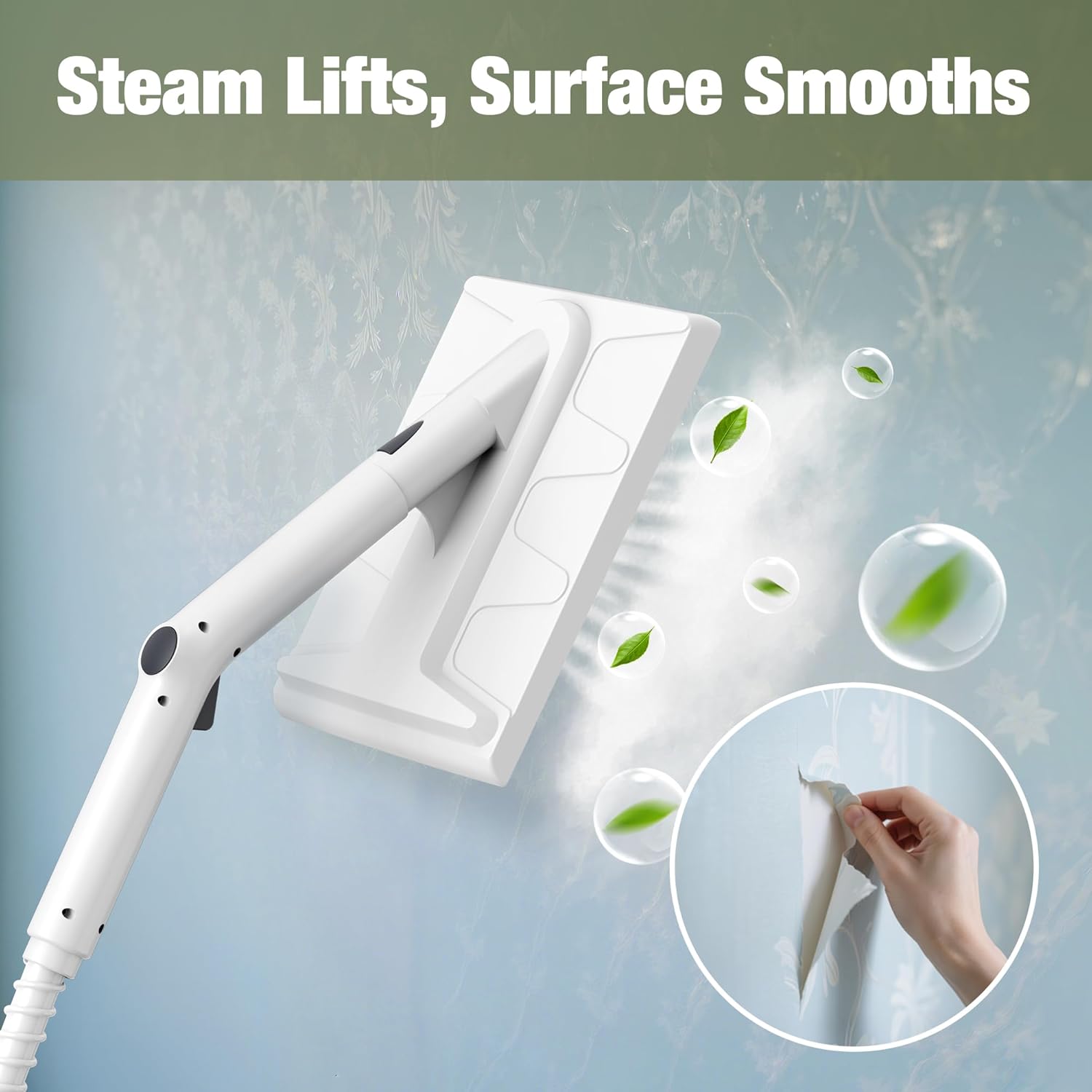
Image 5.1: The steam from the accessory effectively lifts and softens wallpaper for easy removal.
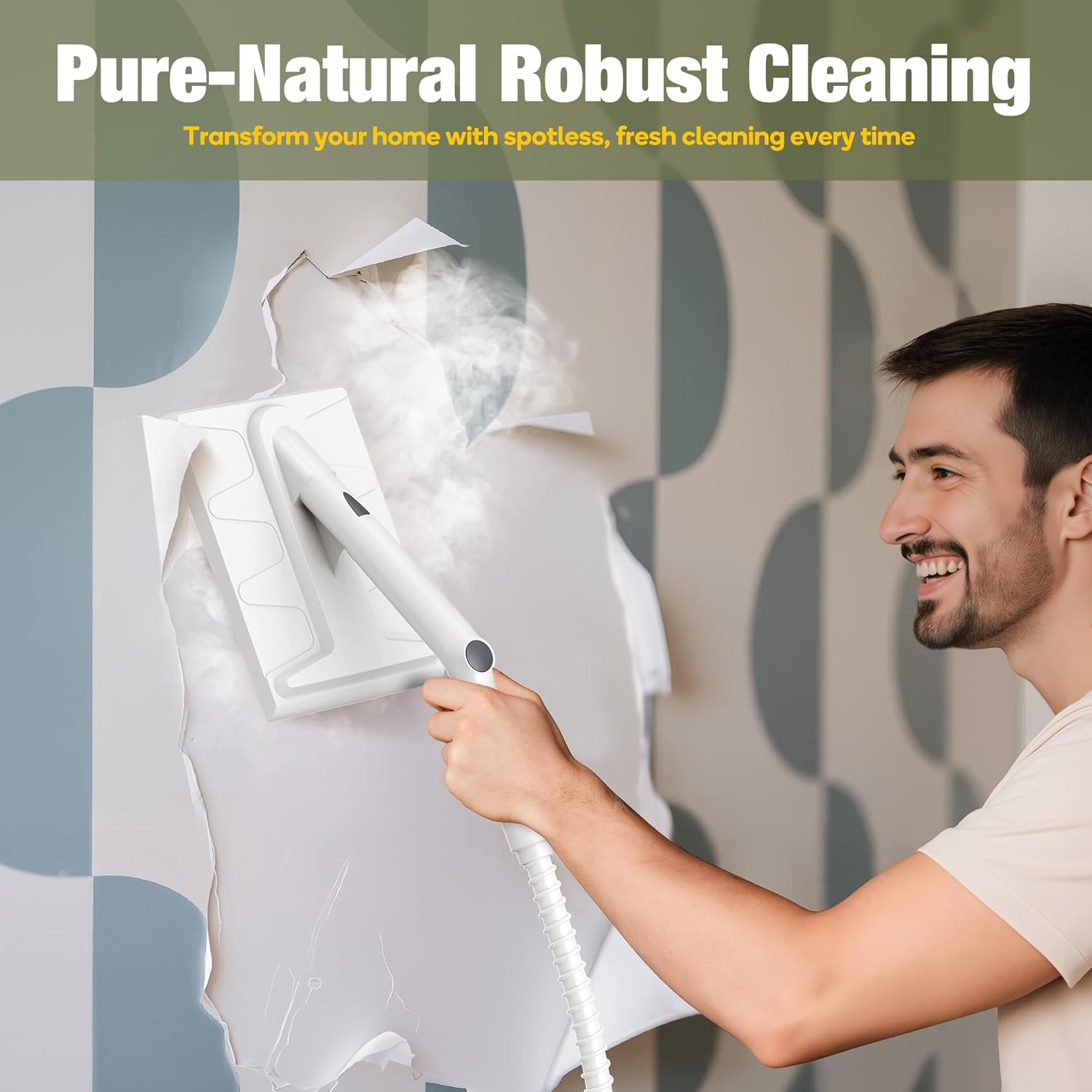
Image 5.2: A user demonstrating the application of the wallpaper remover accessory.
Video 5.1: An official product video demonstrating the wallpaper removal process using the Newbealer steam cleaner and accessory.
6. Maintenance
6.1. Cleaning the Accessory
After each use, ensure the accessory is cool before cleaning. Wipe down the surface of the wallpaper remover with a damp cloth to remove any wallpaper residue or dirt. Do not use abrasive cleaners or harsh chemicals, as these may damage the plastic. Ensure the accessory is completely dry before storing.
6.2. Storage
Store the wallpaper remover accessory in a clean, dry place, away from direct sunlight and extreme temperatures. Keep it out of reach of children.
7. Troubleshooting
- Wallpaper not softening:
- Ensure your steam cleaner is producing sufficient steam. Refer to its manual.
- Hold the accessory against the wallpaper for a longer duration (e.g., 30-45 seconds).
- Consider lightly scoring the wallpaper surface to allow better steam penetration.
- Accessory not attaching securely:
- Verify that the accessory is compatible with your specific Newbealer steam cleaner model (e.g., NB282C).
- Ensure the nozzle and accessory attachment points are clean and free of debris.
- Apply firm, even pressure until you hear or feel a click, indicating it's locked in place.
- Steam leakage from attachment point:
- Ensure the accessory is correctly and securely attached to the steam cleaner nozzle.
- Check for any damage to the accessory or the steam cleaner's nozzle. If damaged, discontinue use and contact customer support.
8. Specifications
| Brand | Newbealer |
| Model Number | NB282C-WPR |
| Part Number | NB282C-WPR |
| Compatibility | Newbealer Steam Cleaner NB282C (and other compatible models) |
9. Warranty and Support
9.1. Warranty Information
This Newbealer accessory is covered by a limited warranty. Please refer to the warranty information provided with your original Newbealer steam cleaner or visit the official Newbealer website for details regarding warranty terms and conditions.
9.2. Customer Support
For technical assistance, troubleshooting, or inquiries regarding your Newbealer Wallpaper Remover Accessory, please contact Newbealer customer support. Contact information can typically be found on the Newbealer website or in your steam cleaner's manual.