
1. Introduction
Thank you for choosing the VUOPAX Portable Bluetooth Speaker B48A. This manual provides essential information for setting up, operating, and maintaining your speaker to ensure a high-quality audio experience. The B48A is designed for powerful sound with deep bass, featuring IP65 waterproof and dustproof ratings, Bluetooth 5.4 connectivity, and dynamic RGB lighting, making it ideal for various indoor and outdoor environments.
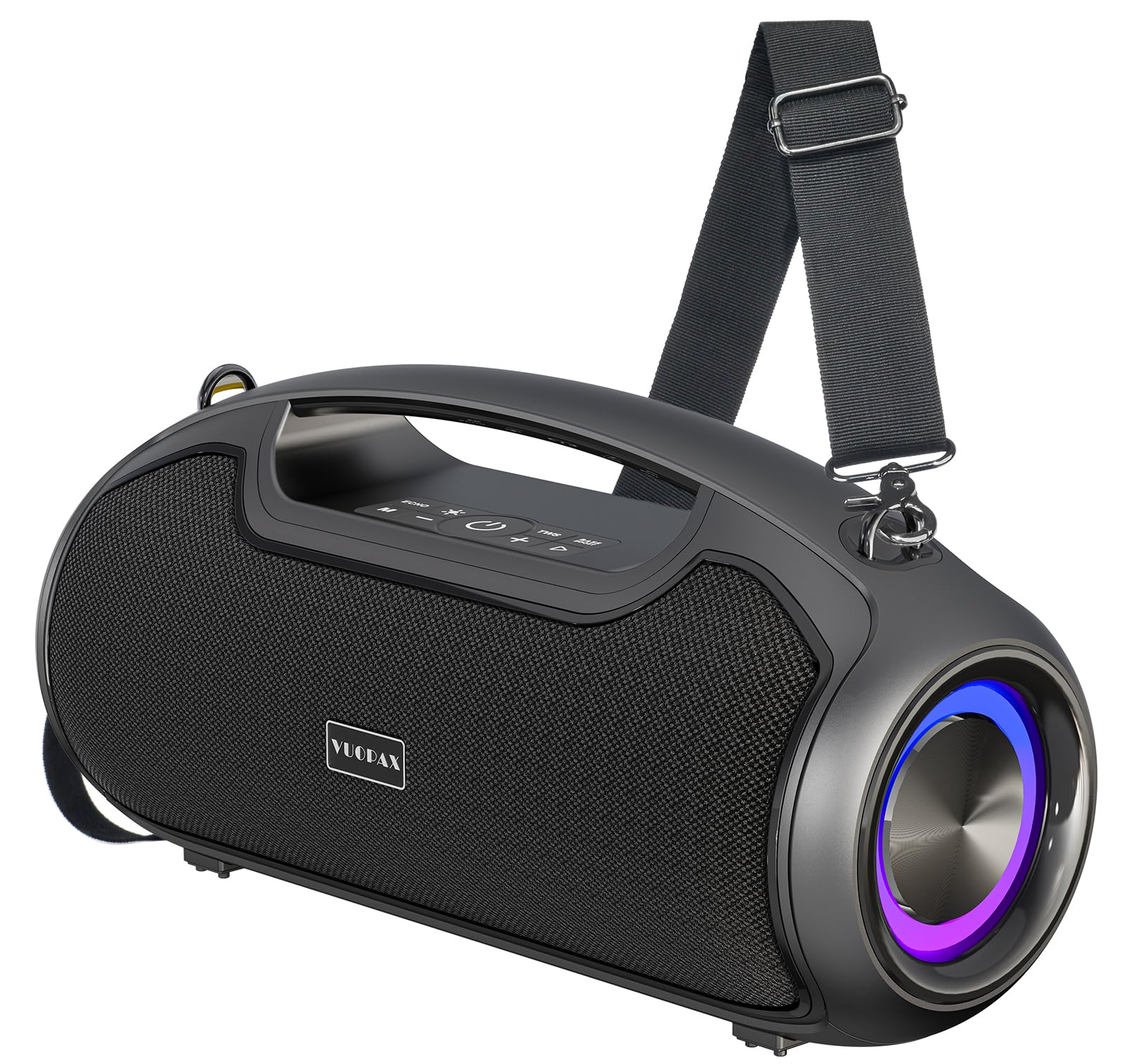
Figure 1: VUOPAX B48A Portable Bluetooth Speaker
2. Package Contents
Please check the box for the following items:
- VUOPAX B48A Portable Bluetooth Speaker
- Power Cable (Type-C fast charging cable)
- AUX Cable
- Shoulder Strap
- User Manual (this document)

Figure 2: Speaker and Included Accessories
3. Product Overview
Familiarize yourself with the speaker's components and controls.
3.1 Controls

Figure 3: Speaker Control Panel
- Power Button: Press and hold to turn on/off. Short press to play/pause.
- Mode Button (M): Short press to switch between input modes (Bluetooth, AUX, TF Card, USB).
- Volume Down (-): Short press to decrease volume. Long press for previous track.
- Volume Up (+): Short press to increase volume. Long press for next track.
- Light Button: Short press to cycle through 5 dynamic RGB lighting modes. Long press to turn lights off/on.
- TWS Button: Press to activate True Wireless Stereo pairing.
- Bass Boost Button: Press to activate/deactivate enhanced deep bass.
3.2 Ports
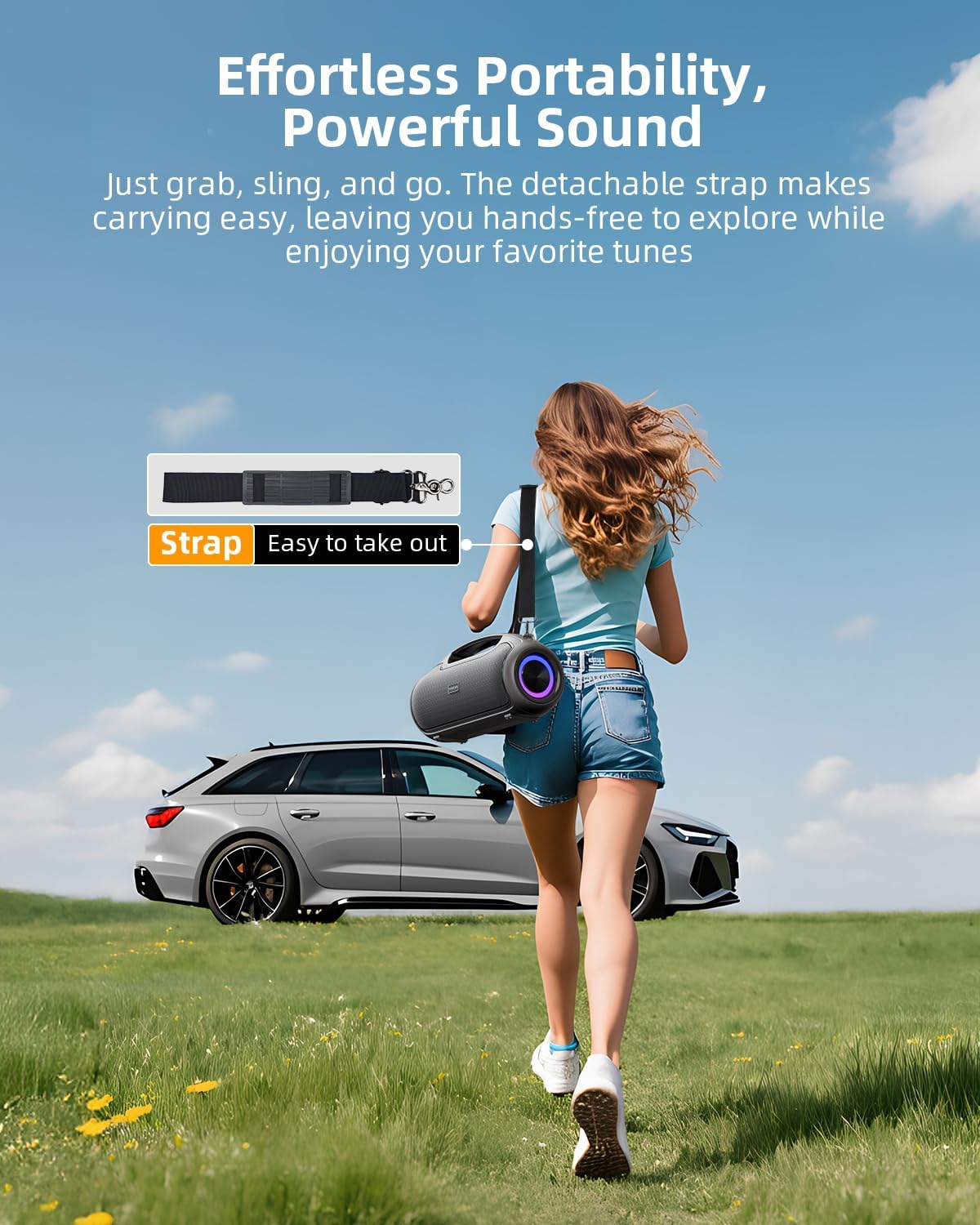
Figure 4: Speaker Rear Ports
- Type-C Port: For charging the speaker.
- TF Card Slot: For playing music directly from a TF card.
- MIC Input: For connecting an external microphone.
- AUX Input: For connecting devices via a 3.5mm audio cable.
- USB Port: For playing music directly from a USB drive or charging external devices.
3.3 Internal Components

Figure 5: Internal Speaker Components (Woofers & Tweeters)
The B48A features a 2-way crossover system with dual 3.5-inch woofers and dual 1.5-inch tweeters, delivering a full and dynamic sound experience.
4. Setup
4.1 Charging the Speaker
Before first use, fully charge the speaker using the provided Type-C cable and a compatible power adapter (not included). The built-in 12,000mAh battery supports fast charging and provides up to 24 hours of playtime at 60% volume.

Figure 6: Extended Playtime with 12,000mAh Battery
4.2 Powering On/Off
Press and hold the Power button (U) for approximately 3 seconds to turn the speaker on or off.
4.3 Bluetooth Pairing
- Turn on the speaker. It will automatically enter Bluetooth pairing mode, indicated by a flashing LED light.
- On your device (smartphone, tablet, laptop), enable Bluetooth and search for available devices.
- Select "VUOPAX B48A" from the list.
- Once connected, the LED light will stop flashing, and you will hear a confirmation tone.
4.4 True Wireless Stereo (TWS) Pairing
To pair two VUOPAX B48A speakers for stereo sound:
- Ensure both speakers are powered on and not connected to any other Bluetooth device.
- On one speaker (this will be the primary speaker), short press the TWS button. The speaker will enter TWS pairing mode.
- The primary speaker will automatically search for and connect to the secondary speaker.
- Once connected, the LED indicators on both speakers will confirm the TWS connection.
- Connect your device to the primary speaker via Bluetooth as described in section 4.3.

Figure 7: Multi-Speaker Sync (TWS)
5. Operating Instructions
5.1 Basic Playback Controls
- Play/Pause: Short press the Power button.
- Volume Adjustment: Short press the Volume Up (+) or Volume Down (-) buttons.
- Next Track: Long press the Volume Up (+) button.
- Previous Track: Long press the Volume Down (-) button.
5.2 Bass Boost Function
Press the Bass Boost button to instantly enhance low frequencies for a deeper, more impactful bass sound. Press again to deactivate.
5.3 Dynamic RGB Lighting Modes
The speaker features 5 dynamic RGB lighting modes that pulse in sync with the music. Short press the Light button to cycle through the modes. Long press the Light button to turn the lights off or on.
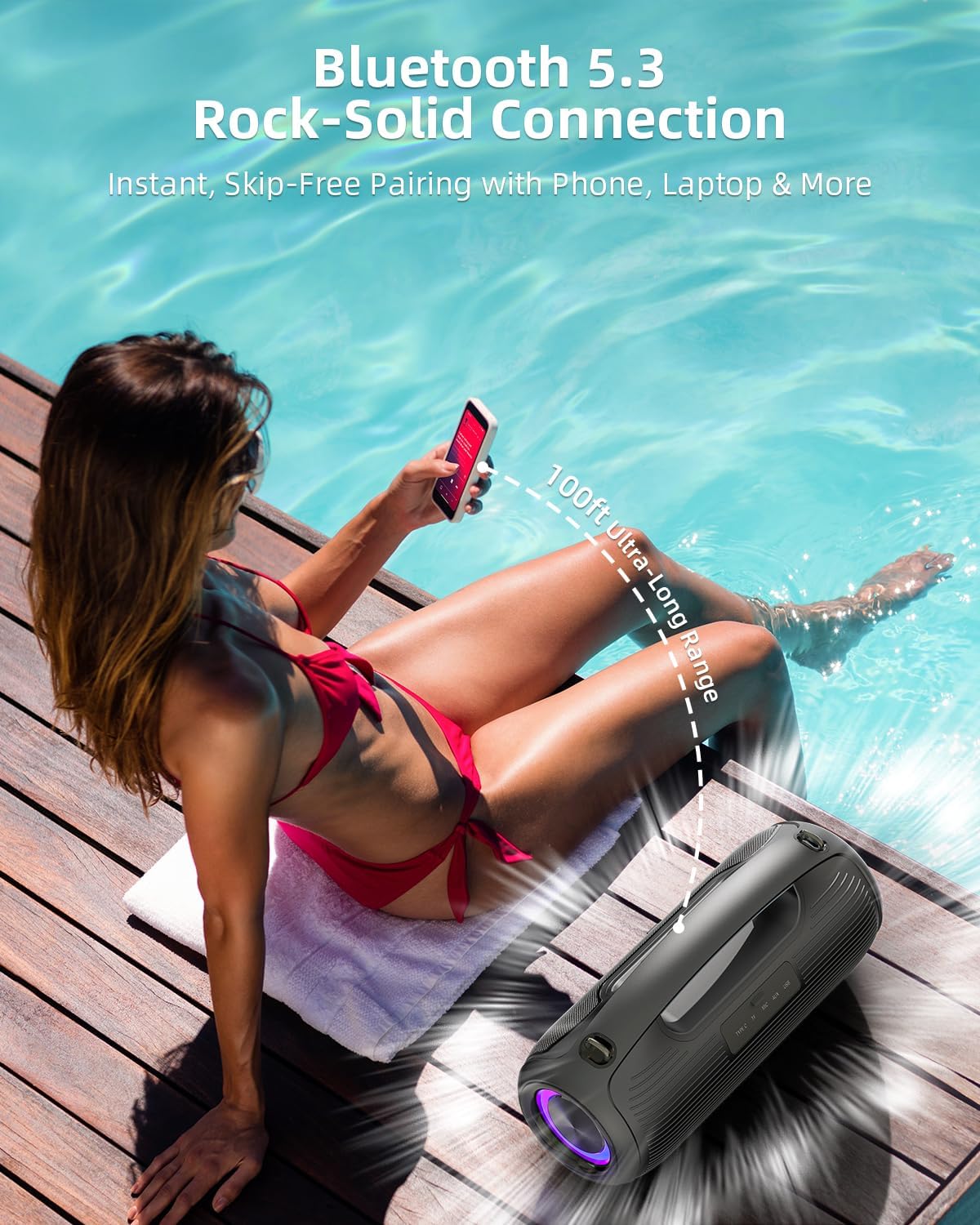
Figure 8: Dynamic RGB Lighting
5.4 Multiple Input Modes
In addition to Bluetooth, the speaker supports AUX, TF card, and USB inputs. Short press the Mode (M) button to switch between these input sources.
6. Maintenance
6.1 Cleaning
Wipe the speaker with a soft, damp cloth. Do not use harsh chemicals or abrasive cleaners. Ensure the port cover is securely closed before cleaning with water.
6.2 Storage
Store the speaker in a cool, dry place away from direct sunlight and extreme temperatures. If storing for an extended period, charge the battery to approximately 50% to prolong its lifespan.
6.3 Water and Dust Resistance (IP65)
The VUOPAX B48A is rated IP65, meaning it is protected against dust ingress and low-pressure water jets from any direction. This makes it suitable for outdoor use and resistant to splashes. However, it is not designed for submersion in water. Always ensure the rubber port cover is firmly sealed to maintain water and dust resistance.

Figure 9: IP65 Water Resistance
7. Troubleshooting
- Speaker won't turn on: Ensure the battery is charged. Connect to a power source and try again.
- Cannot pair via Bluetooth: Make sure the speaker is in pairing mode (flashing LED). Check your device's Bluetooth settings and ensure it's discoverable. Move the speaker closer to your device.
- No sound: Check the volume levels on both the speaker and your connected device. Ensure the correct input mode is selected (Bluetooth, AUX, etc.).
- Poor sound quality: Ensure the speaker is within Bluetooth range. Try moving away from potential interference sources. For wired connections, check the cable.
- TWS pairing failed: Ensure both speakers are not connected to any other Bluetooth device before initiating TWS pairing. Try restarting both speakers.
8. Specifications
| Feature | Specification |
|---|---|
| Model Name | B48A |
| Brand | VUOPAX |
| Speaker Type | Outdoor |
| Speaker Maximum Output Power | 200 Watts |
| Bluetooth Version | 5.4 |
| Bluetooth Range | 100 Feet |
| Battery Capacity | 12000 Milliamp Hours |
| Playtime | Up to 24 hours (varies by volume/content) |
| Water Resistance Level | IP65 (Water Repellent, Dustproof) |
| Product Dimensions | 15"D x 7.48"W x 6.02"H |
| Item Weight | 8.05 pounds |
| Connectivity Technology | Auxiliary, Bluetooth, NFC, USB |
| Audio Output Mode | Stereo |
9. Warranty and Support
The VUOPAX B48A Portable Bluetooth Speaker comes with a limited warranty. For detailed warranty information, product support, or technical assistance, please refer to the warranty card included in your package or visit the official VUOPAX website.
For customer service inquiries, please contact our support team via the contact information provided on our website.