
1. Introduction
Thank you for choosing the Hupoaf Bluetooth Speaker ZY-02. This portable wireless speaker is designed to deliver powerful sound with dynamic RGB lighting, making it ideal for various environments. Featuring Bluetooth 5.3 connectivity and an IPX7 waterproof rating, it offers a robust and enjoyable audio experience. Please read this manual carefully to ensure proper use and maintenance of your device.
2. Safety Information
- Do not expose the speaker to extreme temperatures, direct sunlight, or open flames.
- Avoid dropping or subjecting the speaker to strong impacts.
- Keep the speaker away from children and pets.
- Ensure all ports are securely closed when using the speaker near water to maintain its IPX7 waterproof rating.
- Use only the provided charging cable or a certified equivalent.
- Do not attempt to disassemble, repair, or modify the speaker yourself. Contact customer support if service is required.
3. Package Contents
Please check the box for the following items:
- Hupoaf Bluetooth Speaker (ZY-02) x 1
- USB-C Charging Cable x 1
- Quick Start Guide x 1
4. Product Overview
The Hupoaf ZY-02 speaker is designed for portability and versatility, featuring intuitive controls and a durable build.
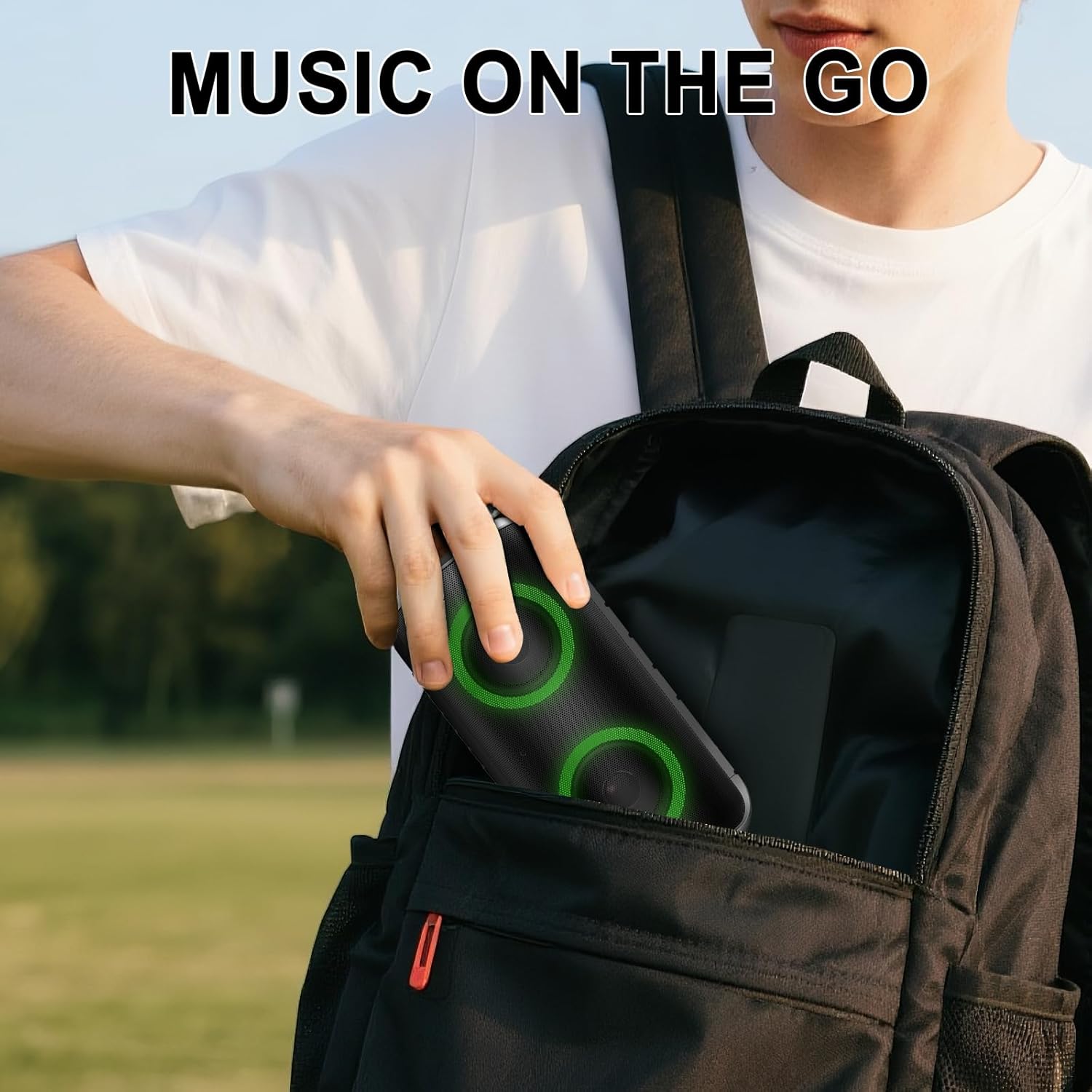
Figure 4.1: The compact design allows for easy transport in a backpack, making it suitable for music on the go.
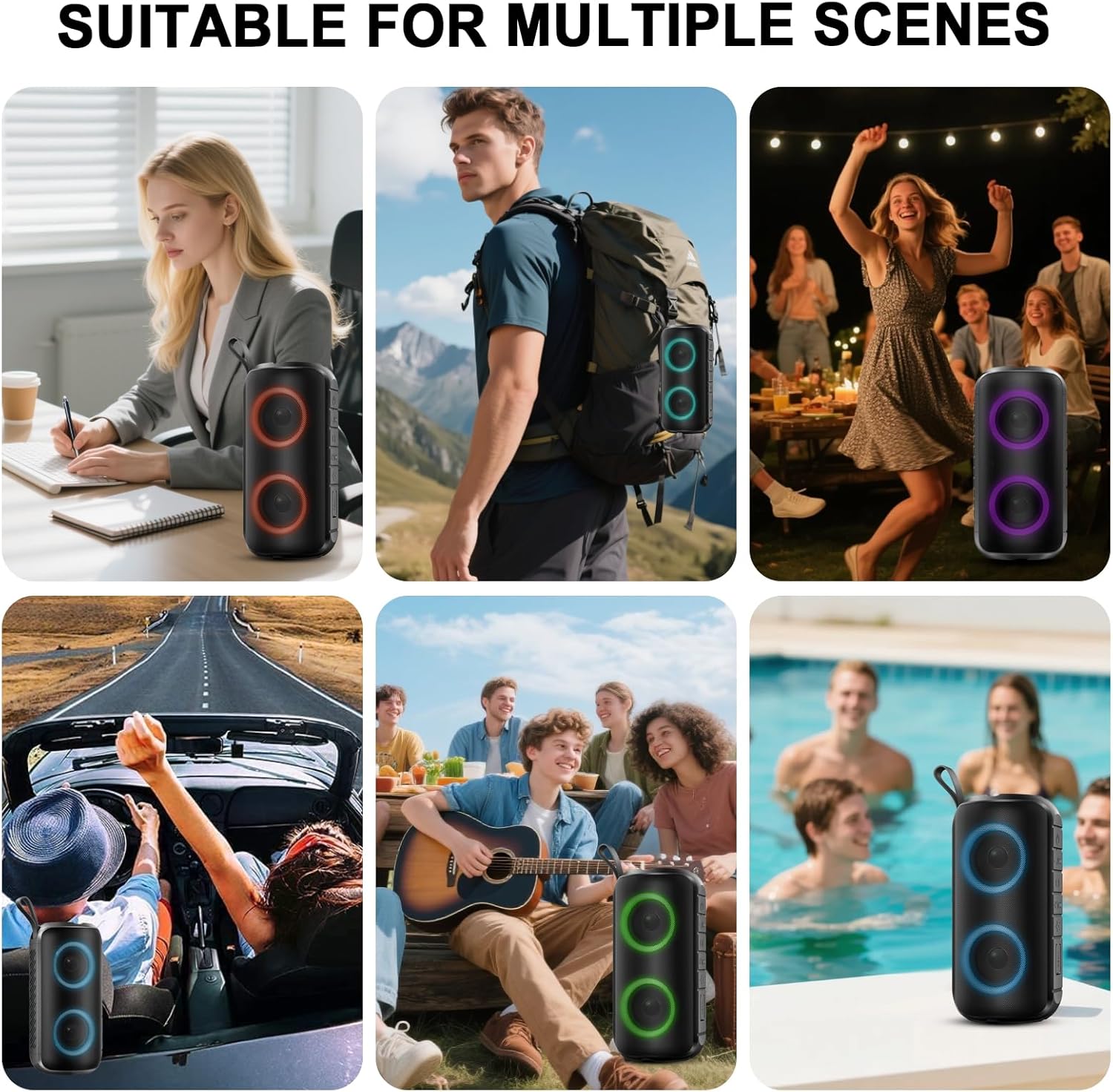
Figure 4.2: The speaker is suitable for multiple scenes, from indoor relaxation to outdoor adventures and parties.
Controls and Indicators:
(Note: Specific button layout may vary slightly. Refer to the Quick Start Guide for a detailed diagram.)
- Power Button: Press and hold to turn on/off.
- Play/Pause Button: Press to play or pause music.
- Volume Up (+): Press to increase volume. Hold for next track.
- Volume Down (-): Press to decrease volume. Hold for previous track.
- Light Button: Press to cycle through RGB light modes.
- USB-C Charging Port: For charging the speaker.
- LED Indicator: Shows power status, charging status, and Bluetooth connection.
5. Setup
5.1 Initial Charging
Before first use, fully charge the speaker. Connect the provided USB-C charging cable to the speaker's charging port and the other end to a USB power adapter (not included). The LED indicator will show charging status and turn off or change color when fully charged. A full charge typically takes approximately 4 hours.
5.2 Power On/Off
- To Power On: Press and hold the Power Button for 2-3 seconds. You will hear an audible prompt, and the LED indicator will light up.
- To Power Off: Press and hold the Power Button for 2-3 seconds. You will hear an audible prompt, and the LED indicator will turn off.
5.3 Bluetooth Pairing
Follow these steps to connect your Hupoaf ZY-02 speaker to a Bluetooth-enabled device:
- Ensure the speaker is powered on and in Bluetooth pairing mode (the LED indicator will typically flash blue).
- On your mobile device (smartphone, tablet, laptop), go to the Bluetooth settings menu.
- Enable Bluetooth and search for available devices.
- Select "ZY02" from the list of found devices.
- Once connected, you will hear a confirmation sound, and the LED indicator will turn solid blue.

Figure 5.1: Bluetooth pairing process on a mobile device, showing the speaker listed as "ZY02".
6. Operating Instructions
6.1 Music Playback
- Play/Pause: Press the Play/Pause button once.
- Volume Up: Press the '+' button.
- Volume Down: Press the '-' button.
- Next Track: Press and hold the '+' button.
- Previous Track: Press and hold the '-' button.
6.2 Call Handling
When connected to a smartphone, the speaker can be used for hands-free calls:
- Answer Call: Press the Play/Pause button once.
- End Call: Press the Play/Pause button once during a call.
- Reject Call: Press and hold the Play/Pause button.
6.3 Dynamic Light Modes
The speaker features dynamic multi-color RGB lights that can sync to the beat of the music. To change the light effects, press the Light button. Each press will cycle through different patterns and colors, allowing you to customize the ambiance.
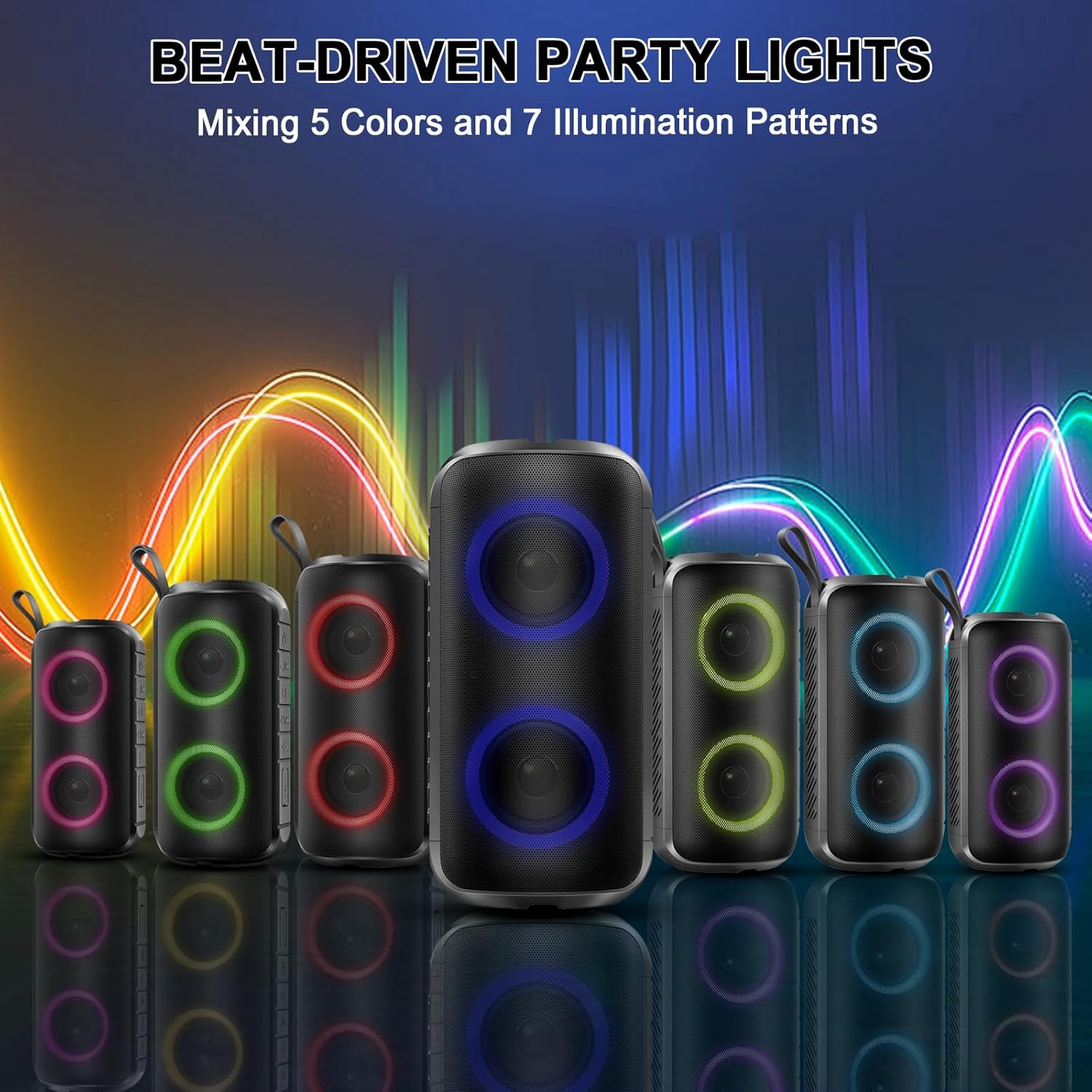
Figure 6.1: The speaker's dynamic RGB lights offer multiple color and pattern options to enhance your listening experience.
6.4 Battery Life
The Hupoaf ZY-02 speaker provides up to 12 hours of playtime on a single charge, depending on volume level and light usage. This extended battery life makes it suitable for long listening sessions, travel, and outdoor activities.
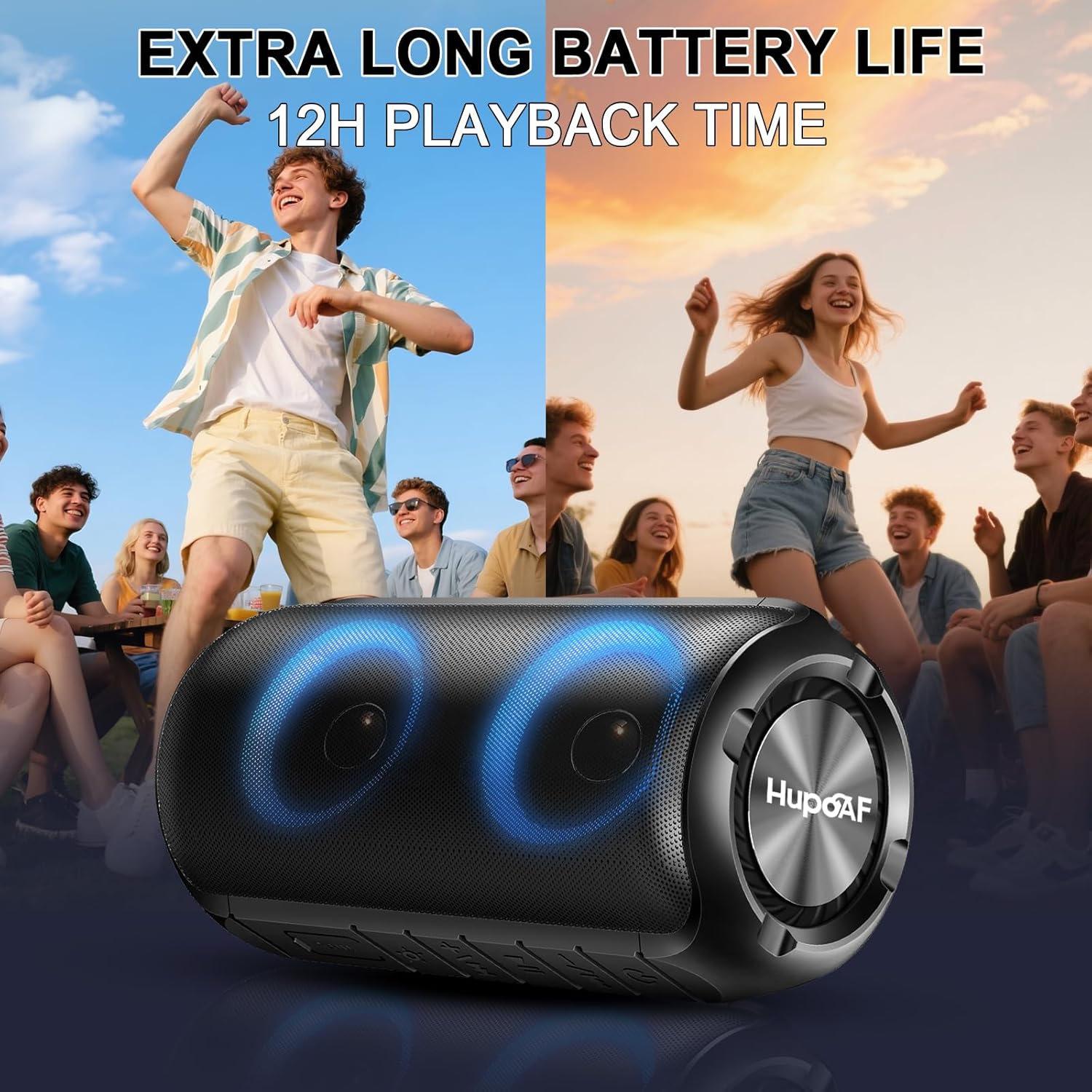
Figure 6.2: Enjoy extended music playback for up to 12 hours, perfect for parties and outdoor gatherings.
7. Maintenance
7.1 Cleaning
To clean the speaker, use a soft, dry, lint-free cloth. Do not use abrasive cleaners, alcohol, or chemical solvents, as these may damage the surface or internal components. If the speaker gets wet, wipe it dry thoroughly before charging or storing.
7.2 Storage
Store the speaker in a cool, dry place away from direct sunlight and extreme temperatures. If storing for an extended period, charge the battery to approximately 50% every few months to prolong its lifespan.
7.3 Battery Care
The speaker contains a built-in rechargeable battery. To maximize battery life:
- Avoid fully discharging the battery frequently.
- Do not leave the speaker uncharged for long periods.
- Avoid charging in very hot or very cold environments.
8. Troubleshooting
If you encounter issues with your Hupoaf Bluetooth Speaker, please refer to the following common problems and solutions:
| Problem | Possible Cause | Solution |
|---|---|---|
| Speaker does not power on. | Battery is depleted. | Charge the speaker for at least 30 minutes. |
| No sound from the speaker. | Volume is too low; Speaker not paired; Audio source issue. | Increase speaker and device volume; Re-pair the speaker; Check audio source device. |
| Cannot pair with Bluetooth device. | Speaker not in pairing mode; Device Bluetooth off; Interference. | Ensure speaker is in pairing mode; Turn device Bluetooth off/on; Move closer to speaker; Clear device's Bluetooth list. |
| Sound quality is poor or distorted. | Low battery; Device too far; Obstructions. | Charge the speaker; Move device closer to speaker; Remove obstructions. |
If the problem persists after trying these solutions, please contact customer support for further assistance.
9. Specifications
| Brand | Hupoaf |
| Model Number | ZY-02 |
| Connectivity Technology | Bluetooth 5.3 |
| Speaker Output Power | 24 Watts |
| Waterproof Rating | IPX7 |
| Battery Playtime | Up to 12 Hours |
| Battery Charge Time | 4 Hours |
| Bluetooth Range | Up to 15 Meters |
| Speaker Driver Size | 52 Millimeters |
| Enclosure Material | Plastic |
| Compatible Devices | Smartphone, Tablet, Laptop |
10. Warranty and Support
10.1 Limited Warranty
The Hupoaf Bluetooth Speaker ZY-02 comes with a limited warranty. Please refer to the warranty card included in your package or contact Hupoaf customer support for details regarding warranty coverage and terms.
10.2 Customer Support
For any questions, technical assistance, or warranty claims, please contact Hupoaf customer support through the retailer's platform or the official Hupoaf website. Our support team is available to help you with any issues you may encounter.