
1. Introduction
This manual provides essential information for the safe and efficient use of your DOOGEE Fire 3 rugged smartphone. Please read it thoroughly before operating your device.
The DOOGEE Fire 3 is designed for durability and performance, featuring a robust build, long-lasting battery, and the latest Android 15 operating system. It is engineered to withstand challenging environments while providing a smooth and personalized mobile experience.

Figure 1: Front and back view of the DOOGEE Fire 3 rugged smartphone.
Unboxing the DOOGEE Fire 3
Watch this video for a detailed unboxing experience of your new DOOGEE Fire 3 smartphone, showcasing all included accessories and initial presentation.
Video 1: DOOGEE Fire 3 Unboxing.
2. Initial Setup
2.1 SIM Card and MicroSD Card Installation
To install your SIM card(s) and an optional MicroSD card:
- Locate the SIM card tray on the side of the phone.
- Insert the provided SIM ejector tool into the small hole next to the tray and push gently until the tray pops out.
- Place your Nano-SIM card(s) and/or MicroSD card into the designated slots on the tray. Ensure the gold contacts face downwards.
- Carefully push the tray back into the phone until it is flush with the device body.
Note: Please check compatibility with your local frequency band before purchasing and inserting SIM cards. The phone supports GSM T-Mobile, but may not work with AT&T, new Cricket, or Verizon.
2.2 Powering On and Initial Configuration
To power on your device, press and hold the Power button located on the side of the phone until the DOOGEE logo appears. Follow the on-screen prompts to complete the initial setup, which includes:
- Selecting your language.
- Connecting to a Wi-Fi network.
- Setting up your Google account.
- Configuring screen lock (PIN, pattern, password).
2.3 Face Unlock Setup
For enhanced security and convenience, you can set up Face Unlock:
- Go to Settings > Security & privacy > Face unlock.
- Follow the on-screen instructions to register your face. Ensure you are in a well-lit area.
- Once registered, you can unlock your phone by simply looking at the front camera.

Figure 2: Key features including Face Unlock.
3. Operating Your Device
3.1 Android 15 Features
Your DOOGEE Fire 3 runs on Android 15, offering a range of features for improved usability and privacy:
- App Cloning: Run multiple instances of the same app for different accounts.
- Smart Motion Sensing: Utilize gestures for quick actions.
- Super Clipboard: Enhanced clipboard functionality for managing copied content.
- Split Screen: Use two apps simultaneously on the screen.
- Enhanced Privacy Protection: Granular control over app permissions and data access.
- Glove Mode: Improve touch sensitivity for use with gloves.
- Screen Awareness: Keeps the screen on while you are looking at it.
- Live Caption: Automatically captions media playing on your device (English only).
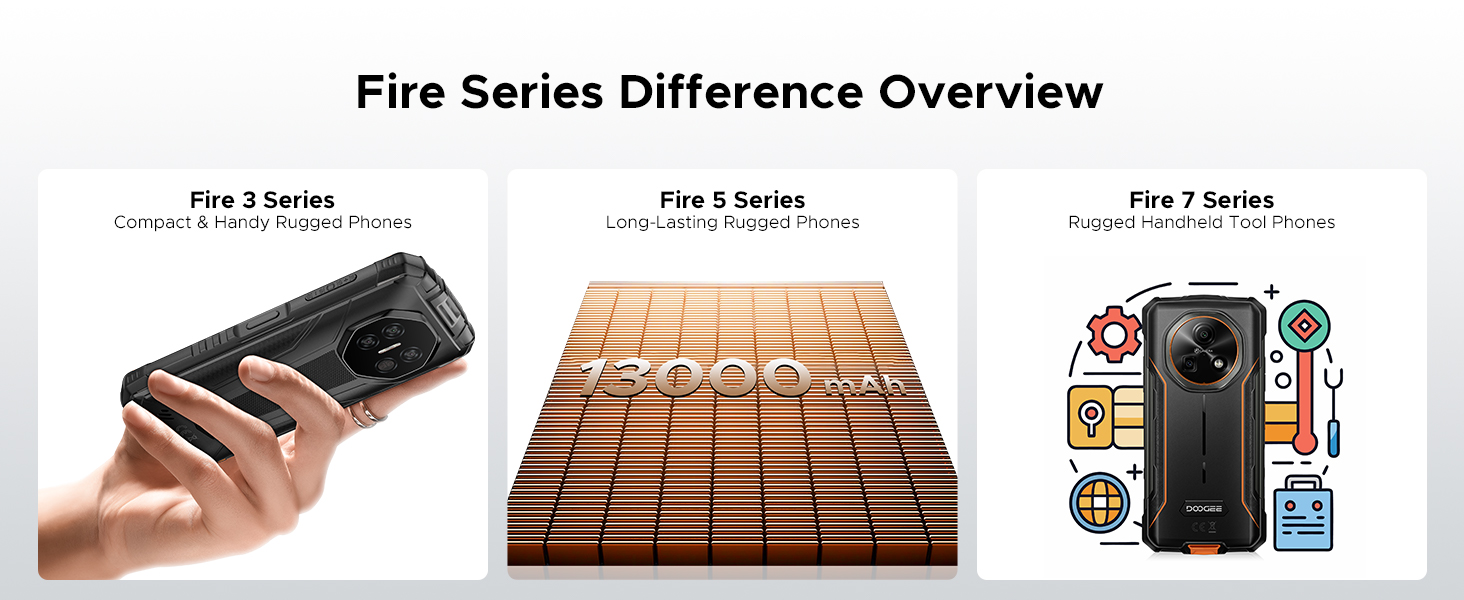
Figure 3: Android 15 operating system features.
3.2 Camera Usage
The DOOGEE Fire 3 features a 13MP AI triple rear camera and an 8MP front camera.
- Taking Photos: Open the Camera app, frame your shot, and tap the shutter button.
- AI Scene Recognition: The camera automatically detects scenes (e.g., greenery, sunrise) and optimizes settings for the best photo quality.
- Front Camera: Switch to the front camera for selfies and video calls.

Figure 4: Capturing photos with the 13MP main camera.
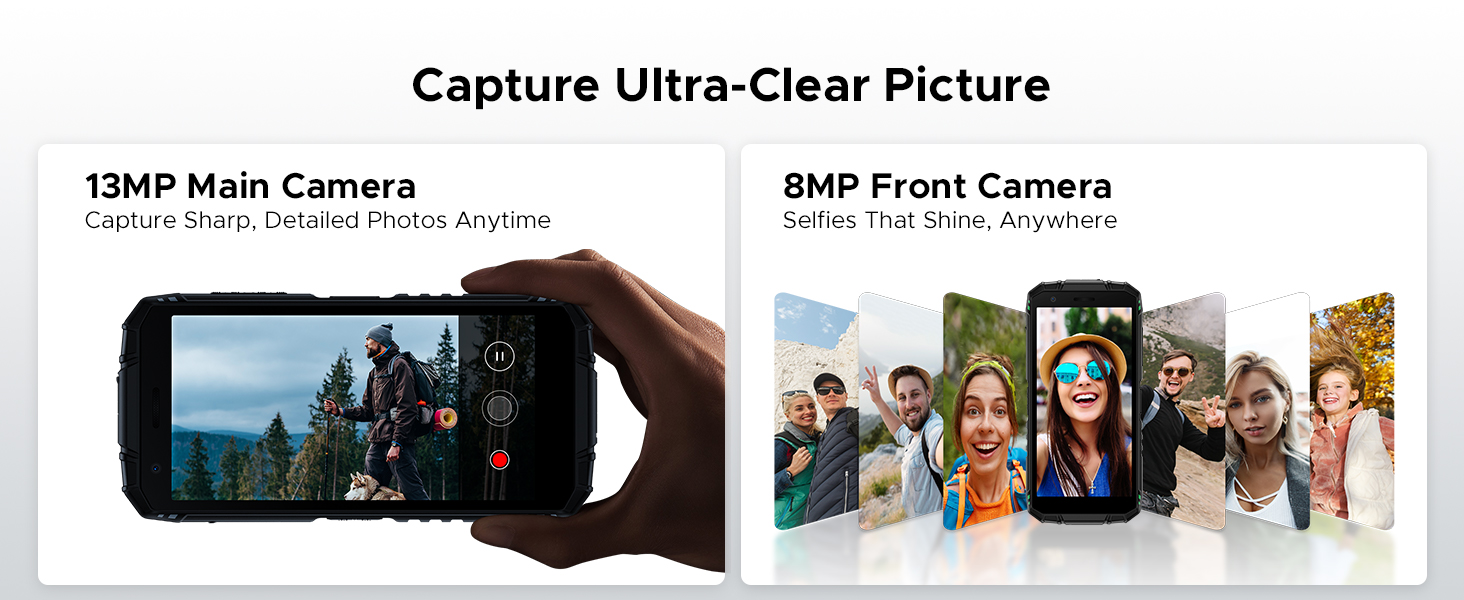
Figure 5: AI Scene Recognition in the camera app.
3.3 Digital Toolkit
The DOOGEE Fire 3 includes a suite of useful tools for outdoor and daily activities:
- Compass
- Sound Meter
- Pic Hanging
- Magnifier
- Protractor
- Plumb Bob
- Alarm Bell
- Gradienter
- Height Measure
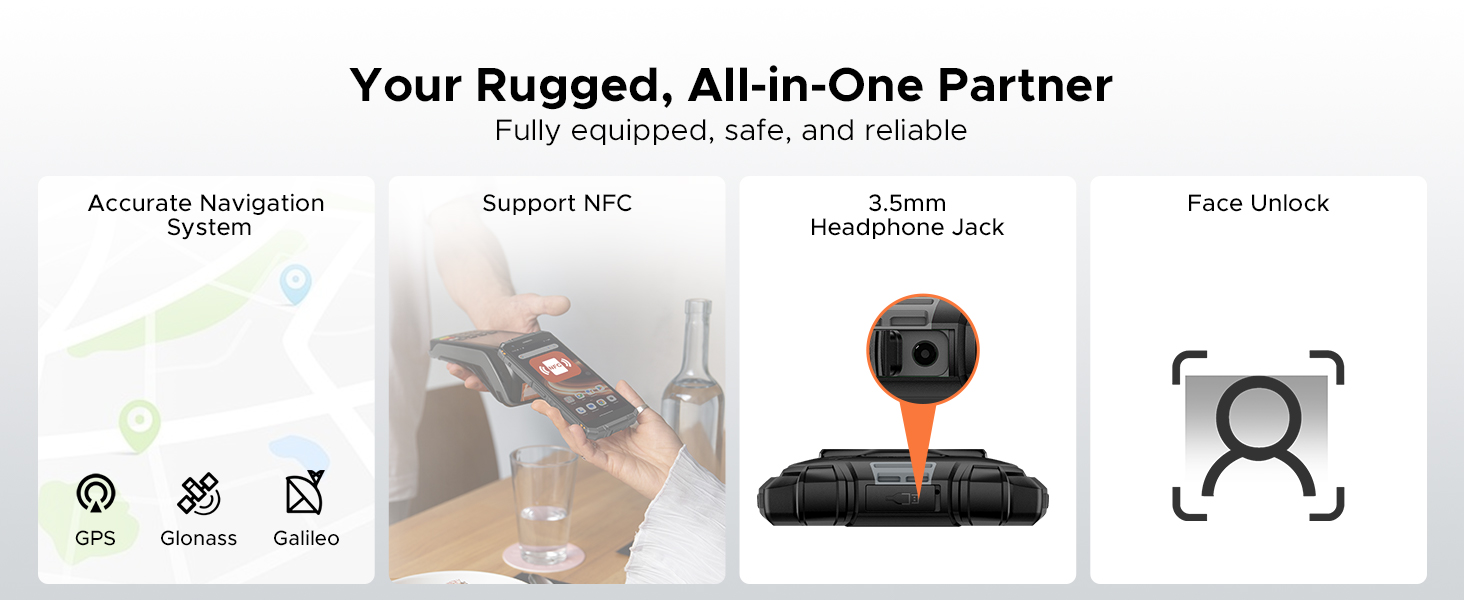
Figure 6: Digital Toolkit applications.
3.4 Navigation and Connectivity
The device supports multiple navigation systems and essential connectivity features:
- Navigation: Accurate positioning with GPS, Glonass, and Galileo.
- NFC: Supports Near Field Communication for contactless payments and data exchange.
- 3.5mm Headphone Jack: For wired audio accessories.
3.5 General Usage Overview
This video provides a general overview of the DOOGEE Fire 3's compact size and powerful features in various usage scenarios.
Video 2: DOOGEE Fire 3 Small Body, Big Power.
4. Battery Management
The DOOGEE Fire 3 is equipped with a massive 8350mAh battery, designed for extended use.
4.1 Battery Life and Charging
- Standby Time: Up to 47 days.
- Music Playback: Up to 87 hours.
- Video Watching: Up to 28 hours.
- Calling: Up to 44 hours.
- Charging: Supports 10W charging.
- Reverse Charging: The phone can act as a power bank to charge other devices like earbuds or smartwatches.
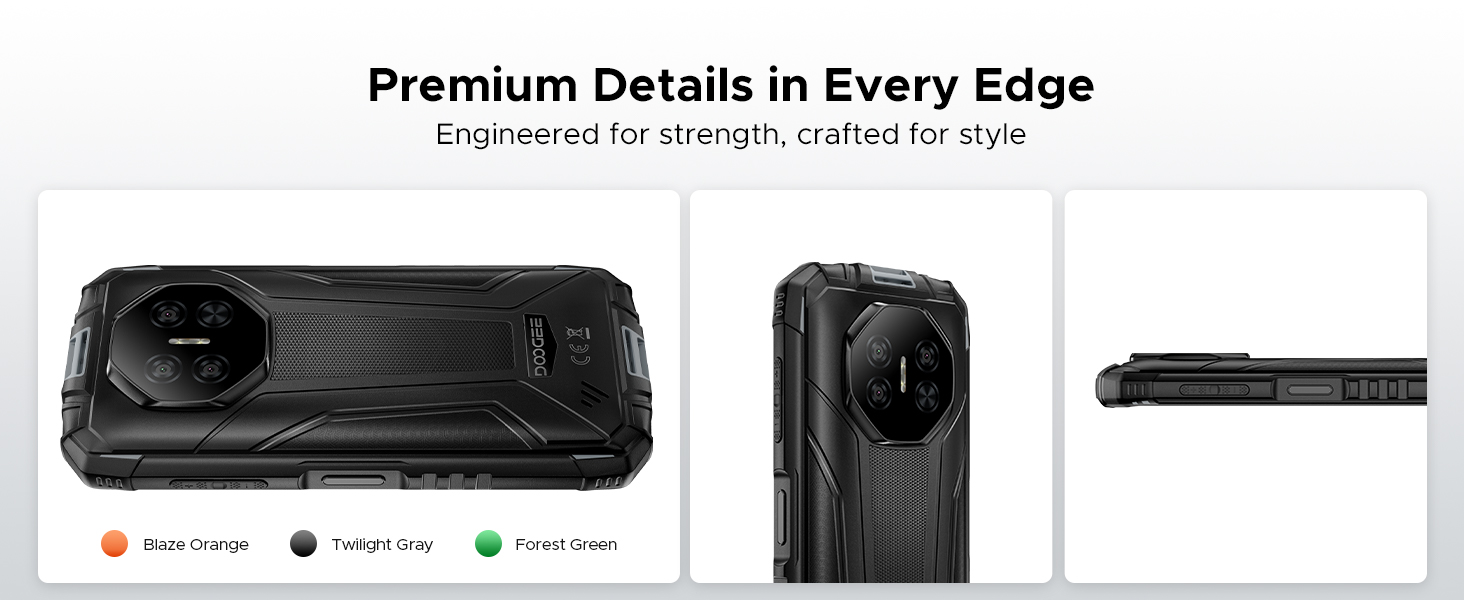
Figure 7: 8350mAh large battery features.
4.2 Battery Performance Overview
This video demonstrates the impressive battery life and charging capabilities of the DOOGEE Fire 3 rugged phone.
Video 3: DOOGEE Fire 3 Rugged Phone - Big Battery.
5. Durability and Design
The DOOGEE Fire 3 is built to endure harsh conditions, certified with industry-leading ruggedness standards.
5.1 Ruggedness Certifications
- IP68: Water and dust resistant.
- IP69K: Resistant to high-pressure, high-temperature water jets.
- MIL-STD-810H: Military-grade standard for drops, shocks, and extreme temperatures.
The phone can withstand drops from up to 5 feet, survive 30 minutes underwater at 4 feet depth, and is fully protected against dust, sand, and dirt.
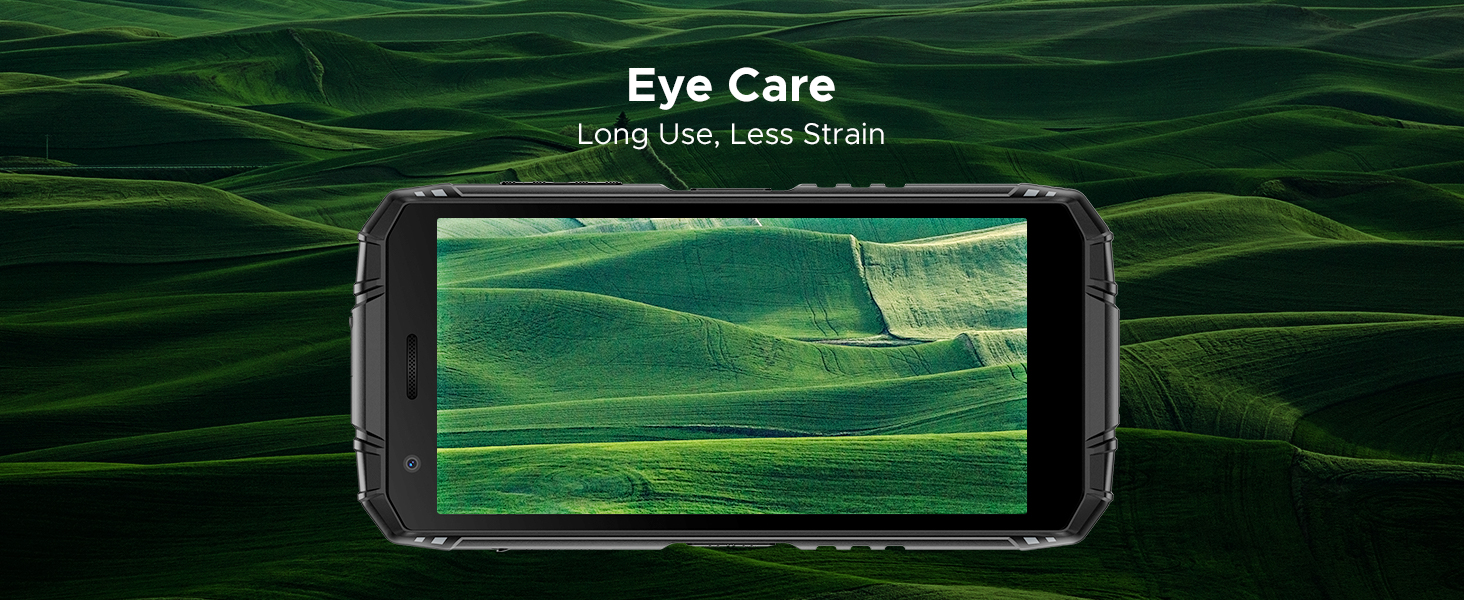
Figure 8: IP68/IP69K/MIL-STD-810H certifications for water, drop, and dust resistance.
5.2 Physical Characteristics
- Dimensions: 162.5 x 77.4 x 17.8 mm
- Weight: 291g (9.2 ounces)
- Display: 5.5" HD+ IPS Display with 400 nits (TYP) brightness, 16.7M screen color, and 720*1440 resolution. Features Eye Care mode for reduced strain.
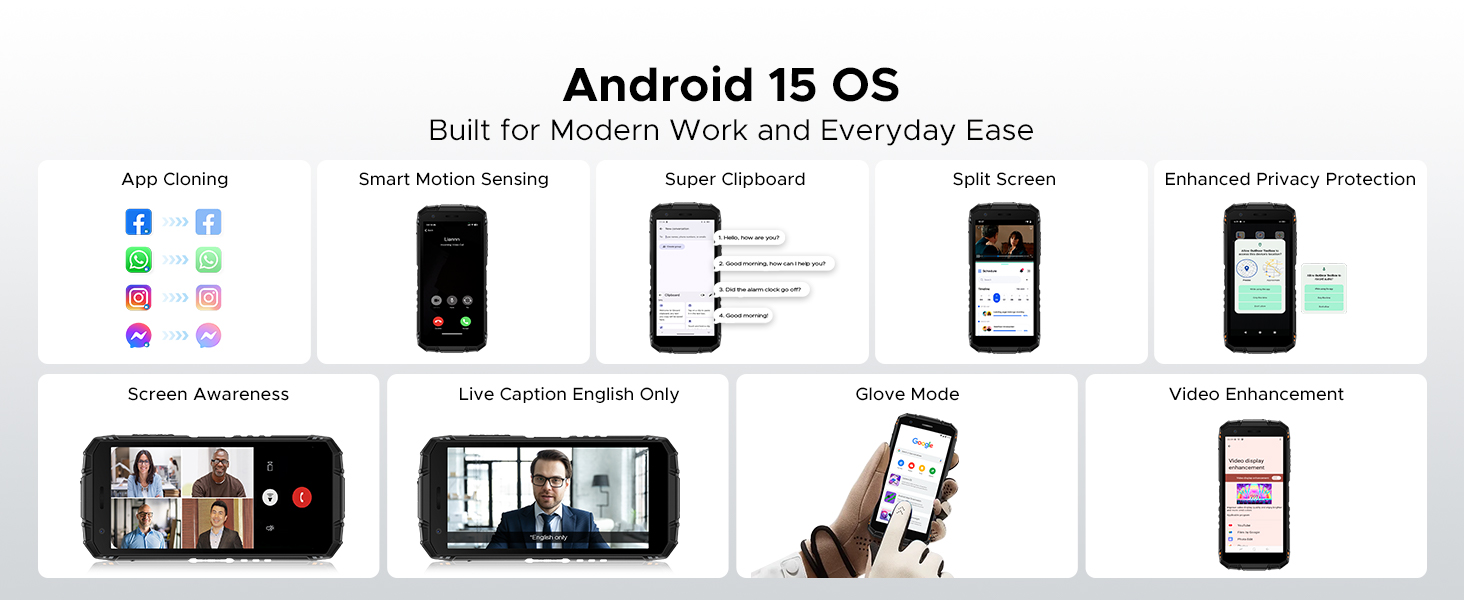
Figure 9: Compact design for comfortable grip.
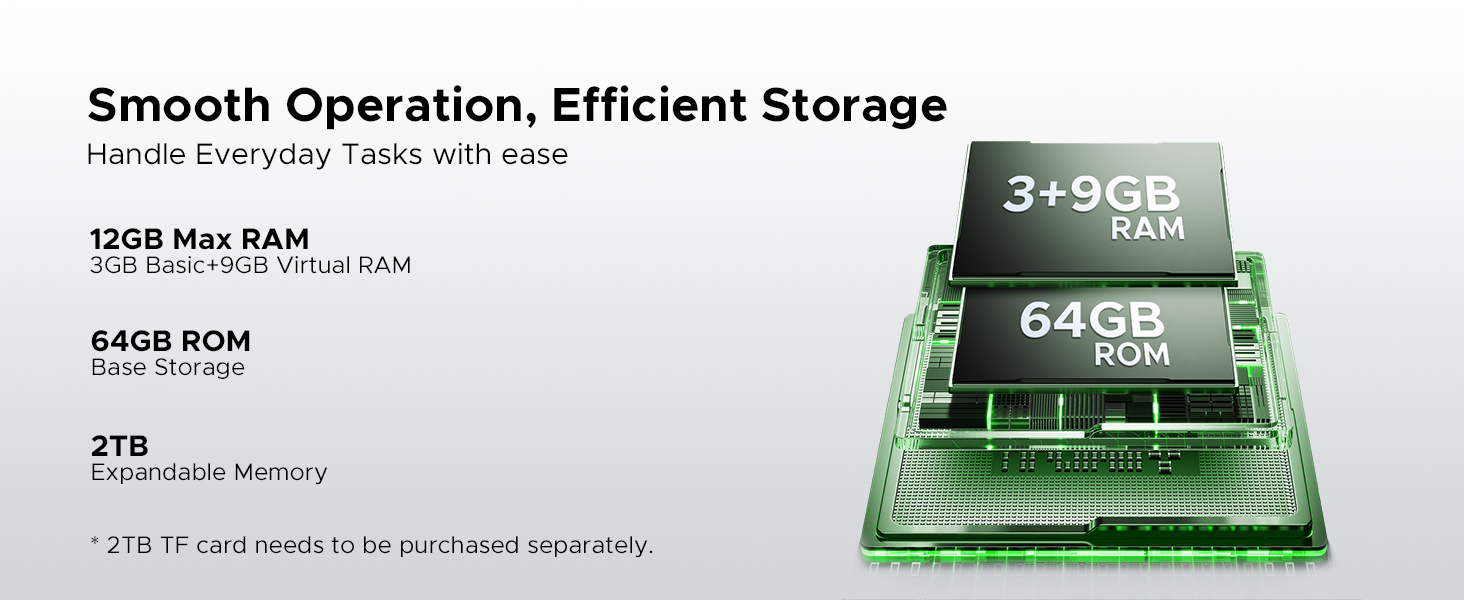
Figure 10: 5.5" HD+ IPS Display details.
6. Specifications
| Feature | Detail |
|---|---|
| Brand | DOOGEE |
| Model Name | Fire3 |
| Operating System | Android 15 |
| Processor | Unisoc SC9863A Octa-Core (1.6GHz) |
| RAM | 12GB (3GB Basic + 9GB Virtual) |
| Internal Storage | 64GB |
| Expandable Storage | Up to 2TB via MicroSD card (not included) |
| Screen Size | 5.45 Inches |
| Display Type | HD+ IPS Display |
| Resolution | 720*1440 |
| Brightness | 400 nits (TYP) |
| Rear Camera | 13MP AI Triple Camera |
| Front Camera | 8MP |
| Battery Capacity | 8350mAh |
| Charging | 10W, Reverse Charging supported |
| Durability | IP68, IP69K, MIL-STD-810H (Waterproof, Drop-proof, Dust-proof) |
| Connectivity | 4G Cellular Technology, Wireless, NFC |
| Navigation | GPS, Glonass, Galileo |
| Dimensions | 162.5 x 77.4 x 17.8 mm |
| Item Weight | 262 Grams (9.2 ounces) |
| Special Features | Face Unlock, Digital Toolkit, 3.5mm Headphone Jack |
| Wireless Carrier Compatibility | GSM T-Mobile (Not compatible with AT&T, new Cricket, Verizon) |
7. Troubleshooting
If you encounter issues with your DOOGEE Fire 3, refer to the following common solutions:
7.1 Power and Charging Issues
- Phone won't turn on: Ensure the battery is charged. Connect the phone to its charger and wait a few minutes before attempting to power it on again.
- Phone not charging: Check the charging cable and adapter for damage. Try a different power outlet. Ensure the charging port is clean and free of debris.
7.2 Network and Connectivity
- No signal/Network issues: Verify your SIM card is correctly inserted. Check if your carrier is supported by the device (GSM T-Mobile compatible). Restart the phone.
- Wi-Fi connection problems: Restart your Wi-Fi router. Forget the network on your phone and reconnect.
7.3 Performance and Software
- Apps crashing/Freezing: Close background apps. Clear the cache of the problematic app (Settings > Apps > [App Name] > Storage > Clear cache). Update the app or the phone's software.
- Slow performance: Free up storage space by deleting unnecessary files or apps. Restart your device regularly.
7.4 Display Issues
- Screen unresponsive: Perform a forced restart (usually by holding the Power button for 10-15 seconds).
- Display flickering: Check for software updates. If the issue persists, contact support.
7.5 Water/Dust Exposure
While the DOOGEE Fire 3 is rugged, prolonged exposure or extreme conditions beyond its ratings (IP68/IP69K/MIL-STD-810H) can cause damage. If the phone has been exposed to water or dust, ensure all ports are dry and clean before charging or using accessories.
8. Warranty and Support
DOOGEE is committed to providing high-quality products and excellent customer service.
8.1 Warranty Information
- Warranty Period: Your DOOGEE Fire 3 comes with a 2-year free warranty.
- Money-Back Guarantee: Enjoy 30 days of money back without reason from the date of purchase.
Please retain your proof of purchase for warranty claims.
8.2 Customer Support
For any problems or inquiries, our professional support team is available 24/7 to assist you.
- Online Support: Visit the official DOOGEE website for FAQs, support resources, and contact options.
- Email Support: Refer to your product packaging or the official website for specific email contact details.
We recommend checking the official DOOGEE website for the most up-to-date support information and warranty terms.


