
1. Introduction
This manual provides essential information for the safe and efficient use of your DOOGEE Note 58 Android 16 Smartphone. Please read it carefully before using your device and keep it for future reference.
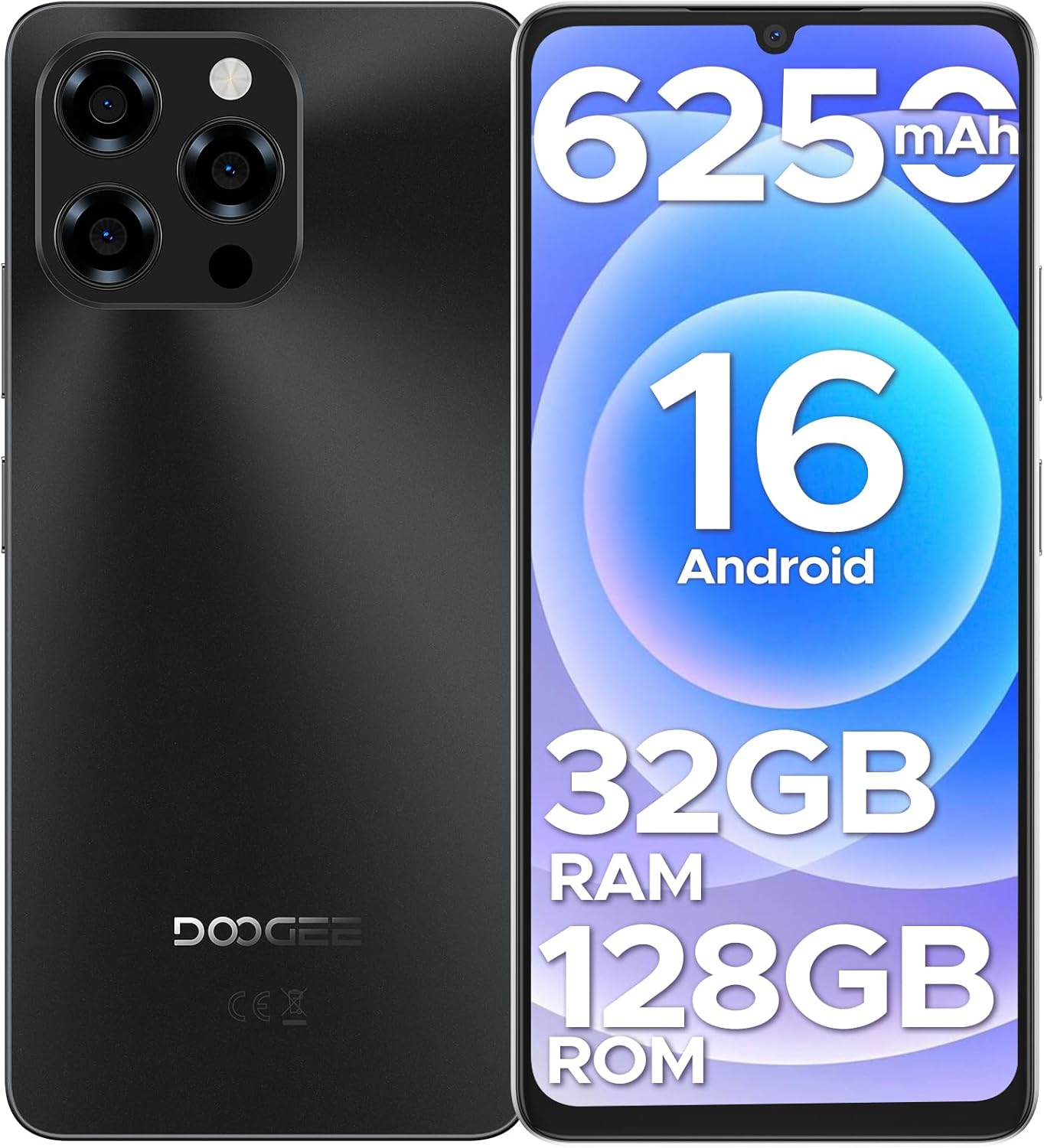
Image: Front and back view of the DOOGEE Note 58 smartphone, highlighting its design and key features like the camera module and display.
2. Package Contents
Verify that all items are present in your product package:
- DOOGEE Note 58 Cellphone (Unlocked Android 16) x1
- Type-C USB Cable x1
- Charger x1
- Anti-explosion film x1
- SIM card pin x1
- Protective case x1
- Packing box x1
- Manual and warranty card x1
3. Setup Guide
3.1 Inserting SIM Card and MicroSD Card
- Locate the SIM card tray on the side of your device.
- Insert the provided SIM card pin into the small hole on the tray to eject it.
- Carefully place your Nano-SIM card(s) and/or MicroSD card into the designated slots on the tray. Ensure the metal contacts face downwards. The phone supports two SIM cards or one SIM card and one MicroSD card.
- Gently push the tray back into the phone until it clicks into place.
3.2 Initial Power On and Basic Setup
- Press and hold the Power button (usually on the right side) until the DOOGEE logo appears.
- Follow the on-screen prompts to select your language, connect to a Wi-Fi network, and set up your Google account.
- Configure security settings such as Face Unlock, PIN, pattern, or password.

Image: The DOOGEE Note 58 showcasing its Face Unlock feature and NFC payment capability at a terminal.
4. Operating Your Smartphone
4.1 Android 16 Operating System
The DOOGEE Note 58 runs on the latest Android 16, offering a fast, secure, and user-friendly experience. Enjoy smooth multitasking, quick app launches, and enhanced privacy features.
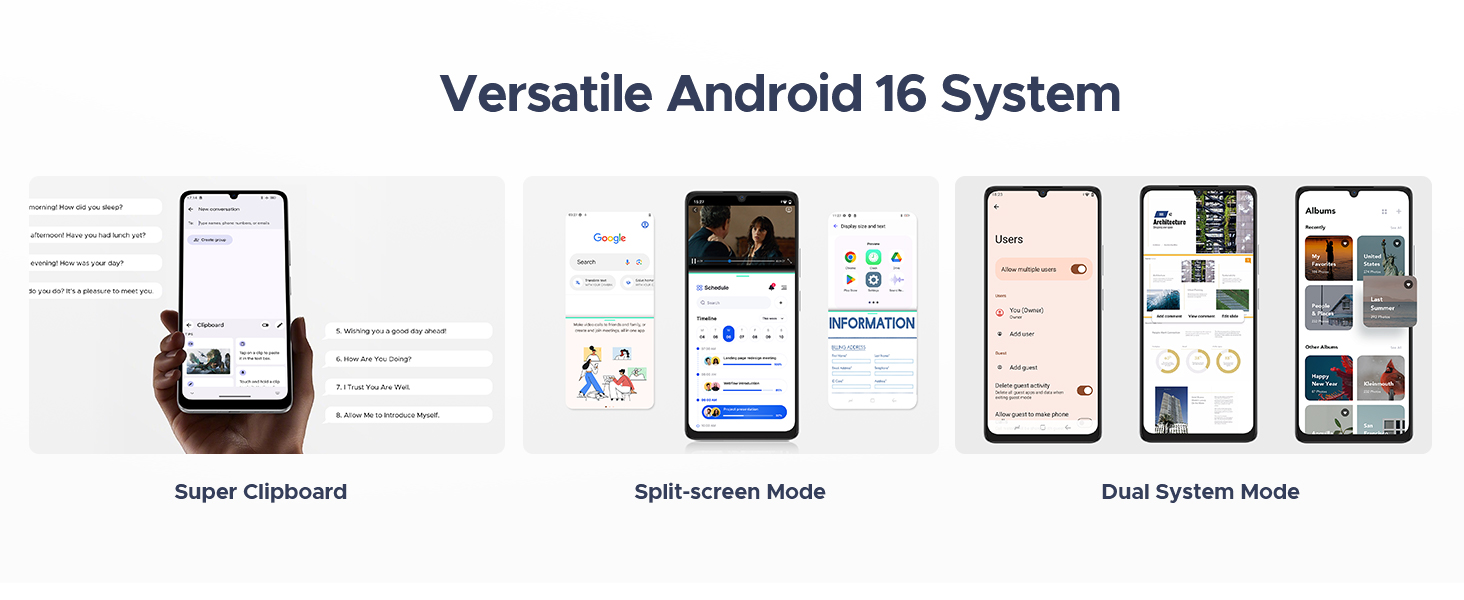
Image: The DOOGEE Note 58 displaying various features of the Android 16 operating system, including a super clipboard, split-screen mode, and dual system mode.
4.2 Display and Visuals
Experience vibrant visuals on the 6.75-inch HD+ IPS waterdrop display with a 90Hz refresh rate. The 720 x 1600 resolution, enhanced brightness, and in-cell technology ensure clear and crisp details for all your content.

Image: The DOOGEE Note 58 showcasing its expansive 6.75-inch display, ideal for immersive viewing.
4.3 Performance and Storage
The device is powered by a 12nm UNISOC T7250 octa-core processor, ensuring smooth performance. It features 8GB of basic RAM, expandable up to 32GB with memory extension, and 128GB of internal storage, which can be expanded up to 2TB using a MicroSD card.

Image: Visual representation of the DOOGEE Note 58's 32GB RAM (8GB Basic + 24GB Extended) and 128GB ROM with 2TB expandable storage.
4.4 Camera Features
Capture moments with the 16MP AI main camera and an 8MP front-facing camera. The camera supports various modes including HDR, Night Mode, Time-Lapse, Portrait, Panorama, and Pro Mode. Optical image stabilization helps reduce blur, and features like Beauty Mode and Filters enhance your photos.

Image: The DOOGEE Note 58 highlighting its 16MP main camera and 8MP front camera, along with various shooting modes.
4.5 Battery Life and Charging
The DOOGEE Note 58 is equipped with a 6250mAh large-capacity battery for extended use. It supports OTG reverse charging, allowing you to power other devices. Smart AI power management optimizes battery consumption.

Image: Diagram illustrating the large 6250mAh battery inside the DOOGEE Note 58, emphasizing its long-lasting capacity.
4.6 Connectivity and Navigation
The device offers 4G dual SIM support, compatible with various GSM carriers. It includes NFC for tap-to-pay functionality with Google Wallet, and precise navigation systems (GPS, GLONASS, Galileo, BeiDou) for accurate location services. Widevine L1 support ensures high-quality streaming.
5. Maintenance
5.1 Cleaning Your Device
Use a soft, lint-free cloth to clean the screen and body of your phone. Avoid using harsh chemicals or abrasive materials that could damage the device.
5.2 Software Updates
Regularly check for and install software updates to ensure your device has the latest features, security patches, and performance improvements. Navigate to Settings > System > System update to check for updates.
5.3 Battery Care
To prolong battery life, avoid exposing your phone to extreme temperatures. It is recommended to keep the battery charge between 20% and 80% for optimal longevity.
6. Troubleshooting
6.1 Common Issues and Solutions
- Device not powering on: Ensure the battery is charged. Connect the phone to the charger and wait a few minutes before attempting to power on again.
- Screen unresponsive: Try restarting the device by holding the Power button for about 10-15 seconds until it reboots.
- Forgotten password/pattern: If you have set up a Google account on the device, you may be able to reset your password through Google's account recovery process. If not, a factory reset might be necessary (this will erase all data).
- SIM card not detected: Ensure the SIM card is correctly inserted into the tray. Re-insert the tray firmly. Verify that your SIM card is active and compatible with the device's network bands.
- Network connectivity issues: Check your carrier's coverage in your area. Ensure mobile data is enabled in settings. Some carriers may have specific compatibility requirements; verify with your service provider.
6.2 Factory Reset
A factory reset will erase all data from your phone and restore it to its original factory settings. Back up important data before proceeding.
- Go to Settings > System > Reset options.
- Select Erase all data (factory reset).
- Confirm your decision and enter your PIN/pattern/password if prompted.
7. Specifications
| Feature | Specification |
|---|---|
| Model Name | Note58 |
| Operating System | Android 16 |
| Screen Size | 6.75 Inches |
| Resolution | 720 x 1600 |
| Refresh Rate | 90 Hz |
| RAM Memory Installed Size | 8 GB (expandable to 32GB) |
| Memory Storage Capacity | 128 GB (expandable to 2TB) |
| Processor | UNISOC T7250 Octa-core |
| Battery | 6250 mAh |
| Main Camera | 16 MP |
| Front Camera | 8 MP |
| Cellular Technology | 4G |
| Wireless Carrier | Unlocked for All Carriers (GSM compatible) |
| Special Features | NFC, Face Unlock, GPS, GLONASS, Galileo, BeiDou, Widevine L1, OTG Reverse Charging |
| Product Dimensions | 7.6 x 4 x 2 inches |
| Item Weight | 14.9 ounces |
8. Warranty and Support
Your DOOGEE Note 58 Smartphone comes with a warranty. Please refer to the warranty card included in your package for detailed terms and conditions. For technical support or further assistance, please visit the official DOOGEE website or contact their customer service as indicated on your warranty documentation.


