
1. Introduction
Thank you for choosing the DDPAI MINI PRO Dash Cam. This manual provides detailed instructions for the installation, operation, and maintenance of your device. The DDPAI MINI PRO is designed to capture high-quality footage of your journeys, offering features such as 2K resolution, advanced night vision, G-sensor for emergency recording, and seamless app control for convenient management of your recordings.
2. Product Features
- 1296P HD Recording: Captures clear front-road footage at 2304×1296p @ 25fps, ensuring details like number plates and road signs are visible.
- Super Night Vision: Equipped with 5 sets of HD optical lenses and an F2.0 large aperture, enhancing low-light performance for clear and detailed footage in dimly lit environments.
- 330° Rotatable Lens: Offers flexible installation options, allowing the camera to record either inside or outside the vehicle, providing a wider range of footage.
- App Control: Seamlessly operate the dash cam using the "DDPAI" app (Android/iOS) to view live footage, playback recordings, adjust settings, and download/share videos.
- 24/7 Parking Monitor with G-Sensor: Functions as a security guard for your parked car. The built-in G-sensor triggers recording during collisions or movement, using low-power mode to protect the car battery.
- Built-in Super Capacitor: Provides high tolerance for extreme temperatures and a prolonged lifespan, offering reliable performance in various climates.
- Seamless Loop Recording: Continuously records video footage in a loop, overwriting the oldest footage once the memory card or storage space becomes full.
- Emergency Accident Lock: Automatically saves and locks video footage in the event of an accident or other emergency situation, preventing it from being overwritten.
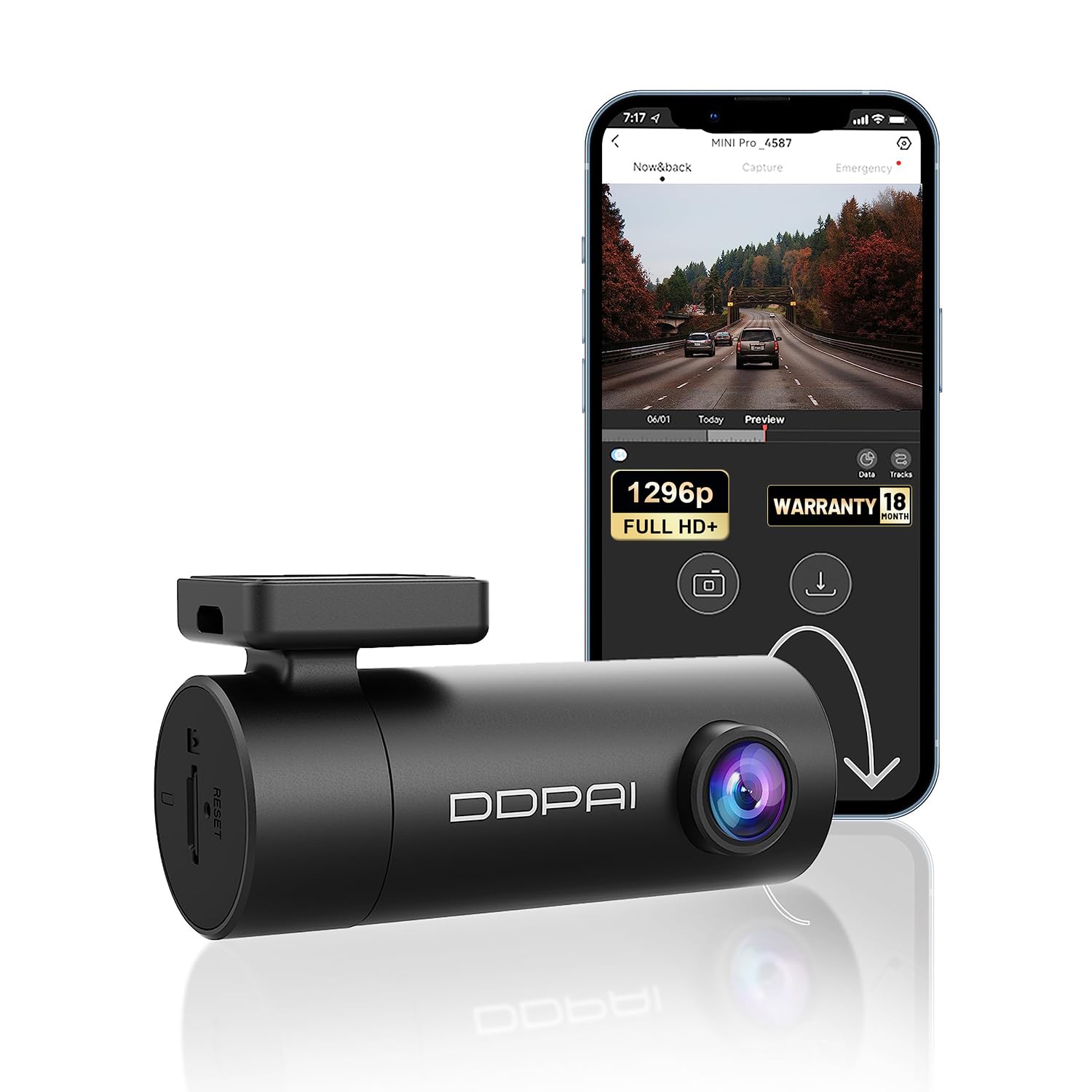
Image: Comparison showing the superior clarity of 1296P UHD resolution over 1080P, highlighting details like license plates.

Image: Detailed view of the dash cam's lens system, emphasizing its Super Night Vision capabilities with 5 HD optical lenses and F2.0 aperture for enhanced low-light recording.

Image: The DDPAI MINI PRO Dash Cam showcasing its 330° rotatable lens, allowing for versatile recording angles inside or outside the car.

Image: A smartphone displaying the DDPAI app interface, connected to the dash cam via Wi-Fi, illustrating options to preview, share, and download footage.

Image: An illustration depicting two cars, with one highlighted to show the G-Sensor activating recording during an emergency event, ensuring critical footage is saved.

Image: A visual representation of the Super Capacitor, emphasizing its benefits for better long-term storage, longer service life, and resilience in more extreme weather conditions.
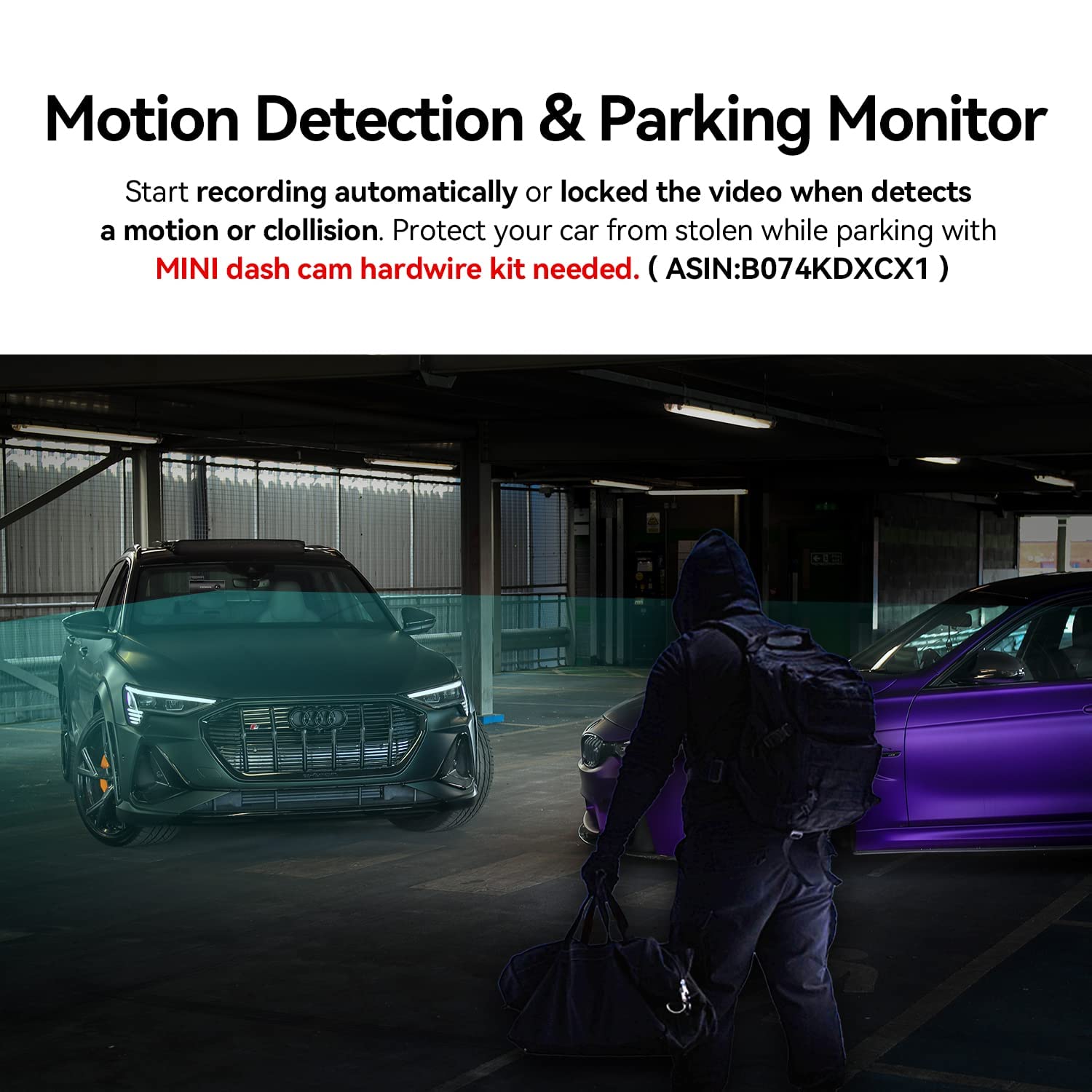
Image: A circular diagram showing the seamless loop recording process, where new footage overwrites the oldest files when the SD card is full, ensuring continuous recording.
3. Package Contents
Ensure all items are present in the package before proceeding with installation:
- DDPAI MINI Pro Dash Cam
- Electrostatic Sticker
- Power Supply Cable (9.84ft) with Car Charger
- 3M Sticker (x2)
- Installation Tool
- User Manual Package Box

Image: A visual representation of the DDPAI MINI Pro Dash Cam and all its included accessories, such as the electrostatic sticker, power cable, 3M stickers, installation tool, and user manual.
4. Setup & Installation
Follow these steps to properly install your DDPAI MINI PRO Dash Cam in your vehicle:
- Attach Dash Cam: Securely attach the dash cam to the windshield using the provided 3M adhesive. Ensure it is placed in an optimal installation area, typically near the rearview mirror, to avoid obstructing your view.
- Connect Power Cable: Connect the power cable to the dash cam.
- Hide the Wire: Carefully route and hide the power cable along the edges of the windshield and dashboard to maintain a tidy interior and prevent interference with driving.
- Plug into Power Socket: Plug the car charger into your vehicle's cigarette power socket.
Video: This tutorial demonstrates the step-by-step installation process for the DDPAI MINI PRO Dash Cam, including attaching the camera, connecting the power cable, hiding the wires, and plugging it into the car's power socket.
5. App Control & Operation
The DDPAI app provides full control over your dash cam. Follow these steps to connect and use the app:
- Download DDPAI App: Scan the QR code provided in the product packaging or search for "DDPAI" in the Google Play Store (Android) or Apple App Store (iOS) to download the app.
- Power On Dash Cam: Ensure your dash cam is powered on.
- Enable Bluetooth: Turn on Bluetooth on your mobile phone.
- Launch App & Add Device: Open the DDPAI App and tap "+ Add a device". Select your dash cam's device name (e.g., DDPAI_N5Dual_XXXX) from the detected Bluetooth device list.
- Authorize Connection: Press the function button on the dash cam to authorize the connection.
- Wi-Fi Connection: Follow the on-screen instructions to perform the Wi-Fi connection. Tap "Go to connection", navigate to WLAN settings, select your dash cam's Wi-Fi network, and paste the password directly into the edit box, then tap "Join".
- Device Interface: Once connected, you can enter the "Device" interface to view the device album, set up device settings, or enter the preview interface.
- View Downloaded Files: Tap "Local album" to view downloaded videos, photos, and emergency files.
- Preview Interface: Tap on the area outlined by the dotted line on the device interface to enter the preview interface directly. Here you can preview live footage from the front or rear camera, take pictures, playback videos, download video files, and view data and tracks.
- Device Settings: Access device settings to adjust speaker volume, local voice control, ADAS intelligent assistant reminders, preview display, rear lens image flip, recording resolution, microphone recording, timestamp, display speed, and capture sensitivity.
Video: This tutorial guides you through connecting your DDPAI Dash Cam to the app via Bluetooth and Wi-Fi, and demonstrates various app functions including live preview, accessing recorded files, and adjusting device settings.
6. Maintenance
To ensure optimal performance and longevity of your DDPAI MINI PRO Dash Cam, consider the following maintenance tips:
- Clean the Lens: Regularly clean the camera lens with a soft, lint-free cloth to ensure clear video recording. Avoid abrasive materials that could scratch the lens.
- Check SD Card: Periodically check the status of your SD card. Format the card monthly to prevent data corruption and ensure smooth loop recording. Replace the SD card if it shows signs of wear or error.
- Firmware Updates: Keep the dash cam's firmware updated through the DDPAI app to benefit from new features and performance improvements.
- Secure Mounting: Ensure the dash cam remains securely mounted to the windshield. Re-apply the 3M adhesive if necessary to prevent vibrations that could affect video quality.
7. Troubleshooting
If you encounter any issues with your DDPAI MINI PRO Dash Cam, refer to the following common troubleshooting steps:
- Dash Cam Not Powering On:
- Check if the power cable is securely connected to both the dash cam and the car charger.
- Ensure the car charger is properly inserted into the cigarette power socket and the vehicle's ignition is on.
- Test the power socket with another device to confirm it is functional.
- App Connection Issues:
- Verify that Bluetooth is enabled on your phone and the dash cam is powered on.
- Ensure you have selected the correct dash cam device in the DDPAI app.
- If Wi-Fi connection fails, double-check the Wi-Fi password.
- Restart both your phone and the dash cam, then try connecting again.
- Poor Video Quality:
- Clean the camera lens to remove any dirt or smudges.
- Ensure the protective film has been removed from the lens.
- Check the recording resolution settings in the DDPAI app; ensure it is set to 1296P for optimal quality.
- SD Card Errors:
- Format the SD card using the DDPAI app.
- Ensure you are using a high-speed (Class 10 or U3 recommended) and genuine SD card.
- If errors persist, try a different SD card.
8. Specifications
| Feature | Specification |
|---|---|
| Brand | DDPAI |
| Model Name | Mini PRO |
| Product Dimensions | 10 x 12 x 3 cm |
| Item Weight | 300 g |
| Video Capture Resolution | 1296p |
| Actual Viewing Angle | 140 Degrees |
| Connectivity Technology | Wi-Fi |
| Special Feature | App Control |
| Compatible Devices | Car, Truck, Motorcycle |
| Display Type | LCD |
| Batteries Included | No |
| Batteries Required | No |
| Control Method | App |
| Color | Black |
9. Warranty & Support
DDPAI is committed to providing high-quality products and excellent customer service.
- Warranty: Your DDPAI MINI PRO Dash Cam comes with an 18-month warranty from the date of purchase. Please retain your proof of purchase for warranty claims.
- Return Policy: A 7-day return policy is applicable for defects.
- Customer Support: For any questions, technical assistance, or warranty inquiries, please contact our customer support team.
Email: servicecenter@ddpai.com

Image: Details of DDPAI's after-sale service, including an 18-month warranty, 7-day return policy, and contact information for customer support.


