
1. Introduction
This manual provides essential information for the proper use and maintenance of your Efolen Smart Bracelet. Please read it thoroughly before operating the device.
What's in the Box:
- 1 × Efolen Smart Bracelet
- 2 × Silicone Bands (one magnetic, one buckle)
- 1 × USB Magnetic Charger
- 1 × User Manual
- 1 × Decorative Bracelet (accessory)
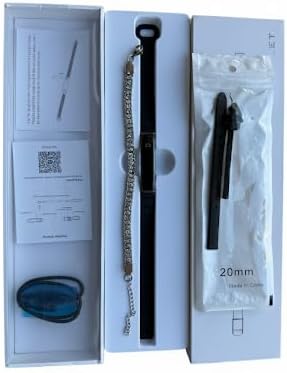
Figure 1: Box Contents of the Efolen Smart Bracelet.
2. Safety Information
- Do not place the device in high temperature or deep water environments.
- Smartwatch monitoring data is for reference only and should not be used for medical purposes.
- Keep the device away from strong magnetic fields to prevent malfunction.
3. Product Overview
The Efolen Smart Bracelet is designed for comfort and functionality, featuring an ultralight and slim profile. It comes with interchangeable magnetic and silicone straps to suit various styles and activities.
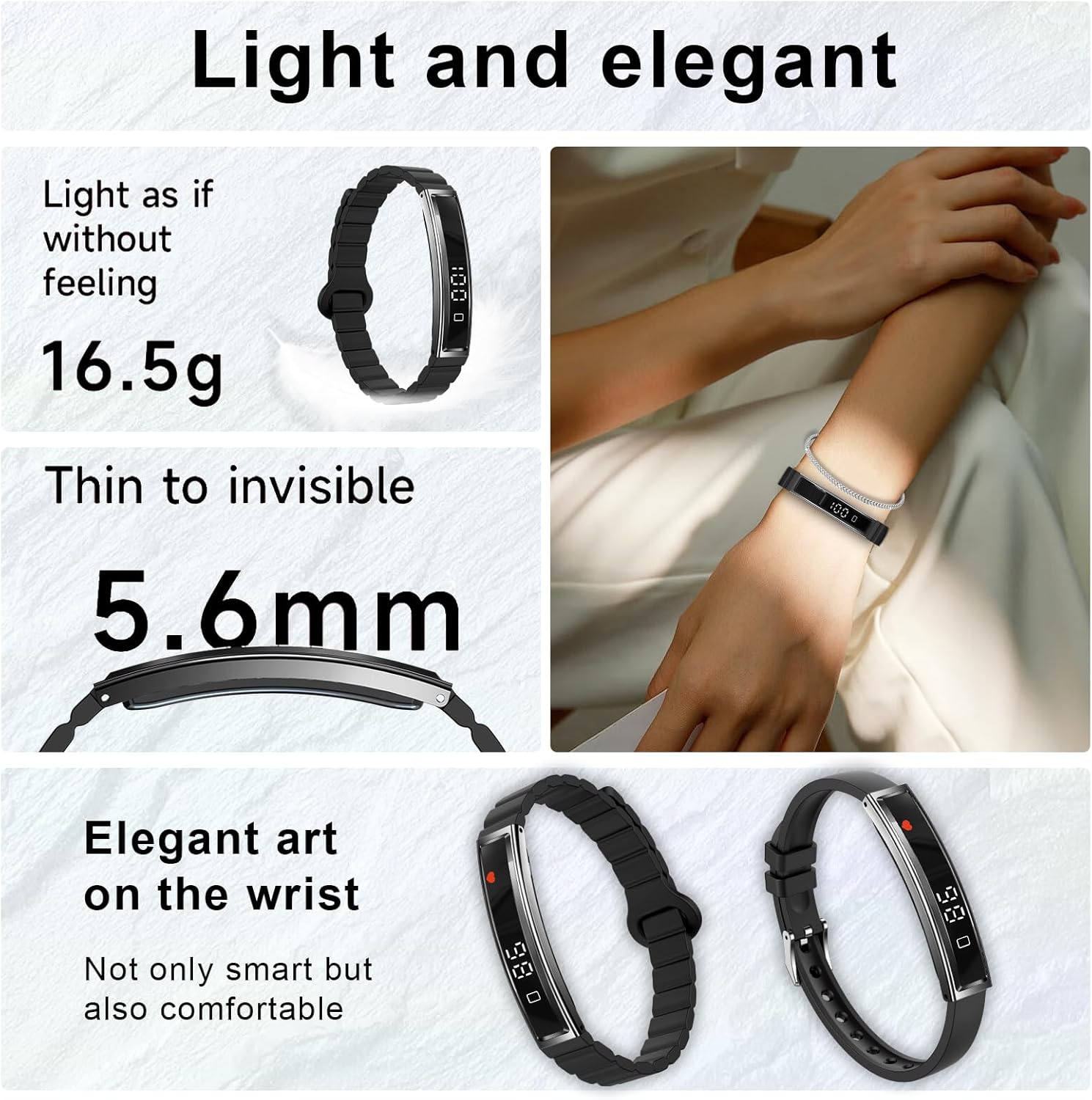
Figure 2: The Efolen Smart Bracelet's lightweight and elegant design.

Figure 3: Details of the magnetic strap and comfortable material.
4. Setup
4.1 Charging the Device
Connect the USB magnetic charger to the charging points on the back of the smart bracelet. Ensure a secure connection. The device can be fully charged in approximately 2 hours, providing 5-7 days of normal use and up to 15-20 days of standby time.

Figure 4: Magnetic charging and battery life details.
4.2 App Installation and Pairing
To unlock the full functionality of your Efolen Smart Bracelet, download the 'NX Wear' app from your smartphone's app store (Android or iOS). Follow the in-app instructions to pair your device via Bluetooth. The app allows for comprehensive data tracking and device settings management.
Video 1: Demonstrates how to use the Efolen Fitness Tracker, including app connectivity and feature navigation.
5. Operating Instructions
5.1 Basic Navigation
The smart bracelet features a single touch-sensitive button on its display. Tap this button to cycle through different information screens such as time, steps, heart rate, blood oxygen, and battery level.
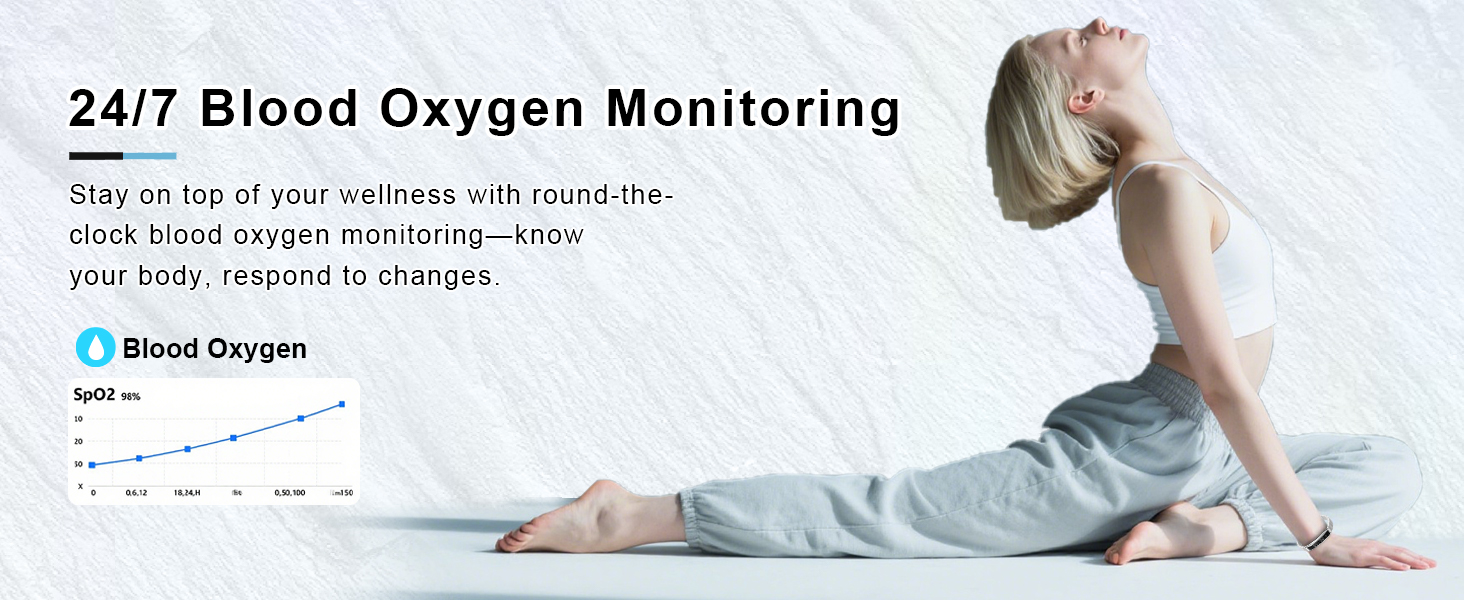
Figure 5: Switching between various data displays on the bracelet.
5.2 Health Monitoring Features
- Heart Rate Monitoring: Equipped with a high-performance optical sensor, the bracelet monitors your heart rate continuously. View real-time data on the device or detailed trends in the app.
- Blood Oxygen Monitoring: Tracks your blood oxygen saturation levels throughout the day.
- Sleep Monitoring: Provides in-depth analysis of awake, light, and deep sleep stages to help you understand your sleep quality.
- Stress Level Monitoring: Measures and displays your stress levels, offering insights into your mental state.
- Pedometer/Activity Tracking: Records daily steps, distance, and calorie consumption.
- Menstrual Cycle Tracking: Helps track menstrual cycles and ovulation periods, providing advance notifications.

Figure 6: Continuous Heart Rate Monitoring.
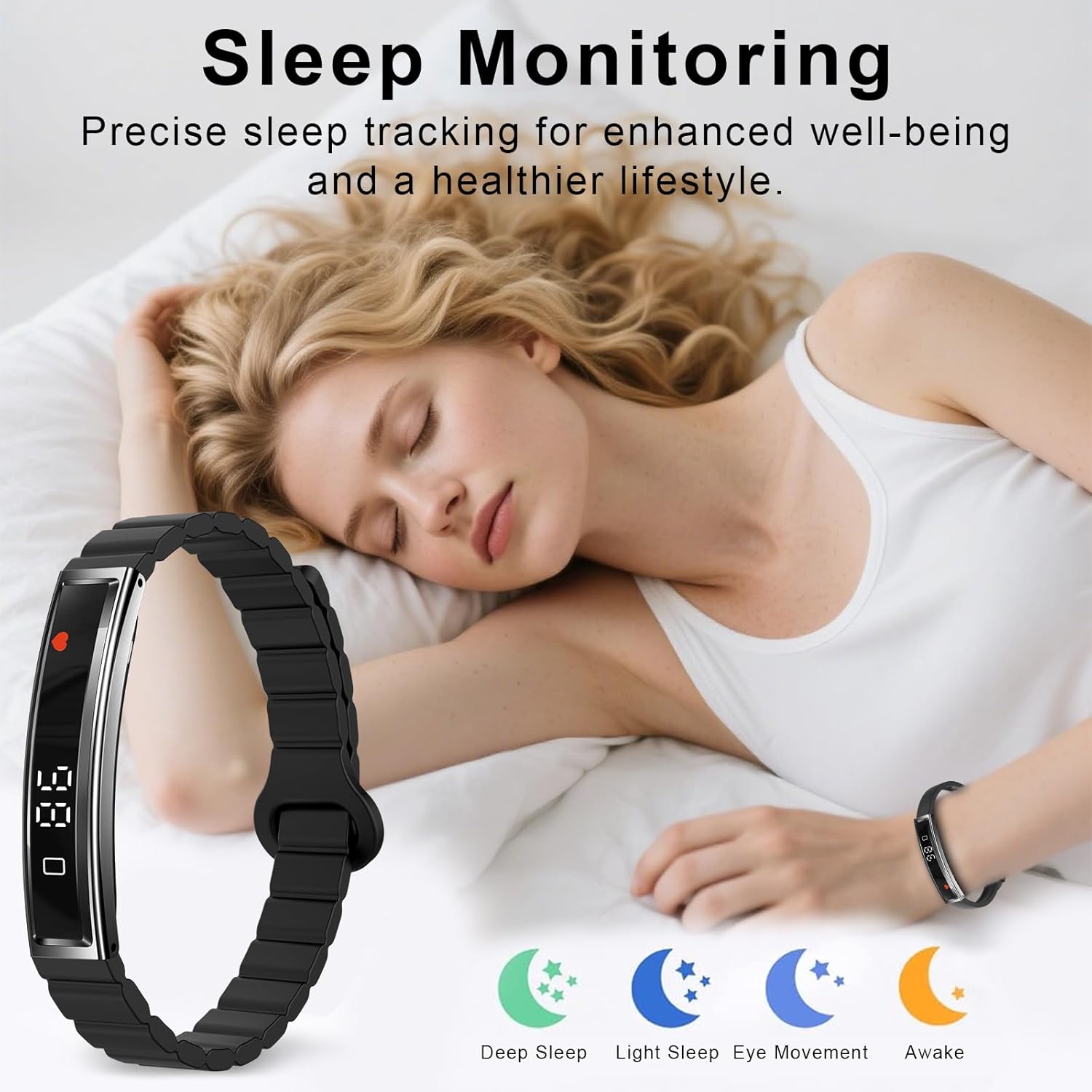
Figure 7: Sleep Monitoring for enhanced well-being.
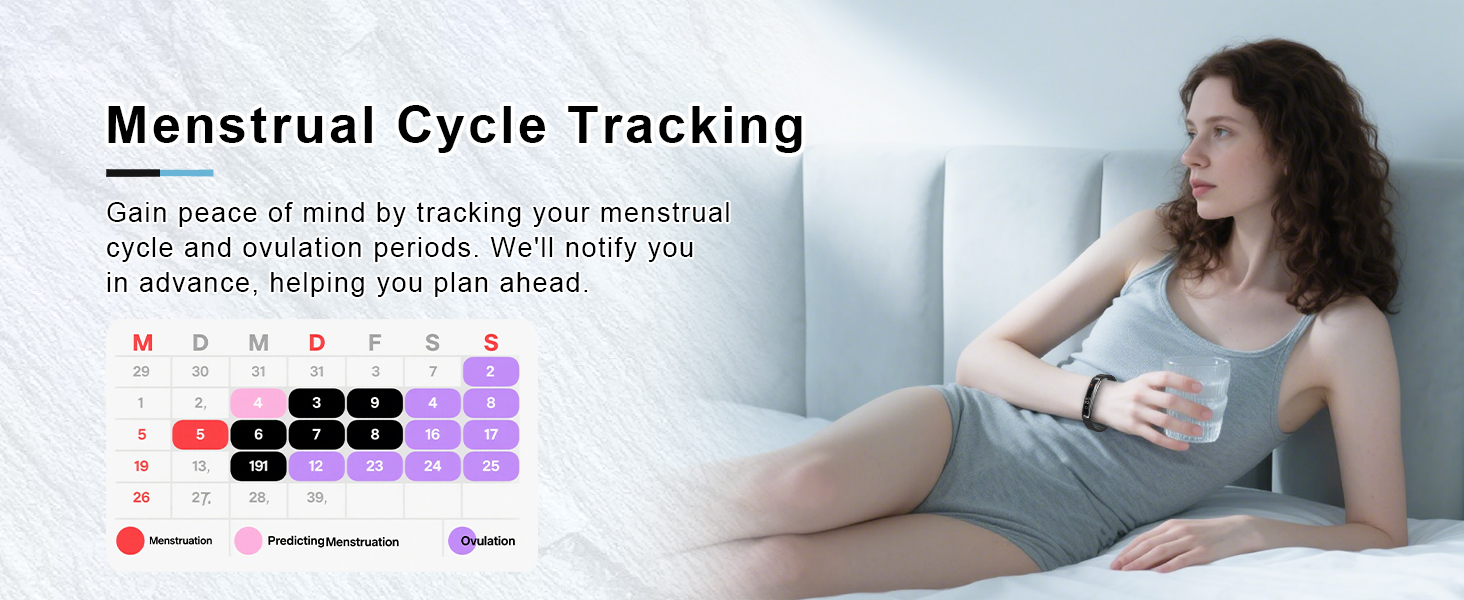
Figure 8: 24/7 Blood Oxygen Monitoring.
5.3 Sports Modes
The Efolen Smart Bracelet supports 12 common sports modes, including running, cycling, swimming, hiking, and fitness activities. Select your desired mode in the app to track specific workout data.

Figure 9: Overview of 12 Professional Sports Modes.
5.4 Notifications
Once paired with your smartphone, the smart bracelet can display incoming call and message alerts directly on your wrist, providing convenience when your phone is not immediately accessible.
Video 2: Demonstrates various features of the Efolen Smart Watch, including notifications and health tracking.
6. Maintenance
6.1 Waterproofing
The Efolen Smart Bracelet is water-resistant, suitable for daily activities such as handwashing, use in rainy conditions, and during heavy sweating from exercise. It is not recommended for deep water diving or prolonged submersion.

Figure 10: Life Waterproof feature for daily routines.
6.2 Cleaning
Wipe the device and straps regularly with a soft, damp cloth to remove sweat and dirt. Avoid using harsh chemicals or abrasive materials.
7. Troubleshooting
- Device not turning on: Ensure the device is fully charged using the provided magnetic charger.
- Connectivity issues: Verify Bluetooth is enabled on your smartphone and the 'NX Wear' app is open. Ensure the bracelet is within range of your phone. If issues persist, try restarting both the bracelet and your phone.
- Inaccurate tracking data: Ensure the bracelet is worn snugly on your wrist. For heart rate and blood oxygen measurements, remain still during the measurement process. Note that data is for reference and not medical diagnosis.
- Screen not responding: Tap the touch-sensitive area firmly. If unresponsive, try restarting the device by connecting it to the charger.
8. Specifications
| Feature | Detail |
|---|---|
| Model Number | SF20250916B0FGV61X5K |
| Item Weight | 0.11 Kilograms (3.84 ounces) |
| Standing Screen Display Size | 1.17 Inches |
| RAM Memory Installed Size | 128 MB |
| Operating System Compatibility | Android 4.4 and above; iOS 7.1 and above |
| Connectivity Technology | Bluetooth 5.0 |
| Battery Type | 1 Lithium Polymer battery (included) |
| Special Features | Heart Rate/Blood Oxygen/Sleep Monitor/Pedometer |
| GPS | GPS Via Smartphone |
| Water Resistance | Daily Waterproofing (handwashing, rain, sweat) |
9. Warranty and Support
For warranty information or technical support, please refer to the contact details provided with your purchase or visit the official Efolen website. Keep your purchase receipt for any warranty claims.


