
1. Product Overview
The TRAUSI T6 Open Ear Wireless Earbuds are designed for comfort and situational awareness, allowing you to enjoy audio while remaining aware of your surroundings. This manual provides instructions for setup, operation, and maintenance.
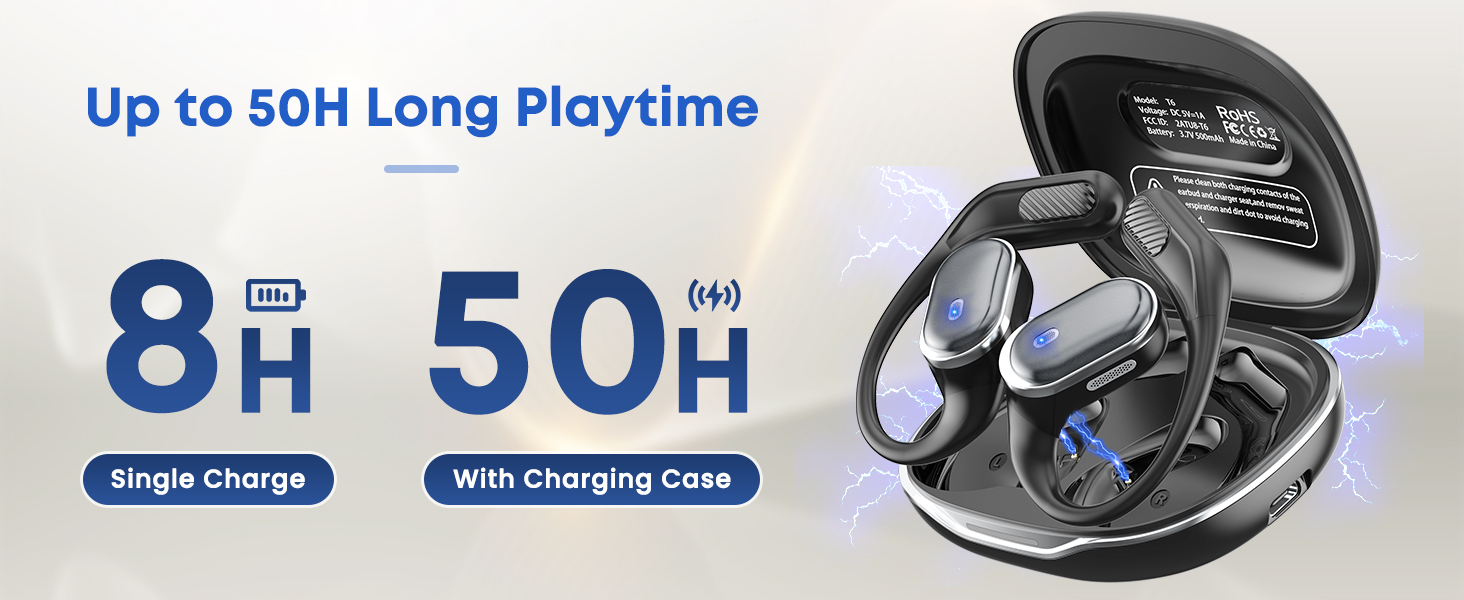
Image: TRAUSI T6 Open Ear Headphones highlighting key features.
2. What's in the Box
Upon unboxing your TRAUSI T6 Open Ear Wireless Earbuds, verify that all components are present:
- T6 Wireless Earbuds (2 units)
- Wireless Charging Case (1 unit)
- Type-C Charging Cable (1 unit)
- User Manual (1 unit)

Image: Contents of the TRAUSI T6 product package.
Video: An unboxing demonstration of the TRAUSI T6 Open Ear Earbuds, showing the contents of the package.
3. Setup
3.1 Charging the Earbuds and Case
Before first use, fully charge the earbuds and the charging case. Connect the provided Type-C charging cable to the charging port on the case and a power source. The indicator lights on the case will show the charging status. The earbuds will charge automatically when placed inside the case.
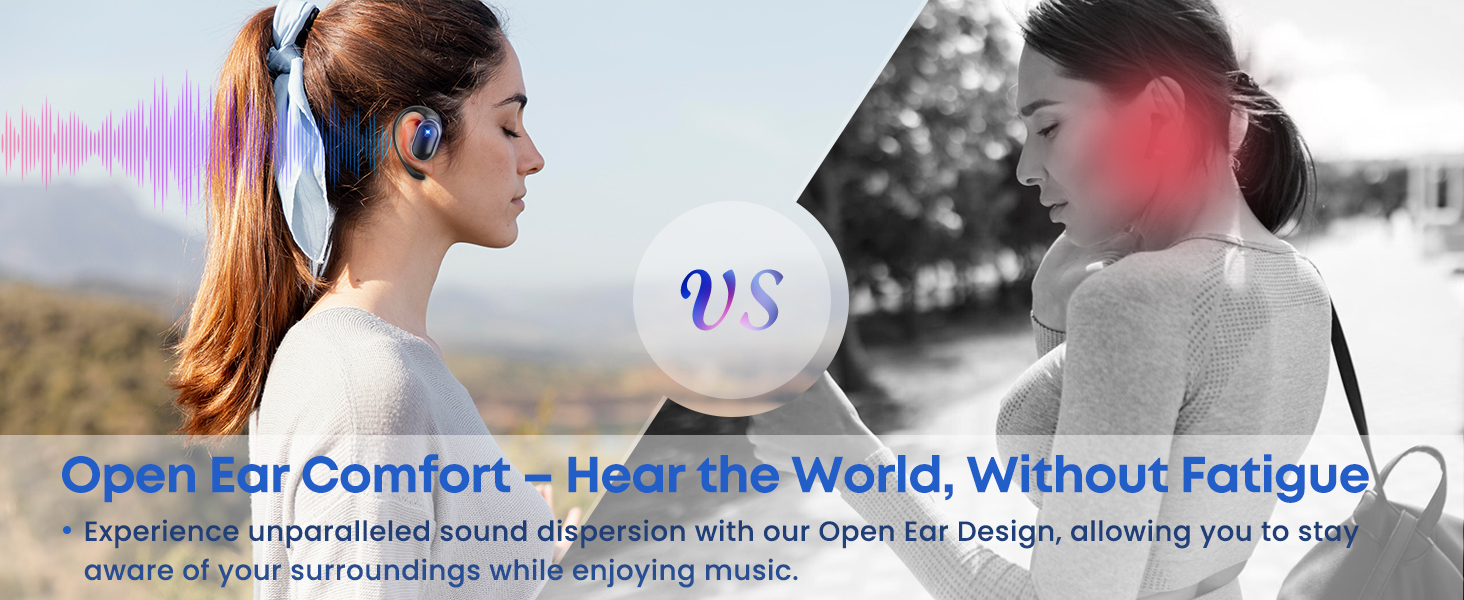
Image: The TRAUSI T6 charging case with earbuds, illustrating the battery display.
3.2 Wearing the Earbuds
The TRAUSI T6 earbuds feature an open-ear design for comfort and awareness. Follow these steps for proper fit:
- Take out the earphones from the charging case.
- Hang the end of the earphones on your ear bone.
- Turn the earphones and slide them behind your ear.
- Adjust the ear hook to ensure a secure and comfortable fit.
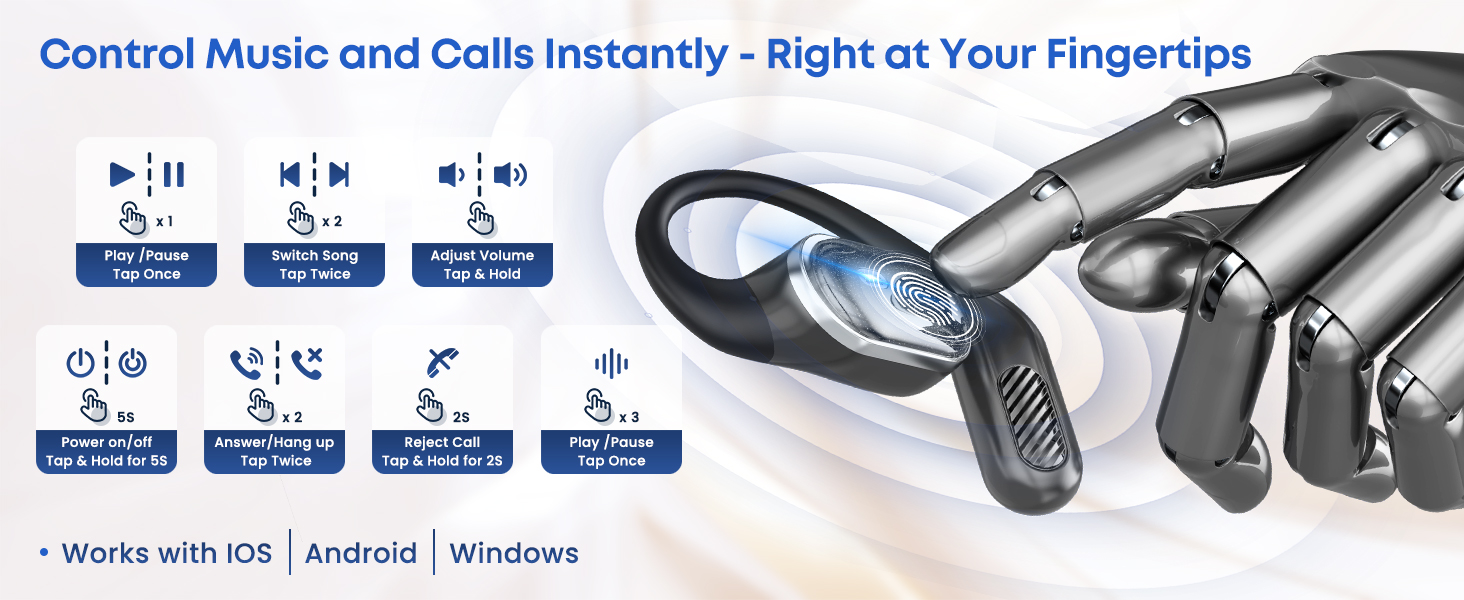
Image: Step-by-step guide on how to wear the earbuds.

Image: Detailed wearing instructions for optimal comfort and security.
3.3 Bluetooth Pairing
The earbuds utilize Bluetooth 5.4 for stable and efficient connection.
- Take the earbuds out of the charging case. They will automatically enter pairing mode.
- On your device (smartphone, tablet, laptop), enable Bluetooth.
- Search for available devices and select "TRAUSI T6" from the list.
- Once connected, you will hear a confirmation prompt.

Image: Bluetooth 5.4 features for seamless pairing.
4. Operating the Earbuds
4.1 Touch Controls
The TRAUSI T6 earbuds feature intuitive touch controls on each earbud:
- Play/Pause: Tap once.
- Switch Song (Next): Tap twice on the right earbud.
- Switch Song (Previous): Tap twice on the left earbud.
- Adjust Volume (Up): Tap and hold the right earbud.
- Adjust Volume (Down): Tap and hold the left earbud.
- Power On/Off: Tap and hold for 5 seconds.
- Answer/Hang Up Call: Tap twice.
- Reject Call: Tap and hold for 2 seconds.
- Activate Voice Assistant: Tap three times.

Image: Visual guide for earbud touch controls.
Video: A demonstration of the TRAUSI T6 Open Ear Earbuds, including their design, fit, and touch controls.
4.2 Sound Quality and Features
The T6 earbuds deliver a rich audio experience with:
- Space Sound: 3D panoramic audio for an immersive listening experience.
- 16.2mm Super Large Drivers: For powerful and clear sound reproduction.
- Hi-Fi Stereo: High-fidelity stereo sound.
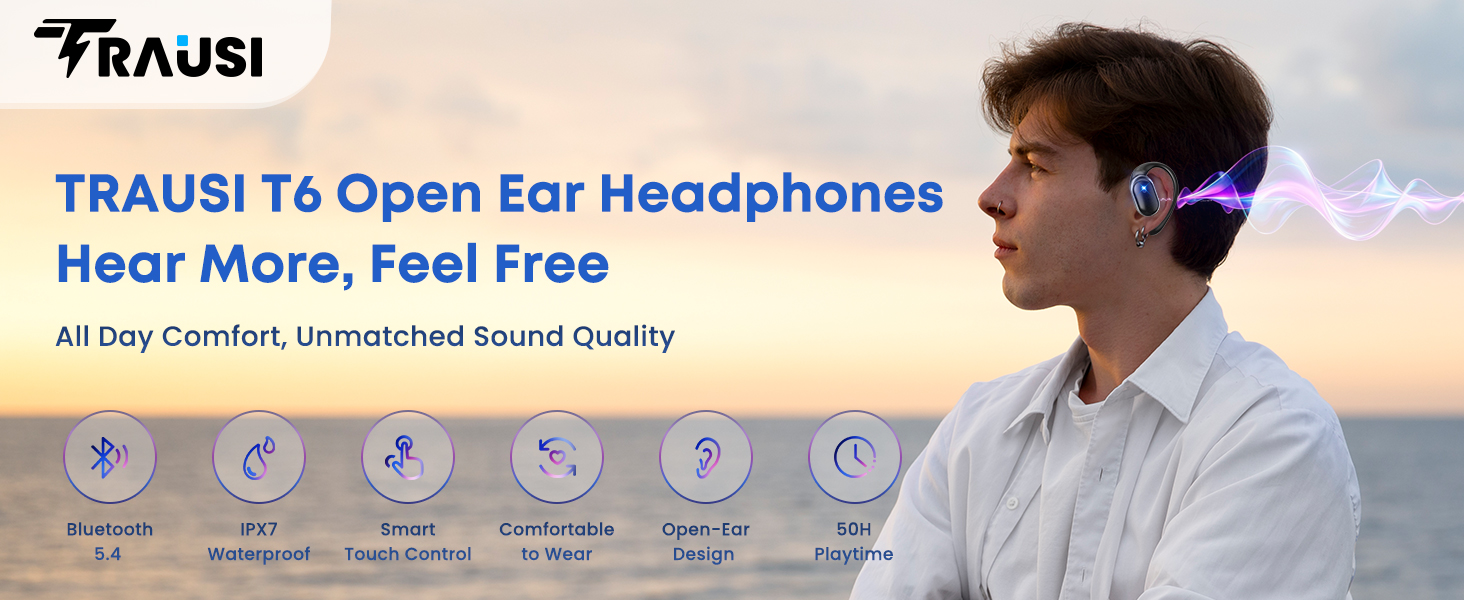
Image: Internal components and sound features of the earbuds.
4.3 Open-Ear Design Benefits
The open-ear design provides several advantages:
- Situational Awareness: Hear your music and your surroundings simultaneously, enhancing safety during outdoor activities.
- Comfort: No ear caps mean no discomfort or ear fatigue, even during prolonged use.
- Hygiene: Reduces ear canal irritation compared to in-ear designs.
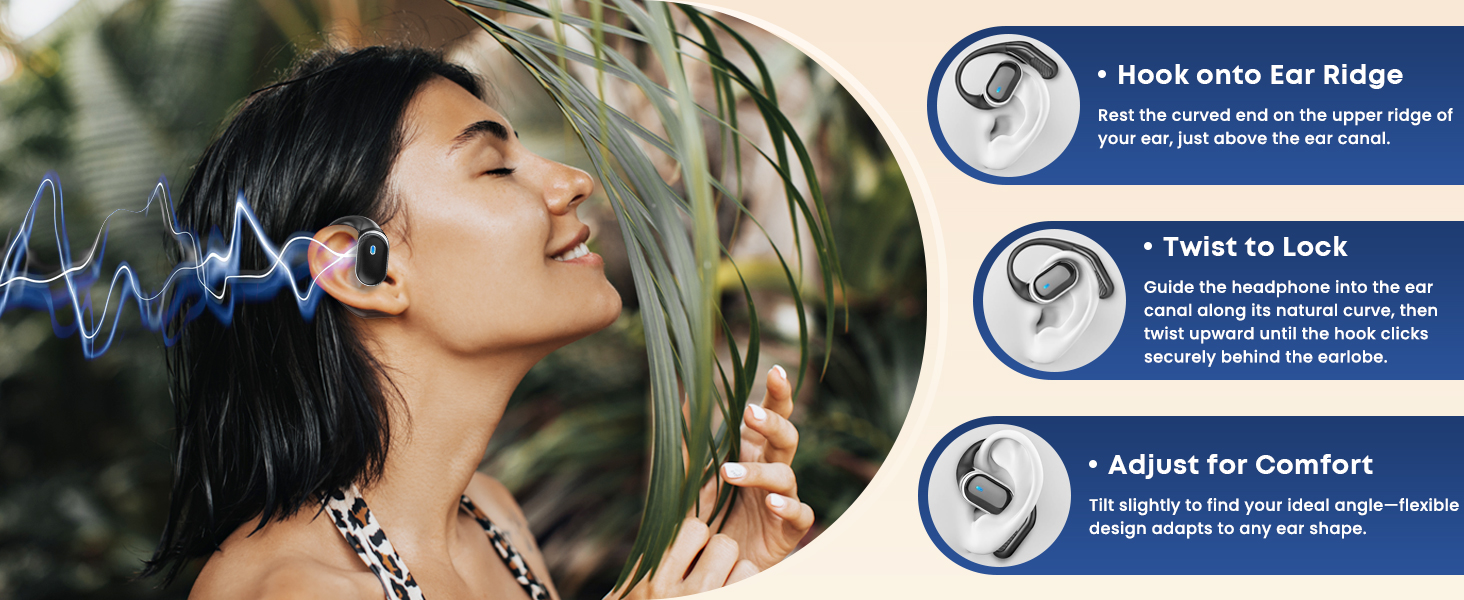
Image: Open Air Conduction Headphones Design.
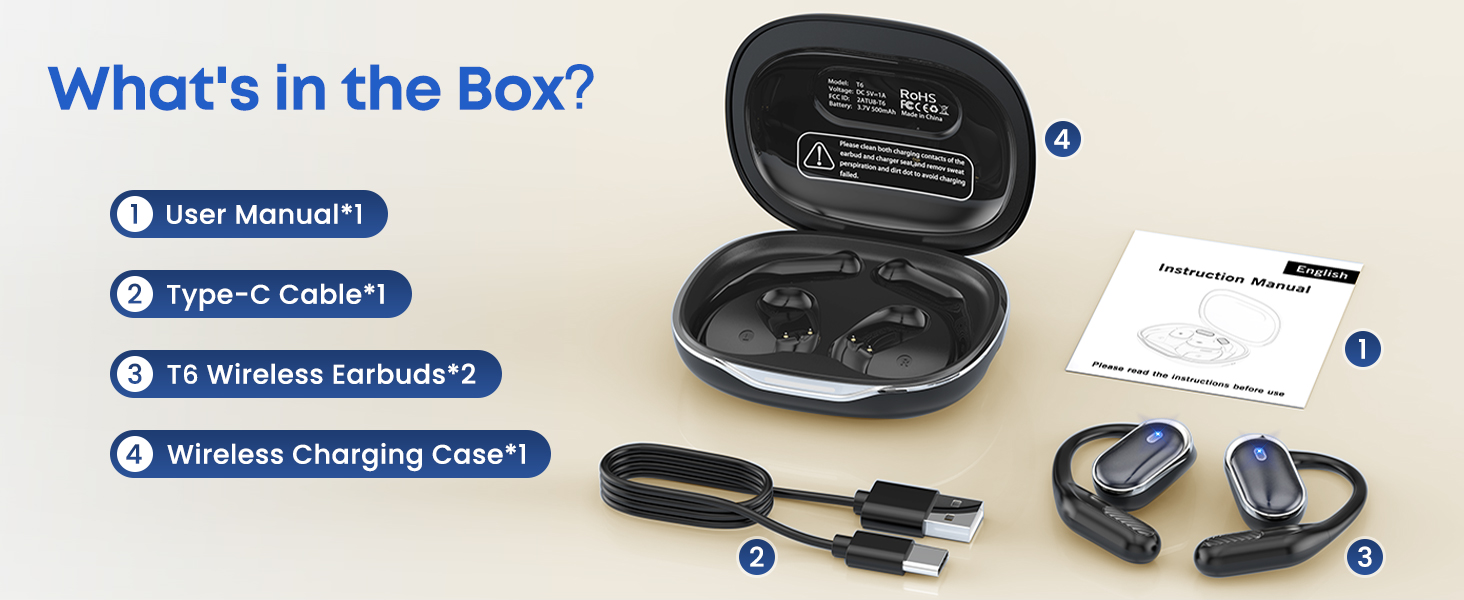
Image: Safety and awareness feature of the open-ear design.
4.4 Water Resistance
The TRAUSI T6 earbuds are IPX7 waterproof and sweat-resistant. This rating means they can withstand immersion in water up to 1 meter for 30 minutes. They are suitable for workouts, hiking, biking, and daily commutes, even in rain. Note: Not recommended for swimming or diving. Avoid saltwater exposure.

Image: IPX7 Waterproof and Sweat Resistant feature.
5. Maintenance
5.1 Cleaning
To ensure optimal performance and longevity, regularly clean the earbuds and charging case. Use a soft, dry cloth. For the charging contacts, gently wipe them to prevent sweat perspiration corrosion.
5.2 Storage
When not in use, store the earbuds in their charging case. Keep the case and earbuds in a cool, dry place away from extreme temperatures and direct sunlight.
6. Troubleshooting
6.1 Earbuds Not Powering On or Charging
- Ensure the charging case has sufficient battery.
- Verify that the earbuds are correctly seated in the charging case and the charging contacts are clean.
- Check the Type-C charging cable and power adapter for damage and ensure they are properly connected.
6.2 Pairing Issues
- Make sure Bluetooth is enabled on your device.
- Ensure the earbuds are out of the charging case and in pairing mode.
- Forget the device from your phone's Bluetooth settings and attempt to re-pair.
- Ensure the earbuds are within the effective Bluetooth range (typically 10 meters).
6.3 No Sound or Poor Sound Quality
- Check the volume level on both your device and the earbuds.
- Ensure the earbuds are properly worn and securely fitted.
- Try disconnecting and reconnecting the Bluetooth connection.
- Test with a different audio source or device to rule out device-specific issues.
7. Specifications
| Feature | Specification |
|---|---|
| Model Name | T6 |
| Brand | TRAUSI |
| Connectivity Technology | Wireless (Bluetooth 5.4) |
| Earpiece Shape | Open Ear |
| Control Method | Touch |
| Water Resistance Level | IPX7 Waterproof |
| Battery Life (Earbuds) | Up to 8 hours (single charge) |
| Total Playtime (with Charging Case) | Up to 50 hours |
| Included Components | Charging case, Type-C cable |
| Compatible Devices | Laptops, Smartphones, Tablets |
| Audio Driver Type | Dynamic Driver |
| Item Weight | 5 ounces |
8. Warranty and Support
TRAUSI products are designed for reliability and performance. For warranty information or technical support, please refer to the contact details provided with your purchase or visit the official TRAUSI website. Keep your proof of purchase for warranty claims.