
1. Introduction
This manual provides detailed instructions for the installation, operation, and maintenance of your Uckazy 12.3 Inch Android 14 Car Radio. Please read this manual thoroughly before using the product to ensure proper function and safety. This device is designed to enhance your driving experience with advanced multimedia and navigation features while retaining your vehicle's original functionalities.
2. Safety Information
- Ensure the vehicle is turned off and the battery is disconnected before beginning installation to prevent electrical shorts or damage.
- Professional installation is recommended. Incorrect installation may damage the device or vehicle.
- Do not operate the device in a manner that distracts you from driving. Always prioritize road safety.
- Avoid exposing the device to extreme temperatures, direct sunlight for prolonged periods, or excessive moisture.
- Use only approved accessories and cables with the device.
3. Package Contents
Verify that all items are present in your package:
- 12.3 Inch Android 14 Car Radio Display
- USB Cable
- AUX Cable
- Power Cable
- Installation Tools
- Touch Pen

4. Compatibility
This Uckazy 12.3 Inch Android 14 Car Radio is specifically designed for:
- BMW 7 Series F01 / F02 (2009-2012) with CIC System
Important Note: Before purchasing or installing, please ensure your vehicle's system is a CIC system. If you are unsure, consult a professional or contact Uckazy support for assistance. The device is not compatible with NBT systems.

5. Setup and Installation
5.1 Pre-installation Checks
- Confirm vehicle compatibility (refer to Section 4).
- Gather all necessary tools and components.
- Disconnect the vehicle's battery to prevent electrical issues.
5.2 Fiber Optic Cable Transfer
If your vehicle uses fiber optic cables for audio, you will need to transfer them from the original connector to the new power cable harness. This step is crucial for retaining audio functionality.
5.3 Wiring Connections
Carefully connect the provided cables to their respective ports. Ensure all connections are secure.
- LVDS Cable: Connect the LVDS cable from the new display to the vehicle's original LVDS port.
- Power Cable: Connect the new power cable harness to the vehicle's original power connector. Ensure the fiber optic cables are correctly transferred as shown in Video 5.1.
- USB Cable: Connect the USB cable for external devices or updates.
- AUX Cable: Connect the AUX cable for audio input if required.
5.4 Physical Installation
Follow the specific instructions for your BMW 7 Series F01/F02 to remove the original screen and install the new Uckazy display. Ensure the display is securely mounted and all cables are neatly routed to avoid interference.

6. Operating Instructions
6.1 Basic Operation
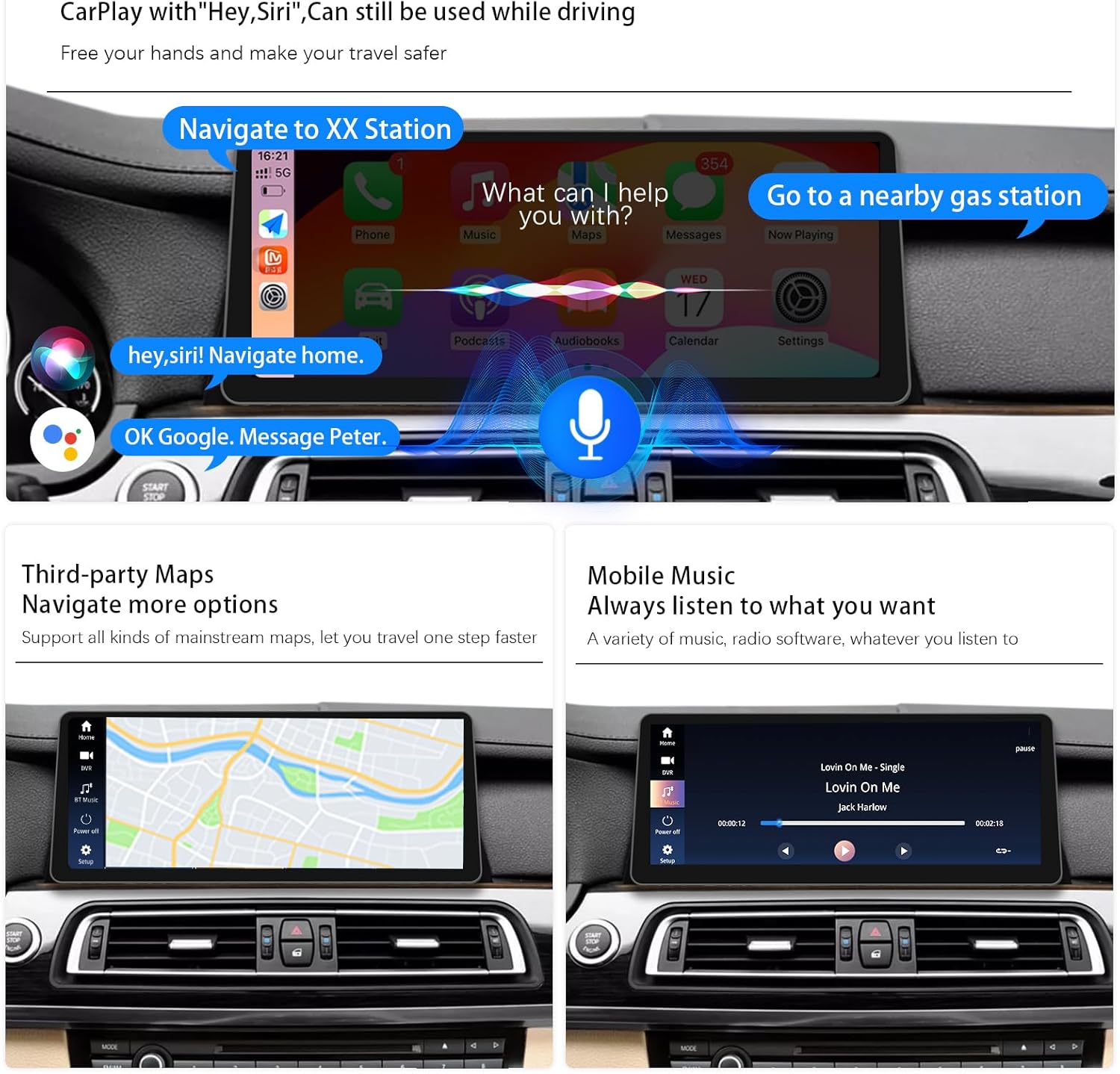
- Power On/Off: The unit powers on automatically with the vehicle ignition. To turn off the screen, use the designated screen off button in the interface.
- Touch Screen: Navigate the interface by touching icons and swiping. The IPS touch screen offers responsive control.
- iDrive Control Retention: The original iDrive controller remains fully functional for navigating both the original BMW system and the new Android system.

6.2 Wireless CarPlay / Android Auto
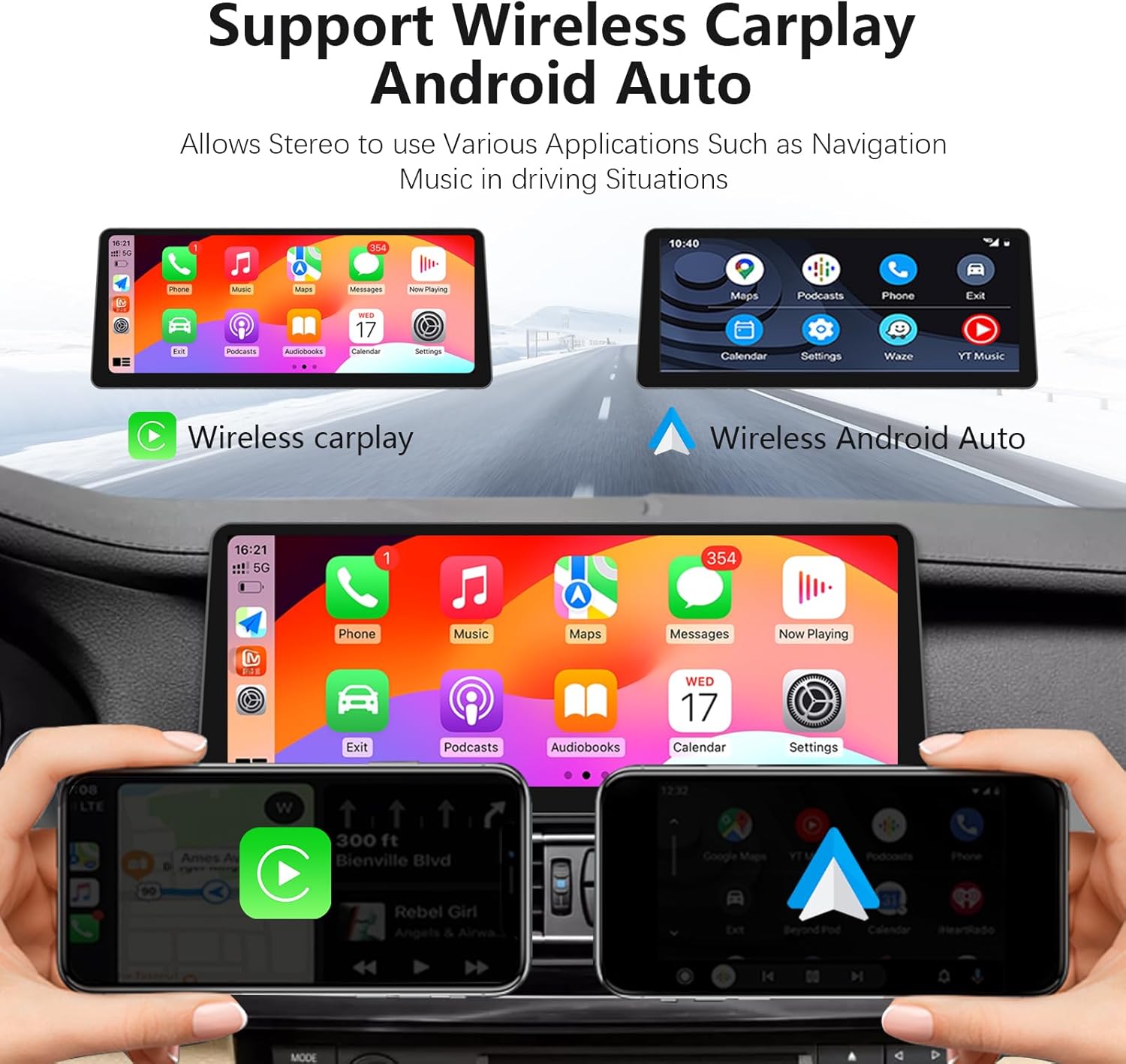
The device supports wireless CarPlay and Android Auto for seamless smartphone integration.
- Enable Bluetooth: On your smartphone, enable Bluetooth.
- Pair Device: On the car radio, go to the Bluetooth settings and search for your phone. Pair the devices.
- Activate CarPlay/Android Auto: Once paired, CarPlay or Android Auto should automatically activate. If not, select the corresponding icon on the car radio's main menu.

6.3 DSP Audio Settings
The built-in Digital Signal Processor (DSP) features 16 EQ segments, allowing for precise audio customization.
- Access the DSP settings from the main menu.
- Adjust the 16 EQ segments to fine-tune the audio output to your preference.
- Utilize EQ presets for quick sound adjustments.
- Adjust speaker positioning and balance to enhance the sound stage within your vehicle.

6.4 Screen Display Quality
The 12.3-inch IPS screen features HD 1920*720 resolution and full lamination technology, providing a clearer picture, higher color brightness, and reduced reflection compared to standard displays.
7. Maintenance
- Cleaning: Use a soft, lint-free cloth to clean the screen. For stubborn marks, slightly dampen the cloth with water or a screen-safe cleaner. Avoid harsh chemicals.
- Software Updates: Periodically check for software updates to ensure optimal performance and access to new features. Follow the on-screen instructions for any updates.
- Environmental Care: Do not expose the unit to extreme heat or cold. Ensure proper ventilation around the unit.
8. Troubleshooting
| Problem | Possible Cause | Solution |
|---|---|---|
| No power | Loose power connection, blown fuse | Check power cable connections. Inspect vehicle fuses. |
| No sound | Incorrect fiber optic cable transfer, volume too low, incorrect audio source selected | Verify fiber optic cable transfer (refer to Video 5.1). Adjust volume. Select correct audio source (e.g., AUX). |
| CarPlay/Android Auto not connecting | Bluetooth not enabled, phone not paired, Siri/Google Assistant not enabled on phone | Ensure Bluetooth is on and paired. Enable Siri (for CarPlay) or Google Assistant (for Android Auto) on your phone. |
| Touch screen unresponsive | Temporary software glitch, screen protector interference | Restart the unit (turn vehicle off and on). Check for screen protector issues. |
| Original iDrive not working | Incorrect wiring, software conflict | Recheck all wiring connections. Perform a factory reset if necessary (consult support). |
If you encounter issues not listed here or if the suggested solutions do not resolve the problem, please contact Uckazy customer support for further assistance.
9. Specifications
- Brand: Uckazy
- Model: 12.3' CIC 8+128G
- Screen Size: 12.3 inches
- Display Resolution: HD 1920*720
- Operating System: Android 14
- Processor: 13 NM MediaTek Octa-core (4*Cortex A72 2.2GHz + 4*Cortex A51 1.8GHz)
- RAM: 8GB
- ROM: 128GB
- Connectivity: Bluetooth, 2.4G/5.0G WiFi
- Special Features: Touchscreen, Built-in DSP with 16 EQ segments, Wireless CarPlay, Wireless Android Auto, Retains iDrive control, Supports OEM reversing camera.
- Compatible Devices: Smartphone
- Connector Type: Stereo Audio
10. Warranty
This Uckazy product comes with a 1-year manufacturer's warranty from the date of purchase. This warranty covers defects in materials and workmanship under normal use. It does not cover damage caused by improper installation, accident, misuse, abuse, neglect, unauthorized modification, or normal wear and tear. Please retain your proof of purchase for warranty claims.
11. Support
For technical assistance, troubleshooting, or warranty inquiries, please contact Uckazy customer support through the following channels:
- Amazon Seller Page: Visit the Uckazy Store on Amazon.
- Email: Refer to your product packaging or the seller's Amazon page for direct contact information.
When contacting support, please provide your product model number (12.3' CIC 8+128G) and a detailed description of the issue.


