
1. Introduction
Thank you for choosing the Ntaanoo MP51 Magnetic Portable Charger. This 10000mAh wireless battery pack is designed for convenient and fast charging of your compatible devices, featuring a strong magnetic attachment, a built-in USB-C cable, and an adjustable stand. Please read this manual carefully to ensure proper use and maintenance of your device.

Image: The Ntaanoo MP51 Magnetic Portable Charger showcasing its 3-in-1 design with a built-in stand, built-in cable, and strong magnetic attachment.
2. Product Overview
2.1 What's in the Box
- 1 x 10000mAh Magnetic Power Bank
- 1 x Built-in Stand
- 1 x Built-in USB-C Cable
- 1 x User Manual
2.2 Key Features
- 10000mAh Capacity: Provides extended power for your devices.
- Magnetic Attachment: Strong magnetic connection for compatible iPhone 12/13/14/15/16/17 series.
- Built-in USB-C Cable: Supports fast charging for iPhone 15/16/17, Samsung Galaxy, and most USB-C Android phones.
- Adjustable Stand: Integrated foldable stand for hands-free viewing.
- Fast Charging: Up to 22.5W via built-in USB-C cable and up to 15W magnetic wireless charging.
- Digital Display: Shows remaining battery percentage.
- Multi-Device Charging: Capable of charging up to 3 devices simultaneously.
3. Setup
3.1 Initial Charging of the Power Bank
- Connect the power bank to a power adapter (not included) using the built-in USB-C cable or an external USB-C cable.
- The digital display will show the charging progress. Charge the power bank fully before first use.
Note: A full recharge may take approximately 4 hours or more depending on the power adapter's output.
3.2 Attaching to a Device for Magnetic Charging
- Ensure your device is compatible with MagSafe technology (iPhone 12 series or later).
- Align the power bank with the back of your compatible iPhone. The magnets will automatically snap it into place.
- For optimal magnetic attachment and charging efficiency, remove any non-MagSafe cases from your phone.
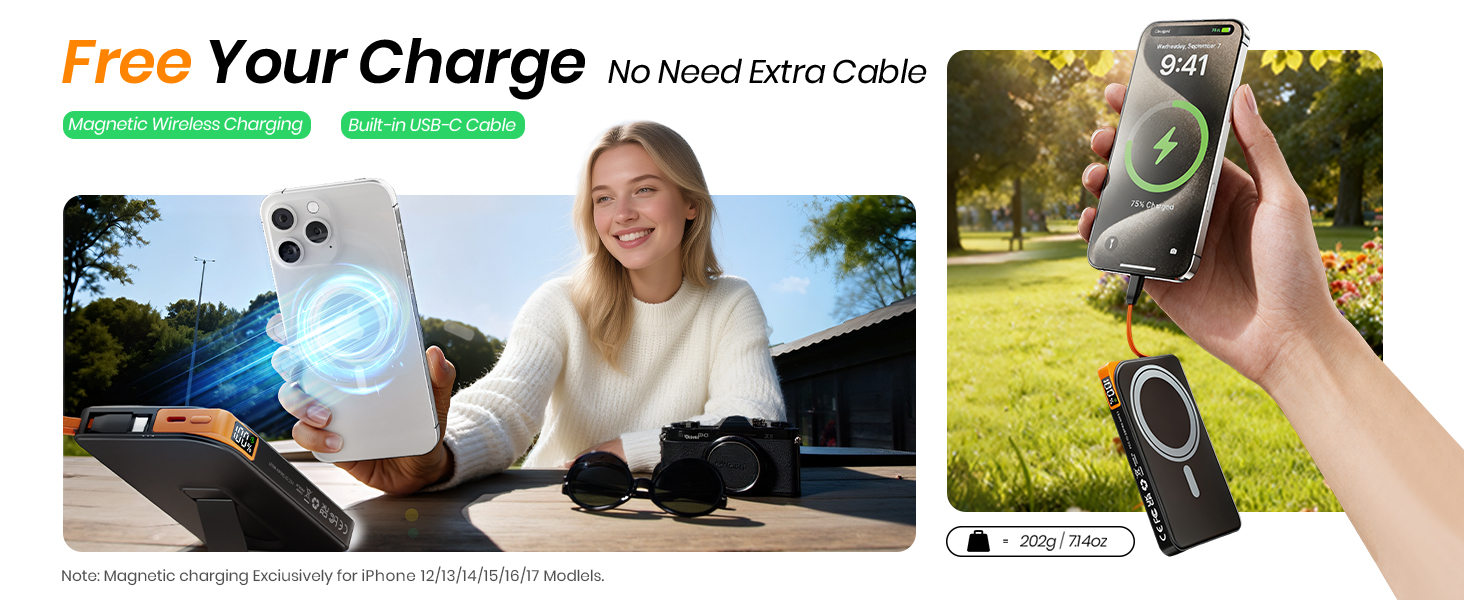
Image: Illustration of the strong magnetic attachment between the power bank and a compatible iPhone, emphasizing the need for magnetic-compatible cases.
4. Operating Instructions
4.1 Wireless Magnetic Charging
- Once magnetically attached to a compatible iPhone, the power bank will automatically begin wireless charging at up to 15W.
- The digital display will indicate charging status.
4.2 Wired Charging with Built-in USB-C Cable
- Unfold the built-in USB-C cable from the side of the power bank.
- Connect the USB-C cable to your compatible device (e.g., iPhone 15/16/17, Samsung Galaxy, USB-C Android phones).
- The power bank will deliver up to 22.5W fast charging.
4.3 Charging Multiple Devices Simultaneously
The Ntaanoo MP51 can charge up to three devices concurrently:
- One device via magnetic wireless charging.
- One device via the built-in USB-C cable.
- One additional device via an external USB-A cable (not included) connected to the USB-A output port.
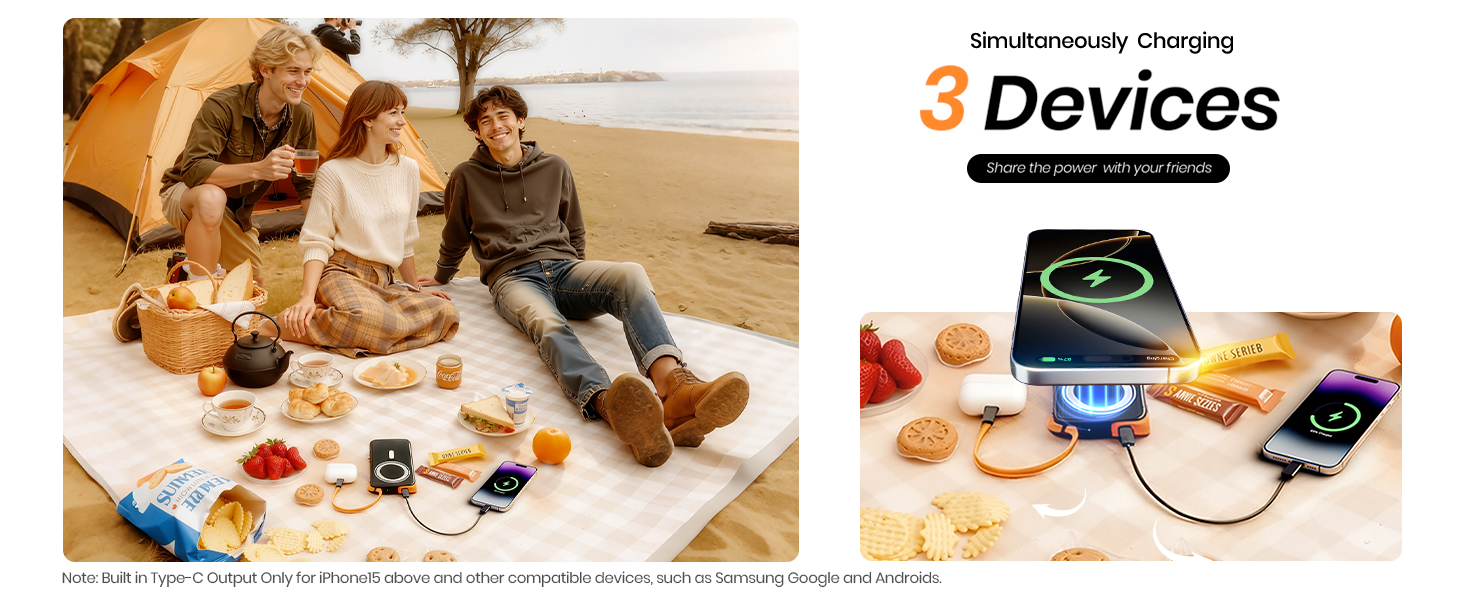
Image: The power bank charging three devices at once, demonstrating its versatility for sharing power.
4.4 Using the Adjustable Stand
- Locate the foldable stand on the back of the power bank.
- Gently pull out the stand to deploy it.
- Adjust the angle for comfortable hands-free viewing while your device is magnetically attached or charging via cable.

Image: The foldable stand in various settings, illustrating its convenience for hands-free use during travel, rest, or work.
4.5 Checking Battery Level
The integrated digital display shows the remaining battery percentage of the power bank, allowing you to monitor its charge status at a glance.
5. Maintenance
- Keep the power bank dry and away from moisture.
- Avoid extreme temperatures.
- Clean the surface with a soft, dry cloth. Do not use harsh chemicals or abrasive materials.
- Store in a cool, dry place when not in use for extended periods.
6. Troubleshooting
6.1 Power Bank Not Charging
- Ensure the charging cable is securely connected to both the power bank and the power adapter.
- Verify that the power adapter is functioning correctly and connected to a live power outlet.
- Try using a different USB-C cable or power adapter.
6.2 Device Not Charging from Power Bank
- For Wireless Charging: Ensure your device is MagSafe compatible and properly aligned with the power bank. Remove any non-MagSafe cases.
- For Wired Charging: Check that the built-in USB-C cable is fully inserted into your device. Ensure the power bank has sufficient charge.
- The power bank may sometimes require a manual power-on if it doesn't automatically detect a device.
6.3 Slow Charging
- Ensure your device supports fast charging and that the connection is secure.
- Charging multiple devices simultaneously may reduce the charging speed for individual devices.
- Environmental factors or device battery health can affect charging speed.
6.4 Overheating
A slight increase in temperature during magnetic or fast charging is normal. If the device becomes excessively hot, disconnect it immediately and contact customer support.
7. Specifications
| Model Name | MP51 |
| Brand | Ntaanoo |
| Battery Capacity | 10000 Milliamp Hours (mAh) |
| Battery Cell Type | Lithium Polymer |
| Connector Type | Magnetic Attachment, USB Type C |
| Rapid Charging Performance | USB-C Cable: Up to 22.5W; Wireless Magnetic: Up to 15W |
| Compatible Devices | iPhone 17/16/15/14/13/12 series, Samsung Galaxy, most USB-C Android phones |
| Special Features | Built-in Cable, Built-in Stand, Digital Display, Lightweight, Over Charging Protection, Short Circuit Protection, Auto Shut-Off, Fast Charging, Wireless Charging |
| Item Dimensions (L x W x Thickness) | 4.31" x 2.73" x 0.69" |
| Power Source | Corded Electric (for recharging power bank) |
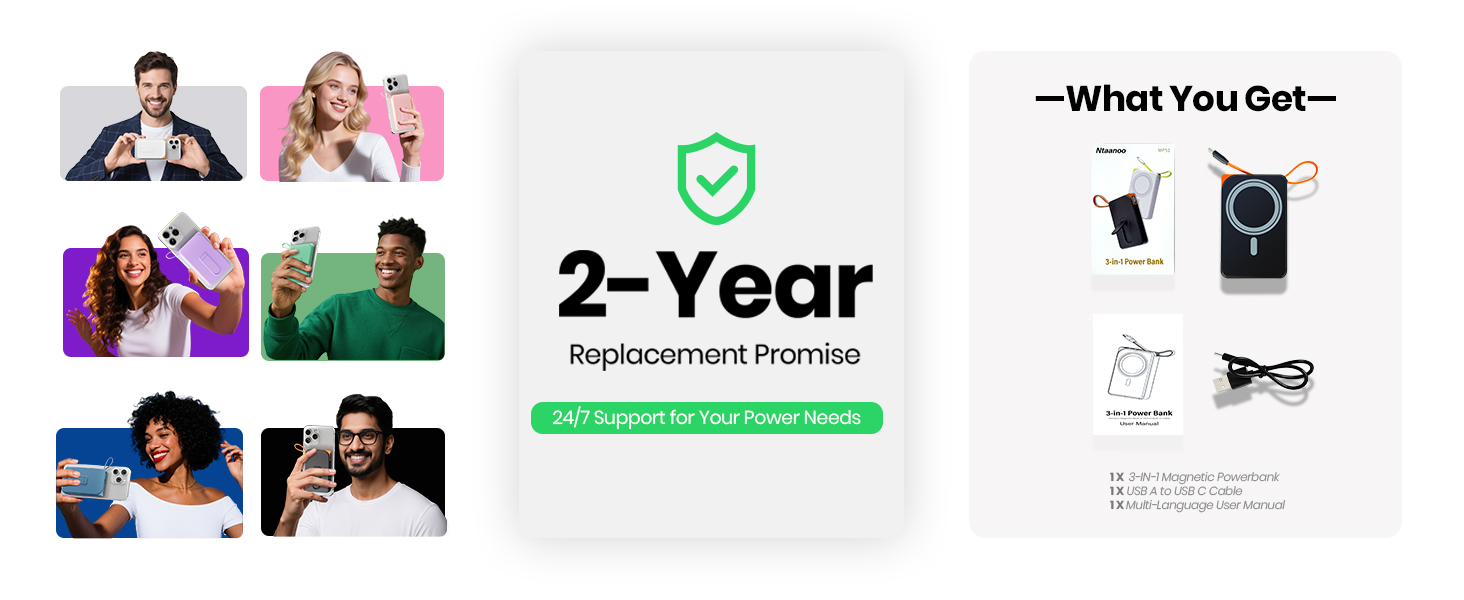
Image: Charging capacity table for various iPhone models, illustrating the number of charges provided by the 10000mAh power bank via wireless and USB-C connections.
8. Safety Information
- This product has been tested and certified for reliable safety.
- It features multiple built-in protections, including temperature control, overcharge protection, and short-circuit safeguards.
- Do not disassemble, modify, or attempt to repair the device.
- Avoid dropping or subjecting the power bank to strong impacts.
- Keep out of reach of children.
- Airline Travel: Always check airline regulations regarding portable power banks before traveling, as they are typically not permitted in checked luggage.

Image: Internal view highlighting the advanced protection features of the power bank for safe and reliable performance.
9. Warranty and Support
Ntaanoo is committed to delivering high-quality portable chargers. Your Ntaanoo MP51 Magnetic Portable Charger comes with a 2-year warranty.
For any inquiries, technical assistance, repairs, or warranty claims, please contact Ntaanoo 24/7 Customer Support. Our dedicated support team is available to assist you with consultation, repairs, and hassle-free returns or replacements.

Image: Ntaanoo's commitment to reliable services, including 24/7 customer support and a 2-year warranty.