
Introduction
This manual provides detailed instructions for setting up, operating, maintaining, and troubleshooting your DOOGEE U11 Pro Android 16 Tablet. Please read this manual thoroughly before using your device to ensure optimal performance and longevity.
The DOOGEE U11 Pro is an 11-inch tablet featuring the Android 16 operating system with Gemini AI integration. It is powered by a MediaTek Unisoc T7200 octa-core processor, offers 30GB RAM (6GB physical + 24GB expansion) and 256GB internal storage (expandable up to 2TB via MicroSD/TF card). Key features include a 90Hz display, an 8580mAh battery, 13MP rear and 5MP front cameras, Face ID, Bluetooth 5.0, 5G WiFi, and Widevine L1 support for high-definition streaming.
Setup
1. Package Contents
Verify that all items are present in the package:
- DOOGEE U11 Pro Tablet
- Charging Adapter
- USB-C Cable
- SIM Ejector Tool
- Quick Start Guide
- Warranty Card
2. Charging the Tablet
Before first use, fully charge the tablet. Connect the USB-C cable to the tablet's charging port and the adapter to a power outlet.
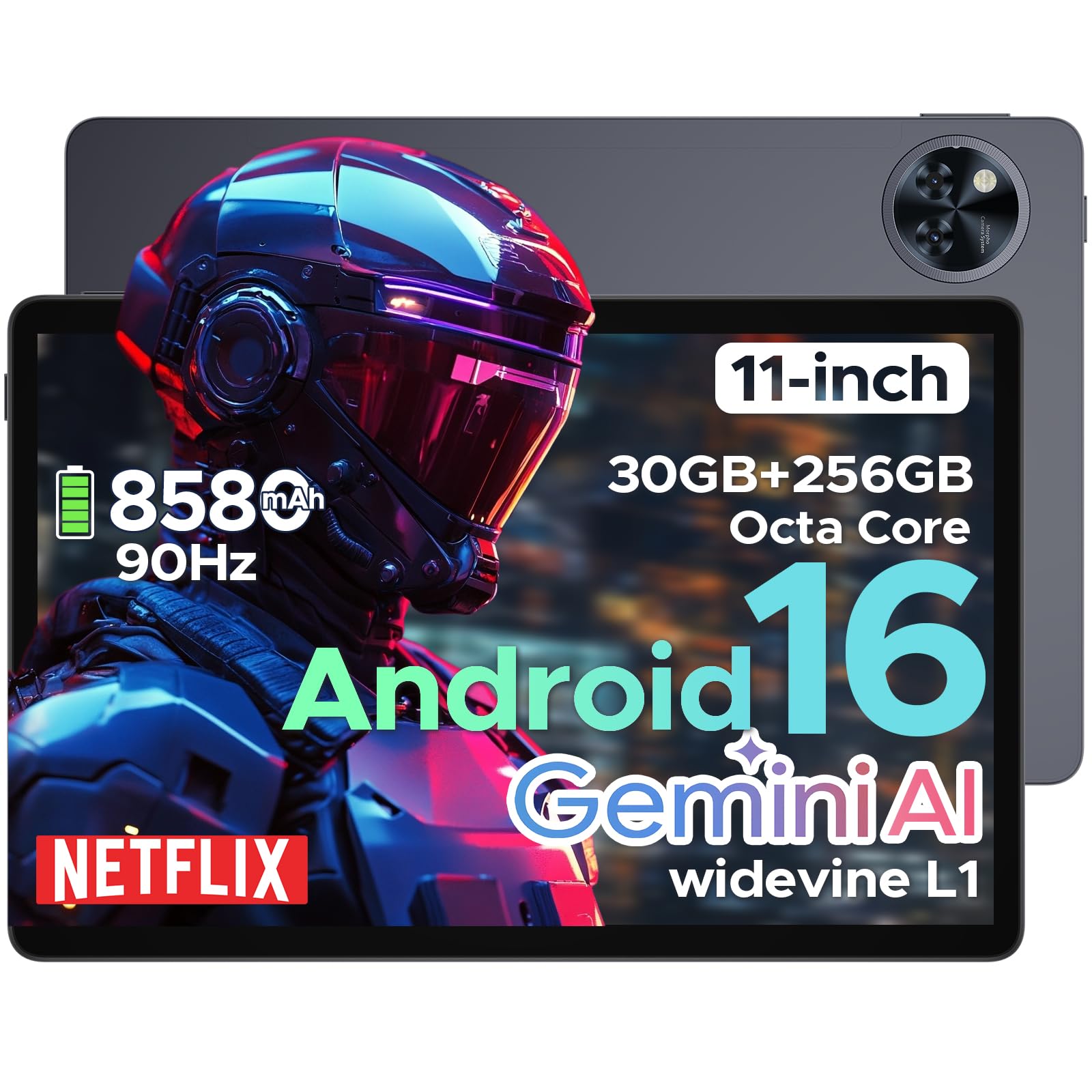
Image: The DOOGEE U11 Pro tablet connected to a charger, illustrating the charging process.
3. Powering On/Off
- To Power On: Press and hold the Power button until the DOOGEE logo appears.
- To Power Off: Press and hold the Power button, then select "Power Off" from the options.
- To Restart: Press and hold the Power button, then select "Restart" from the options.
4. Inserting SIM/MicroSD Card
Use the provided SIM ejector tool to open the SIM/MicroSD card tray. Insert your SIM card (if applicable) and/or MicroSD card into the designated slots, ensuring correct orientation. Close the tray securely.

Image: A close-up of the tablet's side, indicating the location of the SIM/MicroSD card tray.
Operating Instructions
1. Android 16 System and Gemini AI
The DOOGEE U11 Pro runs on Android 16, offering enhanced app permission control and privacy features. Integrated Gemini AI intelligently manages system resources for tasks like photo editing and real-time translation, providing a smarter and faster user experience.

Image: Visual representation of the Android 16 system interface and Gemini AI capabilities.

Image: A comparison chart highlighting improvements in Android 16 over Android 15, including privacy, performance, and user interface enhancements.
2. Display and Visuals
The 11-inch HD IPS display features a 90Hz refresh rate for smooth scrolling and vibrant colors. It supports a resolution of 1280x800 pixels and offers Widevine L1 certification for 1080p HD content streaming on platforms like Prime Video and Netflix.

Image: An illustration showcasing the 11-inch 90Hz HD IPS display with its key specifications like resolution and refresh rate.

Image: A graphic indicating Widevine L1 support for various streaming platforms, ensuring high-quality video playback.
Video: This video demonstrates the immersive visual experience of the DOOGEE U11 Pro tablet, highlighting its display quality and smooth operation.
3. Performance and Storage
The tablet is equipped with a MediaTek Unisoc T7200 octa-core processor, 30GB RAM (6GB physical + 24GB virtual), and 256GB internal storage. Storage can be expanded up to 2TB using a MicroSD/TF card (sold separately). The built-in Memory Manager helps optimize performance by clearing unnecessary files.

Image: An internal view highlighting the Unisoc T7200 Octa-core Processor, 256GB ROM, and 30GB RAM (6GB+24GB virtual).
4. Battery Life and Charging
The 8580mAh battery provides extended usage times. AI battery management helps reduce standby power drain. The tablet also supports OTG reverse charging, allowing it to function as a power bank for other devices.

Image: A graphic illustrating the 8580mAh battery and estimated usage times for standby, music, video, and web browsing.
Video: This video demonstrates the extended power capabilities of the DOOGEE U11 Pro, including its large battery and reverse charging feature.
5. Cameras and Security
The tablet features a 13MP rear camera for capturing documents and photos, and a 5MP front camera optimized with AI for video calls and selfies. Face Unlock provides quick and secure access to your device.

Image: A close-up of the tablet's rear camera module, highlighting its design.

Image: An image showing the tablet's front camera in use for video calls.
6. Audio and Connectivity
Experience clear sound with HD dual speakers. The tablet supports Bluetooth 5.0 for wireless audio and includes a 3.5mm headphone jack. Connectivity options include 5G WiFi and built-in GPS for accurate navigation. It also features an FM Radio function.

Image: A visual summary of the tablet's audio features (dual speakers, 3.5mm jack) and connectivity (GPS, WiFi 5).
Video: This video highlights the smart, smooth, and safe features of the DOOGEE U11 Pro, including its PC-level WPS Office and FM Radio functions.
Maintenance
- Cleaning: Use a soft, lint-free cloth to clean the screen and body. Avoid harsh chemicals.
- Software Updates: Regularly check for and install system updates to ensure optimal performance and security.
- Battery Care: Avoid extreme temperatures. Do not let the battery fully drain frequently.
- Storage Management: Periodically clear unnecessary files and apps to free up storage space and maintain performance.
Troubleshooting
1. Tablet Not Turning On
- Ensure the tablet is sufficiently charged. Connect it to a charger for at least 30 minutes.
- Press and hold the Power button for 10-15 seconds to force a restart.
2. Apps Crashing or Freezing
- Close and reopen the app.
- Clear the app's cache and data in Settings > Apps.
- Ensure the app is updated to the latest version.
- Restart the tablet.
3. Poor Wi-Fi Connection
- Ensure you are within range of the Wi-Fi router.
- Restart your Wi-Fi router and the tablet.
- Forget the network in Wi-Fi settings and reconnect.
4. Slow Performance
- Close unused background applications.
- Clear cache and temporary files using the built-in Memory Manager.
- Ensure sufficient storage space is available.
- Perform a factory reset as a last resort (Note: This will erase all data. Back up important files first).
Specifications
| Feature | Specification |
|---|---|
| Model Name | U11 Pro |
| Operating System | Android 16 |
| Processor | MediaTek Unisoc T7200 Octa-Core |
| RAM | 30GB (6GB physical + 24GB expansion) |
| Internal Storage | 256GB |
| Expandable Storage | Up to 2TB via MicroSD/TF card |
| Screen Size | 11 Inches |
| Screen Resolution | 1280 x 800 pixels |
| Refresh Rate | 90Hz |
| Battery Capacity | 8580mAh |
| Rear Camera | 13MP |
| Front Camera | 5MP |
| Wireless Type | 802.11ax (5G WiFi) |
| Bluetooth | Bluetooth 5.0 |
| Dimensions (LxWxH) | 10.13 x 6.65 x 0.31 inches |
| Color | Gray (variant specific) |
| Special Features | Gemini AI, Widevine L1, Face ID, OTG Reverse Charging, HD Dual Speakers, GPS, FM Radio, Built-in PC-level WPS Office |
Warranty and Support
DOOGEE offers comprehensive support for its products:
- 30-Day Money Back Guarantee: If you are not satisfied with your purchase, you may return it within 30 days for a full refund.
- 2-Year Limited Warranty: The DOOGEE U11 Pro Tablet comes with a 2-year limited warranty covering manufacturing defects.
- 24/7 Online Support: For any technical assistance or inquiries, please contact DOOGEE customer service available 24/7.
For more information, please visit the official DOOGEE website or refer to the warranty card included in your package.


