
Introduction
The imokin 140W USB C GaN Charger is a high-performance power adapter designed for multi-device fast charging. Utilizing advanced GaN technology, this compact charger provides up to 140W of power across its four ports, ensuring efficient and safe charging for a wide range of devices including laptops, smartphones, and tablets. Its intuitive touch screen display offers real-time monitoring of charging status, power output, and temperature.
What's in the Box
- 140W 4-Port (3x USB-C + 1x USB-A) PD 3.1 GaN Charger
- 140W USB-C to USB-C Cable
- User Manual

Image: The imokin 140W GaN charger and the included 140W USB-C to USB-C cable.
Key Features
- 140W Ultra-Fast USB-C Charging: Equipped with two high-speed USB-C ports, each capable of delivering up to 140W, allowing rapid charging for devices like MacBook Pro (0-50% in ~25 min) and iPhone 17 series (0-50% in ~20 min).
- Power Four Devices with PD3.1 Efficiency: Simultaneously charge up to four devices using GaN technology, providing optimal performance without bulk.
- Live Screen Display: A built-in high-definition color display shows real-time charging status, power output details per port, and temperature.
- Advanced Safety with Active Monitoring: An intelligent safety system continuously monitors temperatures to protect connected devices and the charger.
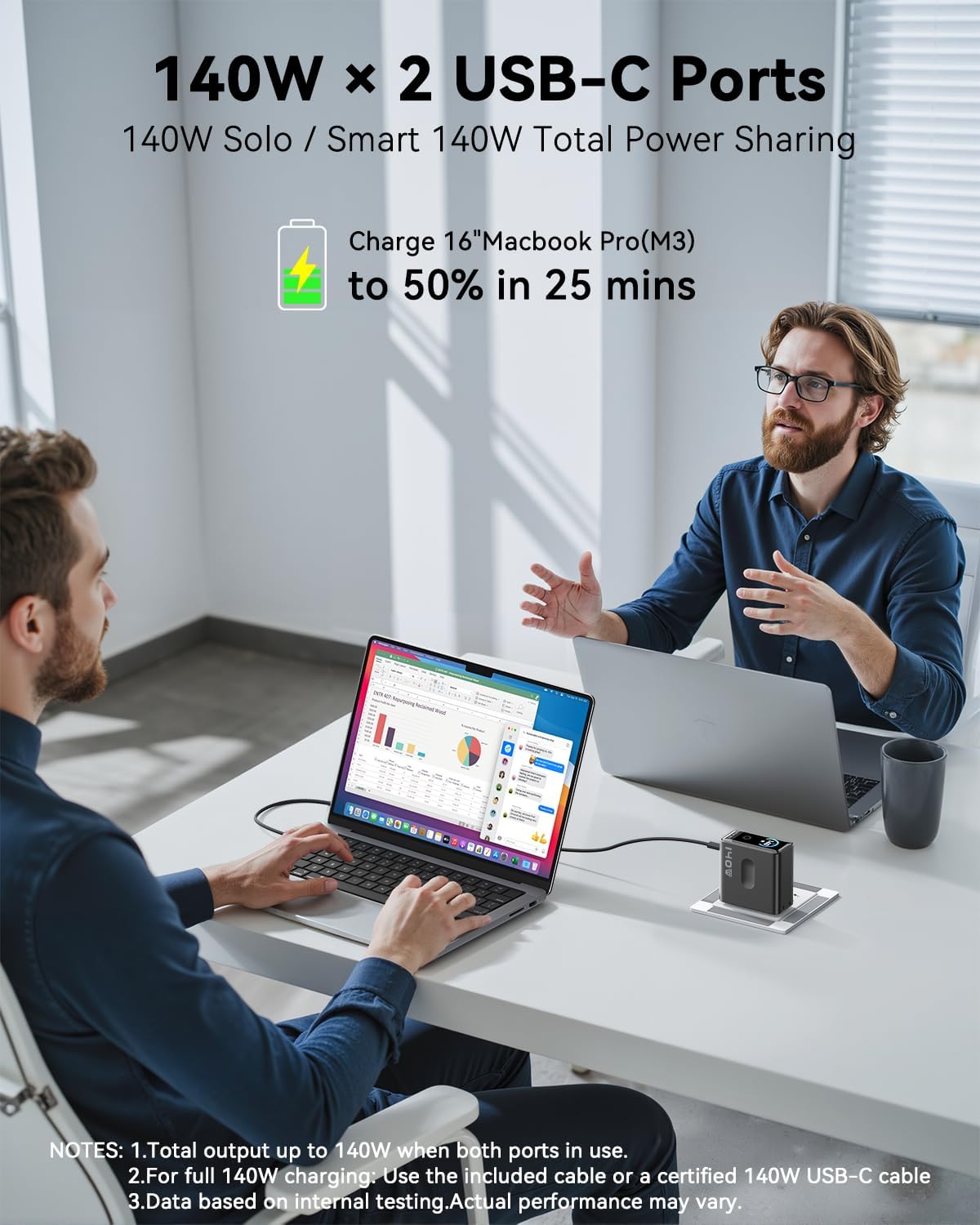
Image: The imokin 140W charger simultaneously powering a laptop, smartphone, and other devices, demonstrating its multi-device charging capability.
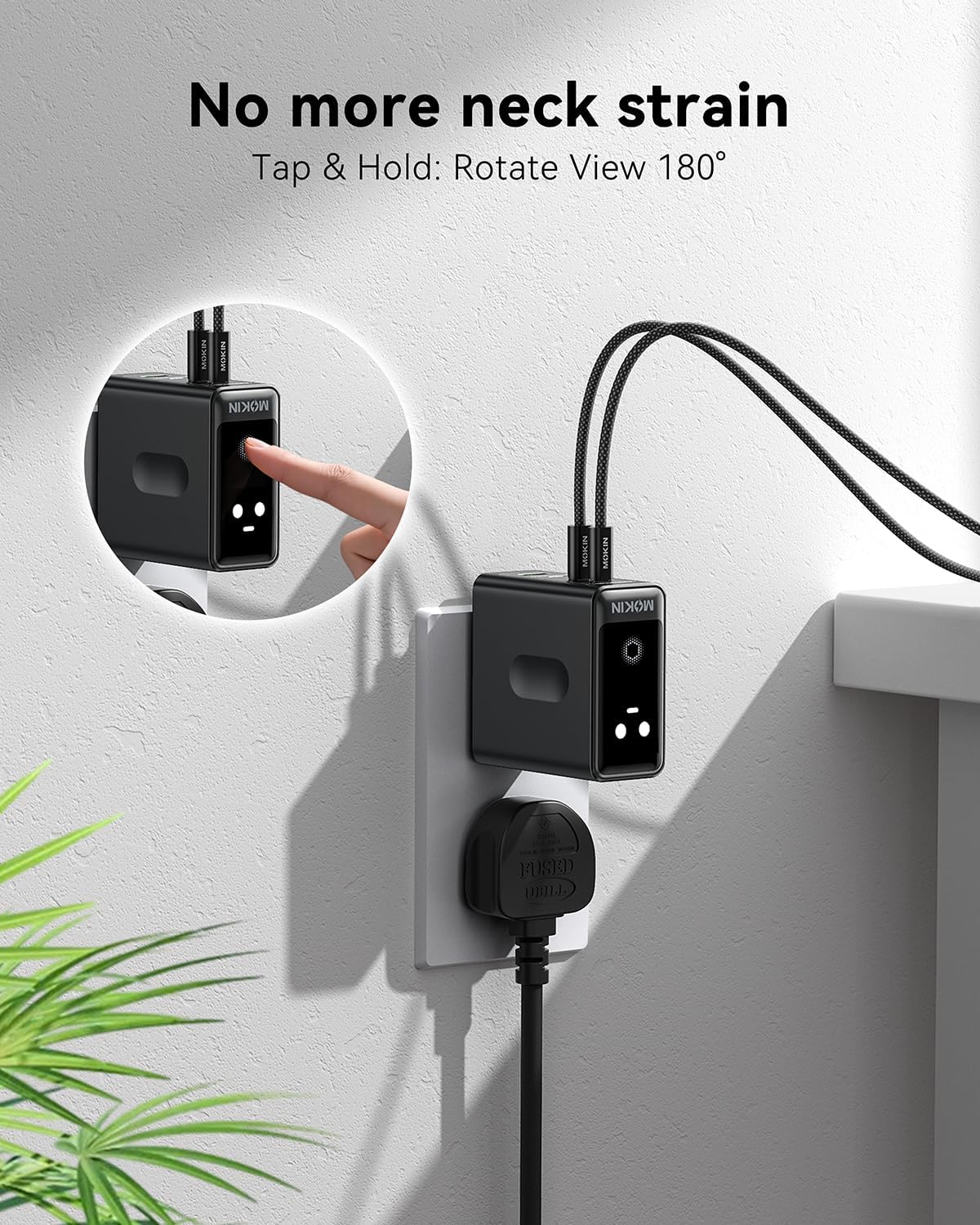
Image: A close-up of the imokin 140W charger's live screen, showing real-time power output and temperature monitoring for enhanced safety and information.
Setup Instructions
- Unpack: Carefully remove the imokin 140W GaN Charger and included USB-C cable from its packaging.
- Connect to Power: Plug the charger into a standard wall outlet. The foldable prongs ensure a compact fit.
- Connect Devices: Use the provided 140W USB-C to USB-C cable or other compatible cables to connect your devices to the charger's ports.
- Monitor Display: The built-in screen will activate, displaying the charging status and power distribution. Tap and hold the button on the charger to rotate the display 180 degrees for optimal viewing angle.
Video: Official MOKiN demonstration of the 140W USB C Charger, showcasing its features and ease of use for fast charging multiple devices.
Operating Instructions
The imokin 140W GaN Charger intelligently distributes power based on the connected devices' needs. For optimal fast charging, ensure your cables are rated for the required wattage.
Port Output Configurations
The charger features 3 USB-C ports and 1 USB-A port. The power distribution varies depending on the number of devices connected:
- Single Port Usage: USB-C1 or USB-C2 can deliver up to 140W Max. USB-C3 can deliver up to 30W Max. USB-A can deliver up to 22.5W Max.
- Two Port Usage:
- USB-C1 + USB-C2: 65W Max + 65W Max
- USB-C1 + USB-C3: 100W Max + 30W Max
- USB-C1 + USB-A: 100W Max + 22.5W Max
- Three Port Usage:
- USB-C1 + USB-C2 + USB-C3: 65W Max + 30W Max + 30W Max
- USB-C1 + USB-C2 + USB-A: 65W Max + 30W Max + 22.5W Max
- Four Port Usage: USB-C1 + USB-C2 + USB-C3 + USB-A: 65W Max + 30W Max + 20W Max

Image: Visual representation of the maximum power output when only one port is in use.

Image: Visual representation of the power distribution when all four ports are simultaneously in use.
Smart Display Usage
The integrated display provides real-time information. Tap the display to cycle through different views, showing individual port wattage, total wattage, and internal temperature. This allows you to monitor charging efficiency and ensure safe operation.
Maintenance
- Cleaning: Disconnect the charger from the power outlet before cleaning. Use a dry, soft cloth to wipe the surface. Avoid liquid cleaners or abrasive materials.
- Storage: Store the charger in a cool, dry place away from direct sunlight and extreme temperatures. Ensure the foldable prongs are retracted to prevent damage.
Troubleshooting
- Device not charging: Ensure the charger is securely plugged into a working power outlet. Verify that the charging cable is properly connected to both the charger and the device. Try a different port or cable.
- Slow charging: Check if your device supports fast charging and if the cable is rated for high wattage. When multiple devices are connected, the total power is distributed, which may reduce individual port speeds.
- Charger feels warm: It is normal for the charger to become warm during operation, especially under high load. The advanced safety system actively monitors temperature to prevent overheating. If it becomes excessively hot, disconnect devices and allow it to cool.
- Display not working: Ensure the charger is connected to a power source. Tap the display to activate it. If the issue persists, contact customer support.
Specifications
| Feature | Detail |
|---|---|
| Model Number | GP140B |
| Wattage | 140 watts |
| Total USB Ports | 3 (USB Type C) + 1 (USB Type A) |
| Input Voltage | 110 Volts |
| Connector Type | USB Type C, USB Type A |
| Item Weight | 14.1 ounces |
| Package Dimensions | 7.32 x 5.08 x 1.57 inches |
| Special Feature | Fast Charging, Intuitive Touch Screen |
| Manufacturer | HUNAN C-SMARTLINK TECHNOLOGY CO.,LTD. |
Warranty and Support
The imokin 140W USB C GaN Charger comes with dedicated customer support. If you encounter any problems with your product, please contact customer service before considering a return or taking any other action. MOKiN is committed to providing a 100% satisfactory solution.
You can contact support via:
- Support Mail
- Amazon Message
- MOKiN's Official Site