Introduction
This manual provides essential information for the proper setup, operation, and maintenance of your VINABTY BN59-01388C replacement remote control. This remote is designed to be compatible with various Samsung Crystal UHD 4K CU7000 series Smart TV models, including but not limited to UN43CU7000FXZA, UN50CU7000FXZA, UN55CU7000FXZA, UN58CU7000FXZA, UN65CU7000FXZA, UN70CU7000FXZA, UN75CU7000FXZA, and UN85CU7000FXZA. No programming is required for use with compatible models.
Product Overview
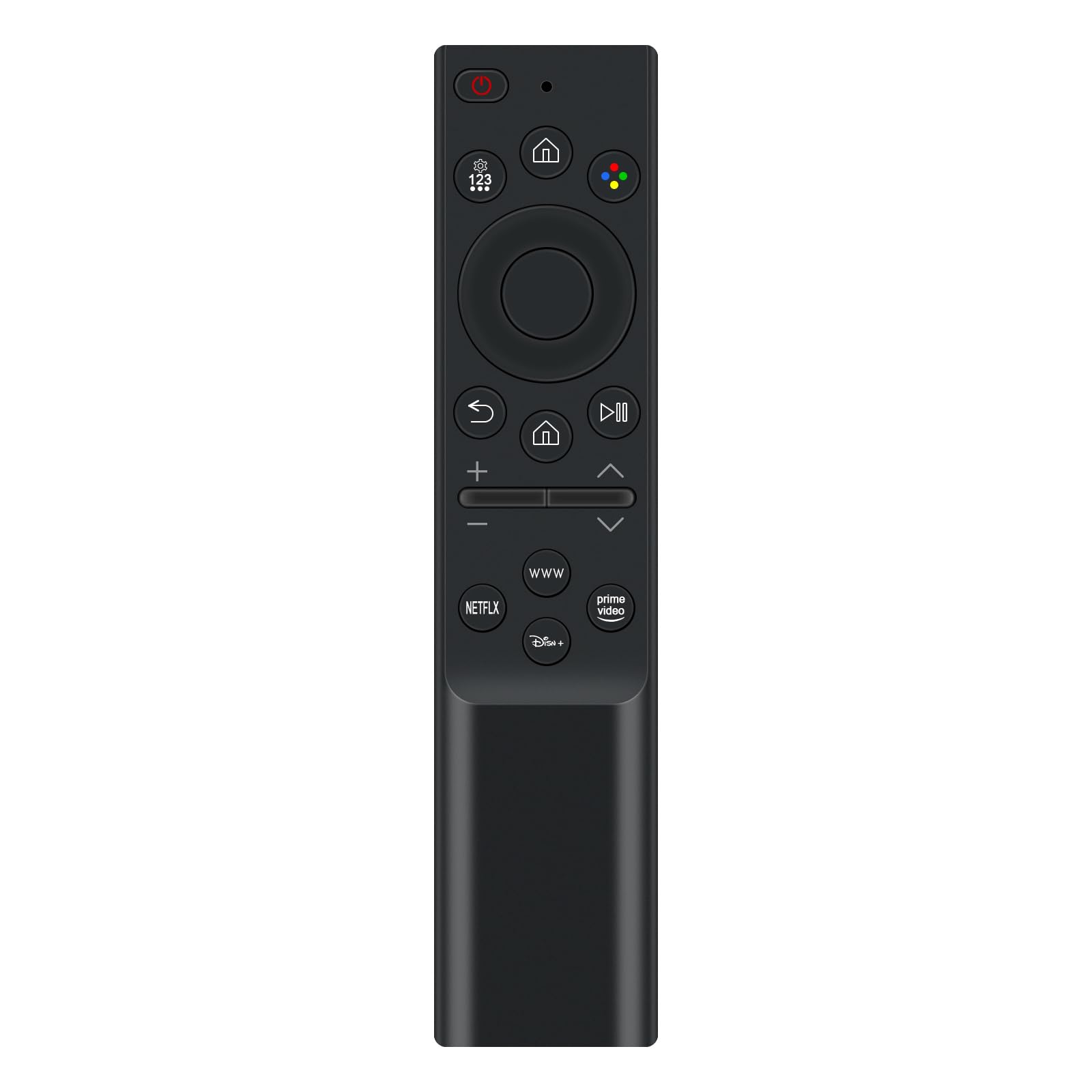
The VINABTY BN59-01388C is an ergonomic replacement remote control, designed to provide seamless control over your compatible Samsung Smart TV. It features a standard button layout for intuitive navigation and direct access to popular streaming services.
Setup
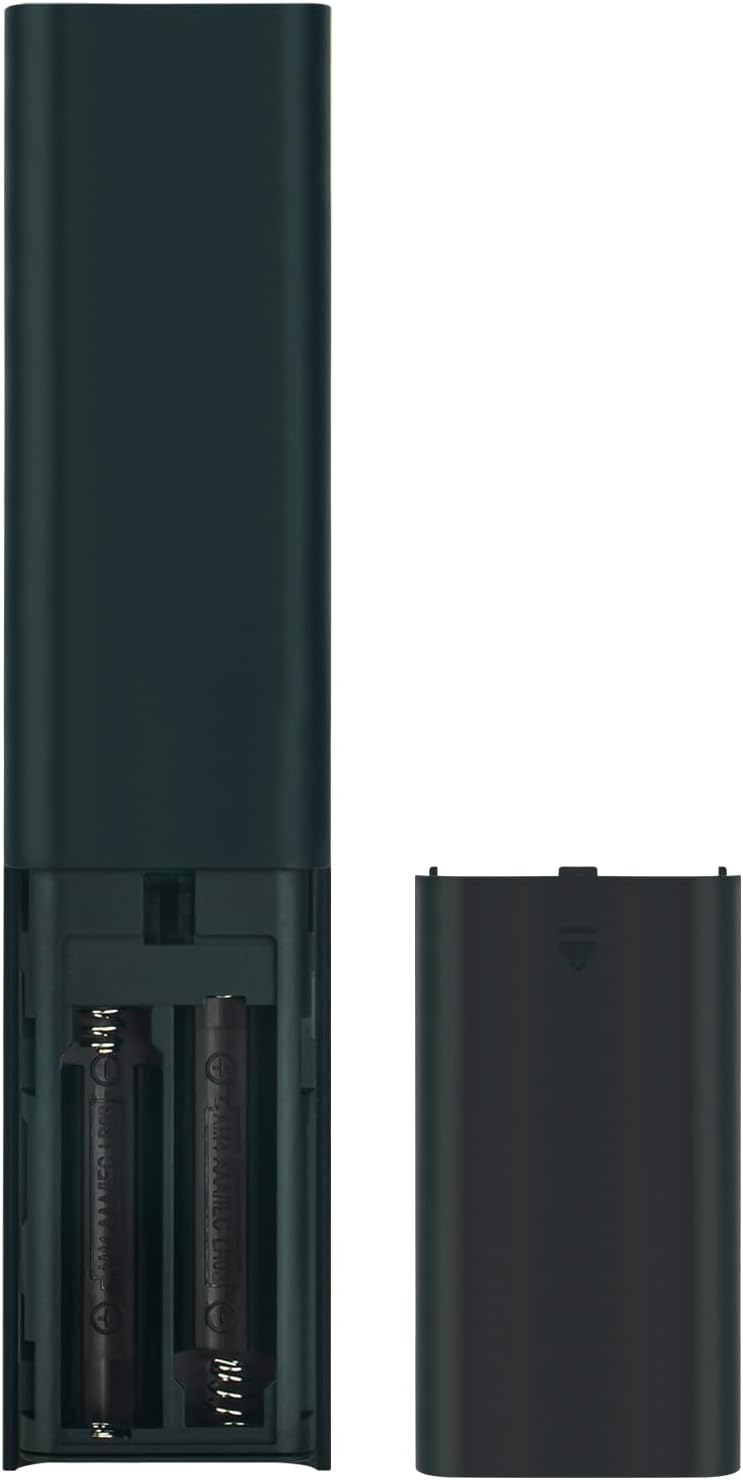
Battery Installation
- Locate the battery compartment cover on the back of the remote control.
- Slide the cover downwards or press the latch (if present) to open the compartment.
- Insert two (2) AAA batteries, ensuring the positive (+) and negative (-) terminals align correctly with the markings inside the compartment.
- Replace the battery compartment cover by sliding it back into place until it clicks securely.
The remote control is now ready for use. No additional programming is required for compatible Samsung TV models.
Operating Instructions
The remote control features a straightforward layout for easy operation of your Samsung Smart TV. Point the remote directly at your TV's infrared receiver for optimal performance.
- Power Button (O): Turns the TV on or off.
- Settings/123 Button: Accesses TV settings or brings up a numeric keypad for channel input.
- Home Button (⌂): Returns to the Smart Hub or home screen.
- Navigation Pad (Up, Down, Left, Right, Enter): Used to navigate menus and select items.
- Back Button (↶): Returns to the previous screen or menu.
- Play/Pause Button (⏸): Controls media playback.
- Volume Buttons (+/-): Adjusts the TV volume.
- Channel Buttons (Up/Down): Changes TV channels.
- Dedicated App Buttons (NETFLIX, WWW, Disney+, Prime Video): Provides direct access to these streaming applications.
Maintenance
- Cleaning: Use a soft, dry cloth to clean the remote control. Avoid using liquid cleaners or abrasive materials.
- Battery Replacement: Replace batteries when the remote's response becomes sluggish or stops working. Always replace both batteries at the same time with new AAA batteries.
- Storage: Store the remote in a cool, dry place away from direct sunlight and extreme temperatures.
Troubleshooting
- Remote is not responding:
- Ensure the batteries are inserted correctly with the correct polarity.
- Replace old batteries with new AAA batteries.
- Check for any obstructions between the remote control and the TV's infrared receiver.
- Ensure you are within the effective range of the TV's infrared receiver.
- Some buttons are not working:
- Clean the remote control surface and buttons to remove any dirt or debris that might be interfering with button presses.
- If only specific buttons are unresponsive, the remote may be damaged.
Specifications
| Feature | Specification |
|---|---|
| Model Number | BN59-01388C |
| Brand | VINABTY |
| Compatible Devices | Samsung Crystal UHD 4K CU7000 Smart TVs (e.g., UN43CU7000FXZA, UN50CU7000FXZA, etc.) |
| Power Source | 2 x AAA Batteries (not included) |
| Color | Black |
| Special Feature | Ergonomic Design |
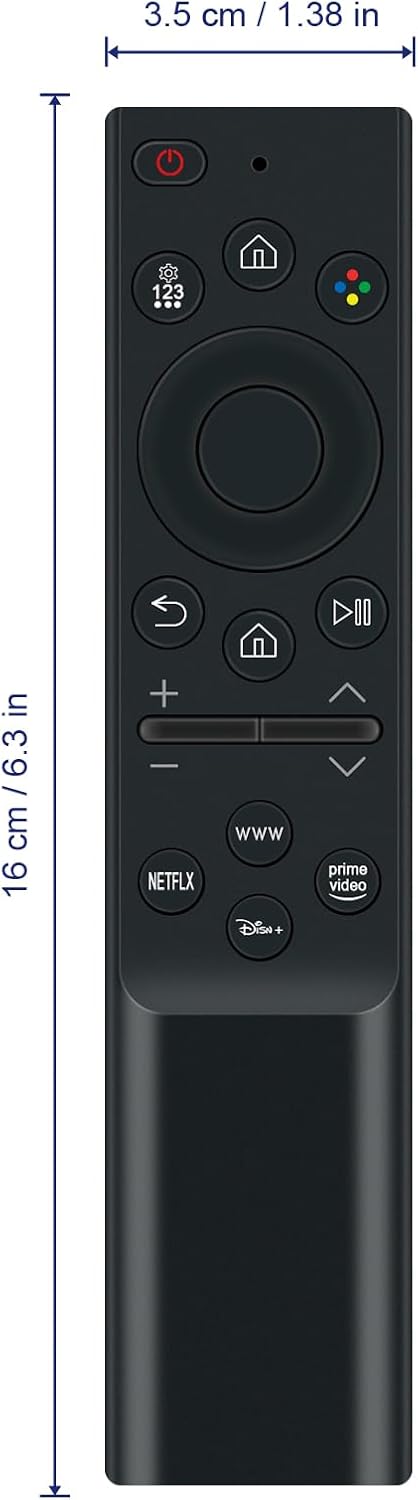
| Product Dimensions | 5 x 1.9 x 0.5 inches (12.7 x 4.8 x 1.3 cm) |
| Item Weight | 1.9 ounces (53.8 grams) |
Warranty and Support
For warranty information or technical support, please refer to the documentation provided with your purchase or contact the retailer. Keep your purchase receipt for warranty claims.


