
1. Introduction
Welcome to the user manual for your BIGASUO Mini Projector BGP45. This guide provides essential information for setting up, operating, and maintaining your projector to ensure optimal performance and longevity. Please read this manual thoroughly before using the device.
2. Product Overview and Features
The BIGASUO Mini Projector BGP45 is a versatile and portable projection device designed for various entertainment and presentation needs. Key features include:
- 1080P Full HD Support: Delivers clear and vibrant images with a native resolution of 1280x720, supporting up to 1080P input.
- Wide Projection Range: Projects screen sizes from 40 to 130 inches, with an ideal viewing distance of 5 feet.
- Integrated Android 11.0 System: Allows direct access to streaming apps without external devices.
- 270° Rotatable Stand: Offers flexible projection angles, including ceiling projection.
- Automatic Keystone Correction: Features 4D and 4P keystone correction for quick image alignment.
- Dual-Band WiFi 6: Ensures fast and stable wireless connectivity.
- Bluetooth 5.0: For convenient connection to external audio devices.
- Eye Protection: Equipped with optical glass lenses to filter harmful blue light.

Figure 2.1: The compact BIGASUO Mini Projector BGP45, designed for portability.
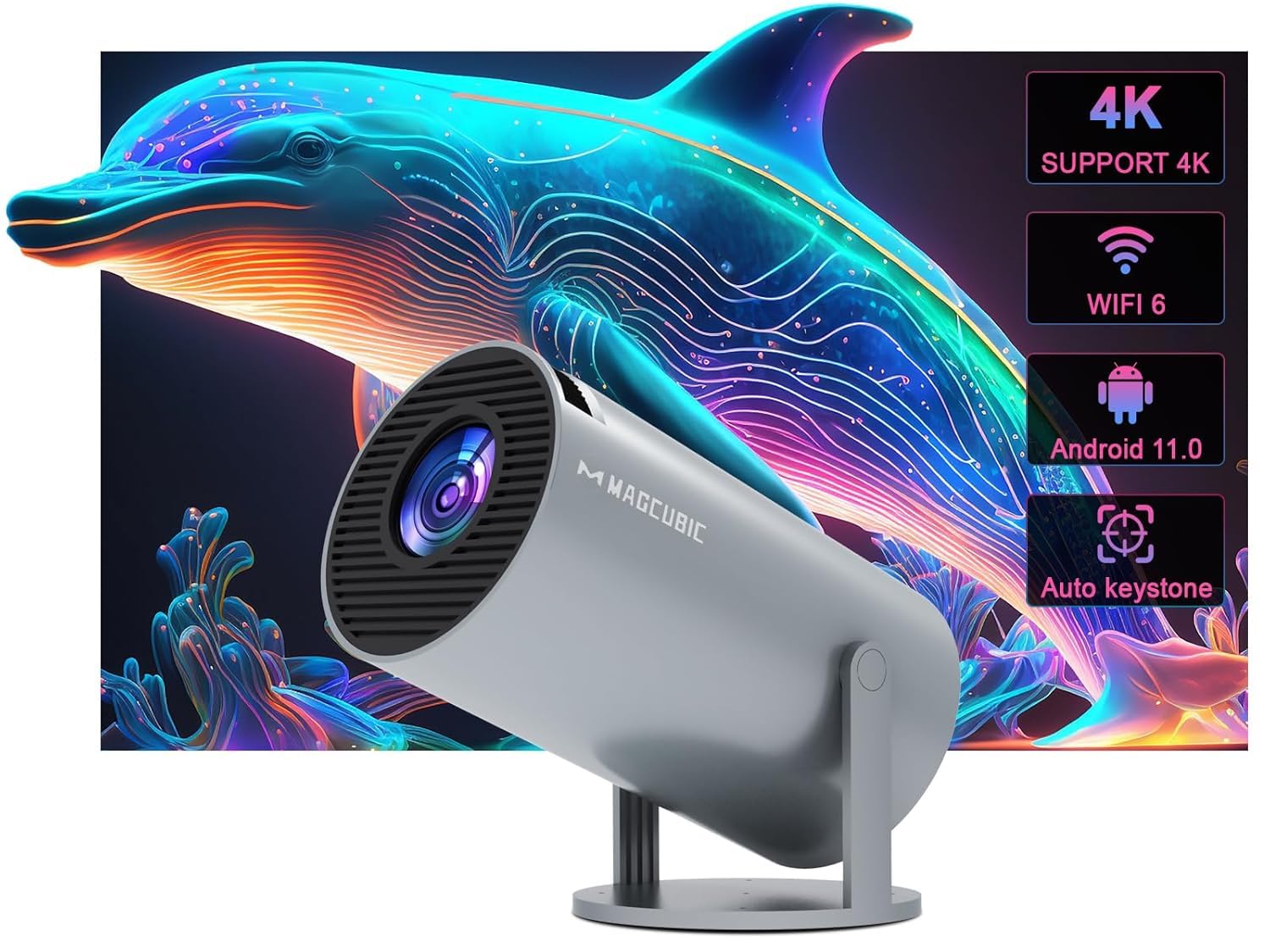
Figure 2.2: Visual representation of the projector's core features including 4K support, WiFi 6, Android 11.0, and auto keystone.
3. Getting Started: Initial Setup
3.1 Unpacking
Carefully remove all components from the packaging. Ensure all items listed in the product contents are present.
3.2 Power Connection
- Connect the power adapter to the projector's power input port.
- Plug the power adapter into a suitable electrical outlet (220V).
3.3 Placement and Adjustment
Position the projector on a stable, flat surface. The BGP45 features a 270° rotatable stand, allowing you to project images onto walls, screens, or even the ceiling for versatile viewing experiences.

Figure 3.1: The projector's 180-degree rotation feature, enabling projection onto various surfaces including ceilings.
4. Operating Instructions
4.1 Power On/Off
Press the power button on the projector or the remote control to turn the device on or off.
4.2 Navigation
Utilize the remote control to navigate the Android 11.0 operating system interface. Select apps, adjust settings, and control media playback.
4.3 Focus and Keystone Correction
Adjust the manual focus ring on the projector lens until the image is sharp. The projector features automatic 4D and 4P keystone correction to automatically square the projected image. If manual adjustment is needed, refer to the on-screen display settings.

Figure 4.1: The projector's auto horizontal keystone and 4-point correction feature for precise image alignment.
4.4 Projection Size and Distance
The projector can display images from 40 to 130 inches. The optimal projection distance for a clear image is approximately 5 feet, achieving a 1.29:1 projection ratio.
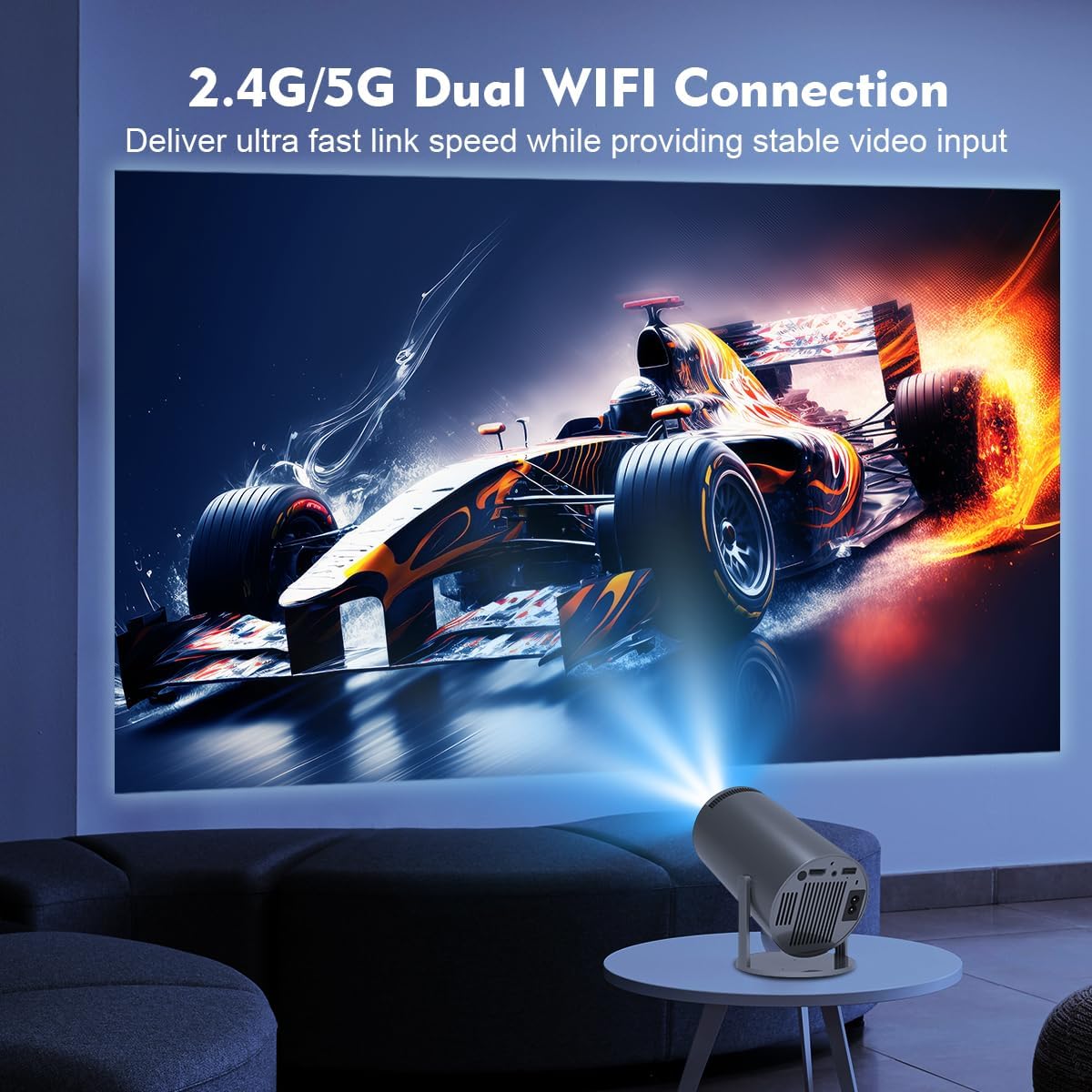
Figure 4.2: Guide to projection distances and corresponding screen sizes for the BGP45 projector.
5. Connectivity
5.1 Wi-Fi Connection
The projector supports dual-band WiFi 6 (2.4G/5G) for high-speed internet access. Navigate to the network settings in the Android system, select your Wi-Fi network, and enter the password to connect.
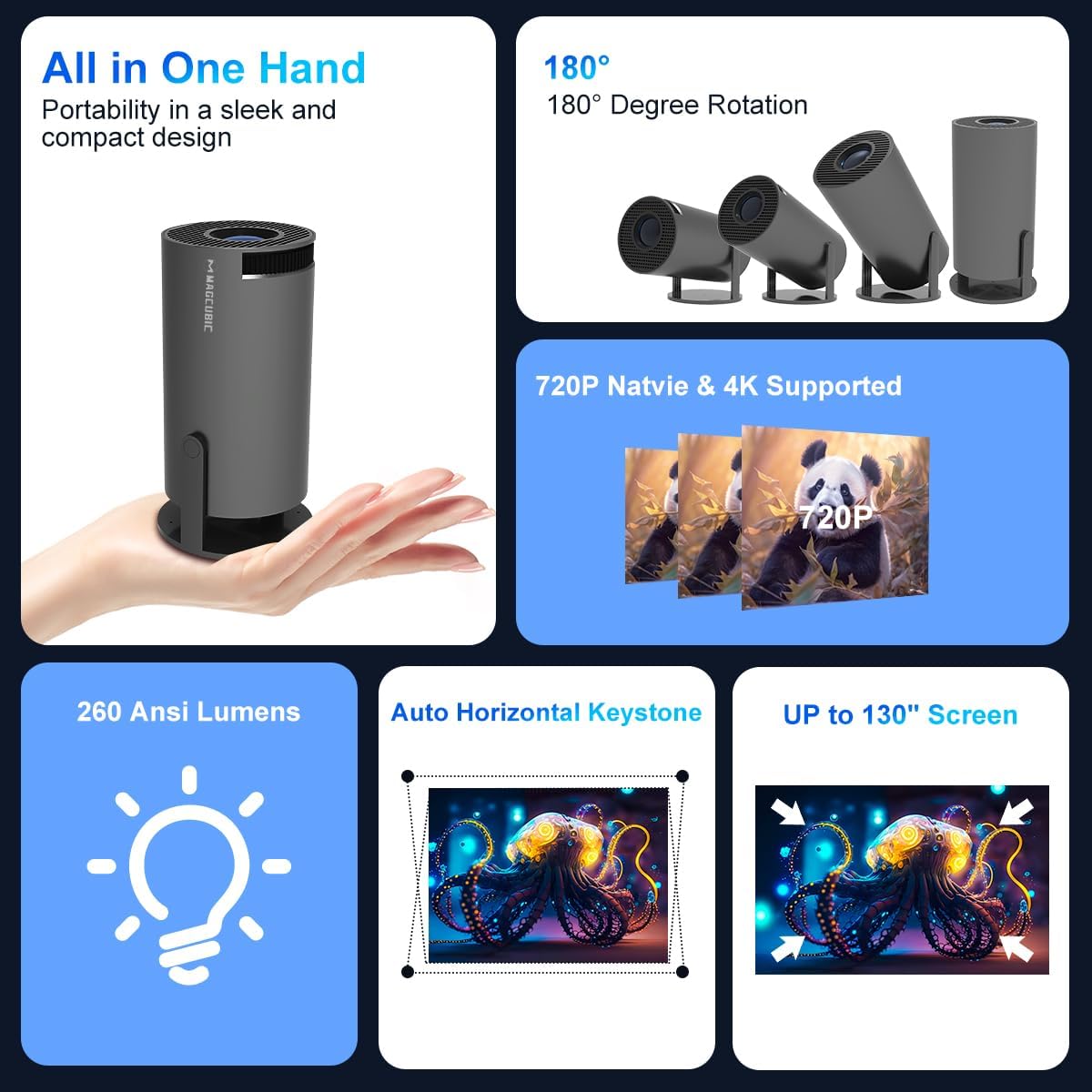
Figure 5.1: The projector utilizing its 2.4G/5G dual WiFi connection for stable video input.
5.2 Bluetooth Audio
Connect external Bluetooth speakers or headphones using Bluetooth 5.0 for enhanced audio. Go to Bluetooth settings, enable Bluetooth, and pair with your desired device.

Figure 5.2: The projector's Bluetooth 5.0 capability for connecting to external speakers.
5.3 HDMI and USB Inputs
Use the HDMI port to connect devices such as TV sticks, gaming consoles (e.g., PS5), or laptops. The USB port allows for playback of media files directly from USB storage devices.
5.4 Screen Mirroring
The projector supports Miracast, Airplay, and DLNA for screen mirroring from compatible smartphones and tablets. Ensure your device and the projector are connected to the same Wi-Fi network, then select the appropriate mirroring function.

Figure 5.3: The projector's screen mirroring functionality, supporting Miracast, Airplay, and DLNA.
6. Care and Maintenance
- Lens Cleaning: Use a soft, lint-free cloth specifically designed for optical lenses to gently clean the projector lens. Avoid abrasive materials or harsh chemicals.
- Dust Removal: Regularly clean the projector's vents to prevent dust buildup, which can affect performance and lead to overheating. Use a soft brush or compressed air.
- Storage: When not in use, store the projector in a cool, dry place, away from direct sunlight and extreme temperatures.
- Power Off Properly: Always power off the projector using the designated power button and allow it to cool down before unplugging or moving.
7. Troubleshooting
If you encounter issues with your projector, refer to the following common problems and solutions:
| Problem | Possible Cause | Solution |
|---|---|---|
| No Power | Power cable disconnected; power outlet issue. | Ensure power cable is securely connected. Test the outlet with another device. |
| No Image | Input source incorrect; device not connected; lens cap on. | Select correct input source. Check HDMI/USB connections. Remove lens cap. |
| Blurred Image | Focus not adjusted; keystone issue. | Adjust the manual focus ring. Check keystone correction settings. |
| No Sound | Volume too low; external speaker not connected; audio format unsupported. | Increase projector volume. Check Bluetooth connection to external speakers. Ensure media audio format is supported. |
| Remote Not Responding | Batteries low/dead; obstruction; remote sensor blocked. | Replace remote batteries. Ensure no obstructions between remote and projector. Clean remote sensor area. |
| Wi-Fi Connection Issues | Incorrect password; network interference; router too far. | Verify Wi-Fi password. Move projector closer to router or reduce interference. Restart router and projector. |
8. Technical Specifications
| Feature | Specification |
|---|---|
| Brand | BIGASUO |
| Model | BGP45 |
| Display Type | LCD |
| Native Resolution | 1280 x 720 (Supports 1920 x 1080) |
| Aspect Ratio | 16:9 |
| Connectivity Technology | Bluetooth 5.0, Wi-Fi 6 (2.4G/5G) |
| Hardware Interface | Bluetooth, HDMI |
| Special Features | Android 11.0 System, 270° Rotatable Stand, Automatic Keystone Correction, Screen Mirroring |
| Product Dimensions | 10 x 25 x 10 cm |
| Item Weight | 2.5 kg |
| Voltage | 220 Volts |
| Wattage | 50 Watts |
| Refresh Rate | 60 Hz |
9. Warranty and Support
The BIGASUO Mini Projector BGP45 comes with a 2-year reliability period. For technical support, warranty claims, or any inquiries, please contact BIGASUO customer service through the official channels provided at the time of purchase.
