1. Introduction
Thank you for choosing the Hlivelood 9-Drawer Dresser with LED Light and Charging Station. This manual provides essential information for the safe assembly, operation, and maintenance of your new dresser. Please read these instructions carefully before beginning assembly and retain them for future reference.
This modern chest of drawers is designed to offer ample storage space and enhance your living environment with integrated LED lighting and a convenient charging station. Its versatile design makes it suitable for various rooms, including bedrooms, living rooms, entryways, and hallways.
2. Safety Information
- Anti-Tip Device: It is highly recommended to install the included anti-tip device to prevent the dresser from tipping over, especially in households with children or pets. Follow the instructions provided with the anti-tip kit.
- Weight Limits: Do not overload drawers or the top surface. Distribute weight evenly. Refer to the specifications section for maximum weight capacities.
- Electrical Safety: Ensure the charging station is connected to a properly grounded electrical outlet. Do not use if the cord is damaged. Keep liquids away from the charging station.
- Assembly: Assemble the dresser on a soft, clean surface to prevent scratches. Ensure all screws and fasteners are securely tightened before use. Periodically check and re-tighten fasteners as needed.
- Placement: Place the dresser on a level surface to ensure stability.
3. Package Contents
Before assembly, verify that all components listed below are present and undamaged. If any parts are missing or damaged, please contact customer support.
- Dresser Panels (Top, Bottom, Sides, Back)
- Drawer Fronts, Sides, and Bottoms (for 9 drawers)
- Drawer Slides and Hardware
- Drawer Handles
- LED Light Strip with Remote Control
- Built-in Charging Station (with power cord)
- Assembly Hardware (screws, dowels, cam locks, etc.)
- Anti-Tip Kit
- Instruction Manual
4. Assembly Instructions
Assembly of this dresser requires patience and attention to detail. It is recommended to have two people for assembly. A screwdriver is required; a power drill may expedite the process but use with caution to avoid overtightening.
General Assembly Steps:
- Unpack and Identify Parts: Lay out all parts on a soft, clean surface. Match each part to the corresponding label in the parts list.
- Assemble the Main Frame: Follow the step-by-step diagrams to connect the side panels, bottom panel, and back panel to form the main dresser frame. Ensure all cam locks and screws are tightened.
- Install Drawer Slides: Attach the drawer slides to the inside of the dresser frame according to the diagrams. Pay attention to the orientation of the slides.
- Assemble Drawers: Construct each of the nine drawers by attaching the sides, back, and bottom to the drawer front. Install the drawer handles.
- Insert Drawers: Carefully slide the assembled drawers onto the installed drawer slides.
- Install LED Light Strip: Adhere the LED light strip to the designated area on the dresser, typically under the top shelf or along the back edge. Connect it to the power source.
- Install Charging Station: Secure the built-in charging station into its pre-cut opening on the top surface. Connect its power cord.
- Attach Anti-Tip Kit: Securely fasten the anti-tip device to the back of the dresser and to a wall stud, following the specific instructions provided with the kit.
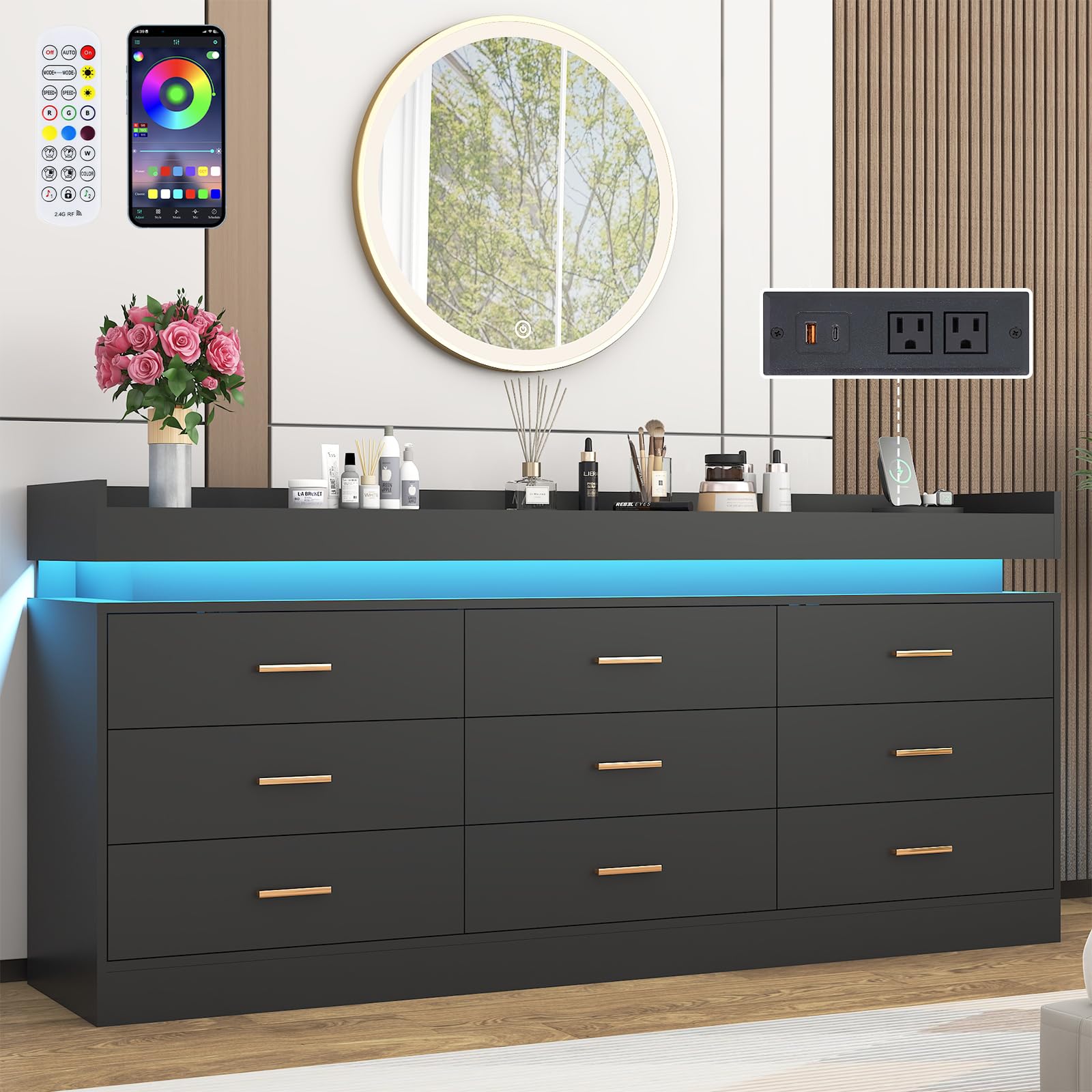
Figure 4.1: Overall dimensions and drawer dimensions of the dresser.
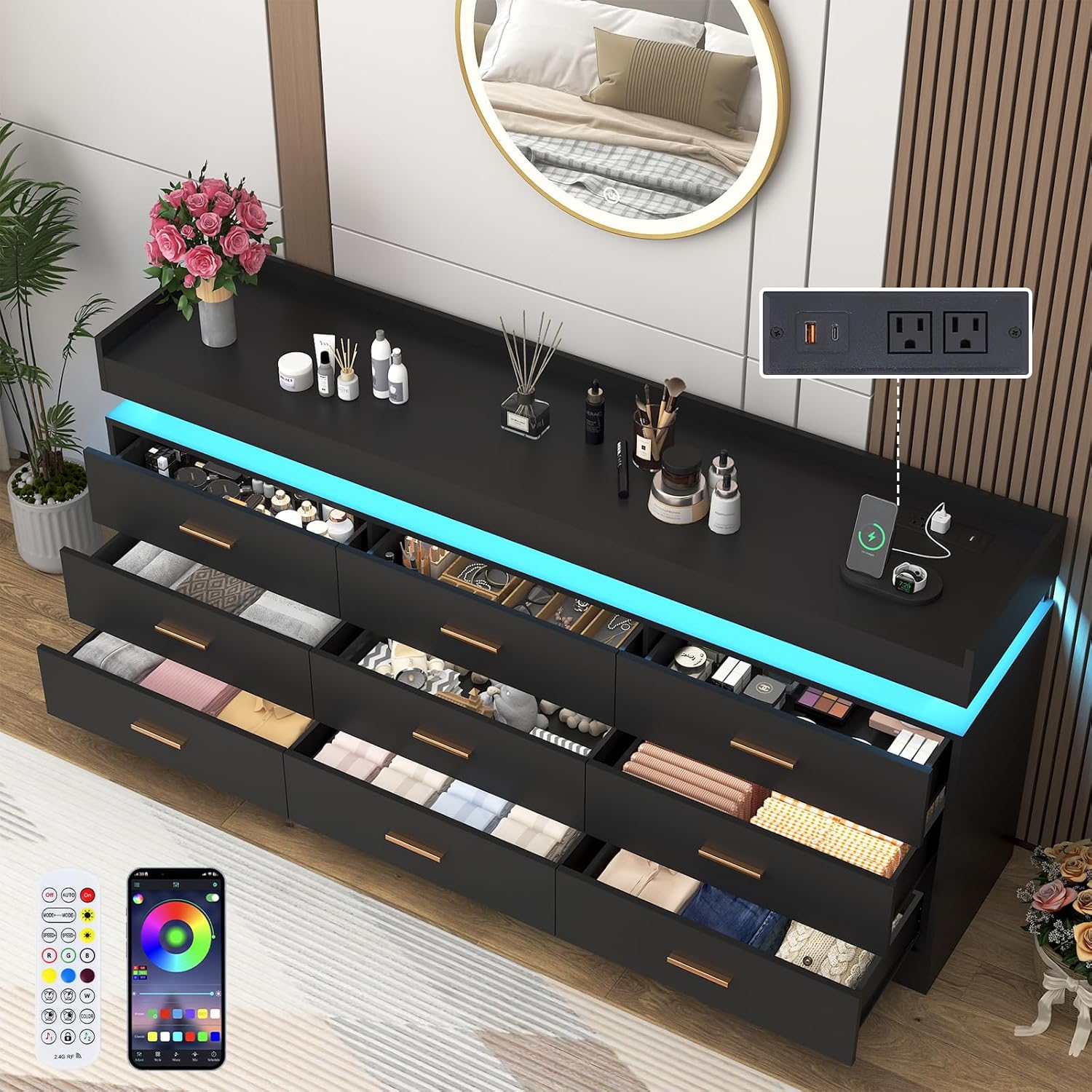
Figure 4.2: Dresser with drawers open, illustrating storage capacity.
5. Operating Instructions
5.1. LED Lighting System
The integrated LED lighting system can be controlled via the included remote control or a compatible smartphone application (if available). Ensure the LED light strip is properly connected to its power source.
- Power On/Off: Use the 'ON' and 'OFF' buttons on the remote to activate or deactivate the lights.
- Color Selection: Choose from hundreds of colors using the color wheel or preset color buttons on the remote.
- Dynamic Modes: Select from 25 dynamic modes to create various lighting effects.
- Brightness Adjustment: Adjust the brightness from 0% to 100% using the brightness control buttons.
- Music Sync: The lights can fluctuate with music, enhancing the ambiance of your room.
- Timing Function: Set a timer for the lights to automatically turn off.

Figure 5.1: LED light control options via remote and smartphone app.
5.2. Charging Station
The built-in charging station provides convenient access to power for your electronic devices. Ensure the dresser's power cord is plugged into a functional wall outlet.
- AC Outlets: Use the standard AC outlets to power devices such as lamps, laptops, or other electronics.
- USB Ports: Utilize the USB ports to charge smartphones, tablets, smartwatches, and other USB-powered devices.

Figure 5.2: Close-up of the integrated charging station.
6. Maintenance
- Cleaning: Wipe the dresser surfaces with a soft, damp cloth. Avoid harsh chemicals or abrasive cleaners, which can damage the finish.
- Dusting: Regularly dust the dresser with a dry, soft cloth to prevent buildup.
- Spills: Clean up spills immediately to prevent staining or damage to the engineered wood.
- Hardware Check: Periodically check all screws, bolts, and fasteners to ensure they remain tight. Re-tighten as necessary to maintain stability.
- Drawer Care: Ensure drawers slide smoothly. If they become stiff, check the drawer slides for debris or misalignment.
7. Troubleshooting
7.1. LED Lights Not Working
- Check Power Connection: Ensure the LED light strip is securely plugged into its power adapter and the adapter is plugged into a working electrical outlet.
- Remote Control Battery: Replace the battery in the remote control if the lights are unresponsive.
- Remote Sensor: Ensure there are no obstructions between the remote control and the LED receiver.
7.2. Charging Station Not Functioning
- Check Power Cord: Verify that the dresser's main power cord is firmly plugged into a functional wall outlet.
- Device Compatibility: Ensure your device is compatible with the USB ports or AC outlets.
- Overload: Avoid overloading the charging station with too many high-power devices simultaneously.
7.3. Drawers Are Sticking or Not Closing Properly
- Check Assembly: Re-check the assembly of the drawer slides and ensure they are correctly aligned and installed.
- Obstructions: Look for any objects or debris obstructing the drawer slides.
- Level Surface: Ensure the dresser is placed on a level surface. Uneven surfaces can cause drawers to misalign.
8. Specifications
| Feature | Detail |
|---|---|
| Brand | Hlivelood |
| Model Name | Hlivelood |
| Product Dimensions | 15.7"D x 63"W x 31.5"H |
| Number of Drawers | 9 |
| Material | Engineered Wood |
| Color | Black |
| Item Weight | 145 pounds |
| Special Features | LED Lighting, Built-in Charging Station |
9. Warranty and Support
For warranty information, product support, or to report missing/damaged parts, please contact Hlivelood customer service. Refer to your purchase documentation for specific contact details or visit the official Hlivelood website.
Please have your model number (Hlivelood) and purchase date available when contacting support.


