
1. Introduction
This manual provides detailed instructions for the VOPLLS Smart Mini Projector K3. It covers setup, operation, maintenance, and troubleshooting to ensure optimal performance and user experience. Please read this manual thoroughly before using your projector.

Figure 1: VOPLLS Smart Mini Projector K3 showcasing its smart features.
2. What's in the Box
- Smart Projector with WiFi and Bluetooth
- HDMI Cable
- User Manual
- Remote (Batteries not included)
3. Key Features
- Officially-Licensed Apps: Built-in streaming for Netflix, Prime Video, YouTube, and more.
- Immersive Dolby Audio: Enhanced sound clarity and depth.
- AI-Powered TOF Autofocus: Achieves sharp focus in 0.3 seconds with automatic keystone correction.
- Lightweight Linux System: Instant-on, zero bloatware, and sustained performance.
- Portable Design: Compact (880g) with a 210° free-angle rotating stand for versatile projection.
- High-Resolution Display: Native 1080P resolution with 4K decoding support and 350 ANSI lumens.
- Advanced Connectivity: Ultra-fast WiFi 6 and Bluetooth 5.2 for seamless device pairing.
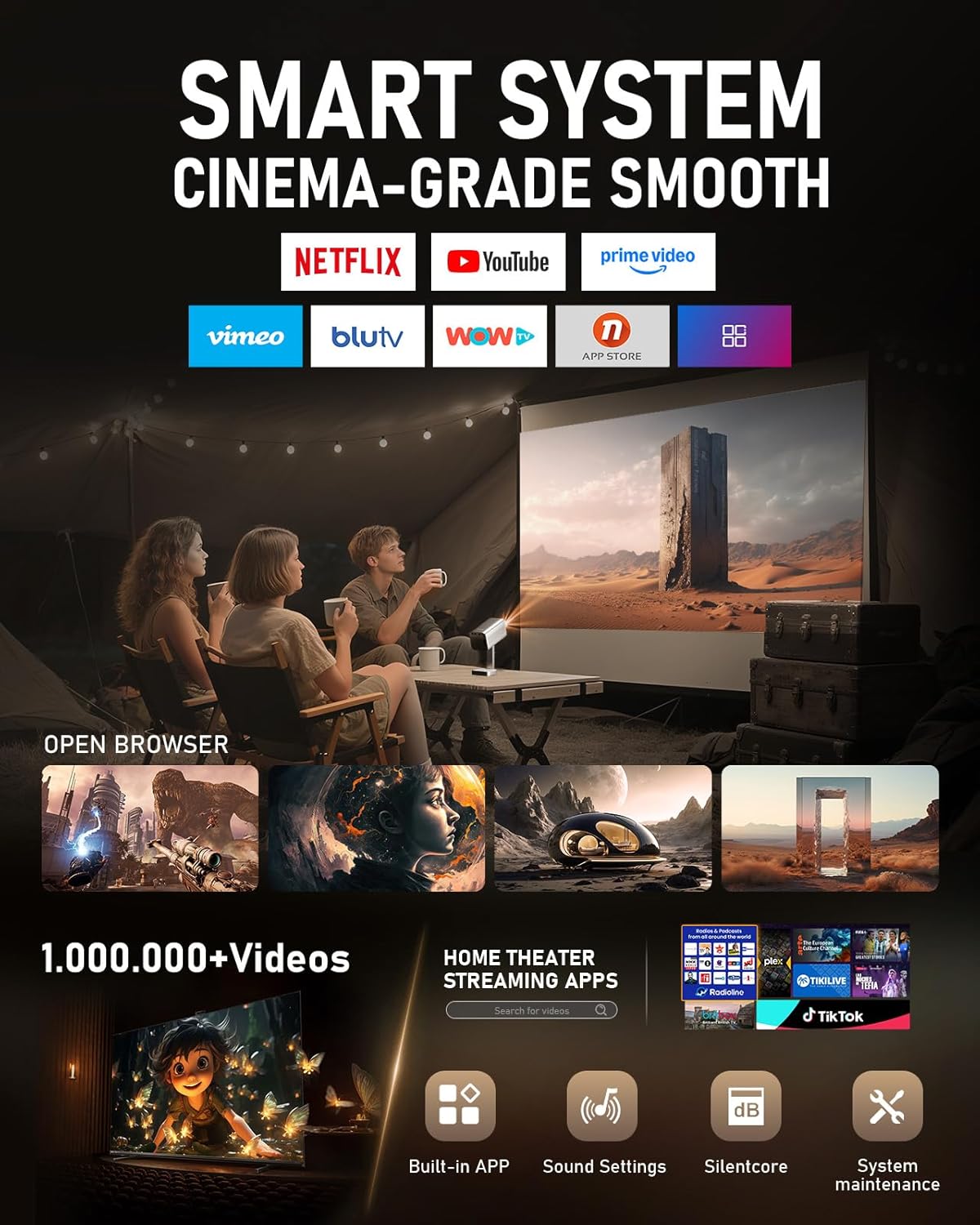
Figure 2: The projector's smart system interface with various streaming applications.

Figure 3: Illustration of the TOF Instant Focus technology, highlighting its speed and precision.
4. Setup Guide
4.1 Initial Setup
- Unpack: Carefully remove all components from the packaging. Verify that all items listed in 'What's in the Box' are present.
- Power Connection: Connect the power cord to the projector's power input port and then to a power outlet.
- Power On: Press the power button on the projector or the remote control to turn on the device.
- Language and Time Zone: Follow the on-screen prompts to select your preferred language and set the correct time zone.
- Network Connection: Navigate to the 'Network' settings and enable Wi-Fi. Select your Wi-Fi network (supports 2.4G and 5G) and enter the password.
4.2 Projection Adjustment
The VOPLLS K3 projector features advanced automatic adjustment capabilities:
- TOF Autofocus: The projector will automatically adjust the focus to ensure a clear image within 0.3 seconds.
- Automatic Keystone Correction: The projector automatically corrects the image shape to be rectangular, regardless of the projection angle. This eliminates the need for manual adjustments.

Figure 4: The projector in use, displaying content from Netflix on a wall.
5. Operating Instructions
5.1 Remote Control Functions
The included remote control provides full functionality for navigating the projector's interface and controlling media playback. It features dedicated buttons for popular streaming services like Netflix, YouTube, and Prime Video for quick access.
5.2 Accessing Streaming Content
Once connected to Wi-Fi, you can directly access pre-installed streaming applications from the home screen. Simply select the desired app (e.g., Netflix, Prime Video, YouTube) and log in with your account credentials.
5.3 Connecting External Devices
The projector supports various external connections:
- HDMI: Connect devices such as laptops, gaming consoles, or Blu-ray players using the provided HDMI cable. Select the HDMI input source from the projector's menu.
- USB: Insert a USB flash drive into the USB port to play local media files (videos, photos, music).
- Bluetooth 5.2: Pair with external Bluetooth speakers or headphones for enhanced audio. Navigate to the Bluetooth settings to discover and connect devices.
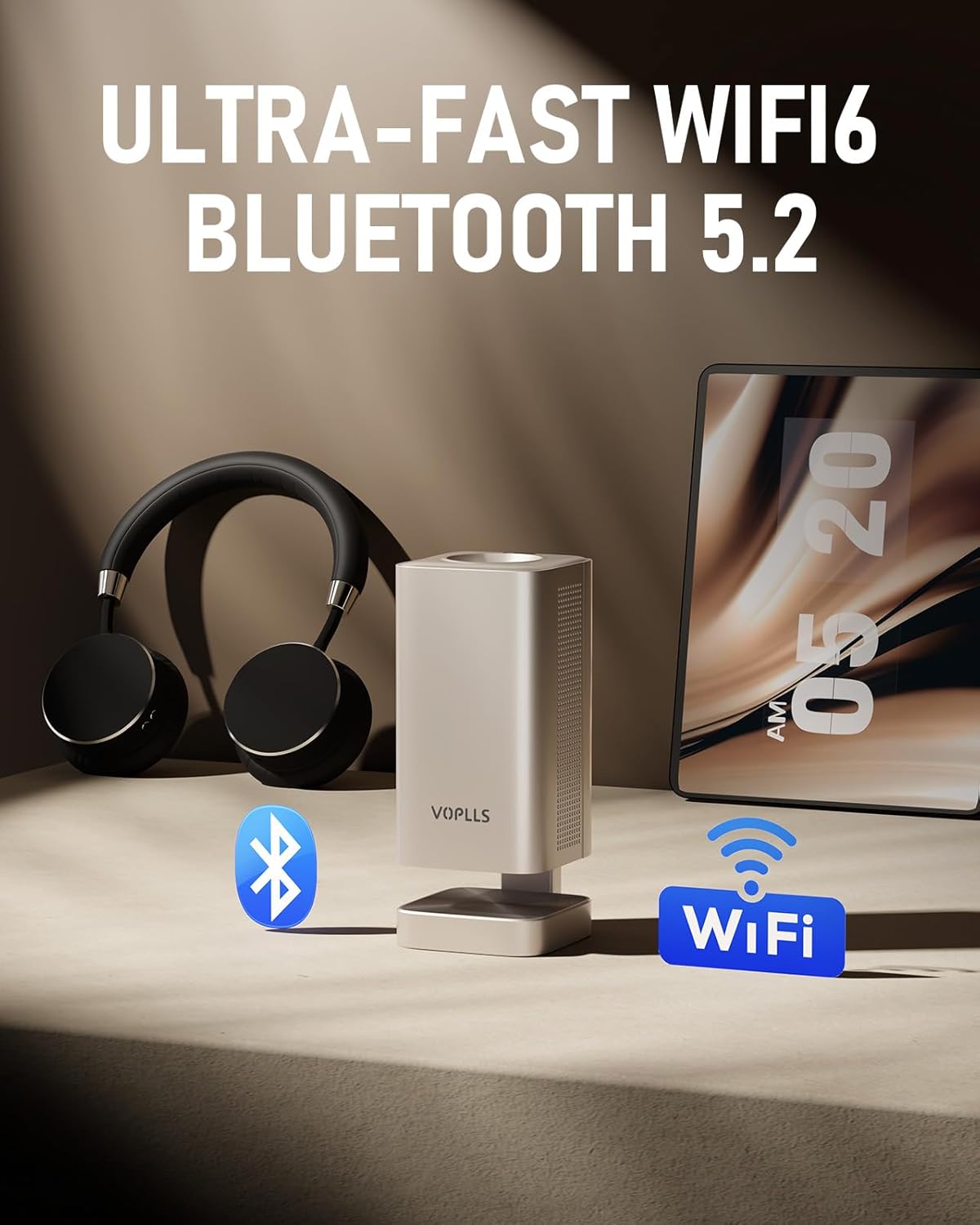
Figure 5: The projector's wireless connectivity options, including WiFi 6 and Bluetooth 5.2.
5.4 Screen Mirroring
The projector supports screen mirroring from compatible devices. Note that some streaming services with HDCP (High-bandwidth Digital Content Protection) may not allow mirroring. For such content, it is recommended to use an HDMI connection.
5.5 Audio Output
The projector features built-in speakers with Dolby Audio. For a more immersive experience, connect external audio devices via Bluetooth or the 3.5mm audio jack.
Video 1: Demonstration of the VOPLLS projector's basic operation and image projection.
6. Maintenance
6.1 Cleaning
- Lens: Use a soft, lint-free cloth specifically designed for optical lenses to gently clean the projector lens. Avoid abrasive materials or harsh chemicals.
- Dust Filter: Regularly clean the dust filter to maintain optimal performance and prevent overheating. Refer to the user manual for specific instructions on accessing and cleaning the filter.
- Exterior: Wipe the exterior of the projector with a soft, dry cloth.
6.2 Storage
When not in use, store the projector in a cool, dry place away from direct sunlight and extreme temperatures. Use the provided lens cap to protect the lens from dust and scratches.
7. Troubleshooting
- No Power: Ensure the power cord is securely connected to both the projector and the power outlet. Check if the power outlet is functional.
- No Image: Verify that the correct input source is selected. Check HDMI or USB connections if using external devices.
- Blurry Image: The projector features automatic focus. If the image remains blurry, try repositioning the projector slightly or manually triggering the autofocus function if available in settings.
- No Sound: Check the volume settings on both the projector and any connected external audio devices. Ensure Bluetooth devices are properly paired.
- Wi-Fi/Streaming Issues: Confirm your Wi-Fi network is active and the signal is strong. Restart the projector and your router if necessary.
8. Specifications
| Feature | Specification |
|---|---|
| Brand | VOPLLS |
| Model Number | K3 |
| Item Weight | 2.8 pounds (approx. 1.27 kg) |
| Product Dimensions | 11 x 9 x 3.5 inches (approx. 27.9 x 22.9 x 8.9 cm) |
| Display Resolution | 1920 x 1080 (Native 1080P) |
| 4K Support | Yes |
| Brightness | 350 ANSI lumens |
| Connectivity Technology | 3.5mm Jack, HDMI, USB, Wi-Fi (Ultra-fast WiFi 6), Bluetooth (5.2) |
| Special Features | 210° Portable Rotating Stand, Built-In Speaker, Dolby Audio, Compatible with Netflix, Built-in Apps, Fast TOF Auto Focus, Linux System |
| Recommended Uses | Home Cinema |
9. Warranty and Support
The VOPLLS Smart Mini Projector K3 comes with a 2-year product replacement warranty and lifetime after-sales service. For technical support, warranty claims, or any inquiries, please contact VOPLLS customer service through their official website or the retailer where the product was purchased.
Video 2: A short demonstration highlighting the Native 1080P and 4K support capabilities of the projector.


