
Introduction
Thank you for choosing the SONGMICS Motion Sensor Trash Can. This automatic garbage can is designed for convenience and hygiene, featuring intelligent motion sensing and a soft-close lid. Please read this manual carefully before use to ensure proper operation and maintenance.

Image: The SONGMICS Motion Sensor Trash Can, showcasing its sleek ink black design and motion sensor capabilities.
Product Features
- Dual Opening Options: Features a motion sensor for automatic opening (within 25 cm) with a 5-second auto-close, and a touch button to keep the lid open for up to 15 minutes.
- Space-Efficient Design: Compact footprint (16.7"L x 10.7"W x 23.1"H) with a generous 13-gallon (50 L) capacity, suitable for most household waste needs.
- Silent Soft-Close Lid: The lid closes gently at under 40 dB, ensuring quiet operation and preventing disruptive noise.
- Secure Bag Retainer Ring: Keeps trash bags securely in place and conceals the bag edges for a neat appearance. Includes 15 compatible bin bags (coded K).
- Durable Construction: Made with a stainless steel body that is rust-resistant, fingerprint-resistant, and easy to clean.
- IPX4 Splash-Resistant: Designed to withstand splashes, enhancing durability and longevity.
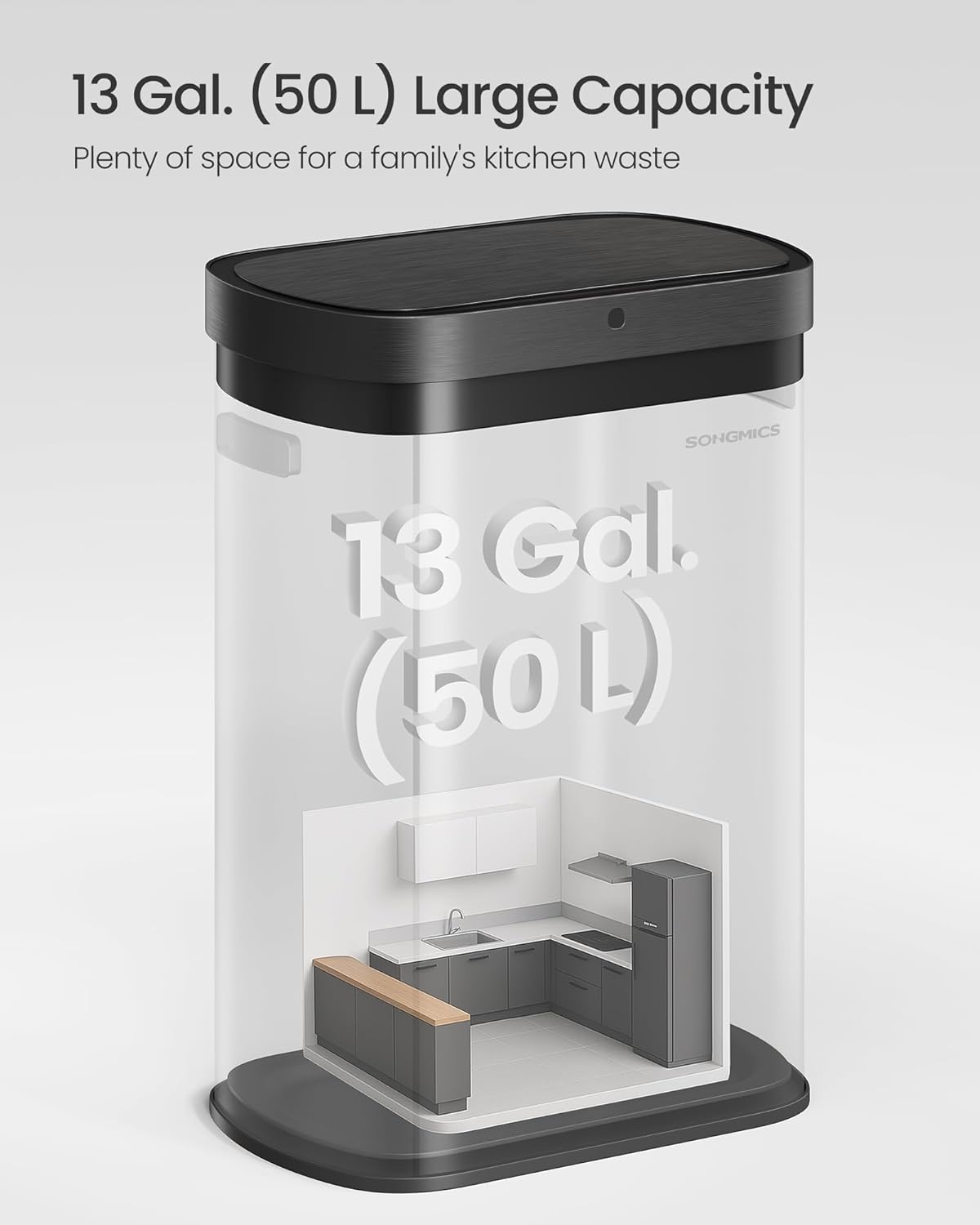
Image: Illustration highlighting the 13-gallon (50 L) large capacity of the trash can, suitable for kitchen use.
Setup Guide
1. Battery Installation
- Locate the battery compartment on the underside of the lid.
- Open the battery compartment cover.
- Insert 4 AA batteries (not included) into the compartment, ensuring correct polarity (+/-).
- Close the battery compartment cover securely.
- Ensure the power switch (located near the battery box) is in the 'ON' position.

Image: Detailed view of the battery box requiring 4 AA batteries and the power switch.
2. Installing Trash Bags
- Remove the lid from the trash can body.
- Lift the bag retainer ring from the inner bucket.
- Place a 13-gallon (50 L) trash bag (such as the included K-coded bags) into the inner bucket.
- Fold the top edge of the trash bag over the bag retainer ring.
- Insert the bag retainer ring with the secured bag back into the inner bucket.
- Place the lid back onto the trash can body, ensuring it is properly aligned. The bag will be concealed once the lid is closed.

Image: Visual instructions for properly changing trash can liners, showing the use of the bag retainer ring.

Image: The trash can positioned in a kitchen, illustrating its design and compatibility with SONGMICS 13-gallon (50 L) bin bags coded K.
Operating Instructions
Motion Sensor Opening (Option 1)
- Wave your hand over the sensor, located on the front of the lid, within 9.8 inches (25 cm).
- The lid will automatically open.
- After 5 seconds of no activity, the lid will automatically close.
Touch Button Opening (Option 2)
- Press the circular touch button located on the front of the lid.
- The lid will open and remain open for 15 minutes, ideal for longer tasks or continuous use.
- To close the lid earlier, simply press the touch button again.

Image: Visual guide demonstrating the two methods for opening the lid: motion sensor activation and pressing the touch button for extended open time.
Soft-Close Mechanism
- The lid is designed to close gently and quietly, operating at a noise level below 40 dB. This ensures a peaceful environment in your home.

Image: An infographic illustrating the quiet operation of the soft-close lid, comparing its sound level to a clock ticking.
Maintenance
Cleaning
- The stainless steel body is designed for easy cleaning. Wipe the exterior with a soft, damp cloth and mild detergent if necessary.
- Avoid using abrasive cleaners or scouring pads, as these can damage the finish.
- For the sensor area, use a dry, soft cloth to gently wipe away dust or debris. Do not use liquids directly on the sensor.
- The inner bucket can be removed and washed with soap and water. Ensure it is completely dry before placing it back into the trash can.
Durability Features
- Rust-Resistant: The stainless steel construction helps prevent rust, ensuring long-term durability.
- Fingerprint-Resistant: The surface is treated to resist fingerprints, keeping the can looking clean with minimal effort.
- IPX4 Splash-Resistant: The design protects against splashes, making it suitable for kitchen and bathroom environments.

Image: A detailed diagram illustrating the quality steel construction with multiple layers, emphasizing its IPX4 splash-resistance, fingerprint-resistance, and ease of cleaning.
Troubleshooting
| Problem | Possible Cause | Solution |
|---|---|---|
| Lid does not open or close automatically. | Batteries are dead or incorrectly installed. Power switch is OFF. Sensor is obstructed or dirty. | Check battery polarity and replace batteries if needed. Ensure power switch is ON. Clean the sensor area with a dry, soft cloth. |
| Lid opens unintentionally. | Sensor is too sensitive or there is constant movement near the sensor. | Ensure the trash can is placed in an area with minimal foot traffic or objects passing close to the sensor. |
| Lid does not close completely. | Obstruction in the lid's path. Mechanism cycle interrupted. | Remove any obstructions. If the lid stops mid-cycle, trigger the open function again to allow it to reset and close fully. |
| Red light is flashing. | Low battery. | Replace the 4 AA batteries promptly. |

Image: A close-up of the trash can lid showing flashing red lights, indicating that the batteries need to be replaced.
Specifications
| Attribute | Detail |
|---|---|
| Brand | VASAGLE (by SONGMICS HOME) |
| Model Number | ULTB640B01 |
| Capacity | 13 Gallons (50 Liters) |
| Color | Ink Black |
| Opening Mechanism | Motion-Sensor, Manual-Lift (Touch Button) |
| Material | Stainless Steel, PP Plastic |
| Product Dimensions (L x W x H) | 16.7" x 10.7" x 23.1" (42.5 cm x 27.1 cm x 58.7 cm) |
| Item Weight | 8.2 Pounds |
| Power Source | 4 AA Batteries (not included) |
| Special Features | Space-Efficient, Silent Lid (<40 dB), Secure and Neat Bag Retainer, IPX4 Splash-Resistant |
| Recommended Use | Indoor (Kitchen, Dining Room, Living Room) |

Image: A detailed diagram outlining the precise dimensions of the trash can, including height, length, and width.
Warranty and Support
This product is manufactured by SONGMICS. For any questions, concerns, or support needs regarding your SONGMICS Motion Sensor Trash Can, please refer to the contact information provided with your purchase or visit the official VASAGLE/SONGMICS HOME website for customer service details.
Please retain your proof of purchase for any warranty claims.