
1. Introduction
Thank you for choosing the VNMN Open Earbuds S19. These earbuds are designed to provide a comfortable listening experience while maintaining ambient awareness. Featuring advanced Bluetooth 6.1 AI chipset, immersive stereo sound, and a lightweight, secure fit, they are suitable for various activities from daily use to sports.

Image 1.1: VNMN Open Earbuds S19 Black and Charging Case
This image displays the two black open-ear earbuds alongside their matching black charging case, highlighting their sleek design.
2. What's in the Box
Ensure all items are present upon unboxing:
- S19 Earbuds (2 units)
- User Manual
- USB-C Charging Cable
- Portable Charging Box
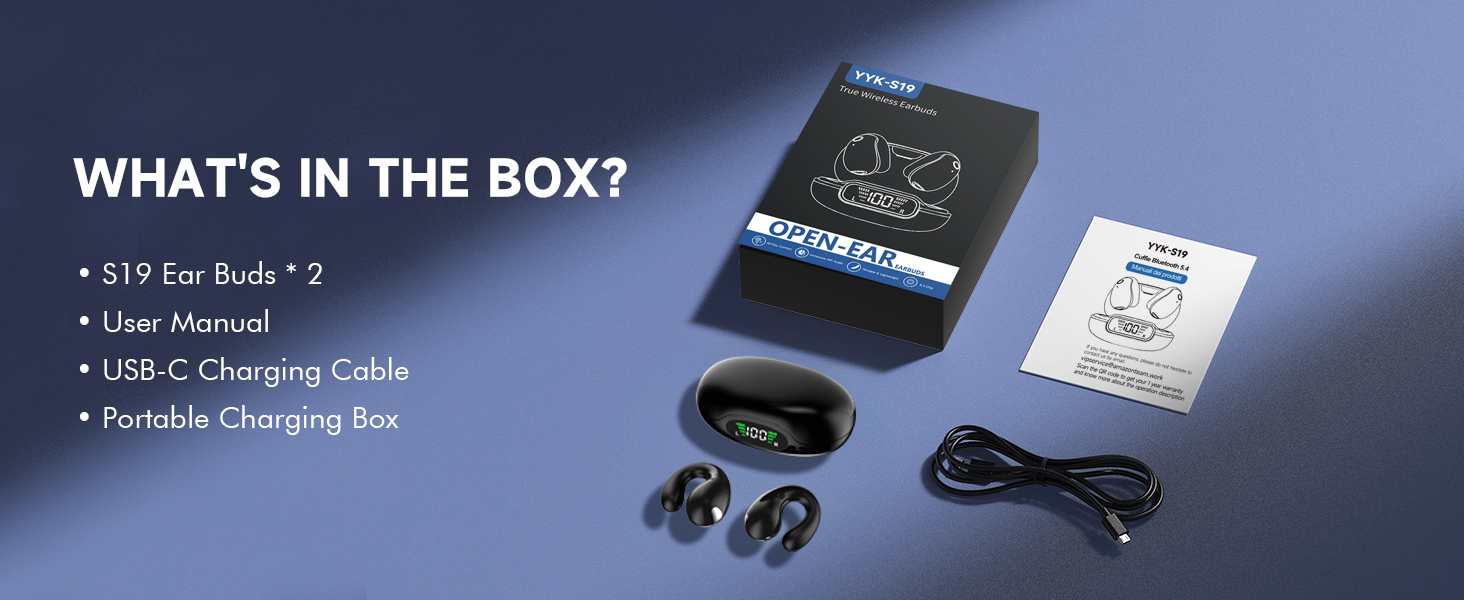
Image 2.1: Box Contents
This image shows the earbuds, charging case, USB-C cable, and user manual neatly arranged, representing the complete package contents.
3. Setup Guide
3.1 Charging the Earbuds and Case
- Place the earbuds into the charging case.
- Connect the provided USB-C charging cable to the charging port on the case and to a power source.
- The LED display on the charging case will show the battery percentage and charging status of both the case and individual earbuds.
- A full charge for the case takes approximately 1 hour, providing up to 36 hours of total use with the earbuds.
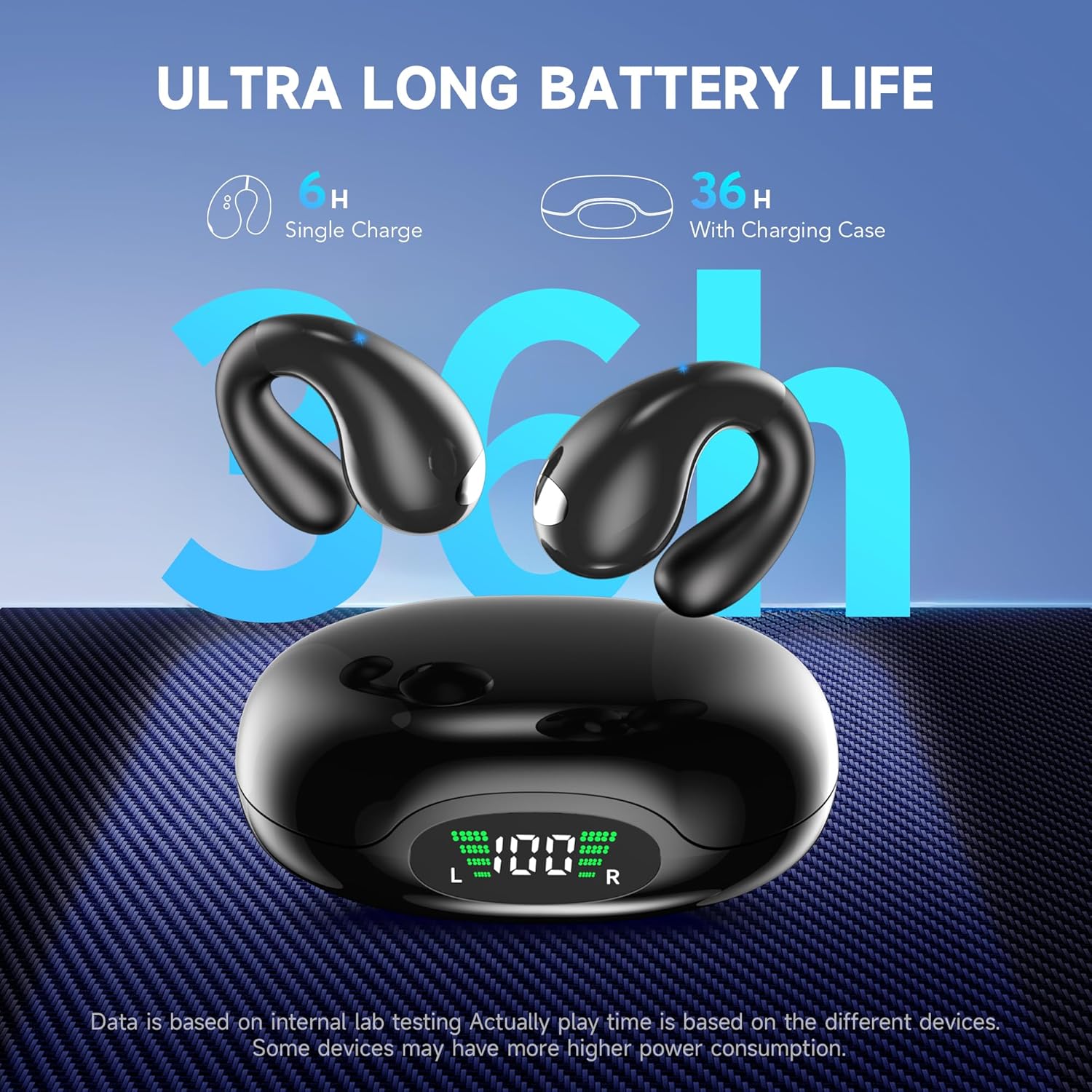
Image 3.1: Ultra Long Battery Life and LED Display
This image illustrates the charging case with its LED display showing battery levels for both the case and the earbuds, emphasizing the long battery life.
3.2 Pairing with a Device
- Open the charging case. The earbuds will automatically enter pairing mode.
- On your device (smartphone, tablet, etc.), enable Bluetooth and search for available devices.
- Select "S19" from the list of devices to connect.
- Once paired, the earbuds will automatically connect to your device when taken out of the case for future use.

Image 3.2: Bluetooth 6.1 AI Technology
This graphic highlights the advanced Bluetooth 6.1 AI chipset, indicating stable and clear sound for calls and music.
3.3 Wearing the Earbuds
The S19 earbuds feature an adjustable ear clip design for a secure and comfortable fit.
- Gently place the earbud over your ear, ensuring the speaker part is positioned towards your ear canal.
- Adjust the flexible clip to snugly fit the contour of your ear. The soft silicone material at the rear ensures comfort for extended wear.
- The lightweight (5g per earbud) and open-ear design allows for ambient awareness while providing immersive sound.
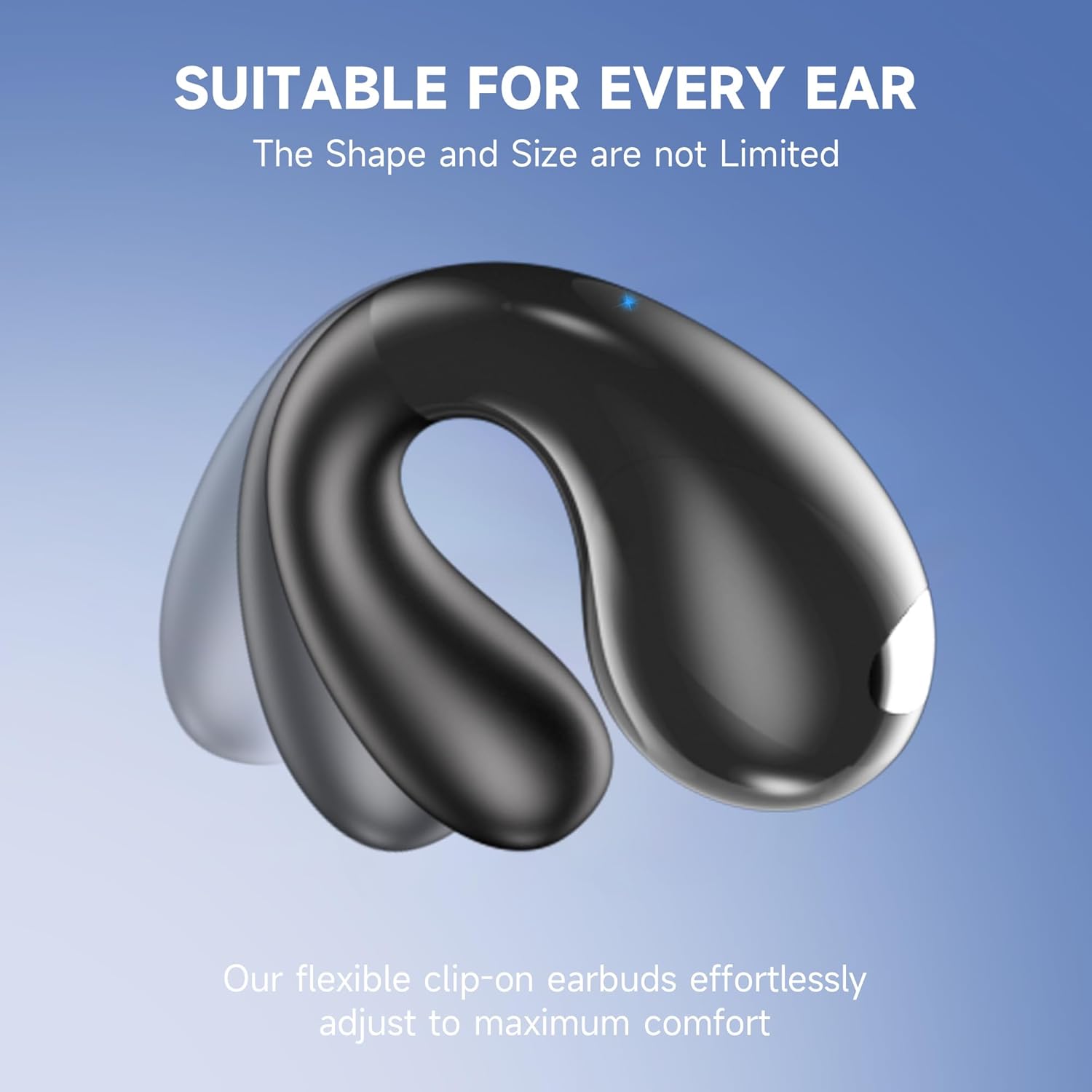
Image 3.3: Adjustable Design
This image demonstrates the flexible, adjustable nature of the ear clip, designed to fit various ear shapes comfortably and securely.
Video 3.1: Unboxing and Wearing Demonstration
This video provides a visual guide on how to unbox the VNMN S19 earbuds, identify the components, and correctly wear them for optimal comfort and fit.
4. Operating Instructions
4.1 Touch Controls
The earbuds feature touch controls for easy management of audio and calls. Specific touch functions are typically detailed in the included product manual. Common functions include:
- Play/Pause: Single tap on either earbud.
- Next Track: Double tap on the right earbud.
- Previous Track: Double tap on the left earbud.
- Volume Up/Down: Triple tap (specific earbud for up/down).
- Answer/End Call: Single tap on either earbud.
- Reject Call: Press and hold on either earbud.
- Activate Voice Assistant: Press and hold for 2 seconds on either earbud.
4.2 Call Management
The S19 earbuds are equipped with AI noise reduction algorithms and powerful 16.3mm drivers for crystal clear calls.
- Ensure earbuds are properly connected to your device.
- Use the touch controls to answer, end, or reject calls.
- The AI noise reduction minimizes background noise, ensuring your voice is heard clearly by the recipient.
4.3 Multipoint Connection
The earbuds support multipoint connection, allowing you to connect to two different Bluetooth devices simultaneously.
- Pair the earbuds with your first device (e.g., smartphone) as described in Section 3.2.
- Disable Bluetooth on the first device. The earbuds will re-enter pairing mode.
- Pair the earbuds with your second device (e.g., laptop).
- Re-enable Bluetooth on the first device. The earbuds should now be connected to both devices, allowing seamless switching between audio sources.
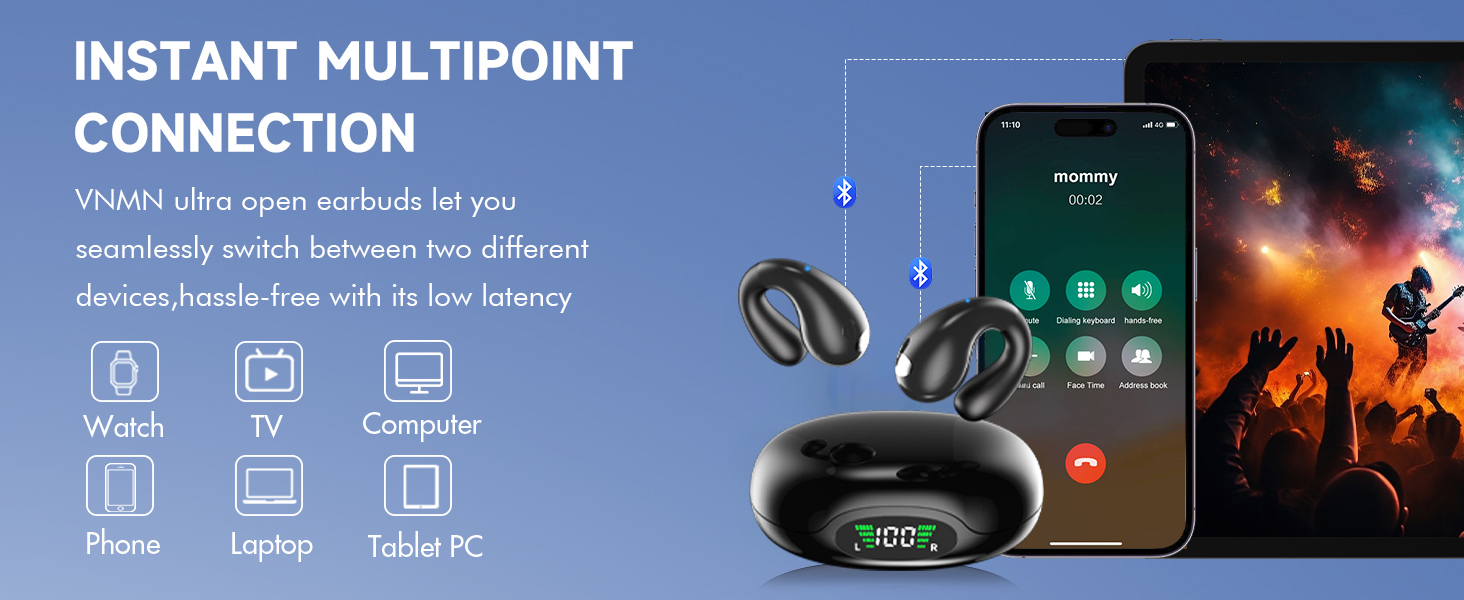
Image 4.1: Instant Multipoint Connection
This image visually represents the earbuds connected to multiple devices like a watch, TV, computer, phone, laptop, and tablet PC, illustrating the multipoint connection feature.
Video 4.1: Features and Usage Overview
This video demonstrates various features of the VNMN S19 Open Ear Earbuds, including their comfortable fit, sound quality, and suitability for active lifestyles.
5. Maintenance
5.1 Cleaning
- Regularly wipe the earbuds and charging case with a soft, dry, lint-free cloth.
- Avoid using abrasive materials, alcohol, or chemical cleaners.
- Ensure charging contacts are clean and free of debris for optimal charging.
5.2 Water Resistance
The S19 earbuds are IPX7 waterproof, offering protection against sweat, rain, and splashes.
- Do not submerge the earbuds in water for extended periods.
- The charging case is not waterproof; avoid exposing it to liquids.
- Dry the earbuds thoroughly before placing them back into the charging case to prevent damage.
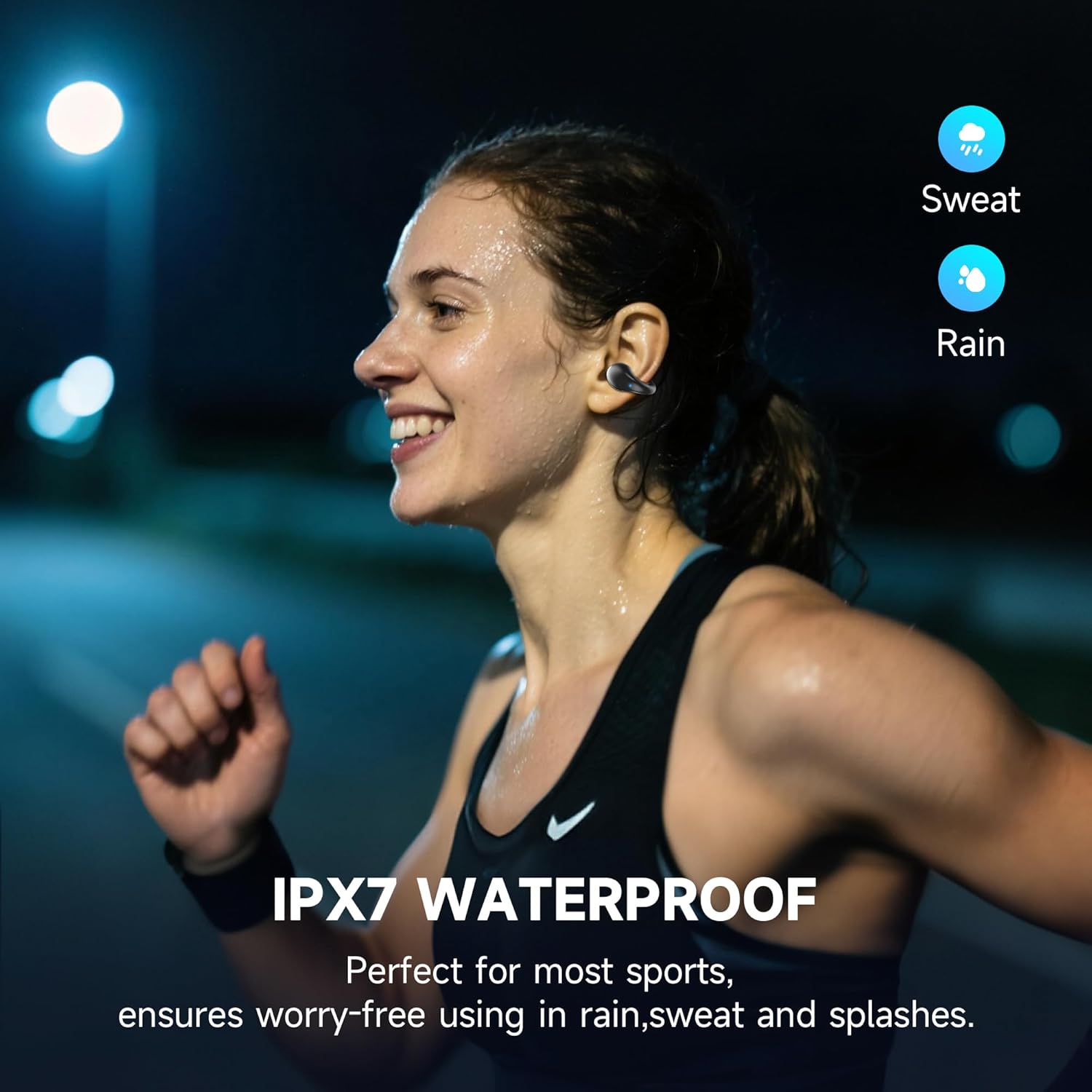
Image 5.1: IPX7 Waterproof
This image highlights the IPX7 waterproof rating of the earbuds, showing them being used during activities involving sweat and rain.
6. Troubleshooting
If you encounter any issues with your VNMN S19 earbuds, please refer to the following common solutions:
- No Sound/Low Volume: Ensure earbuds are charged, connected, and device volume is up. Check for debris blocking speaker grilles.
- Connection Issues: Turn Bluetooth off and on on your device. Forget the device in your Bluetooth settings and re-pair. Ensure earbuds are within the 33-foot Bluetooth range.
- Earbuds Not Charging: Ensure the charging cable is securely connected to both the case and power source. Check if the charging contacts on the earbuds and case are clean. Verify the charging case has sufficient power.
- Uncomfortable Fit: Adjust the ear clip to find the most secure and comfortable position for your ear.
7. Specifications
| Feature | Specification |
|---|---|
| Model Name | S19 |
| Connectivity Technology | Wireless |
| Wireless Communication Technology | Latest Bluetooth 6.1 |
| Item Weight (each earbud) | 5g |
| Water Resistance Level | IPX7 Waterproof |
| Control Method | Touch |
| Battery Life (Single Charge) | 6 Hours |
| Battery Life (with Charging Case) | 36 Hours |
| Audio Driver Type | Dynamic Driver |
| Audio Driver Size | 16.3 Millimeters |
| Bluetooth Range | Up to 15 Meters (49 feet) |
| Carrying Case Material | Plastic |
| Color | Black |
| Ear Placement | Open Ear |
| Noise Control | Passive Noise Cancellation (AI noise reduction for calls) |
8. Warranty and Support
To activate your 24-month extended warranty, please follow these steps:
- Log in to Amazon and find your headphones order.
- Use the QR code provided in the product packaging to scan.
- Enter your order number to complete activation.
For any questions or support, please contact customer service. The manufacturer is committed to providing high-quality and premium service.
Contact Email: vpservice@amazon.com