
Introduction
Thank you for choosing the ANCOBER Portable Bluetooth Speaker. This manual provides essential information for setting up, operating, and maintaining your speaker to ensure optimal performance and longevity. Please read it thoroughly before use.

Image: The ANCOBER Portable Bluetooth Speaker, showcasing its sleek design and vibrant LED lighting.
What's in the Box
- 1 x ANCOBER Portable Bluetooth Speaker
- 1 x USB Type-C Charge Cable
- 1 x Auxiliary-in Cable
- 1 x User's Manual
Product Overview
Controls and Ports
Familiarize yourself with the speaker's controls and connection ports:
- Power Button: Long press to power on/off. Quick press to play/pause.
- Volume Up (+): Increase volume.
- Volume Down (-): Decrease volume.
- Previous Track (<<): Go to the previous song.
- Next Track (>>): Go to the next song.
- Mode (M) Button: Cycle through LED light modes. Double-click to turn lights off.
- Type-C Charging Port: For charging the speaker.
- AUX-in Port: For wired audio connection.

Image: Internal view of the speaker highlighting its dual drivers and connection ports (Type-C, AUX-in, Bluetooth 5.3 icons).
Setup
1. Charging the Speaker
Before first use, fully charge the speaker. Connect the provided USB Type-C cable to the speaker's charging port and the other end to a USB power adapter (not included) or a computer's USB port. The LED indicator will show charging status.
2. Bluetooth Pairing
- Long press the Power button to turn on the speaker. The LED indicator will blink, indicating it's in pairing mode.
- On your device (smartphone, tablet, etc.), enable Bluetooth and search for available devices.
- Select "ANCOBER" from the list. Once connected, the LED indicator will stop blinking and remain solid.
3. True Wireless Stereo (TWS) Pairing
To achieve 30W powerful double volume and two-channel stereo sound, you can pair two ANCOBER speakers together:
- Ensure both speakers are powered off and not connected to any Bluetooth device.
- Power on both speakers simultaneously. They will automatically enter TWS pairing mode.
- Wait for a few seconds. You will hear a confirmation tone when they are successfully paired with each other.
- Now, connect your device to one of the speakers via Bluetooth as described in step 2. The audio will play through both speakers in stereo.

Image: Two ANCOBER speakers positioned for TWS pairing, demonstrating immersive sound for entertainment.
4. AUX-in Connection
For devices without Bluetooth, use the provided Auxiliary-in cable:
- Connect one end of the AUX cable to the speaker's AUX-in port.
- Connect the other end to the audio output (headphone jack) of your device.
- The speaker will automatically switch to AUX mode.
Operating Instructions
1. Power On/Off
- Power On: Long press the Power button until you hear a startup tone and the LED lights activate.
- Power Off: Long press the Power button until you hear a shutdown tone and the LED lights turn off.
2. Music Playback
- Play/Pause: Short press the Power button.
- Next Track: Short press the ">>" button.
- Previous Track: Short press the "<<" button.
3. Volume Control
- Increase Volume: Short press the "+" button.
- Decrease Volume: Short press the "-" button.
4. LED Light Modes
The speaker features multiple dynamic dazzling colorful light modes. To change the light mode, short press the "M" button. To turn off the lights, double-click the "M" button.

Image: A user interacting with the speaker, showcasing its 8 cool light show modes for an immersive visual experience.
5. Hands-Free Calling
With the built-in microphone, you can answer calls directly through the speaker when connected via Bluetooth:
- Answer Call: Short press the Power button.
- End Call: Short press the Power button.
- Reject Call: Long press the Power button.
Maintenance
Cleaning
Wipe the speaker with a soft, dry cloth. Do not use abrasive cleaners or solvents.
Waterproof Care (IPX4)
The speaker is IPX4 waterproof, protecting against splashes and drizzle. Do not submerge the speaker in water or expose it to strong jets of water. Ensure the charging port cover is securely closed when near water.

Image: The speaker positioned safely near a pool, illustrating its IPX4 water resistance against splashes.
Battery Care
To prolong battery life, avoid fully discharging the speaker frequently. Charge it regularly, even if not in use for extended periods.
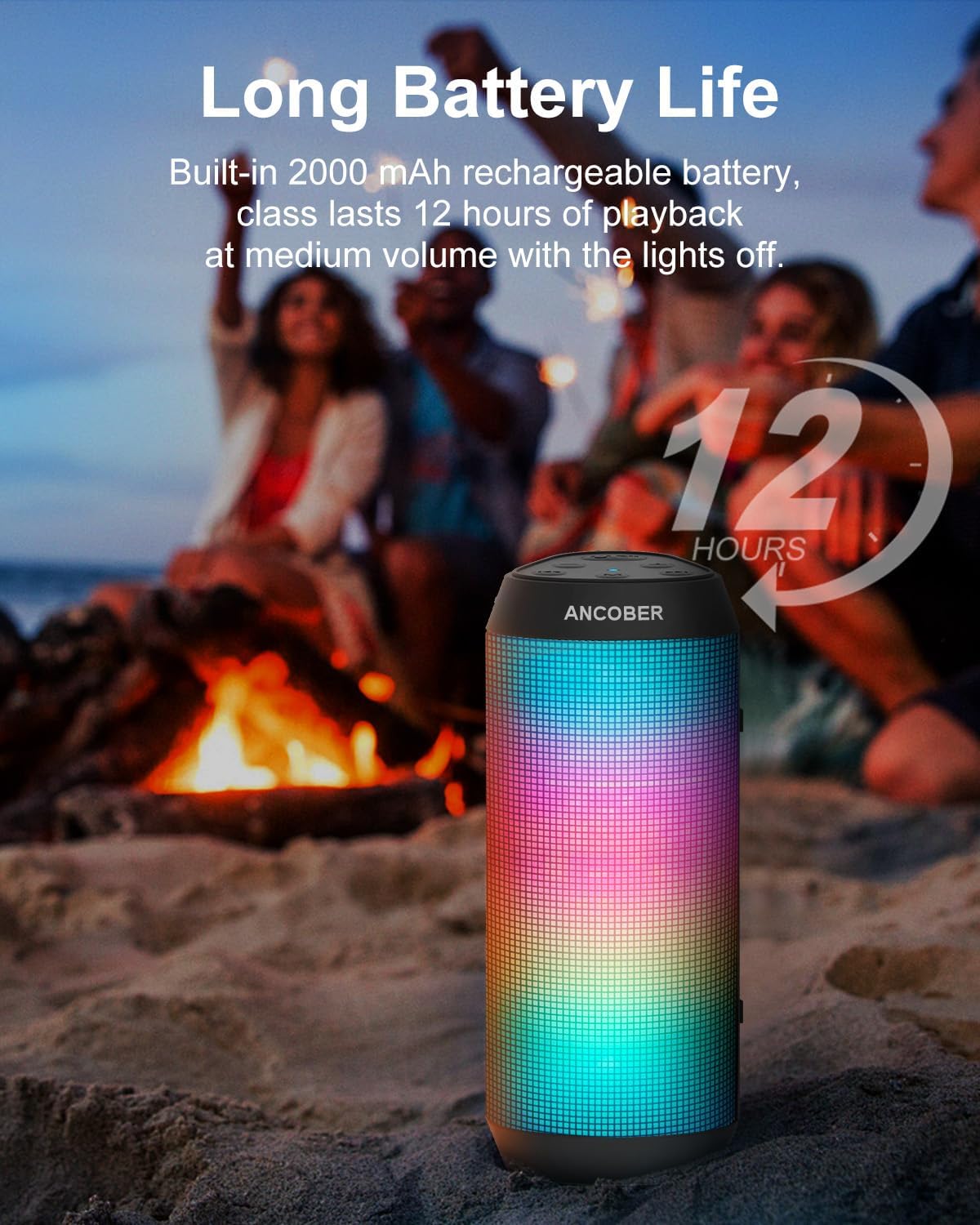
Image: The speaker in an outdoor setting, emphasizing its long battery life of up to 12 hours at medium volume with lights off.
Troubleshooting
| Problem | Possible Solution |
|---|---|
| Speaker won't power on. | Ensure the speaker is charged. Connect to a power source and try again. |
| Unable to pair via Bluetooth. | Make sure the speaker is in pairing mode (blinking LED). Ensure your device's Bluetooth is on and within 33 feet. Forget previous pairings on your device and try again. |
| No sound or low volume. | Increase speaker and device volume. Ensure the speaker is correctly paired or AUX cable is fully inserted. |
| Sound distortion. | Lower the volume on both the speaker and your device. Ensure no obstacles are between the speaker and your device. |
| LED lights not working. | Press the 'M' button to cycle through modes. Double-click 'M' to ensure lights are not turned off. |
Specifications
| Feature | Detail |
|---|---|
| Model Name | Portable Bluetooth Speaker Series02 (ACB-002) |
| Speaker Type | Portable Speaker |
| Audio Output Mode | Stereo |
| Speaker Max Output Power | 15 Watts (30W with TWS pairing) |
| Wireless Communication Technology | Bluetooth 5.3 |
| Bluetooth Range | 33 Feet |
| Connectivity Technology | Bluetooth / Aux-input |
| Waterproof Rating | IPX4 |
| Battery Life | Up to 12 hours (medium volume, lights off); 24+ hours (low volume, lights off) |
| Charging Time | 4 Hours |
| Power Source | Battery Powered |
| Product Dimensions | 2.53"D x 2.25"W x 6.8"H |
| Item Weight | 0.79 lbs (12.8 ounces) |
| Special Features | Cool dazzling LED lights, Built-in microphone, Dual stereo surround pairing, USB C rechargeable |
Official Product Videos
Warranty & Support
The ANCOBER Portable Bluetooth Speaker comes with a 365-day comprehensive warranty from the date of purchase. For warranty claims, technical support, or any inquiries, please visit the official ANCOBER store on Amazon: