
1. Introduction
The SHGMEET Smart Ring X1 is a compact health and fitness tracker designed to monitor various physiological metrics throughout your day and night. This manual provides essential information for setting up, operating, and maintaining your smart ring to ensure optimal performance and accurate data collection.
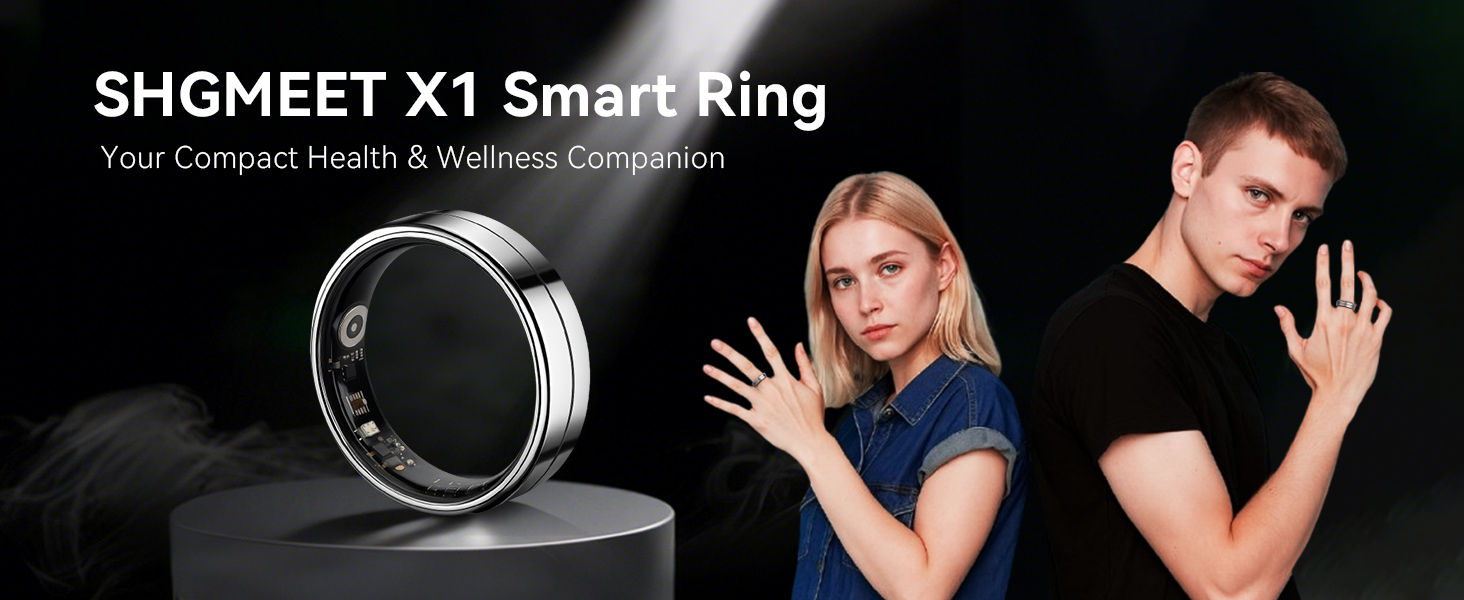
Image: The SHGMEET X1 Smart Ring, highlighting its role as a compact health and wellness companion.
2. What's in the Box
Please verify that all items are present in your package:
- Smart Ring
- User Manual
- USB Cable
- Charging Box

Image: The SHGMEET Smart Ring X1 package contents, including the ring, charging case, USB cable, and user manual.
3. Sizing and Fit
Achieving the correct fit is crucial for both comfort and accurate data collection. The SHGMEET Smart Ring X1 uses unique sizing specifications. It is highly recommended to use a dedicated sizing kit to determine your ideal ring size before purchase. This helps ensure maximum comfort and data accuracy.
3.1. Sizing Kit Recommendation
For optimal sizing accuracy, obtain and use the SHGMEET Sizing Kit. This will allow you to try on different sizes and find the most comfortable and secure fit for your finger.
3.2. Size Chart (Alternative Reference)
If a sizing kit is not available, you may use the following size chart as an alternative reference. Please note that direct measurement may be less accurate than using a physical sizing kit.
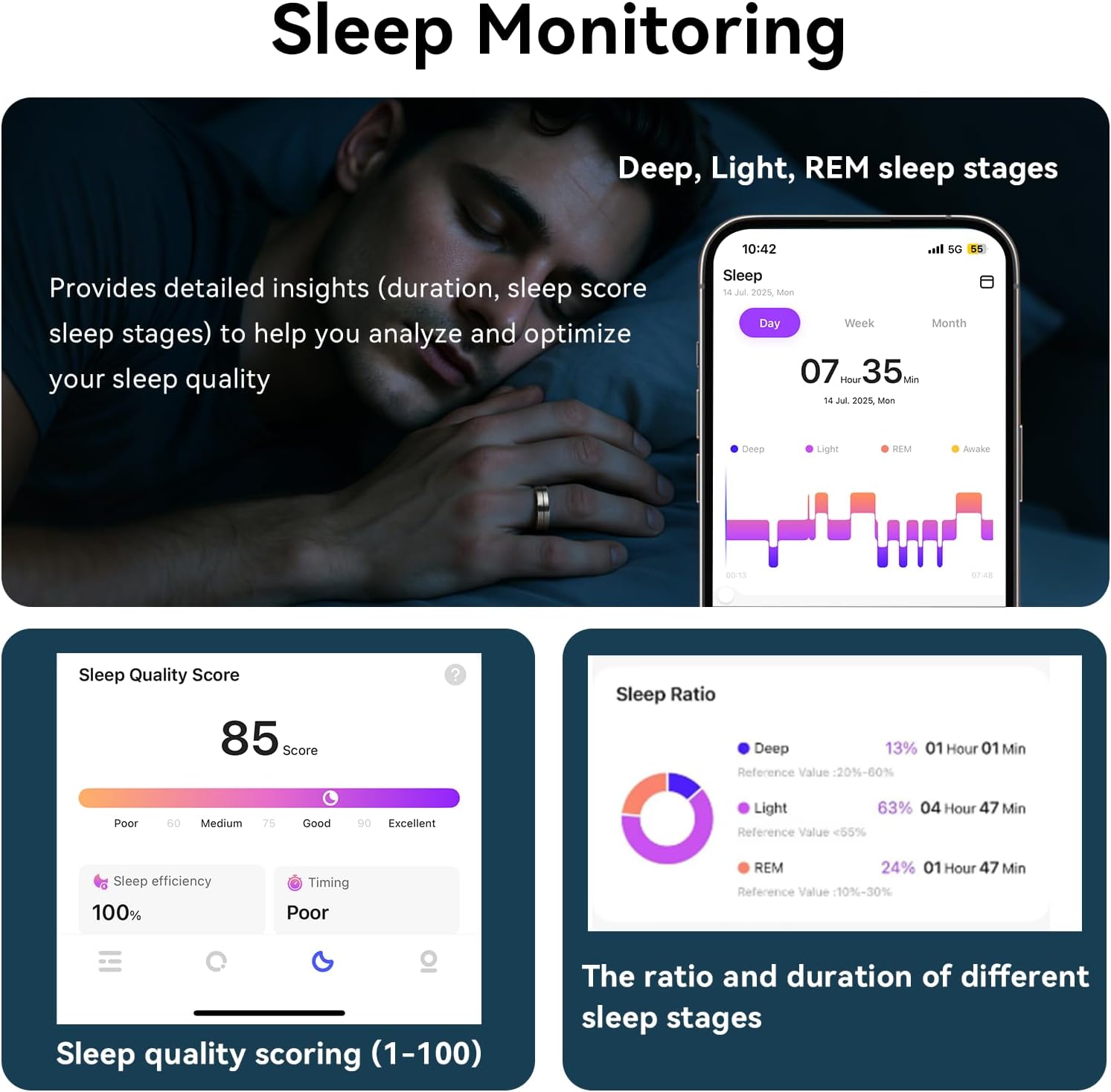
Image: A size chart detailing inner diameter and circumference for various ring sizes, with instructions on how to measure your finger.
| Size | Inner Diameter | Circumference |
|---|---|---|
| 6# | 16.5mm/0.65inch | 51.8mm/2.04inch |
| 7# | 17.3mm/0.68inch | 54.3mm/2.14inch |
| 8# | 18.1mm/0.71inch | 56.9mm/2.24inch |
| 9# | 18.9mm/0.74inch | 59.5mm/2.34inch |
| 10# | 19.8mm/0.78inch | 62.1mm/2.44inch |
| 11# | 20.6mm/0.81inch | 64.6mm/2.54inch |
| 12# | 21.4mm/0.84inch | 67.2mm/2.56inch |
| 13# | 22.2mm/0.87inch | 69.7mm/2.74inch |
| 14# | 23.4mm/0.92inch | 73.5mm/2.89inch |
4. Setup and Pairing
Follow these steps to set up your SHGMEET Smart Ring X1 and pair it with the companion application.
4.1. Initial Charging
Before first use, place the smart ring in its magnetic charging box and connect the USB cable to a power source. Ensure the ring is fully charged. A single charge typically lasts 3-5 days.
4.2. App Download and Installation
- Scan the QR code provided in the packaging or search for the "Da Rings" app in your device's app store (compatible with Android 5.0+ and iOS 10.0+).
- Download and install the "Da Rings" application on your smartphone.
4.3. Bluetooth Pairing
- Ensure Bluetooth is enabled on your smartphone.
- Open the "Da Rings" app.
- Follow the in-app instructions to add a new device. Select your SHGMEET Smart Ring X1 (often listed as 'X1').
- Confirm the pairing request on your smartphone.

Image: Visual guide for the setup process, showing the sizing kit, the smart ring, and the Da Rings app interface for pairing.
Video: An instructional video demonstrating the initial setup and pairing process of the SHGMEET Smart Ring X1 with a smartphone.
5. Operating Instructions
The SHGMEET Smart Ring X1 offers comprehensive monitoring features accessible through the "Da Rings" app.
5.1. Health Monitoring
The ring continuously monitors key health metrics:
- Heart Rate: Tracks your heart rate 24/7.
- Blood Oxygen (SpO2): Measures blood oxygen levels.
- Heart Rate Variability (HRV): Provides insights into your autonomic nervous system.
- Stress Levels: Assesses stress based on physiological data.
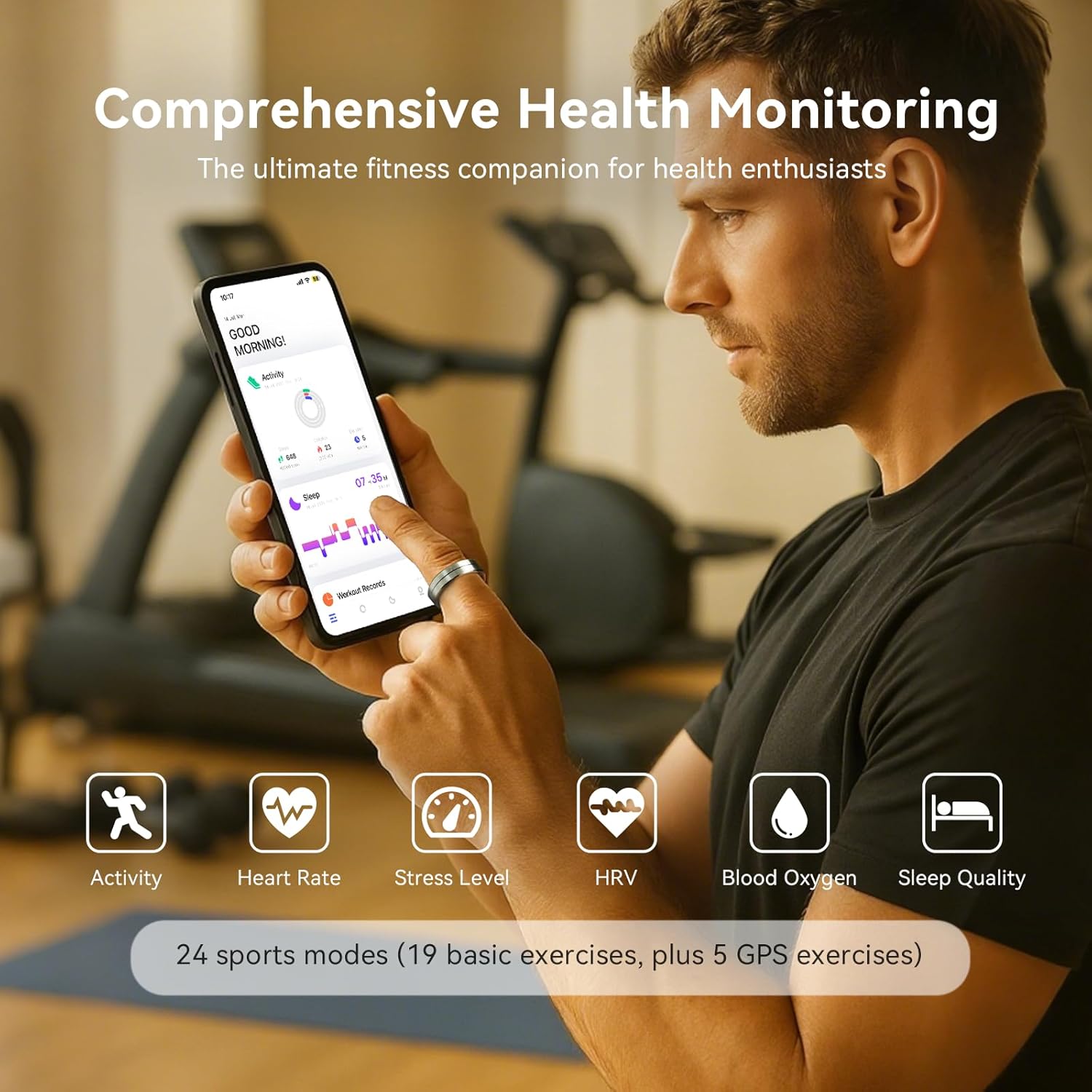
Image: A user interacting with the Da Rings app, displaying various health metrics monitored by the smart ring.
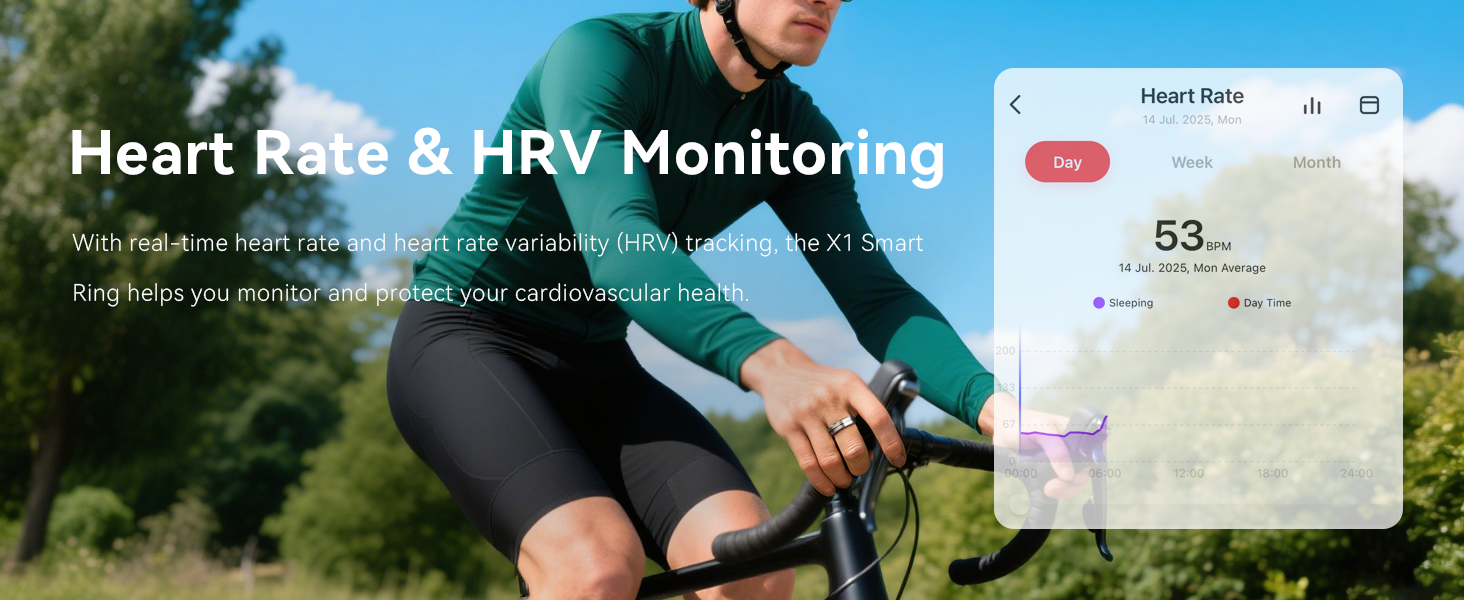
Image: Visual representation of heart rate and HRV monitoring capabilities of the SHGMEET X1 Smart Ring.
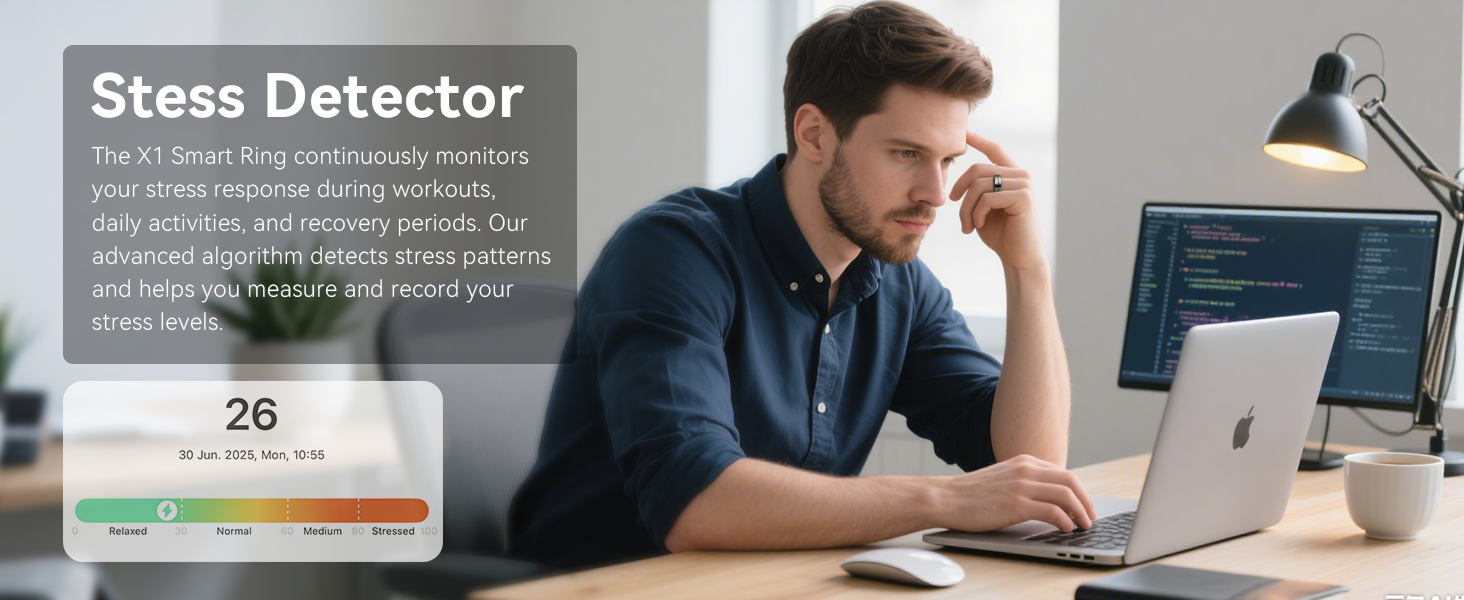
Image: The stress detection feature of the X1 Smart Ring, displaying stress levels and patterns.
5.2. Activity Tracking
The smart ring tracks your daily activity and supports 24 sports modes, including running, cycling, and GPS-based workouts. Data includes steps, distance, calories burned, and exercise intensity. You can sync data with Strava and Apple Health.
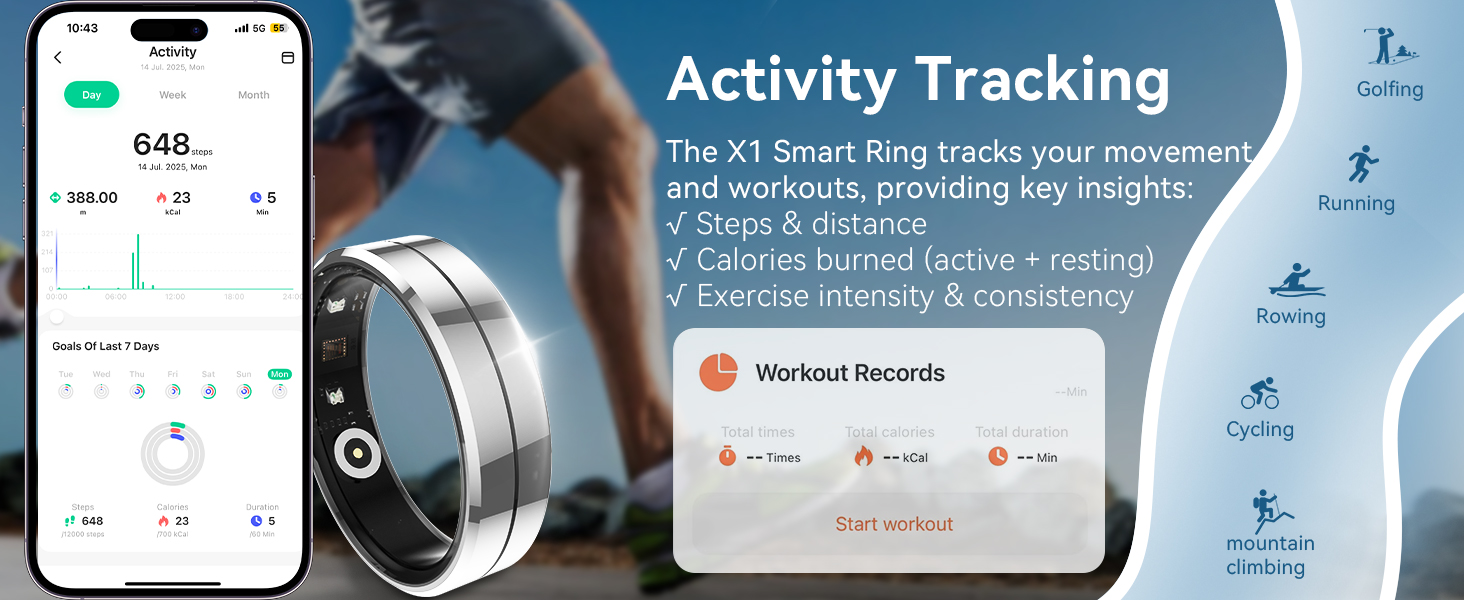
Image: The activity tracking feature of the X1 Smart Ring, displaying workout records and various sports modes.
5.3. Sleep Monitoring
The ring automatically tracks your sleep stages (deep, light, REM) and provides detailed insights to help improve your rest and recovery. Access comprehensive sleep reports within the app.
Image: A visual of sleep monitoring, showing a person sleeping and the app interface displaying sleep quality scores and sleep stage ratios.
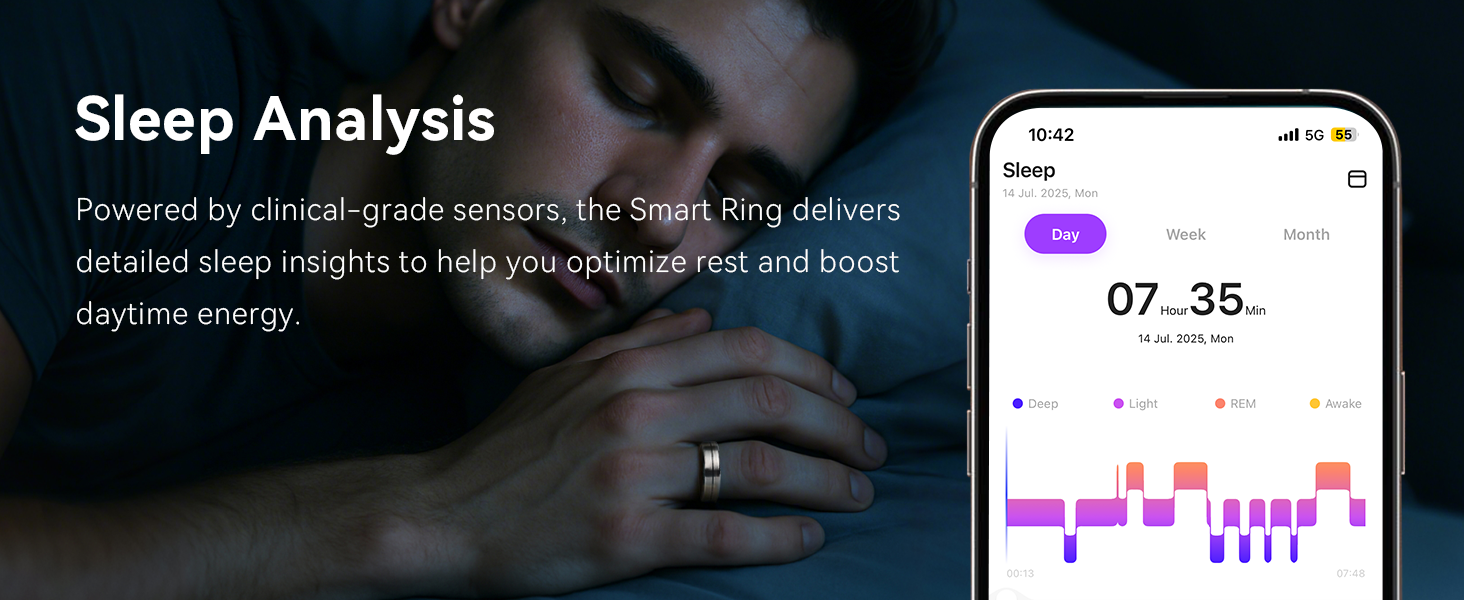
Image: The sleep analysis feature of the X1 Smart Ring, providing detailed insights to optimize rest.
5.4. Hands-Free Camera Control
Activate the remote camera feature in the Da Rings app. You can then control your smartphone camera by shaking the finger wearing the ring to capture photos remotely within 3 seconds.

Image: A hand wearing the SHGMEET Smart Ring X1, demonstrating its use for hands-free camera control with a smartphone.
6. Maintenance and Care
Proper care ensures the longevity and performance of your SHGMEET Smart Ring X1.
6.1. Water Resistance
The smart ring features a 5ATM waterproof rating, making it suitable for showering, swimming, and use in rainy conditions. Avoid prolonged submersion in hot water or exposure to high-pressure water jets.

Image: The SHGMEET Smart Ring X1 showcasing its 5ATM waterproof feature, depicted in various water-related scenarios.
6.2. Charging
Charge the ring using the provided magnetic charging box and USB cable. A full charge takes approximately 1 hour and provides 3-5 days of usage.

Image: Details on the SHGMEET Smart Ring X1's fast charging capability and extended battery life.
6.3. Cleaning
Wipe the ring with a soft, damp cloth to clean it. Avoid using harsh chemicals or abrasive materials.
7. Troubleshooting
If you encounter issues with your SHGMEET Smart Ring X1, refer to the following common solutions:
- Ring Not Charging: Ensure the ring is correctly seated in the magnetic charging box and the USB cable is securely connected to a power source. Check if the charging indicator light is active.
- Cannot Pair with App: Verify that Bluetooth is enabled on your smartphone and the ring is sufficiently charged. Restart both the ring (by placing it in the charger and removing it) and the app.
- Inaccurate Data: Ensure the ring is worn correctly and fits snugly on your finger. A loose fit can affect sensor accuracy.
- App Not Syncing: Check your internet connection and ensure the app has necessary permissions on your phone. Try closing and reopening the app.
For persistent issues, consult the in-app customer service or the official SHGMEET support channels.
8. Specifications
| Feature | Detail |
|---|---|
| Model Number | SF20250916B0FFSZXM6Q |
| Item Weight | 10 Grams (0.353 ounces) |
| Package Dimensions | 4 x 3.25 x 1.5 inches |
| Batteries | 1 Nonstandard Battery (included) |
| Battery Capacity | 18 Milliamp Hours |
| Operating System | Android Wear 2.9 |
| Connectivity Technology | Bluetooth 5.1 |
| Waterproof Rating | 5ATM |
| Special Features | Activity Tracker, Lightweight, Multisport Tracker, Sleep Monitor, Heart Rate Monitor, Stress Monitor, HRV Monitor |
| Memory Storage Capacity | 5 MB |
| GPS | No GPS (supports GPS-based workouts via phone) |
| Shape | Round |
9. Warranty and Support
For warranty information and customer support, please refer to the documentation included with your product or visit the official SHGMEET website. You can also contact customer service through the "Da Rings" application.