
1. Introduction
This manual provides essential information for setting up, operating, and maintaining your Samsung QE43Q7FAAU 43-inch QLED 4K Smart TV. Please read this manual thoroughly to ensure safe and optimal use of your television.
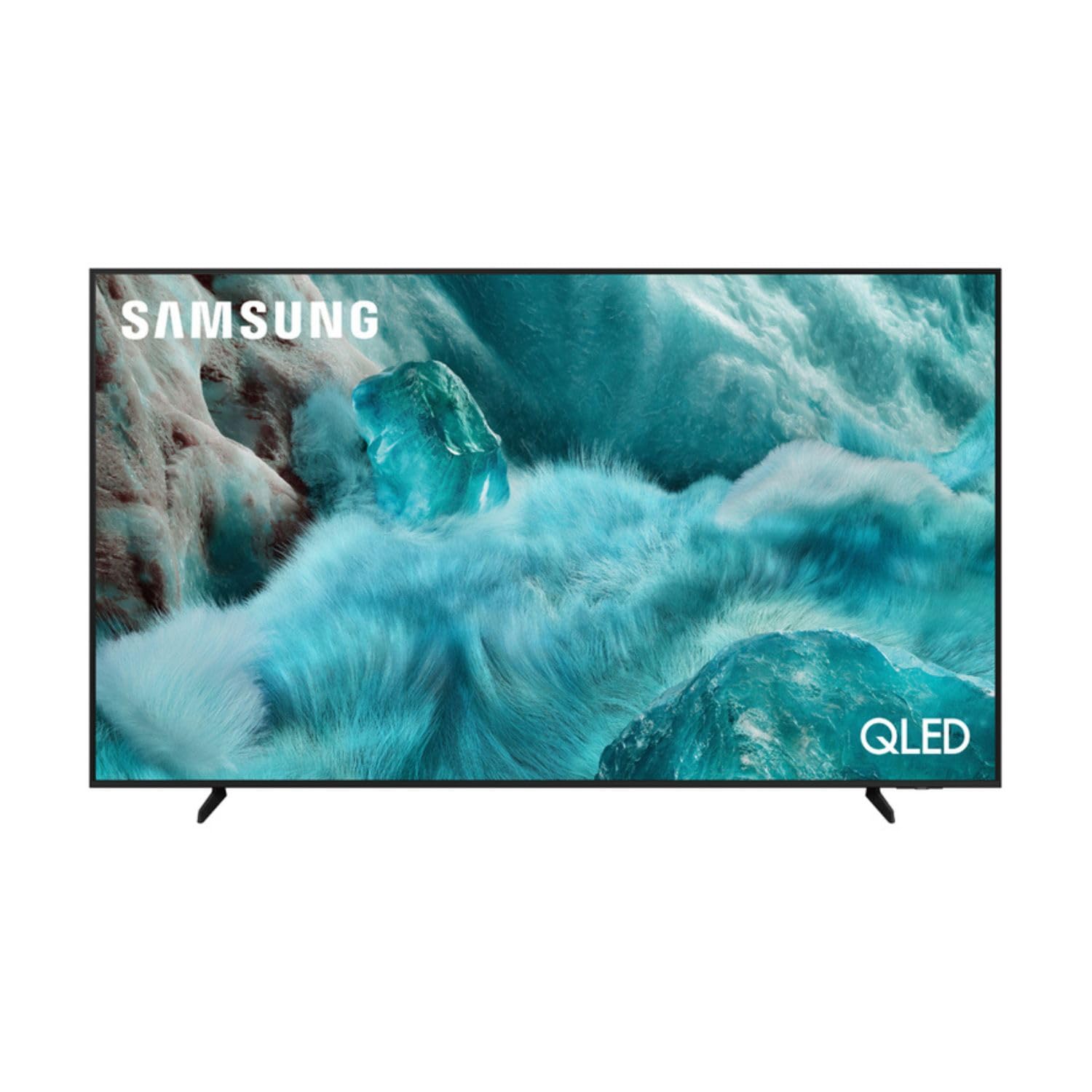
Image: Front view of the Samsung QE43Q7FAAU 43-inch QLED 4K Smart TV, showcasing its slim design and vibrant display.
2. Safety Information
Always follow basic safety precautions when using this television to reduce the risk of fire, electric shock, and injury.
- Do not expose the TV to rain or moisture.
- Do not block ventilation openings.
- Ensure the power cord is not pinched or walked on.
- Only use attachments/accessories specified by the manufacturer.
- Unplug the TV during lightning storms or when unused for long periods.
3. What's in the Box
Verify that the following items are included with your television:
- Samsung QE43Q7FAAU 43-inch QLED 4K Smart TV
- Remote Control (Bluetooth with solar energy technology)
- Power Cable
- Stand Components (if not wall-mounted)
- User Manual (this document)
4. Setup
4.1 Physical Installation
Your TV can be placed on a stand or wall-mounted. Ensure proper ventilation around the TV.
- Stand Installation: Attach the provided stand components securely to the TV base. Refer to the separate stand assembly guide for detailed instructions.
- Wall Mounting: The TV supports a VESA standard mount of 200 x 200 mm. Use appropriate wall-mounting hardware (not included) and consult a professional for installation if unsure.

Image: Diagram showing the dimensions of the Samsung QE43Q7FAAU TV, including height, width, and depth.
4.2 Initial Power On and Connections
- Connect the power cable to the TV and then to a wall outlet.
- Connect your external devices (e.g., cable box, game console, Blu-ray player) to the HDMI ports. The TV has 3 HDMI 2.0 ports.
- For USB devices, use the USB 2.0 port.
- Press the power button on the remote control to turn on the TV.
- Follow the on-screen instructions for initial setup, including language selection and channel scanning (DVB-T2/C/S2 tuner).
4.3 Network Setup
To access Smart TV features, connect your TV to the internet.
- Wi-Fi: Navigate to the TV's settings menu, select 'Network', then 'Network Settings'. Choose your Wi-Fi network and enter the password.
- Bluetooth: The TV supports Bluetooth 5.3 for connecting compatible devices like soundbars or headphones. Pair devices through the TV's settings menu.
5. Operating the TV
5.1 Basic Functions
- Power: Use the remote control to turn the TV on or off.
- Volume: Adjust volume using the volume buttons on the remote.
- Channel: Change channels using the channel buttons.
- Source: Select input sources (HDMI 1, HDMI 2, USB, etc.) using the 'Source' button.
5.2 Smart TV Features (One UI Tizen)
Your Samsung TV runs on the One UI Tizen operating system, offering a range of smart functionalities.
- Voice Control: Integrated voice assistants include Bixby, Amazon Alexa, and Google Assistant. Use the voice control button on your remote to activate.
- SmartThings: Connect and control compatible smart home devices through the SmartThings app on your TV.
- MultiView: Display multiple content sources simultaneously on the screen.
- Samsung TV Plus: Access a variety of free streaming channels.
- Apple AirPlay: Share content from your Apple devices to the TV.
5.3 Gaming Features
The TV is equipped with features to enhance your gaming experience:
- AI Auto Game Mode: Automatically optimizes settings for gaming.
- Motion Xcelerator: Reduces motion blur for smoother gameplay.
- Super Ultrawide GameView: Provides an expanded view for compatible games.
5.4 Picture and Sound Settings
Customize your viewing and listening experience through the TV's settings menu.
- Picture: Adjust brightness, contrast, sharpness, and color. Utilize features like Quantum HDR, HDR10+, HDR10+ Adaptive, HLG, Filmmaker Mode, and Eye Comfort Mode for optimized visuals.
- Sound: The TV features a 2.0 channel, 2x10W audio system with Dolby Atmos support. Enhance audio with Q-Symphony (when paired with compatible Samsung soundbars) and Adaptive Sound.
6. Maintenance
Proper maintenance ensures the longevity and performance of your TV.
- Cleaning the Screen: Gently wipe the screen with a soft, dry microfiber cloth. For stubborn marks, slightly dampen the cloth with water or a specialized screen cleaner. Do not spray liquid directly onto the screen.
- Cleaning the Frame: Use a soft, dry cloth to clean the TV frame.
- Ventilation: Ensure the ventilation openings are clear of dust and obstructions.
7. Troubleshooting
If you encounter issues with your TV, refer to the following common solutions:
- No Power: Check if the power cable is securely connected to both the TV and the wall outlet. Ensure the outlet is functional.
- No Picture/Sound: Verify the correct input source is selected. Check cable connections to external devices.
- Remote Control Not Working: Ensure the remote is charged (solar charging) or replace batteries if applicable. Check for obstructions between the remote and the TV.
- Network Connection Issues: Restart your router and modem. Re-enter your Wi-Fi password in the TV's network settings.
- Picture Quality Issues: Adjust picture settings. Ensure your content source is providing a high-quality signal.
For more complex issues, consult the Samsung support website or contact customer service.
8. Specifications
| Feature | Specification |
|---|---|
| Screen Size | 43 Inches (108 cm) |
| Display Technology | QLED, Edge-LED Backlighting |
| Resolution | 4K Ultra HD (3840 x 2160 pixels) |
| Refresh Rate | 120 Hz |
| HDR Support | HDR10, HDR10+, HDR10+ Adaptive, HLG |
| Operating System | One UI Tizen |
| Voice Control | Bixby, Alexa, Google Assistant |
| Connectivity | Wi-Fi, Bluetooth 5.3, 3x HDMI 2.0 (eARC), 1x USB 2.0, Ethernet |
| Audio Output | 2 x 10 W (2.0 Channel), Dolby Atmos |
| Power Consumption (SDR) | 53 W |
| Power Consumption (HDR) | 102 W |
| Dimensions (W x H x D) | 97 x 59.2 x 19.7 cm (with stand) |
| Weight | 8.9 kg (with stand), 8.6 kg (without stand) |
| VESA Mount Standard | 200 x 200 mm |
| Color | Black |

Image: EU Energy Label for the Samsung QE43Q7FAAU TV, showing energy efficiency class G for SDR and HDR.
9. Warranty and Support
Your Samsung QE43Q7FAAU TV comes with a 2-year limited warranty. Spare parts are available for 7 years from the end of product availability.
For technical support, warranty claims, or further information, please visit the official Samsung support website or refer to the product information on the EPREL database:
- Official Samsung Support: Visit the Samsung Store
- EPREL Product Information: EPREL Database Link