1. Introduction
Thank you for choosing the Vanzon V40 Portable Bluetooth Speaker. This manual provides essential information for setting up, operating, and maintaining your speaker to ensure optimal performance and longevity. The Vanzon V40 features IPX7 waterproof rating, 24W stereo sound, TWS dual pairing capability, and up to 24 hours of playtime, making it ideal for various indoor and outdoor environments.

Image: The Vanzon V40 Bluetooth Speaker, showcasing its sleek design.
2. What's in the Box
Please check the package contents to ensure all items are present:
- 1 x Vanzon V40 Bluetooth Speaker
- 1 x Portable Rope
- 1 x Type-C Charging Cable
- 1 x User Manual (this document)
3. Product Overview
3.1. Buttons and Controls
- Power Button: Long press to power on/off. Short press to play/pause.
- 'M' Button (Mode/TWS): Short press to switch playback modes (Bluetooth/AUX/TF Card). Long press for TWS pairing.
- '-' Button (Volume Down/Previous Track): Short press for previous track. Long press to decrease volume.
- '+' Button (Volume Up/Next Track): Short press for next track. Long press to increase volume.
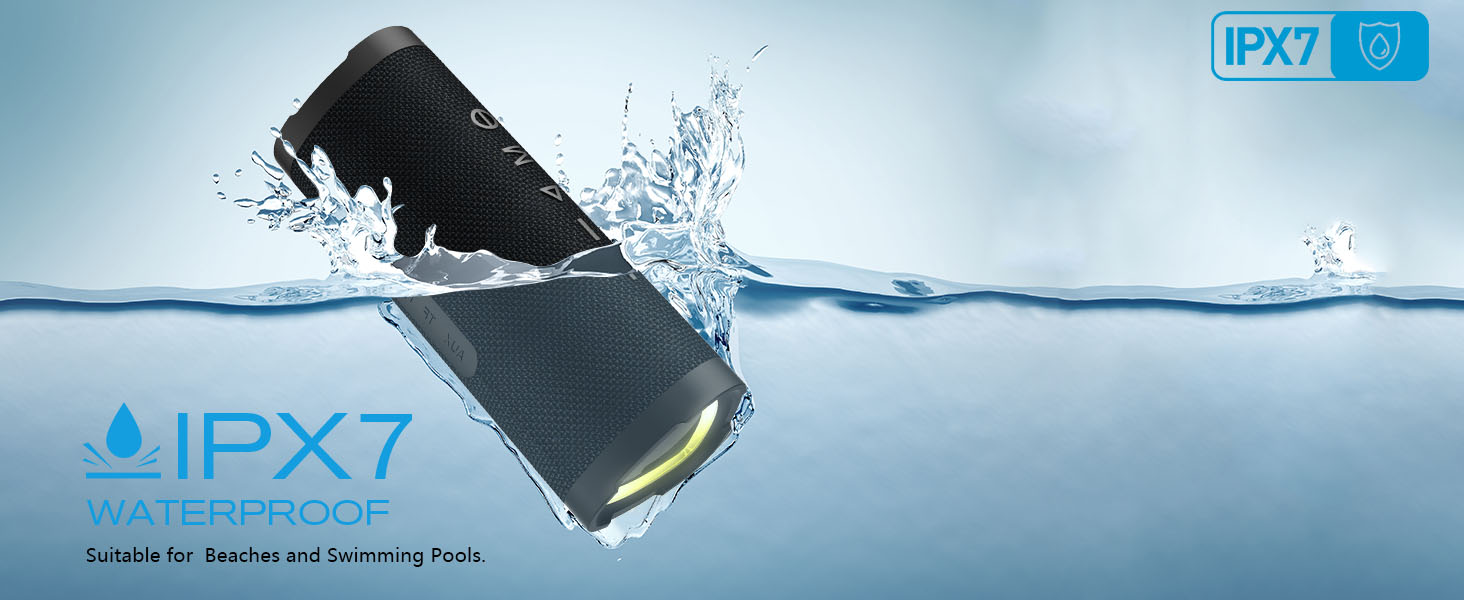
Image: Top view of the Vanzon V40 speaker showing the control buttons.
3.2. Ports and Indicators
- Type-C Charging Port: For charging the speaker.
- AUX-IN Port: For connecting external audio devices via a 3.5mm audio cable.
- TF Card Slot: For playing music directly from a TF (MicroSD) card.
- LED Indicator: Displays charging status, Bluetooth connection status, and mode.
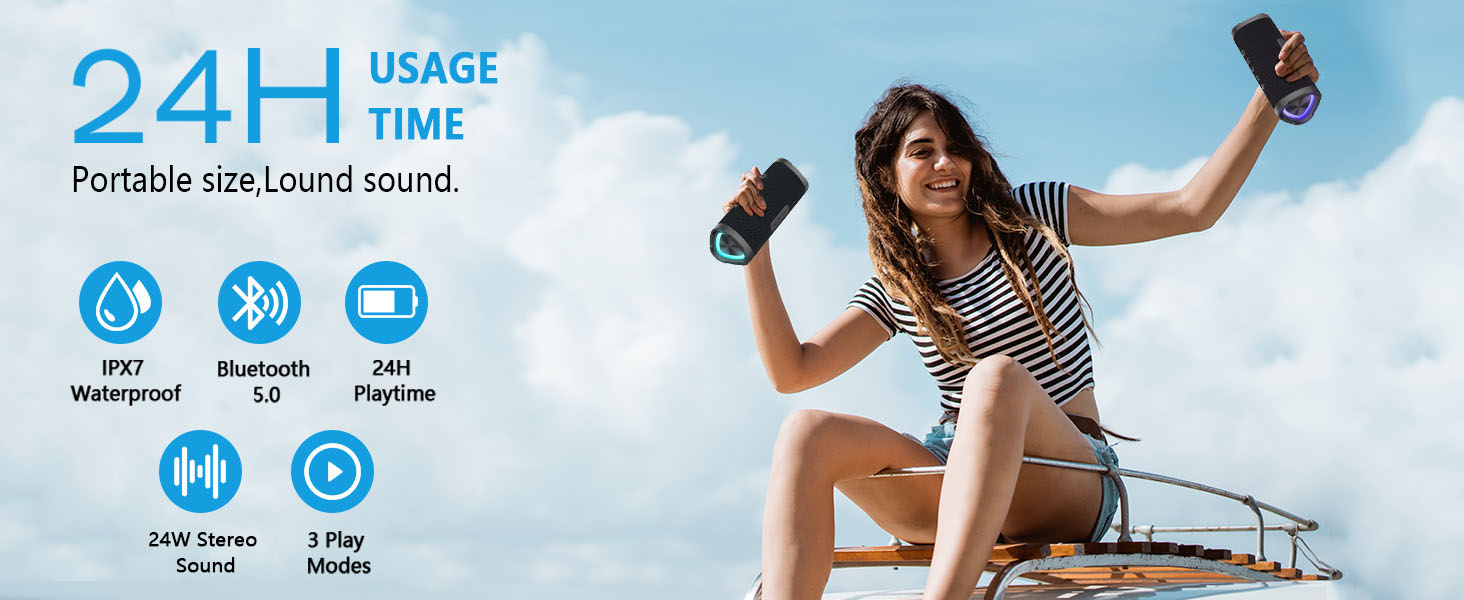
Image: Side view of the Vanzon V40 speaker showing the charging, AUX, and TF card ports.
4. Setup
4.1. Initial Charging
Before first use, fully charge the speaker. Connect the provided Type-C charging cable to the speaker's charging port and the other end to a USB power adapter (not included) or a computer's USB port. The LED indicator will show charging status and turn off when fully charged.
4.2. Power On/Off
- Power On: Long press the Power button for 2-3 seconds until you hear an audible prompt and the LED indicator lights up.
- Power Off: Long press the Power button for 2-3 seconds until you hear an audible prompt and the LED indicator turns off.
5. Operating Instructions
5.1. Bluetooth Pairing
- Ensure the speaker is powered on and in Bluetooth pairing mode (LED indicator will flash blue).
- On your mobile device, enable Bluetooth and search for available devices.
- Select "Vanzon V40" from the list.
- Once connected, you will hear a confirmation sound, and the LED indicator will turn solid blue.
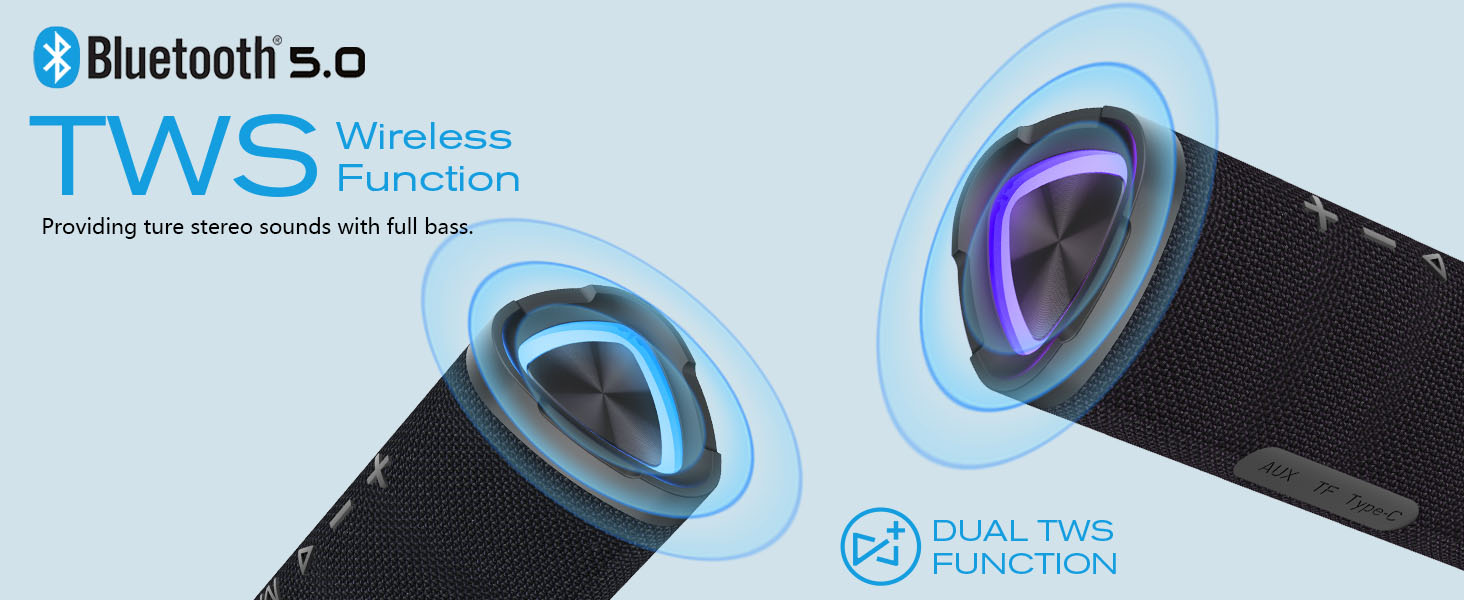
Image: Diagram illustrating Bluetooth 5.0 and TWS wireless function.
5.2. TWS (True Wireless Stereo) Pairing
To achieve a true stereo sound experience, you can pair two Vanzon V40 speakers together:
- Ensure both Vanzon V40 speakers are powered off.
- Power on both speakers. They will automatically enter Bluetooth pairing mode.
- On one of the speakers (this will be your master speaker), long press the 'M' button for 2-3 seconds. You will hear a pairing sound, and the speakers will connect to each other.
- Once successfully paired, the master speaker's LED will flash blue, and the secondary speaker's LED will be solid blue.
- Now, connect your mobile device to the master speaker via Bluetooth as described in Section 5.1.

Image: Two Vanzon V40 speakers demonstrating TWS mode connectivity for expanded sound.
5.3. Music Playback
- Play/Pause: Short press the Power button.
- Volume Up: Long press the '+' button.
- Volume Down: Long press the '-' button.
- Next Track: Short press the '+' button.
- Previous Track: Short press the '-' button.
5.4. Call Functions (Hands-Free)
The built-in microphone allows for hands-free calling when connected via Bluetooth:
- Answer/End Call: Short press the Power button.
- Reject Call: Long press the Power button.
- Redial Last Number: Double-press the Power button.
5.5. AUX Mode
To play audio from non-Bluetooth devices:
- Connect a 3.5mm audio cable (not included) from your audio device's output to the speaker's AUX-IN port.
- The speaker will automatically switch to AUX mode, or you can short press the 'M' button to cycle modes until AUX mode is activated.
5.6. TF Card Mode
To play music directly from a TF (MicroSD) card:
- Insert a TF card (up to 32GB, not included) with supported audio files (WAV / FLAC / APE / MP3 format) into the TF card slot.
- The speaker will automatically switch to TF Card mode, or you can short press the 'M' button to cycle modes until TF Card mode is activated.
5.7. Light Modes
The Vanzon V40 features integrated LED lights. Short press the Power button twice to cycle through different light modes or to turn the lights off.
6. Maintenance
6.1. Cleaning
Wipe the speaker with a soft, damp cloth. Do not use harsh chemicals or abrasive cleaners. Ensure all ports are dry before charging or using in wet environments.
6.2. Storage
Store the speaker in a cool, dry place away from direct sunlight and extreme temperatures. If storing for an extended period, charge the battery every 3 months to maintain its lifespan.
6.3. Battery Care
The Vanzon V40 is equipped with a built-in rechargeable lithium-ion battery. To maximize battery life:
- Avoid fully discharging the battery frequently.
- Do not expose the speaker to temperatures above 60°C (140°F).
- Use only the provided Type-C cable for charging.
7. Troubleshooting
| Problem | Possible Cause | Solution |
|---|---|---|
| Speaker does not power on. | Battery is low or depleted. | Charge the speaker fully using the Type-C cable. |
| Cannot pair with Bluetooth device. | Speaker is not in pairing mode or too far. | Ensure speaker is flashing blue. Move speaker closer to device. Turn off and on both devices. |
| No sound from speaker. | Volume is too low or muted. Incorrect mode selected. | Increase volume on speaker and device. Press 'M' button to cycle modes. |
| Poor sound quality. | Device is too far from speaker. Interference. | Move device closer to speaker. Avoid obstacles between speaker and device. |
| TWS pairing fails. | Speakers not reset or too far apart. | Ensure both speakers are off before starting TWS pairing. Keep them close during pairing. |
8. Specifications
- Model: V40
- Speaker Type: Portable Outdoor Bluetooth Speaker
- Connectivity Technology: Bluetooth 5.0
- Speaker Output Power: 24 Watts
- Waterproof Rating: IPX7
- Playtime: Up to 24 hours (varies by volume and content)
- Battery: Built-in 3600mAh Lithium-ion
- Product Dimensions: 7.8"D x 3.07"W x 3.19"H
- Item Weight: 2.08 ounces
- Supported Audio Formats (TF Card): WAV / FLAC / APE / MP3
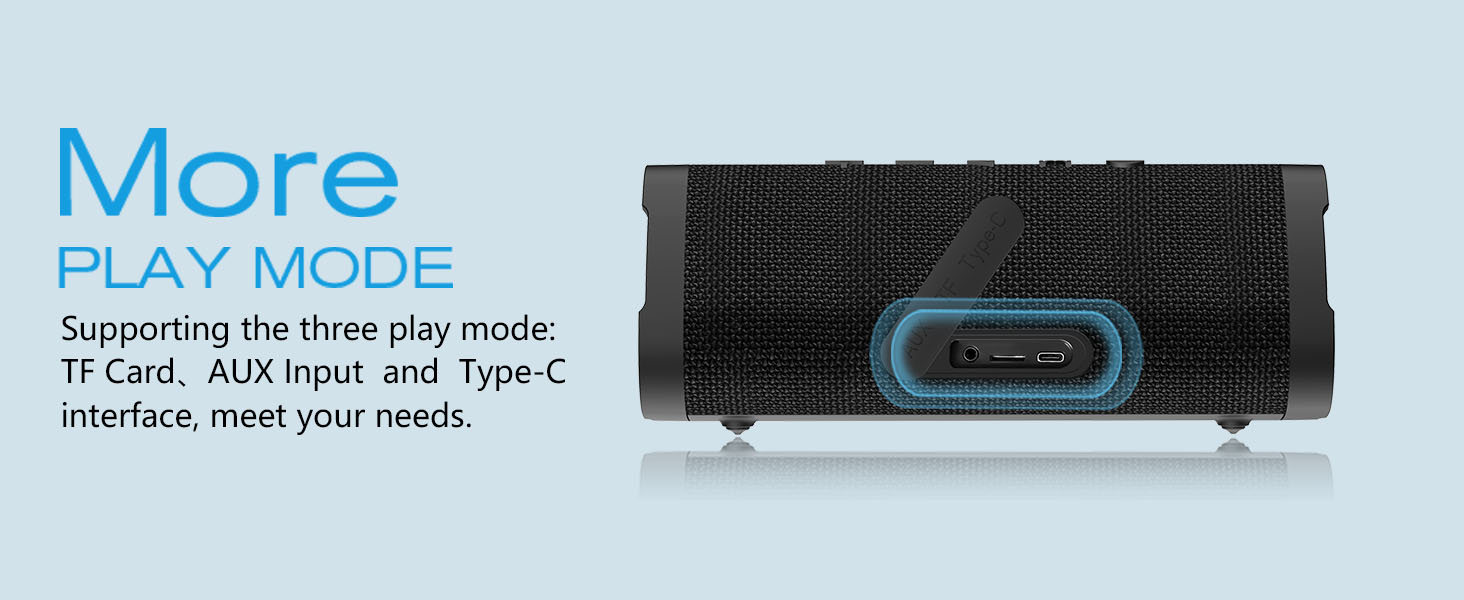
Image: Vanzon V40 speaker highlighting its 24-hour usage time and portability.
9. Safety Information
Please read and follow these safety guidelines to prevent damage to the speaker or injury to yourself:
- Do not disassemble, repair, or modify the speaker. This may cause electric shock, fire, or damage the product.
- Keep the speaker away from extreme temperatures, direct sunlight, and heat sources.
- Do not immerse the speaker in water beyond its IPX7 rating (up to 1 meter for 30 minutes). Ensure the charging port cover is securely closed before exposure to water.
- Keep out of reach of children.
- Use only certified power adapters for charging.
- Avoid dropping or subjecting the speaker to strong impacts.

Image: Vanzon V40 speaker submerged in water, illustrating its IPX7 waterproof capability.
10. Warranty and Support
The Vanzon V40 Bluetooth Speaker comes with a standard manufacturer's warranty. For detailed warranty information, product support, or technical assistance, please refer to the warranty card included in your package or visit the official Vanzon website. You may also contact Vanzon customer service directly through the retailer where you purchased the product.
For the latest updates and FAQs, please visit: Vanzon Official Store on Amazon


