
Introduction
The OPPO Enco Buds3 are advanced wireless earbuds designed to deliver a superior audio experience with convenience and comfort. Featuring a 12.4mm Titanium Plated Driver, these earbuds provide powerful bass and clear treble. Enjoy extended listening with up to 48 hours of playback time with the charging case, and quick recharges with fast charging capabilities. The Enco Buds3 also offer seamless dual connection, multiple touch controls, and AI Clear Phone Call technology for enhanced communication.
This manual provides essential information on how to set up, operate, maintain, and troubleshoot your OPPO Enco Buds3 wireless earbuds.
Package Contents
Before you begin, please ensure all items are present in the package:
- OPPO Enco Buds3 Earbuds (Left and Right)
- Charging Case
- USB-C Charging Cable
- Ear Tips (various sizes)
- User Manual
Setup
1. Charging the Earbuds and Case
For optimal performance, fully charge the earbuds and charging case before first use.
- Place the earbuds into the charging case.
- Connect the USB-C charging cable to the charging port on the case and to a power source.
- The indicator light on the charging case will show charging status. A full charge provides up to 48 hours of playback with the case. A 10-minute charge can provide up to 3 hours of listening time.
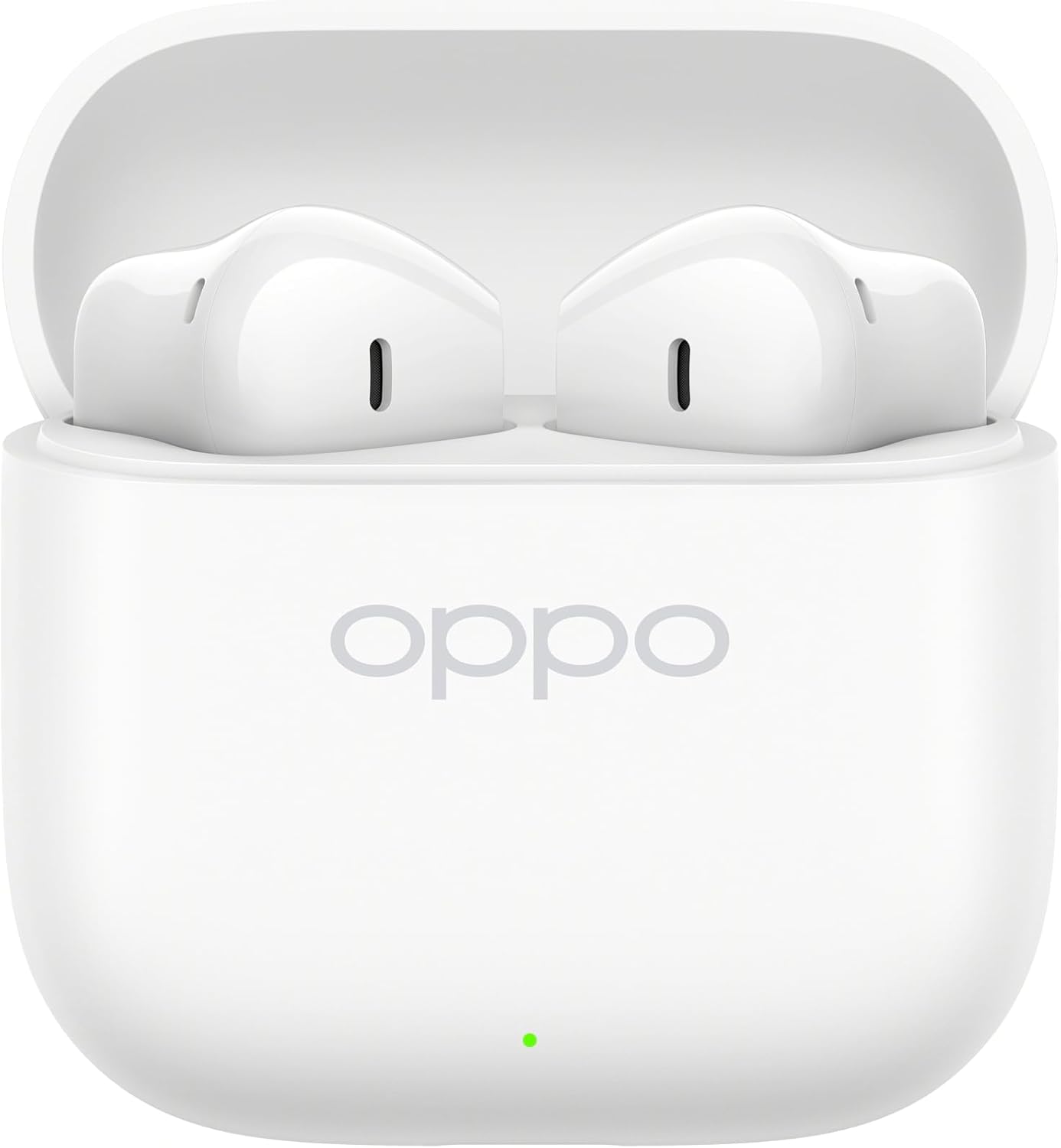
Image: OPPO Enco Buds3 earbuds placed inside their open charging case, indicating charging readiness.
2. Pairing with Your Device
The OPPO Enco Buds3 support Bluetooth 5.4 and Google Fast Pair for quick and stable connections.
- First-time Pairing: Open the charging case. The earbuds will automatically enter pairing mode.
- On your device (smartphone, tablet, laptop), enable Bluetooth and search for available devices.
- Select "OPPO Enco Buds3" from the list of devices.
- A confirmation message will appear once pairing is successful.
- Google Fast Pair: If your Android device supports Google Fast Pair, simply open the case near your device, and a pop-up notification will guide you through the pairing process.
- Dual Connection: The earbuds can be connected to two devices simultaneously. To switch between devices, pause audio on the first device and play on the second.
Operating Instructions
1. Wearing the Earbuds
Gently insert the earbuds into your ears, ensuring a snug and comfortable fit. Adjust the angle until the sound is clear and the earbuds feel secure.

Image: Side profile of the OPPO Enco Buds3 earbuds, showing their ergonomic design for comfortable wear.
2. Touch Controls
The OPPO Enco Buds3 feature multiple touch controls for easy management of music, calls, and other functions. The control method is touch-sensitive areas on the earbuds.
| Action | Function |
|---|---|
| Single Tap | Play/Pause music, Answer/End call |
| Double Tap (Left Earbud) | Previous track |
| Double Tap (Right Earbud) | Next track |
| Triple Tap | Activate Voice Assistant |
| Long Press (1 second) | Reject call |
| Long Press (2 seconds) | Switch between Noise Control modes (if applicable, check device settings) |
Note: Specific touch control functions may be customizable via the HeyMelody app (if available for your region/model).
3. Enco Master 3 Tuning Modes
The Enco Buds3 offer three distinct tuning modes to cater to different music preferences. These modes can typically be switched via the connected device's settings or a dedicated app.
4. AI Clear Phone Call
Utilizing AI technology, the earbuds enhance call clarity by reducing background noise, ensuring your voice is heard clearly during phone conversations.
5. Camera Control
Certain devices may allow the earbuds to act as a remote shutter for your camera. Refer to your device's camera settings or the HeyMelody app for configuration.
Maintenance
Proper maintenance ensures the longevity and optimal performance of your OPPO Enco Buds3 earbuds.
- Cleaning: Regularly clean the earbuds and charging case with a soft, dry, lint-free cloth. Do not use abrasive cleaners or solvents.
- Ear Tips: Remove ear tips and clean them with water and mild soap if necessary. Ensure they are completely dry before reattaching.
- Water Resistance: The earbuds are rated as Water Resistant. This means they can withstand splashes and sweat but are not designed for submersion in water. Avoid exposing them to heavy rain, showering, or swimming.
- Storage: When not in use, store the earbuds in their charging case to protect them from dust and damage.
- Temperature: Avoid exposing the earbuds to extreme temperatures (hot or cold) or high humidity.
Troubleshooting
If you encounter issues with your OPPO Enco Buds3, try the following solutions:
- Earbuds not pairing:
- Ensure the earbuds are charged and the charging case is open.
- Turn off and on Bluetooth on your device.
- Forget "OPPO Enco Buds3" from your device's Bluetooth list and try pairing again.
- No sound from one earbud:
- Place both earbuds back into the charging case, close the lid, wait a few seconds, then open it again.
- Check the earbud's charging contacts for any debris.
- Charging issues:
- Ensure the charging cable is securely connected to both the case and the power source.
- Try a different USB-C cable and power adapter.
- Clean the charging port on the case.
- Resetting the Earbuds: If issues persist, a factory reset may resolve them.
- Place both earbuds into the charging case and keep the lid open.
- Press and hold the function button on the charging case (usually located inside or on the back) for approximately 10-15 seconds until the indicator light flashes red three times.
- Close the case, then open it again to re-enter pairing mode. You will need to re-pair with your device.
Specifications
Key technical specifications for the OPPO Enco Buds3 (Model OWWE242):
| Feature | Detail |
|---|---|
| Model Name | OPPO Enco Buds3 |
| Model Number | OWWE242 |
| Driver Size | 12.4mm Titanium Plated Driver |
| Connectivity | Bluetooth 5.4 |
| Battery Life (Earbuds) | Up to 9.5 hours (continuous playback) |
| Battery Life (with Case) | Up to 48 hours |
| Fast Charging | 10 minutes charge for 3 hours listening |
| Control Method | Touch |
| Water Resistance | Water Resistant |
| Material | Titanium (driver material) |
| Compatible Devices | Smartphones, Laptops, Tablets, Smart Speaker, Car Audio Systems, Gaming Consoles, Desktops, Cellphones |
| Special Features | AI Clear Phone Call, Seamless Dual Connection, Google Fast Pair, Multiple Touch Controls, Camera Control, Enco Master 3 tuning modes |
Warranty and Support
Warranty Information: Your OPPO Enco Buds3 earbuds are covered by a limited warranty. Please refer to the warranty card included in your product packaging or visit the official OPPO website for detailed terms and conditions specific to your region.
Customer Support: For technical assistance, service, or further inquiries, please contact OPPO customer support through their official website or the contact information provided in your product documentation. Ensure you have your product model number (OWWE242) and proof of purchase ready when contacting support.
You can find more information and support resources on the official OPPO website: www.oppo.com


