1. Introduction
This universal replacement remote control is designed to operate various air conditioner models, offering a convenient and reliable solution for your cooling needs. It features a compact design, comfortable grip, and requires no programming for immediate use. This manual provides detailed instructions for setup, operation, and maintenance.
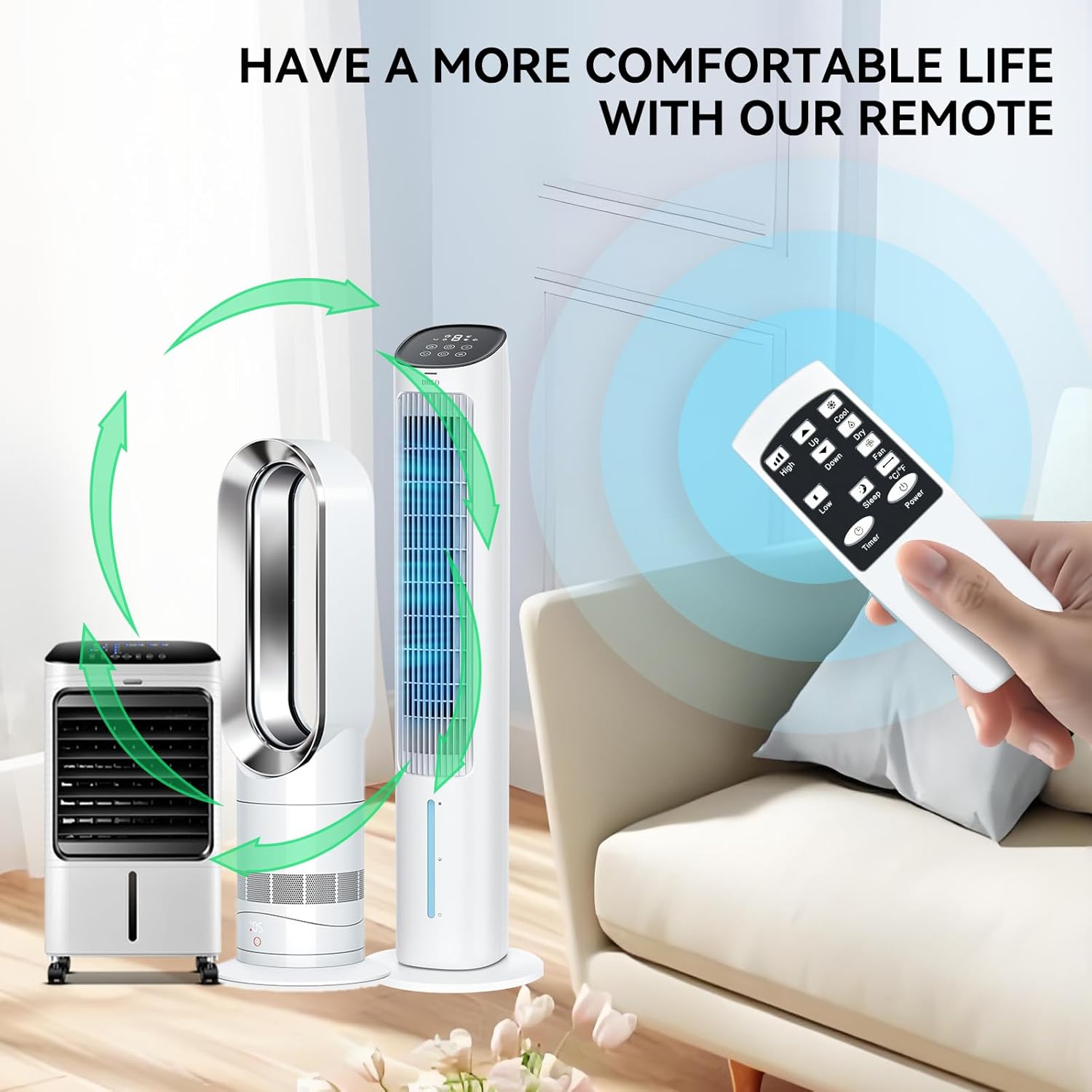
Image: The remote control in a home environment, highlighting its ease of use for a comfortable life.
2. Safety Information
Please read and understand all safety precautions before using this product. Failure to follow these instructions may result in injury or damage to the product.
- Keep away from fire: Do not expose the remote control to open flames or extreme heat.
- Small parts: This product may contain small parts. Keep out of reach of small children to prevent choking hazards. Do not swallow any components.
- Battery Safety: Ensure batteries are inserted with correct polarity. Do not mix old and new batteries, or different types of batteries. Remove batteries if the remote will not be used for an extended period.
- Disposal: Dispose of batteries and the remote control according to local regulations.
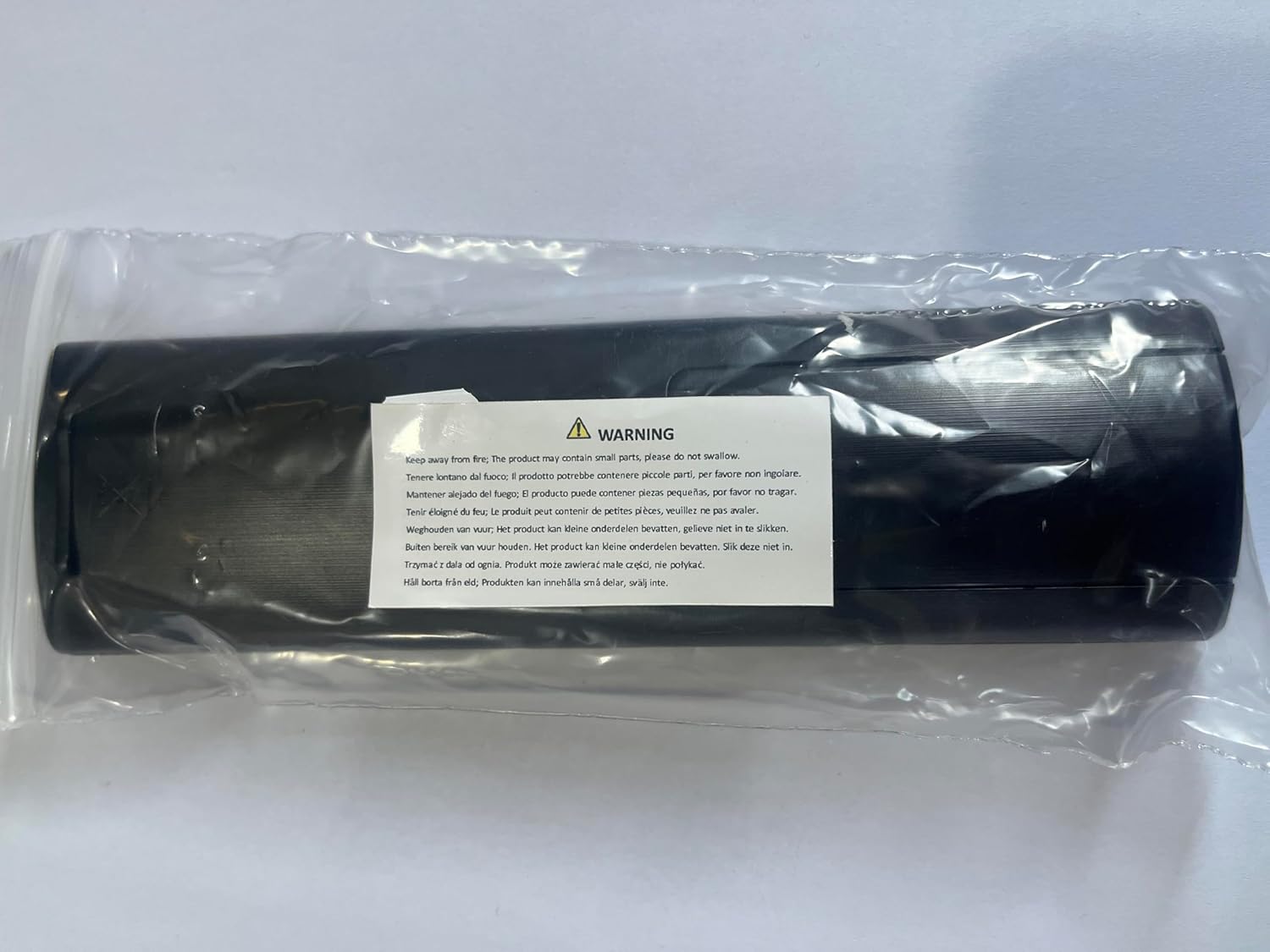
Image: A warning label emphasizing the presence of small parts and the need to keep the product away from fire.
3. Package Contents
Please check the package contents upon opening to ensure all items are present and undamaged:
- 1 x TRUCKON Universal Air Conditioner Remote Control (Model: MD 37672)
Note: Batteries (2 x AAA) and additional instructions are NOT included and must be purchased separately.
4. Setup
4.1. Battery Installation
To begin using your remote control, you must first install the batteries:
- Locate the battery compartment on the back of the remote control.
- Slide the battery cover downwards or in the direction indicated by an arrow to open it.
- Insert two (2) AAA batteries, ensuring the positive (+) and negative (-) ends match the markings inside the compartment.
- Close the battery cover by sliding it back into place until it clicks securely.

Image: The remote control's battery compartment, illustrating that batteries are not included with the product.
5. Operating Instructions
5.1. Basic Functions
The remote control is designed for intuitive operation. Simply point the remote at your air conditioner and press the desired button. No programming or pairing is required.

Image: Front and side views of the remote control, displaying its layout and buttons.
| Button | Function |
|---|---|
| Power | Turns the air conditioner On or Off. |
| Up / Down | Adjusts temperature settings. |
| Cool | Activates cooling mode. |
| Dry | Activates dehumidification mode. |
| Fan | Activates fan-only mode. |
| High / Low | Adjusts fan speed (High or Low). |
| Sleep | Activates sleep mode for quiet operation and energy saving. |
| °C/°F | Switches between Celsius and Fahrenheit temperature display. |
| Timer | Sets or cancels the timer function. |
5.2. Compatibility
This universal remote control is compatible with a wide range of air conditioner models, including but not limited to:
- Medion MD 37672
- Youhomi 9000 BTU, 7000 BTU, 5000 BTU, 6000 BTU models
- Monzana MZKA2600, MZKA2000, MZKA1000, MZKA780
- Zeilan 2617
- House F HH24121
- Equis 112
- Keyser Portable AC 7000 BTU, 9000 BTU 4-in-1 models
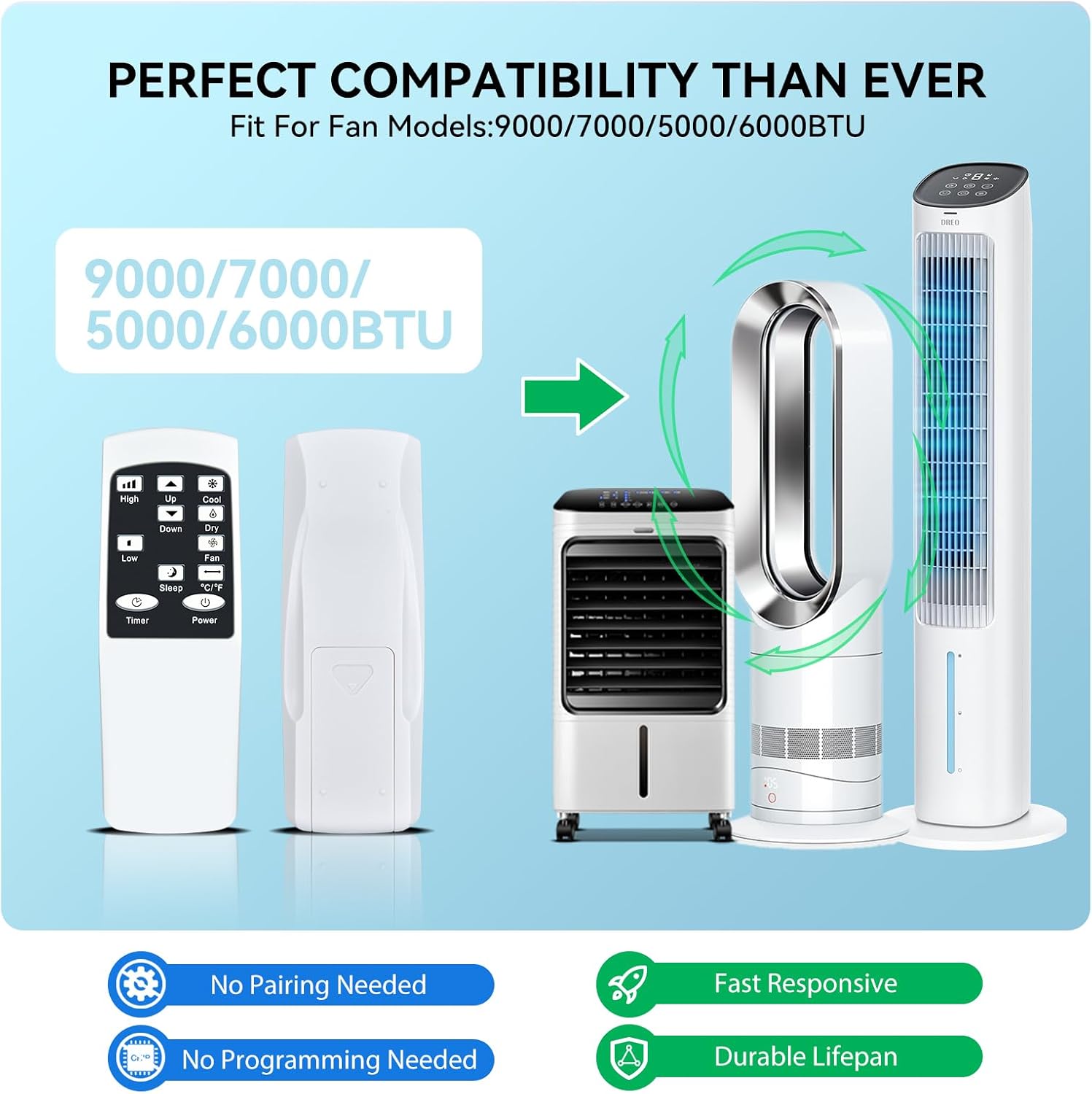
Image: Visual representation of the remote control's broad compatibility with different air conditioner models.
5.3. Key Features
- No Programming Required: Simply insert batteries and the remote is ready to use. No complex setup or pairing is needed.
- Infrared (IR) 3.0 Technology: Ensures a strong and stable signal for quick and reliable response.
- High Performance: Buttons are highly responsive, providing a good tactile feel. The remote offers precise control up to 12 meters (40 feet) and responds in less than 0.2 seconds.
- Durable Construction: Made from high-quality ABS plastic and silicone, ensuring the remote is comfortable to hold, durable, and resistant to slipping.
- Ergonomic Design: Compact and lightweight, designed for easy gripping and portability.

Image: The remote control's ergonomic design and responsive features, including sensitive buttons and stable signal.

Image: Illustration of the remote's strong signal and durable, long-lasting quality.
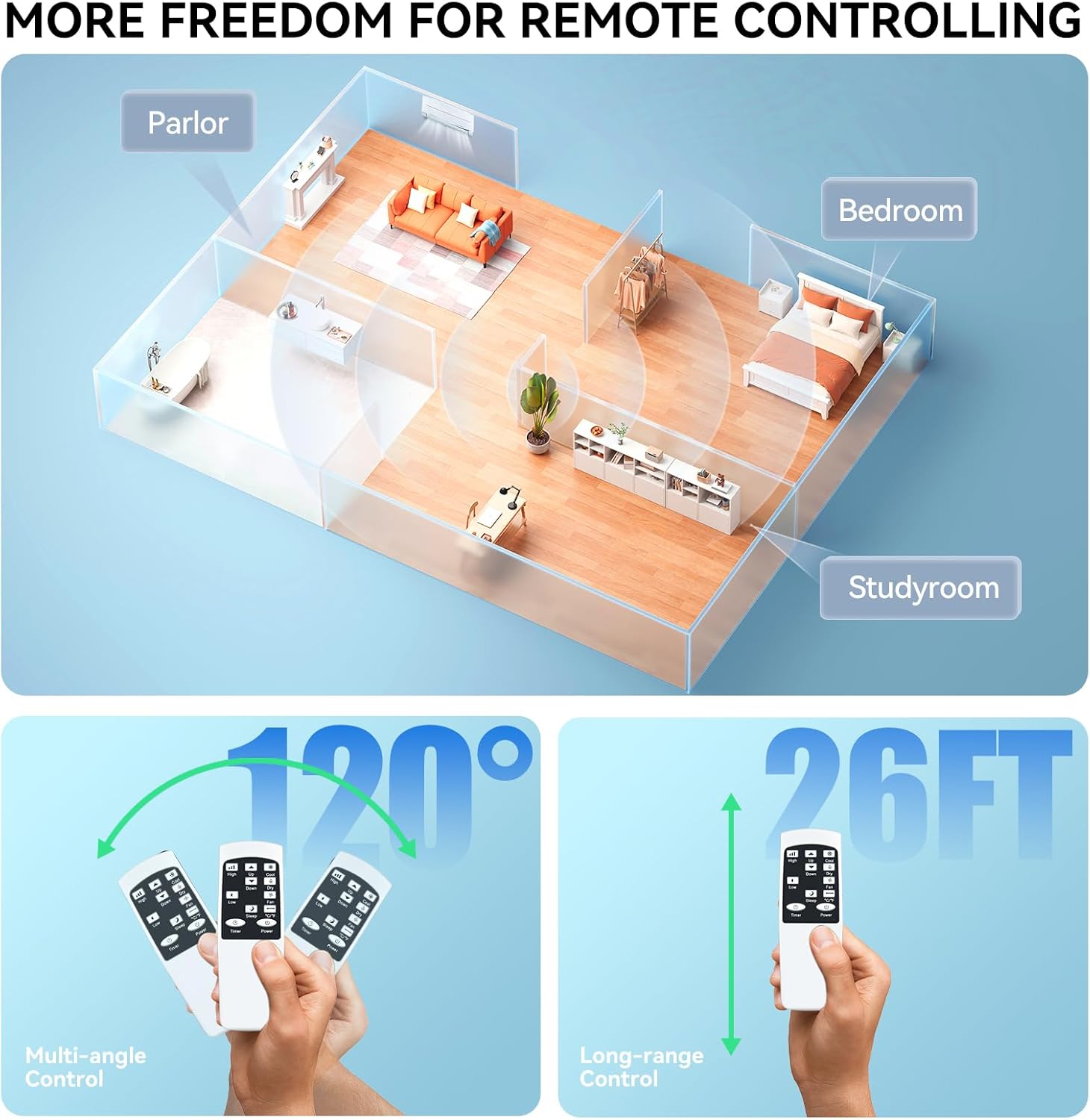
Image: Depiction of the remote control's extended range and multi-angle functionality, allowing control from various locations.
6. Maintenance
Proper maintenance will ensure the longevity and optimal performance of your remote control.
- Cleaning: Wipe the remote control with a soft, dry cloth. Do not use abrasive cleaners, solvents, or alcohol, as these may damage the surface or internal components.
- Battery Replacement: Replace batteries when the remote's response becomes sluggish or if the indicator light (if present) dims. Always replace both batteries at the same time.
- Storage: Store the remote control in a cool, dry place away from direct sunlight and extreme temperatures.
7. Troubleshooting
If you encounter issues with your remote control, please refer to the following common problems and solutions:
| Problem | Possible Cause | Solution |
|---|---|---|
| Remote is not working. | Dead or incorrectly inserted batteries. Obstruction between remote and AC unit. Remote out of range. | Replace batteries with new ones, ensuring correct polarity. Remove any objects blocking the signal path. Move closer to the AC unit (within 12 meters/40 feet). |
| Buttons are unresponsive. | Low batteries. Dirt or debris under buttons. | Replace batteries. Gently clean around the buttons with a soft, dry cloth. |
| Limited range. | Low batteries. Interference from other electronic devices. | Replace batteries. Ensure no strong light sources (like direct sunlight) or other IR devices are interfering with the signal. |
If the problem persists after trying these solutions, please contact customer support for further assistance.
8. Specifications
| Feature | Detail |
|---|---|
| Model | MD 37672 |
| Brand | TRUCKON |
| Dimensions (L x W x H) | 12.7 x 5.1 x 2.4 cm (5 x 2 x 0.94 inches) |
| Weight | 38 grams (1.34 ounces) |
| Connection Technology | Infrared (IR) |
| Material | High-quality ABS Plastic, Silicone |
| Power Source | 2 x AAA Batteries (not included) |
| Operating Distance | Up to 12 meters / 40 feet |
| Response Time | Less than 0.2 seconds |

Image: Product parameter diagram illustrating the dimensions of the remote control.
9. Warranty and Support
TRUCKON is committed to providing high-quality products and professional customer service. We have worked diligently to improve the quality and compatibility of our products.
If you have any questions regarding your order or the product model, please do not hesitate to contact us directly. Our customer service team is available to respond within 12 hours, seven days a week, to assist you with any concerns or issues you may have.
Your satisfaction is our priority, and we are here to ensure you have the best possible experience with your TRUCKON Universal Air Conditioner Remote Control.


