
Introduction
Thank you for choosing the ENUOSUMA H5 Mini Projector. This portable video projector is designed to deliver a high-quality viewing experience with its native 1080P resolution, 8K decoding support, and 300 ANSI lumens brightness. Featuring an integrated Android system, Wi-Fi 6, Bluetooth 5.2, and automatic keystone correction, the H5 offers versatile connectivity and ease of use for various entertainment and presentation needs. This manual provides detailed instructions for setup, operation, maintenance, and troubleshooting to ensure optimal performance and longevity of your device.

Image: The ENUOSUMA H5 Mini Projector, showcasing its compact design and key features like 8K support, 1080P native resolution, Bluetooth 5.2, and 300 ANSI lumens.
Package Contents
Please verify that all items listed below are included in your package. If any items are missing or damaged, please contact customer support.
- ENUOSUMA H5 Projector
- HDMI Cable
- Power Cord
- Remote Control
- User Manual

Image: A visual representation of the ENUOSUMA H5 Mini Projector and its included accessories: HDMI cable, remote control, user manual, and power charger.
Initial Setup
1. Placement
Position the projector on a stable, flat surface. Ensure there is adequate ventilation around the device. For optimal viewing, place the projector directly in front of the projection surface. The projection distance influences the screen size:
- Approximately 1.80 ft for a 60-inch screen.
- Approximately 2.50 ft for an 84-inch screen.
- Approximately 2.97 ft for a 100-inch screen.
The projector supports screen sizes from 40 to 200 inches.

Image: A diagram illustrating the relationship between projector distance and projected screen size, showing 60, 84, and 100-inch screens at different distances.
2. Power Connection
Connect the provided power cord to the projector's power input port, then plug the other end into a standard electrical outlet.
3. First Power On
Press the power button on the projector or the remote control to turn on the device. The projector will initiate its startup sequence.
4. Network Connection (Wi-Fi)
Upon first use, or if not previously configured, navigate to the 'Settings' menu on the projector's interface. Select 'Network' or 'Wi-Fi' and choose your desired network. Enter the password if prompted. The H5 supports Wi-Fi 6 for stable and fast wireless connectivity.
5. Auto Keystone Correction
The ENUOSUMA H5 features automatic keystone correction. This function automatically adjusts the image to be rectangular, even if the projector is placed at an angle. Manual adjustments can also be made in the settings if needed.
6. Connecting External Devices
The projector offers multiple connectivity options:
- HDMI 2.0: Connect gaming consoles (PS5, Xbox, Switch), Fire TV Stick, laptops, or DVD players using an HDMI cable.
- USB 3.0 (x2): Insert USB drives or external hard drives for direct media playback.
- 3.5mm Audio Jack: Connect external speakers or headphones.
- Bluetooth 5.2: Pair with wireless headphones or Bluetooth speakers.
- Wi-Fi 6: Utilize for wireless screen mirroring from iPhones, Android devices, or iPads.
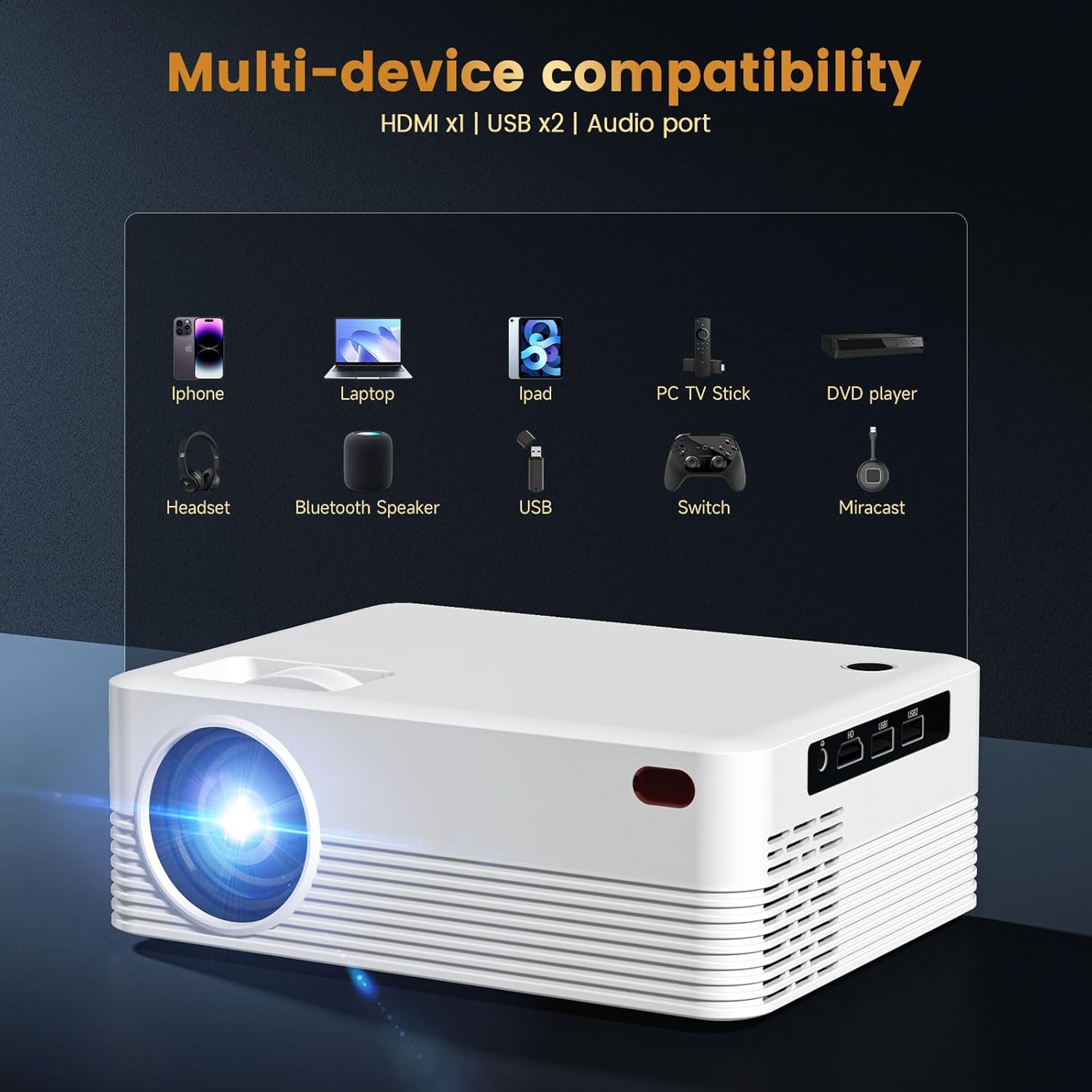
Image: An illustration showing various devices such as iPhones, laptops, iPads, PC TV Sticks, DVD players, headsets, Bluetooth speakers, USB drives, Switch consoles, and Miracast connecting to the projector.
Operating Instructions
1. User Interface Navigation
The ENUOSUMA H5 operates on an Android system, providing a user-friendly interface. Navigate through menus and select applications using the provided remote control. Pre-installed apps like Netflix, YouTube, and Disney+ are readily available for streaming.

Image: The ENUOSUMA H5 projector displaying its smart interface with various pre-installed streaming applications, indicating ease of access to content.
2. Media Playback
The H5 projector supports 8K ultra HD video decoding, allowing for playback of high-resolution content without lag. It also supports 4K-60Hz input with minimal delay, ensuring smooth performance for movies and other media.

Image: A close-up of a golden flower projected with stunning detail, emphasizing the 8K picture quality support of the projector.
3. Screen Mirroring
Utilize the dual-mode Bluetooth 5.2 and Wi-Fi 6 for stable wireless screen mirroring from compatible devices. This allows you to project content from your smartphone, tablet, or laptop onto a larger screen.

Image: A person playing a video game on a large projected screen, demonstrating the projector's low-latency performance with Wi-Fi 6 for gaming and streaming.
4. Audio Output
The projector is equipped with dual 5W high-fidelity speakers featuring Dolby-level diaphragm technology, providing clear vocals, powerful bass, and smooth highs. For private listening or enhanced audio, connect wireless headphones via Bluetooth 5.2, which offers fast transmission with minimal delay (0.1s).
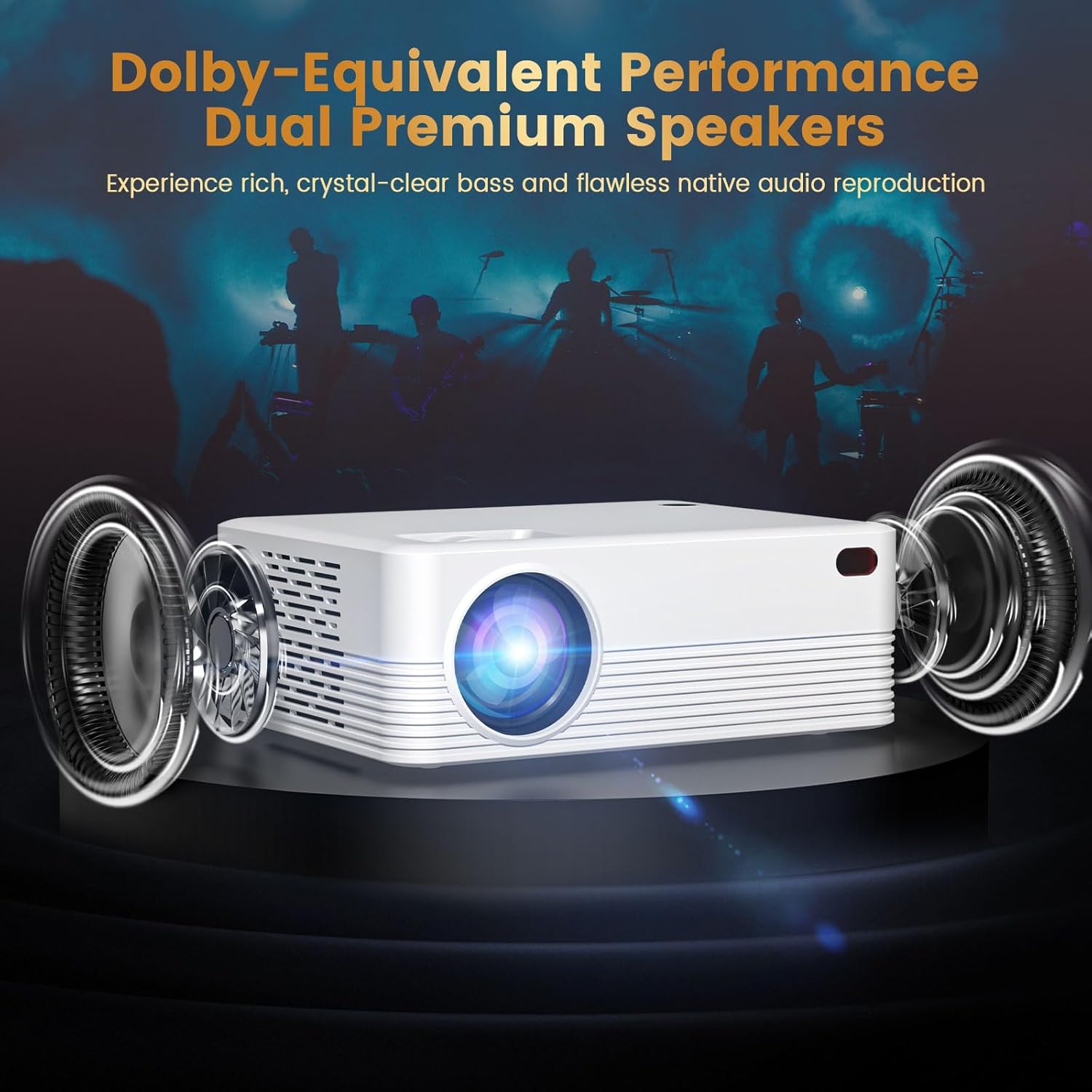
Image: A visual representation of the ENUOSUMA H5 projector with sound waves illustrating its dual premium speakers and Dolby-equivalent audio performance.
5. Remote Control Usage
The included remote control allows for easy navigation of the projector's interface, volume adjustment, input selection, and power control. Ensure the remote has fresh batteries and is pointed towards the projector's IR receiver for optimal response.
Care and Maintenance
1. Cleaning
To maintain optimal image quality and device longevity, regularly clean the projector. Use a soft, dry cloth to wipe the exterior. For the lens, use a specialized lens cleaning cloth and solution. The projector includes a dust-proof mesh that blocks 99% of dust, reducing internal accumulation.
2. Storage
When not in use for extended periods, store the projector in a cool, dry place, away from direct sunlight and extreme temperatures. Use the original packaging or a protective case to prevent dust and damage.
3. Lamp Lifespan
The LED light source in the H5 projector has an estimated lifespan of 30,000 hours. With typical daily use of 4 hours, this translates to over 20 years of operation, significantly reducing the need for lamp replacement.
4. Cooling System
The projector features an advanced cooling system designed to keep the device below 40°C even during continuous operation for up to 5 hours. The system operates quietly, with noise levels typically below 25dB, ensuring a minimal disturbance during use.
Troubleshooting
If you encounter issues with your ENUOSUMA H5 projector, please refer to the following common problems and their solutions:
- No Image:
- Ensure the power cord is securely connected and the projector is turned on.
- Verify the input source is correctly selected (e.g., HDMI 1, USB).
- Check if the lens cap is removed.
- Confirm the connected device (laptop, console) is powered on and outputting a signal.
- No Sound:
- Increase the volume on both the projector and the connected source device.
- Check if the projector is muted.
- If using external speakers or headphones, ensure they are properly connected via Bluetooth or the 3.5mm audio jack.
- Connectivity Issues (Wi-Fi/Bluetooth):
- Ensure the projector is within range of your Wi-Fi router or Bluetooth device.
- Restart the projector and your network router.
- Re-pair Bluetooth devices.
- Image Distortion (Not Rectangular):
- The auto keystone correction should adjust automatically. If not, navigate to the 'Settings' menu to perform manual keystone adjustments.
- Ensure the projector is placed on a level surface.
- Remote Control Not Responding:
- Replace the batteries in the remote control.
- Ensure there are no obstructions between the remote and the projector's IR receiver.
Technical Specifications
| Feature | Specification |
|---|---|
| Brand | ENUOSUMA |
| Model | H5 |
| Display Resolution | Native 1920 x 1080 (Supports 8K Decoding) |
| Brightness | 300 ANSI Lumens |
| Connectivity Technology | HDMI 2.0, Dual USB 3.0, 3.5mm Jack, Bluetooth 5.2, Wi-Fi 6 |
| Special Features | Auto Keystone Correction, Built-In Android 11, Built-In Apps, Portable, Supports HDR10 |
| Recommended Uses | Business, Education, Gaming, Home Cinema, Indoor/Outdoor |
| Item Weight | 3.34 pounds |
| Package Dimensions | 12.01 x 7.56 x 5.12 inches |
| Color | White |
| LED Lifespan | 30,000 hours |
| Noise Level | <25dB |
Warranty and Customer Support
1. Warranty Information
ENUOSUMA provides a 30-day hassle-free return policy for this product. Please refer to your purchase platform for specific return procedures and conditions.
2. Technical Support
We offer lifetime technical support for the ENUOSUMA H5 Mini Projector. Our dedicated US-based expert team is available 24/7 to assist you with any technical issues or questions you may have. For support, please contact us through your Amazon orders page.