
1. Introduction
Thank you for choosing the AMINY U9 Open Ear Earbuds. These innovative earbuds feature an open-ear design for comfort and situational awareness, integrated AI translation supporting 163 languages, and Bluetooth 5.4 connectivity. This manual provides detailed instructions to help you set up, operate, and maintain your earbuds for the best experience.
2. Package Contents
Please verify that all items are present in your package:
- AMINY U9 Open Ear Earbuds (Left and Right)
- Charging Case
- USB-C Charging Cable
- User Manual (this document)
3. Product Overview

Image: The AMINY U9 Open Ear Earbuds shown with their charging case. The earbuds feature a clip-on design and a sleek black finish.
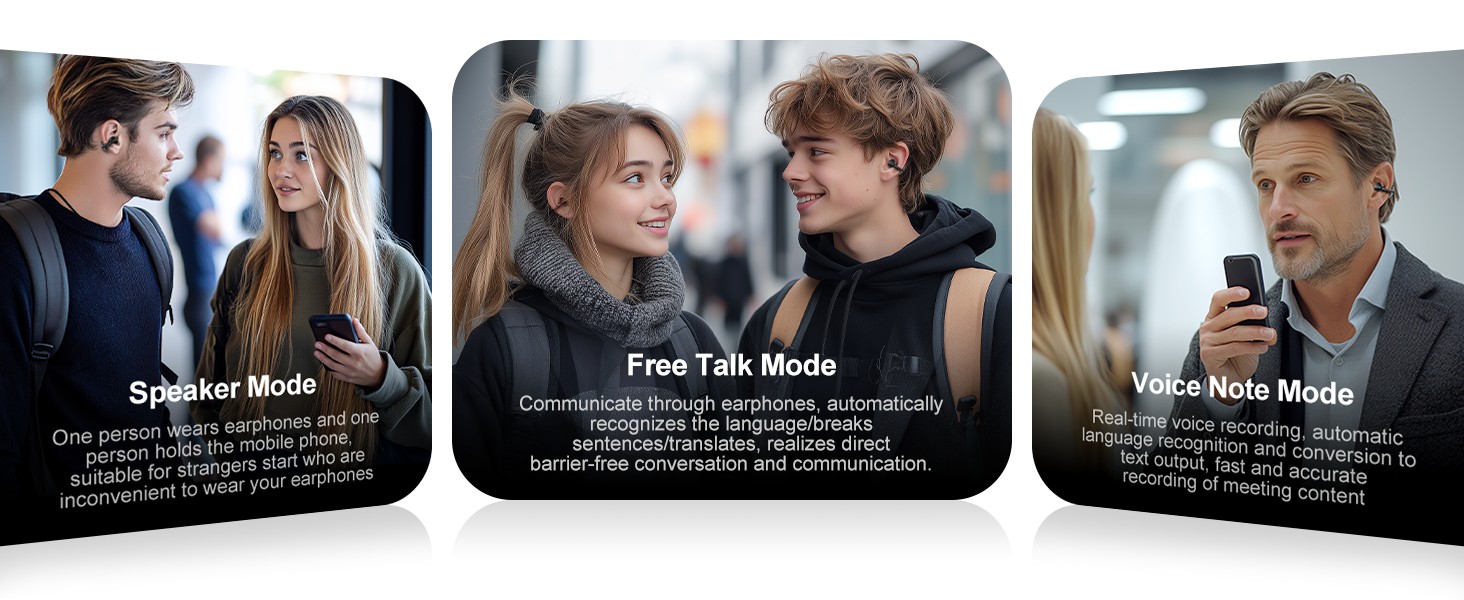
Image: A diagram illustrating the open-ear placement of the earbud, showing sound waves directed into the ear canal while allowing ambient sound to be heard.
3.1 Earbud Components
- Clip-on Design: Securely fits onto the ear without entering the ear canal.
- Touch Control Area: For managing music playback, calls, and translation functions.
- Microphone: For calls and voice input for translation.
- Charging Contacts: Located on the earbuds for charging within the case.
3.2 Charging Case Components
- Charging Port: USB-C port for connecting the charging cable.
- Indicator Light: Shows charging status and battery level.
- Earbud Slots: Holds and charges the earbuds.
4. Setup
4.1 Charging the Earbuds and Case
Before first use, fully charge both the earbuds and the charging case.
- Place the earbuds into the charging case, ensuring they are correctly seated.
- Connect the USB-C charging cable to the charging port on the case and to a power source.
- The indicator light on the case will illuminate during charging. It will turn off when fully charged.
Charging Times:
- Earbuds: Approximately 1.5 - 2 hours for a full charge.
- Charging Case: Approximately 2 hours for a full charge.
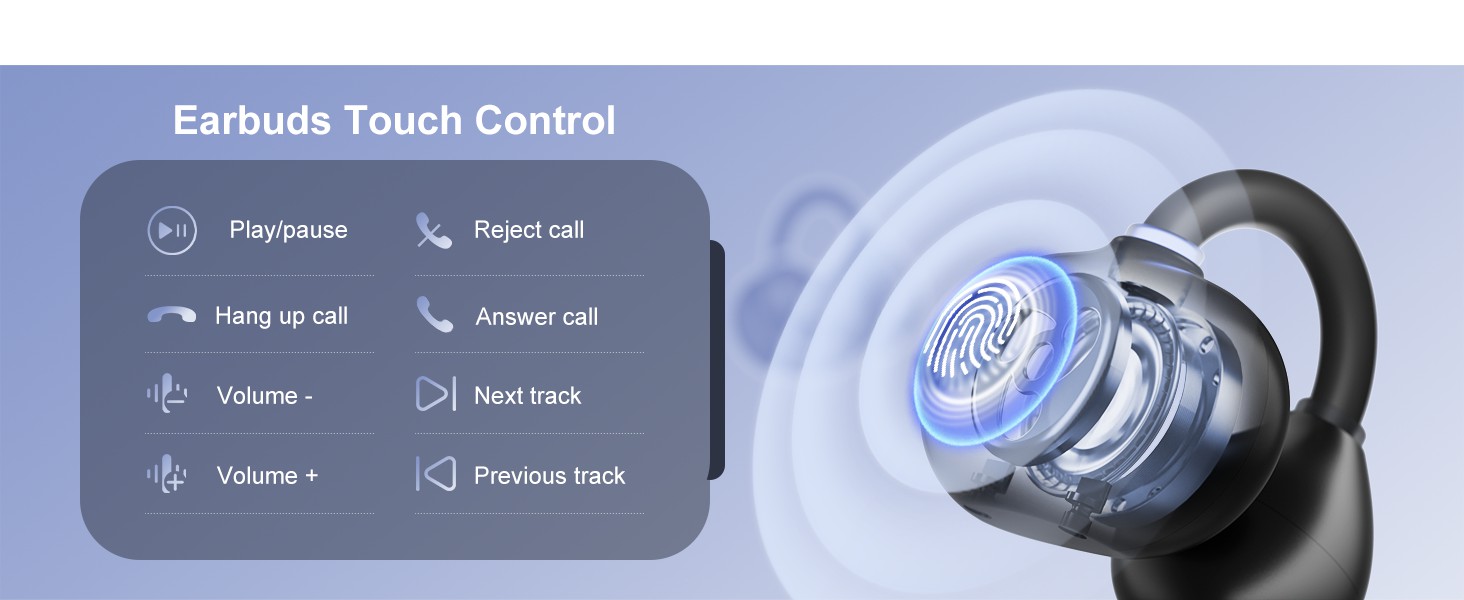
Image: A visual guide showing the earbuds in their charging case, with details on talk time (5-6H), charging time (1.5-2H), and music time (7-8H). It also indicates the charging status light behavior.
4.2 Bluetooth Pairing
- Ensure the earbuds are charged and placed inside the charging case.
- Open the charging case. The earbuds will automatically enter pairing mode.
- On your device (smartphone, tablet, etc.), enable Bluetooth and search for available devices.
- Select "U9" from the list of found devices to connect.
- Once successfully paired, the earbuds will automatically connect to your device whenever you open the charging case.
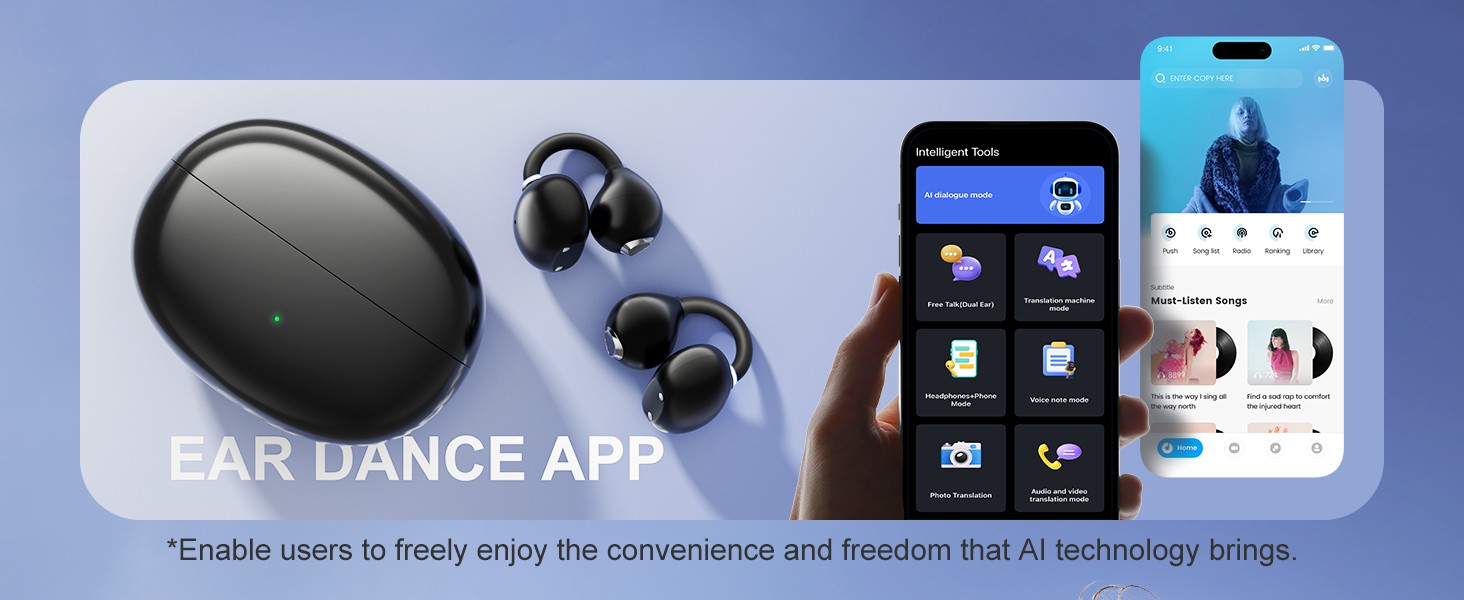
Image: A graphic illustrating the process of downloading the companion app and the one-step quick pairing of the earbuds with a smartphone, showing the app interface and Bluetooth connection.
4.3 App Download and Setup
To utilize the full range of AI translation features and customize controls, download the dedicated AMINY app.
- Scan the QR code provided in the physical user manual or search for "AMINY" or "EAR DANCE" in your device's app store (Google Play Store for Android, Apple App Store for iOS).
- Install the application.
- Open the app and follow the on-screen instructions to register and log in.
- Ensure your earbuds are connected via Bluetooth to your device. The app will guide you through binding the device.
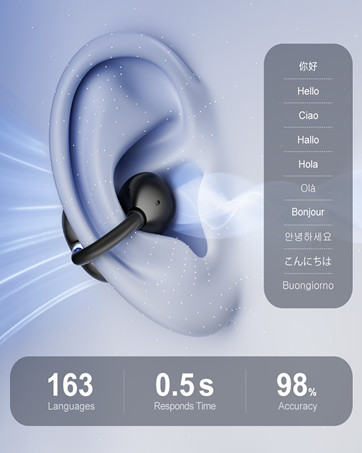
Image: A smartphone screen displaying the AMINY app interface, showing various intelligent tools and translation modes available.
5. Operating Instructions
5.1 Basic Touch Controls
The earbuds feature touch-sensitive controls for convenient operation. Specific functions can be customized via the AMINY app.
| Action | Function |
|---|---|
| Single Tap | Play/Pause music, Answer/End call |
| Double Tap (Left Earbud) | Volume - |
| Double Tap (Right Earbud) | Volume + |
| Triple Tap (Left Earbud) | Previous Track |
| Triple Tap (Right Earbud) | Next Track |
| Long Press | Reject Call, Activate Voice Assistant (customizable) |

Image: A diagram showing a person wearing an earbud, with an overlay of touch control functions for volume, play/pause, track navigation, and call management.
5.2 AI Translation Features
The AMINY U9 earbuds offer real-time translation in 163 languages and accents with low latency. Access these features through the dedicated AMINY app.
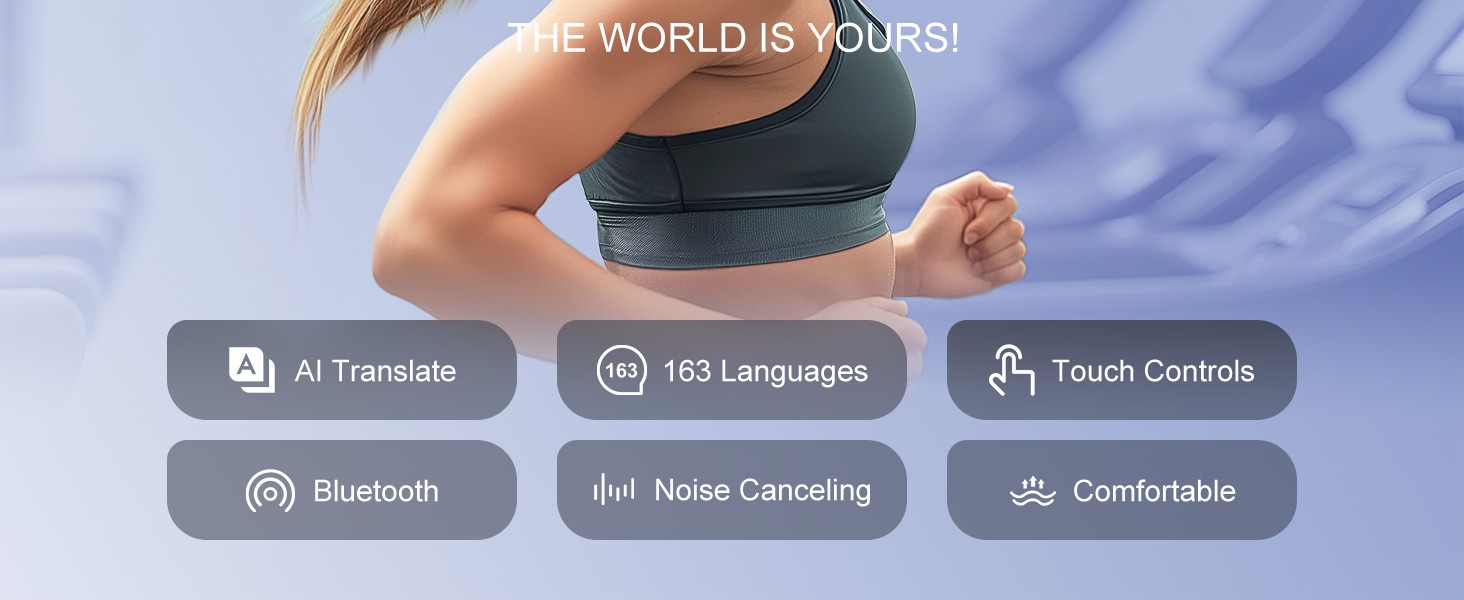
Image: A graphic highlighting the support for 163 languages, with flags of various countries, emphasizing the ability to connect globally and break language barriers.
Translation Modes:
- Headphone Mode: Speak into your phone, and the translation will be played back through your earbuds.
- Free Talk Mode (Dual Ear): Both users wear an earbud. The earbuds automatically recognize the spoken language, translate, and play it back in real-time, facilitating natural conversation.
- Speaker Mode: One person wears the earbuds, and the other speaks into the phone. The translation is played through the mobile phone's speaker. This is suitable for situations where the other person cannot wear an earbud.
- Voice Note Mode: Records voice in real-time, automatically recognizes the language, and converts it to text output for easy review and editing.
- Photo Translation: Use the app to take a picture of text, and it will translate the text.
- Audio and Video Translation: Translate spoken content from audio or video files through the app.
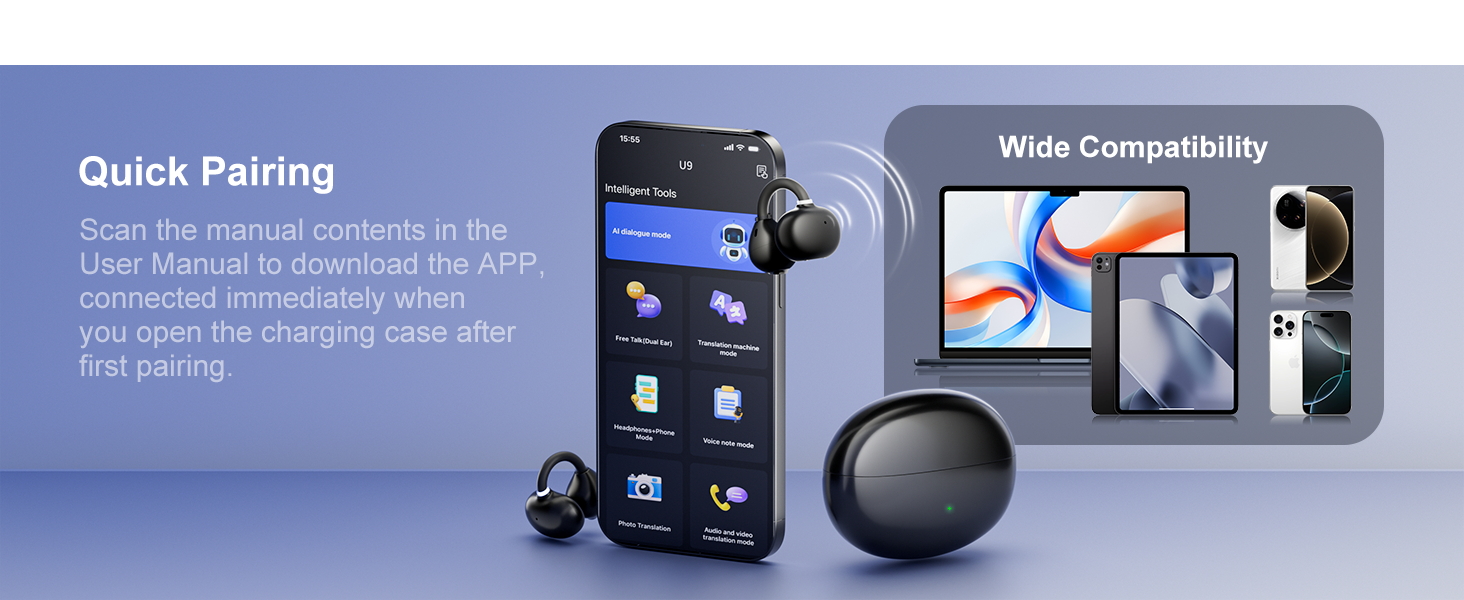
Image: A graphic detailing different usage scenarios for the earbuds, including Headphone Mode, Free Talk Mode, Speaker Mode, and the general Open-ear Design benefit.
6. Maintenance
Proper maintenance ensures the longevity and optimal performance of your AMINY U9 earbuds.
- Cleaning: Regularly wipe the earbuds and charging case with a soft, dry, lint-free cloth. Avoid using abrasive materials or harsh chemicals.
- Water Resistance: The earbuds are waterproof. However, avoid prolonged submersion in water and ensure they are dry before placing them back in the charging case to prevent damage to the charging contacts.
- Storage: When not in use, store the earbuds in their charging case to protect them and keep them charged. Store in a cool, dry place away from extreme temperatures.
- Charging Port: Keep the USB-C charging port free of dust and debris.
7. Troubleshooting
If you encounter issues with your AMINY U9 earbuds, refer to the following common solutions:
| Problem | Solution |
|---|---|
| Earbuds not charging | Ensure earbuds are correctly seated in the case. Check if the charging cable is securely connected to both the case and power source. Verify the power source is active. Clean charging contacts if necessary. |
| Cannot pair with device | Ensure Bluetooth is enabled on your device. Make sure the earbuds are in pairing mode (open the case). Try forgetting the device in your Bluetooth settings and re-pairing. Ensure earbuds are charged. |
| No sound or low volume | Check the volume level on both your device and the earbuds. Ensure earbuds are properly connected. Try restarting your device and reconnecting the earbuds. |
| Translation not working | Ensure the earbuds are connected to the app. Verify your internet connection (required for most translation features). Check app settings for correct language selection. Ensure microphone is not obstructed. |
| Earbuds keep disconnecting | Ensure your device is within the Bluetooth range (typically 10 meters/33 feet). Avoid obstacles between the earbuds and your device. Check for interference from other wireless devices. |
8. Specifications
| Feature | Detail |
|---|---|
| Model Name | U9 |
| Connectivity Technology | Bluetooth 5.4 |
| Ear Placement | Open Ear, Clip-on |
| Battery Life (Earbuds) | Up to 10 hours |
| Total Playtime (with Case) | Up to 48 hours |
| Charging Time (Earbuds) | 1.5 - 2 hours |
| Charging Time (Case) | 2 hours |
| Water Resistance Level | Waterproof |
| Earbud Weight | 4.5g (per earbud) |
| Control Method | App, Touch |
| AI Translation Support | 163 Languages and Accents |
| Manufacturer | AMINY |
| UPC | 850070711944 |
9. Warranty and Support
AMINY products are designed for reliability and performance. For any questions, technical assistance, or warranty inquiries, please contact AMINY customer support.
You can typically find contact information on the official AMINY website or through the retailer where you purchased the product. AMINY offers 24-hour customer support to assist with your needs.