Introduction
The VORGUT Solar Camera Outdoor Wireless is an advanced home security solution featuring dual lenses, 4MP+4MP resolution, 360° pan-tilt capabilities, and color night vision. Designed for both indoor and outdoor use, this camera operates on solar power with a high-capacity rechargeable battery, ensuring continuous operation. It supports 2.4G/5G WiFi, offers PIR human detection, auto-tracking, two-way talk, and flexible storage options. This manual provides detailed instructions for setup, operation, maintenance, and troubleshooting to help you maximize the camera's performance.

Image: The VORGUT Solar Camera Outdoor Wireless with its accompanying solar panel.
Setup
1. Powering the Camera
The camera is 100% wireless and powered by a high-capacity rechargeable battery, continuously charged by the included solar panel. Ensure the solar panel is installed in a location that receives ample direct sunlight throughout the day for optimal charging.
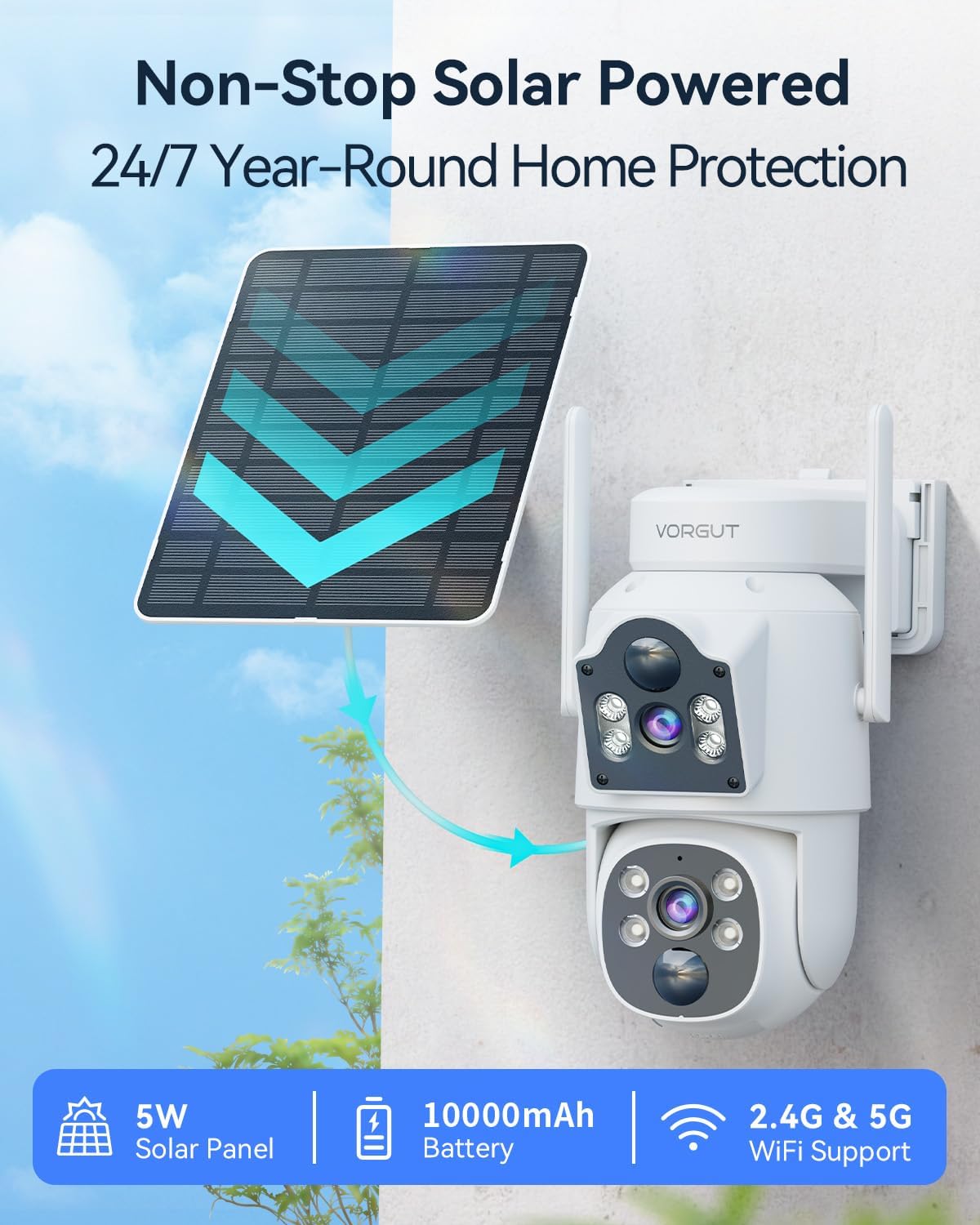
Image: Diagram illustrating the solar panel charging the camera battery for continuous operation.
2. Network Connection
The camera supports upgraded 2.4G/5G WiFi with a 5dBi antenna for a strong and stable signal.
- Download the dedicated mobile application (refer to the packaging or quick start guide for app name).
- Follow the in-app instructions to add your camera, connecting it to your home's 2.4G or 5G WiFi network.
- Ensure your mobile device is connected to the same WiFi network during the initial setup process.
3. Mounting the Camera
Choose a suitable outdoor location for mounting, such as a wall or eave, ensuring a clear line of sight for surveillance and optimal solar panel exposure. Use the provided mounting hardware to securely attach the camera and solar panel.
Operating the Camera
1. Dual-Lens and Pan-Tilt-Zoom (PTZ) Functionality
The camera features an innovative dual-lens design: an upper fixed lens for wide panoramic views and a lower PTZ lens that offers 355° horizontal and 75° vertical rotation. This allows for seamless 360° monitoring and real-time split-screen viewing within the app.

Image: Illustration of the dual-lens system with pan and tilt capabilities, showing panoramic and PTZ detail views.

Image: A mobile phone screen displaying split views from the fixed and PTZ lenses, demonstrating the dual functionality.
2. PIR Human Detection & Auto-Tracking
The camera is equipped with advanced PIR human body detection technology. When human movement is detected, the camera sends instant alarm notifications to your smartphone. The auto-tracking feature intelligently follows detected human movement, ensuring no critical moments are missed. You can also set audible sirens and activate alarm lights to deter intruders.

Image: Visual representation of the camera's motion detection and auto-tracking capabilities, showing a person being tracked.
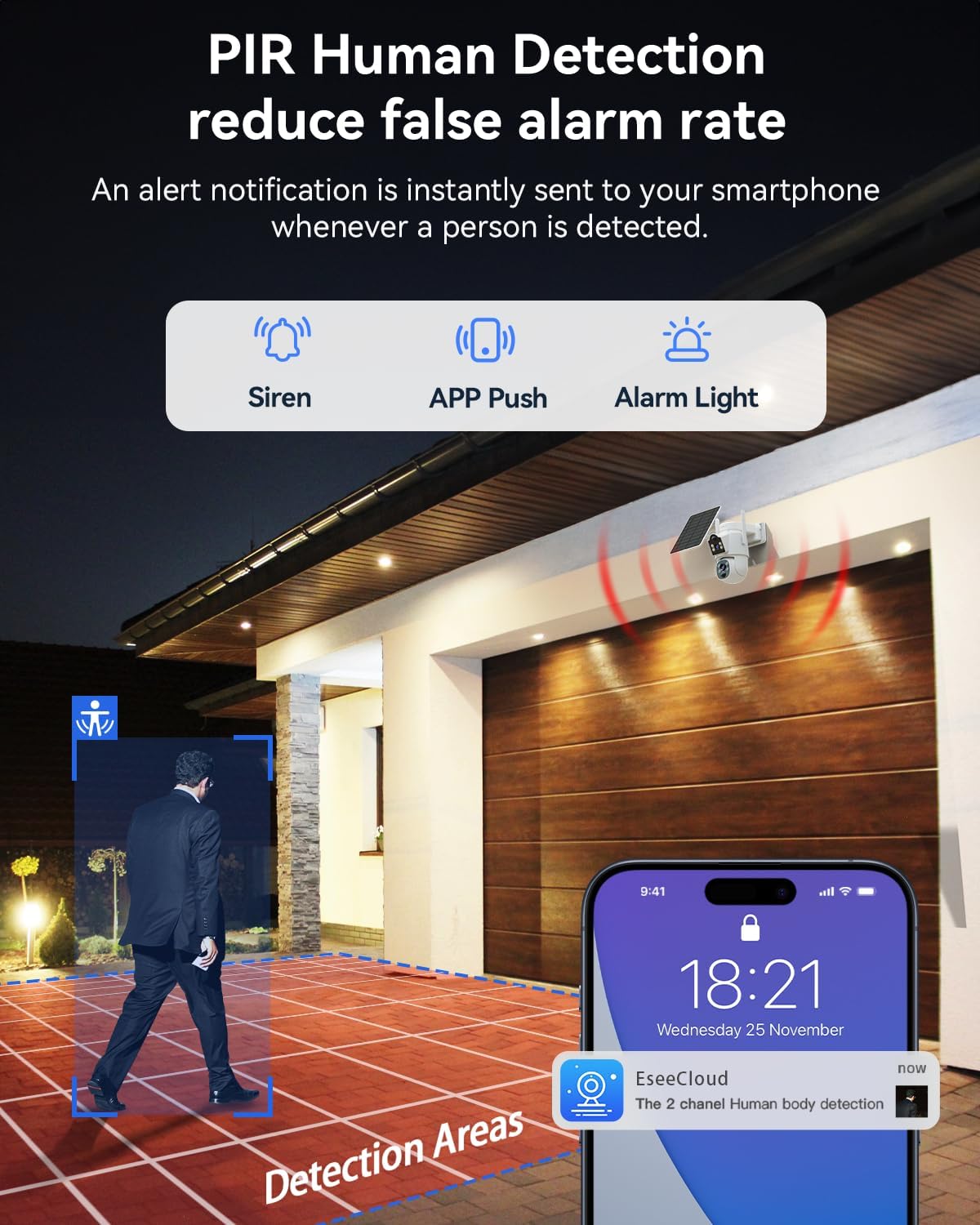
Image: A scene depicting PIR human detection triggering an alarm notification on a smartphone, with siren and alarm light icons.
3. Smart Night Vision
The smart night vision feature starts in infrared black-and-white mode for energy efficiency. It automatically switches to full-color night vision when a person is detected, providing clear and vivid footage even in complete darkness.

Image: Comparison showing the camera's infrared night vision and how it switches to full-color night vision upon human detection.
4. Two-Way Talk
With a built-in microphone and speaker, you can communicate in real-time with visitors or deter unwanted guests directly from your smartphone, no matter your location.
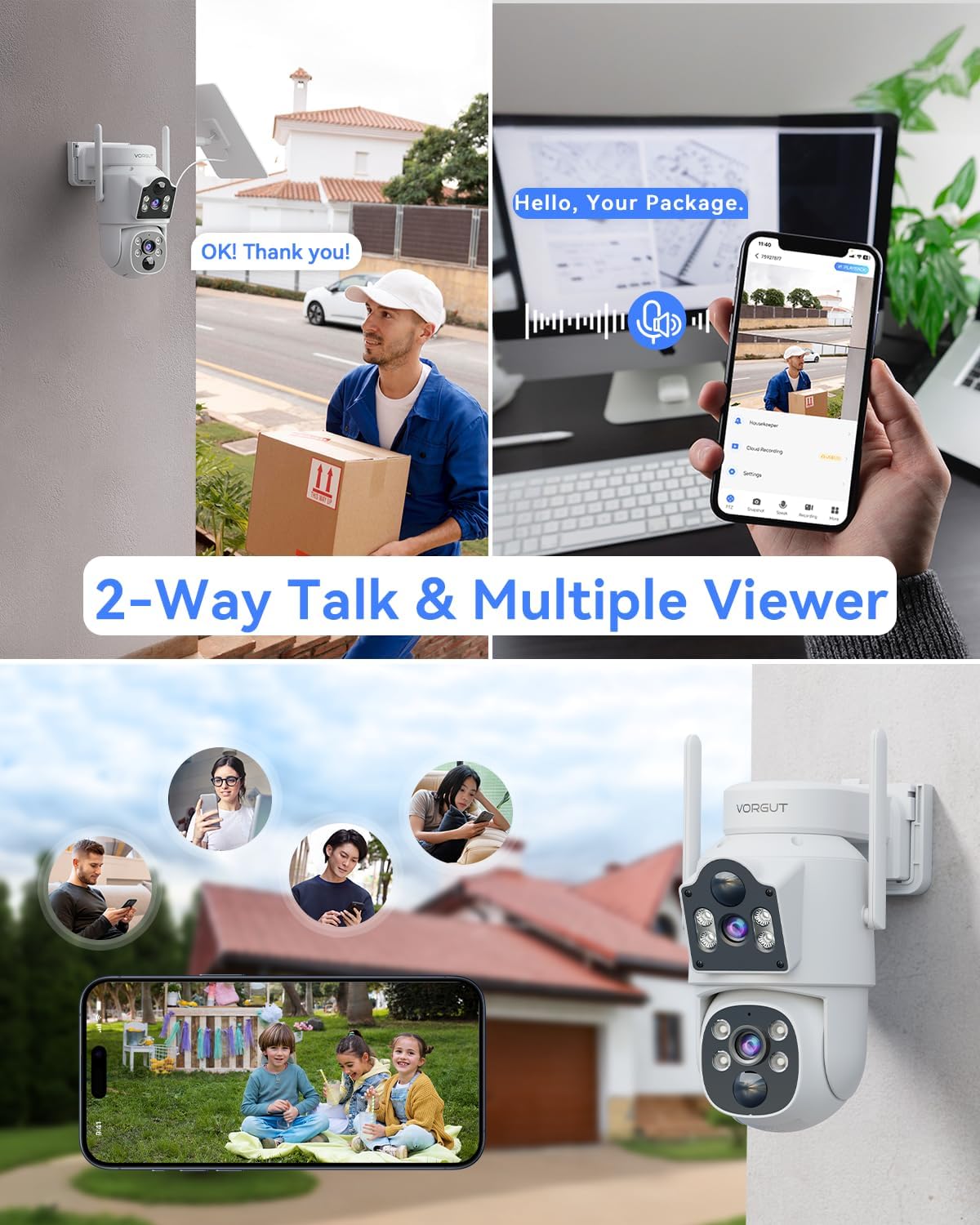
Image: Collage demonstrating two-way audio communication with a delivery person and the ability for multiple users to view the camera feed simultaneously.
5. Storage Options
The camera offers flexible storage solutions for your footage:
- Local MicroSD Recording: Supports up to 128GB microSD card (not included). Insert the card into the designated slot on the camera.
- Secure Cloud Storage: A subscription-based service providing remote access and backup of your footage. Refer to the app for subscription details.

Image: Visual representation of the camera's local microSD card slot and the option for cloud storage, with icons for both.
Maintenance
- Cleaning: Periodically clean the camera lenses and solar panel with a soft, damp cloth to ensure clear image quality and efficient solar charging. Avoid abrasive cleaners.
- Battery Care: Ensure the solar panel is free from obstructions (e.g., leaves, snow) to maintain optimal charging. In prolonged periods of low sunlight, the battery may require manual charging if the charge level becomes critically low (though designed for year-round operation).
- Firmware Updates: Regularly check the mobile application for available firmware updates. Updates often include performance improvements, new features, and security enhancements. Follow in-app instructions for updating.
Troubleshooting
| Issue | Possible Cause | Solution |
|---|---|---|
| Camera not connecting to WiFi | Incorrect WiFi password; Camera too far from router; Router settings (2.4G/5G compatibility) | Verify password; Move camera closer to router or use a WiFi extender; Ensure router supports 2.4G/5G and is configured correctly. |
| Battery not charging | Insufficient sunlight on solar panel; Dirty solar panel; Damaged solar panel/cable | Relocate solar panel to receive more direct sunlight; Clean solar panel; Contact support if damaged. |
| Motion detection not working | PIR sensitivity too low; Detection area not set correctly; Obstructions in view | Adjust PIR sensitivity in app; Configure detection zones; Clear any obstructions. |
| Poor image quality | Dirty lens; Poor network signal; Low light conditions | Clean the camera lens; Improve WiFi signal strength; Ensure night vision is active in low light. |
Specifications
- Brand: VORGUT
- Model Name: SQ01
- Recommended Uses: Indoor/Outdoor
- Connectivity Technology: Wireless (2.4G/5G WiFi)
- Special Features: Easy to Install, HD Resolution (4MP+4MP Dual Lens), Night Vision (Color Night Vision), Built-In Light, PTZ Technology (355° Pan, 75° Tilt), PIR Human Detection, Auto-Tracking, Two-Way Talk, Solar Powered
- Storage: MicroSD Card (up to 128GB, not included), Cloud Storage (subscription required)
Warranty and Support
For information regarding product warranty, please refer to the warranty card included with your purchase or visit the official VORGUT website.
If you encounter any issues not covered in this manual or require further assistance, please contact VORGUT customer support through their official website or the contact information provided in your product packaging.


