1. Introduction
This manual provides essential information for the proper use and maintenance of your Hasskya K30 10-inch Android 15 Tablet. Please read these instructions carefully before using your device to ensure optimal performance and longevity.
2. Setup
2.1 Package Contents
Verify that all items are present in the package:
- Hasskya K30 Tablet
- Protective Case
- Charging Cable
- Power Adapter

Image: Hasskya K30 Tablet with its included accessories, including a protective case, charging cable, and power adapter.
2.2 Charging the Tablet
Before first use, fully charge the tablet. Connect the charging cable to the tablet's Type-C port and the power adapter, then plug the adapter into a wall outlet. The 6000mAh battery provides extended usage time.
2.3 Powering On/Off
- To Power On: Press and hold the Power button until the screen illuminates.
- To Power Off: Press and hold the Power button, then select 'Power off' from the options on the screen.
- To Restart: Press and hold the Power button, then select 'Restart' from the options on the screen.
2.4 Initial Configuration
Upon first startup, follow the on-screen prompts to:
- Select your preferred language.
- Connect to a Wi-Fi network. The tablet supports Wi-Fi 5 (2.4G/5G dual-band) for stable internet access.
- Set up your Google account.
- Configure security settings, including screen lock and face recognition.
3. Operating Your Tablet
3.1 Touchscreen Navigation
The 10.1-inch IPS HD display responds to touch gestures:
- Tap: Select an item or open an application.
- Swipe: Navigate through screens or scroll content.
- Pinch: Zoom in or out on images and web pages.
- Long Press: Access contextual menus or move icons.
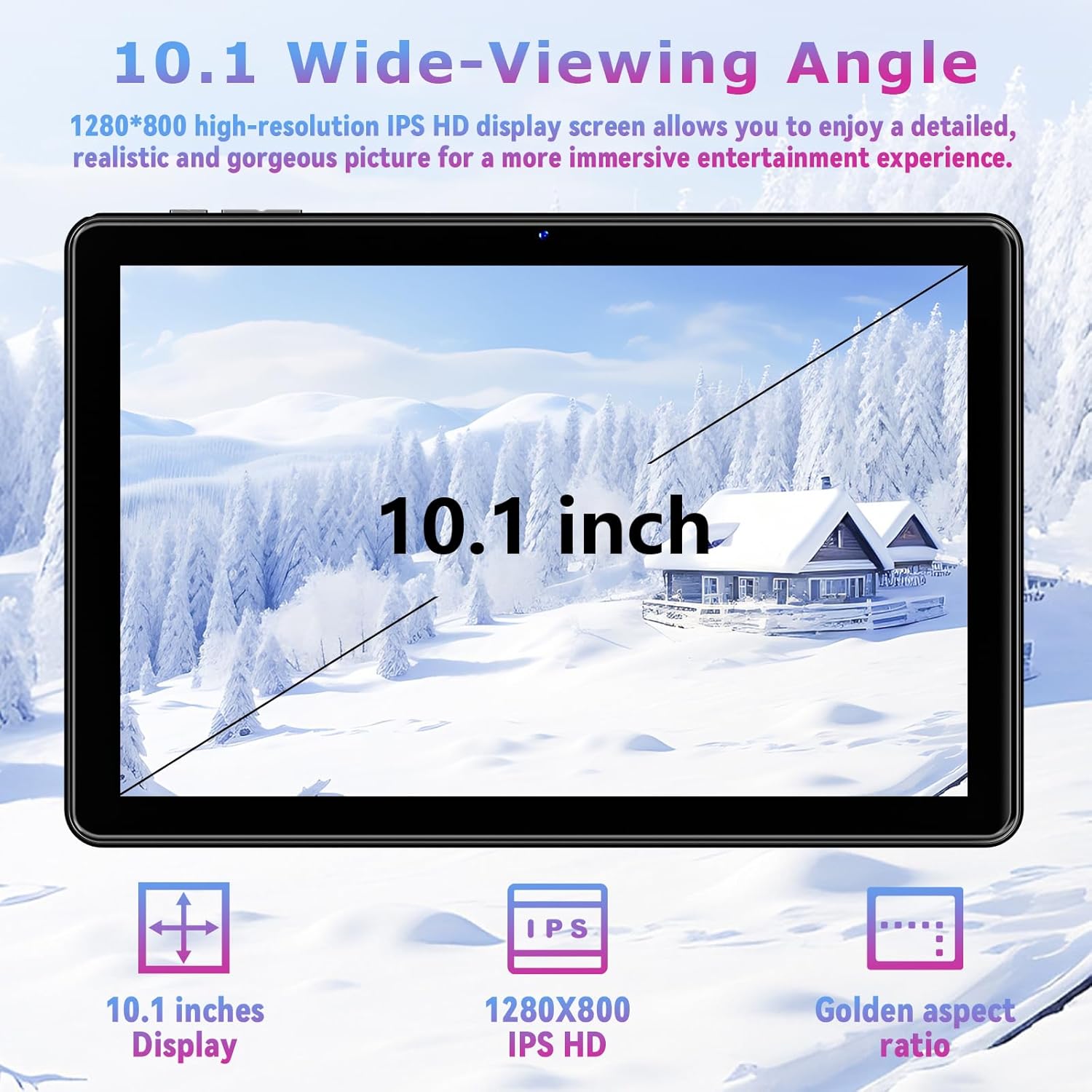
Image: The Hasskya K30 Tablet showcasing its 10.1-inch IPS HD display with a resolution of 1280x800 pixels.
3.2 Face Recognition Unlock
The tablet features face recognition for quick and secure unlocking. To set up:
- Go to Settings > Security > Face Unlock.
- Follow the on-screen instructions to register your facial data.
- Once registered, simply face the front camera to unlock the device.

Image: A user demonstrating the face unlock feature on the Hasskya K30 tablet.
3.3 Split Screen Functionality
Multitask efficiently using the split-screen feature:
- Open an application.
- Swipe up from the bottom of the screen and hold to access recent apps.
- Tap the app icon at the top of an app's preview and select 'Split screen'.
- Choose a second app from the recent apps list or app drawer to use alongside the first.

Image: The Hasskya K30 tablet demonstrating its split-screen capability, allowing two applications to be viewed and used concurrently.
3.4 Connectivity
- Wi-Fi: Connect to 2.4G or 5G Wi-Fi networks via Settings > Network & internet > Wi-Fi.
- Bluetooth: Pair with Bluetooth 5.2 devices (headphones, speakers) via Settings > Connected devices > Bluetooth.
3.5 Cameras
The tablet is equipped with a 5MP front camera and an 8MP rear camera. Open the Camera app to capture photos and videos or engage in video calls.

Image: Details of the Hasskya K30 tablet's 8MP main camera with LED flash and 5MP front camera, illustrating its use for photography and video calls.
3.6 GPS Navigation
The tablet integrates quad-constellation GNSS (Beidou, QZSS, GLONASS, and Galileo) for accurate location services. Use navigation applications for precise guidance.
3.7 Widevine L1 Support
With Widevine L1 certification, the tablet supports high-definition video streaming from platforms such as Netflix and Amazon Prime Video, ensuring a clear and immersive viewing experience.

Image: The Hasskya K30 tablet highlighting its Widevine L1 support for high-definition streaming from popular video platforms.
4. Maintenance and Care
4.1 Cleaning the Screen
Use a soft, lint-free cloth, slightly dampened with water or a screen cleaner, to gently wipe the display. Avoid harsh chemicals or abrasive materials.
4.2 Battery Longevity Tips
- Avoid extreme temperatures.
- Do not leave the tablet fully charged or fully discharged for extended periods.
- Adjust screen brightness to a comfortable level to conserve power.
- Close unused applications running in the background.
4.3 Software Updates
Regularly check for and install system updates via Settings > System > System update to ensure your tablet has the latest features and security enhancements.
5. Troubleshooting
This section addresses common issues you might encounter.
5.1 Tablet Will Not Turn On
- Ensure the tablet is charged. Connect it to the charger for at least 30 minutes.
- Press and hold the Power button for 10-15 seconds to force a restart.
5.2 Wi-Fi Connection Issues
- Verify that Wi-Fi is enabled in Settings > Network & internet > Wi-Fi.
- Restart your Wi-Fi router.
- Forget the network and reconnect by re-entering the password.
5.3 Apps Crashing or Freezing
- Close and reopen the app.
- Clear the app's cache and data via Settings > Apps > [App Name] > Storage & cache.
- Ensure the app is updated to its latest version.
- Restart the tablet.
5.4 Slow Performance
- Close unnecessary background applications.
- Clear cached data from apps and the system.
- Ensure sufficient storage space is available.
6. Specifications
Key technical specifications of the Hasskya K30 Tablet:
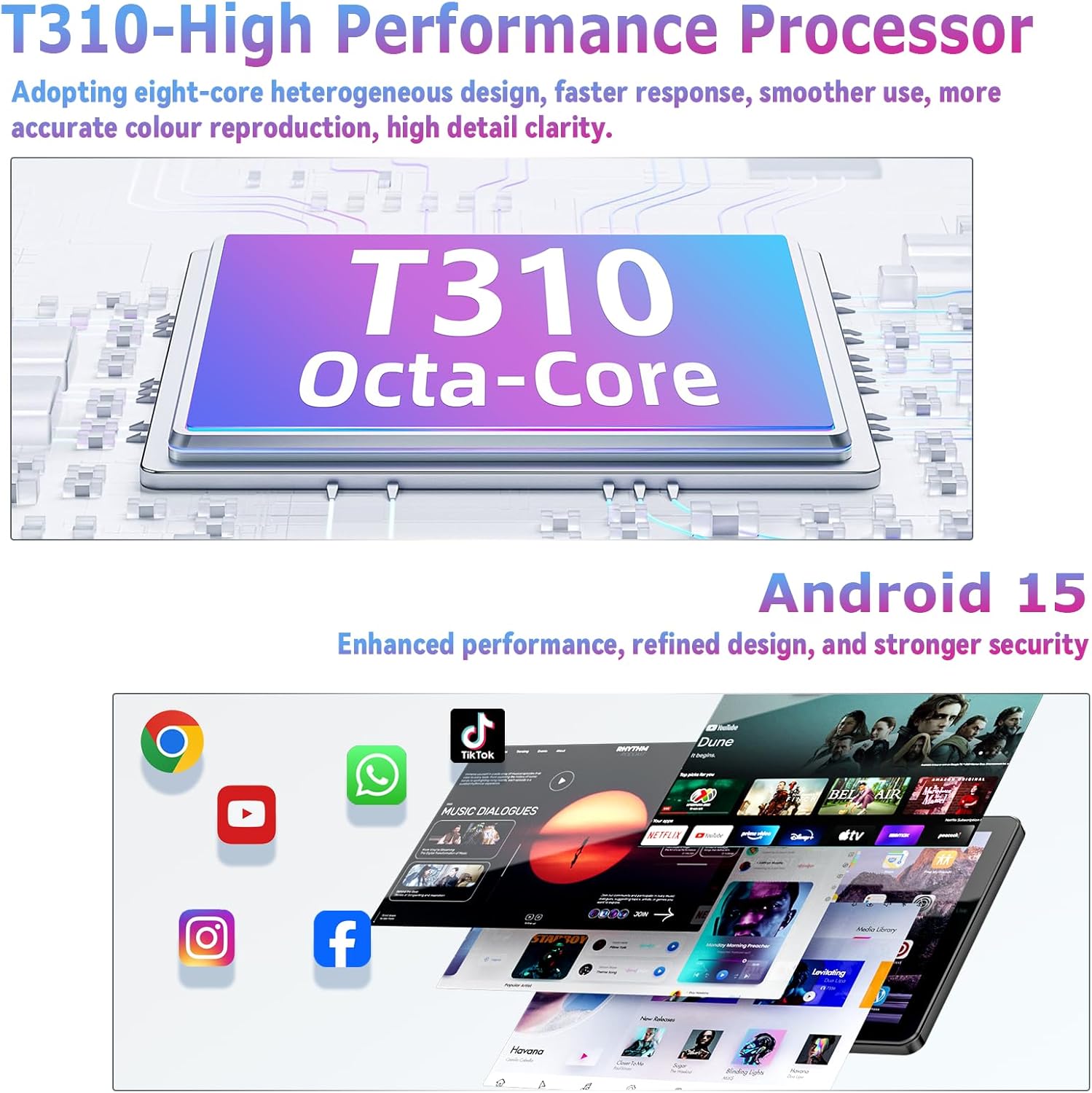
Image: The T310 Octa-Core processor, which powers the Hasskya K30 tablet, ensuring efficient performance.
| Feature | Specification |
|---|---|
| Model Name | K30 |
| Operating System | Android 15 |
| Processor | Unisoc T310 Octa-Core |
| RAM | 18GB (6GB physical + 12GB virtual) |
| Internal Storage | 128GB |
| Expandable Storage | Up to 1TB via Micro SD card (not included) |
| Screen Size | 10.1 Inches |
| Screen Resolution | 1280 x 800 pixels (IPS HD) |
| Front Camera | 5MP |
| Rear Camera | 8MP |
| Battery Capacity | 6000mAh |
| Wireless Connectivity | Wi-Fi 5 (802.11ac, 2.4G/5G dual-band) |
| Bluetooth | Bluetooth 5.2 |
| Navigation | Quad-constellation GNSS (Beidou, QZSS, GLONASS, Galileo) |
| Dimensions (LxWxH) | 9.68 x 6.41 x 0.39 inches |
| Item Weight | 2.55 pounds |
7. Warranty and Support
7.1 Warranty Information
Your Hasskya K30 Tablet is covered by a manufacturer's warranty. Please refer to the warranty card included in your package for specific terms and conditions. Keep your proof of purchase for warranty claims.
7.2 Customer Support
If you encounter any issues or have questions regarding your product, please contact Hasskya customer support. Most inquiries are answered within 24 hours.
How to contact us:
- Locate your order on the platform where you purchased the tablet.
- Click on 'Get Product Support' to initiate contact.