
1. Introduction
Thank you for choosing the Aipsun Low Profile Ceiling Fan with Lights and Remote, Model 8225B. This smart bladeless LED fan is designed to provide efficient air circulation and customizable lighting for various indoor spaces. This manual contains important information regarding the safe installation, operation, and maintenance of your new ceiling fan. Please read it thoroughly before installation and keep it for future reference.
2. Safety Information
To reduce the risk of electric shock, fire, or injury to persons, please observe the following safety precautions:
- Always turn off the power at the main circuit breaker or fuse box before beginning installation or performing any maintenance.
- All electrical connections must be in accordance with local codes, ordinances, or national electrical codes. If you are unfamiliar with electrical wiring, consult a qualified electrician.
- Ensure the installation site is structurally sound and can support the weight of the fan.
- Do not bend the fan blades when cleaning the fan.
- Do not insert objects into the path of the fan blades.
- This appliance is not intended for use by persons (including children) with reduced physical, sensory or mental capabilities, or lack of experience and knowledge, unless they have been given supervision or instruction concerning use of the appliance by a person responsible for their safety.
- Children should be supervised to ensure that they do not play with the appliance.
3. Package Contents
Verify that all components are present before beginning installation:
- Ceiling Fan Unit (with integrated LED light)
- Remote Control
- Mounting Bracket
- Hardware Pack (screws, wire nuts, etc.)
- Instruction Manual
4. Specifications
| Feature | Description |
|---|---|
| Brand | Aipsun |
| Model Number | 8225B |
| Color | Black |
| Product Dimensions | 19.7"D x 19.7"W x 5.3"H |
| Item Weight | 4.35 Pounds |
| Power Source | Corded Electric |
| Voltage | 110 Volts |
| Wattage | 32 watts |
| Number of Speeds | 6 |
| Controller Type | App, Remote Control, Wall Switch |
| Light Color Temperature | 3000K-6500K (Dimmable) |
| Motor Type | Brushless DC Motor |
| Installation Type | Flush Mount |
| Indoor/Outdoor Usage | Indoor |
5. Key Features
- Stylish and Functional Design: Modern, low-profile bladeless design for efficient air circulation.
- Smart & Dimmable LED Light: Adjustable brightness and color temperature (3000K-6500K) via remote or app.
- Reversible DC Motor: Provides downdraft cool airflow for summer and updraft airflow for winter, promoting air circulation and energy saving.
- 6 Wind Speeds: Six distinct speed options for customized comfort with low noise operation.
- Easy Installation: Designed with modular components for quick setup.
6. Installation
Follow these steps for proper installation. Refer to the video guide for visual assistance.
6.1 Mounting the Bracket
Secure the mounting bracket to the ceiling junction box. Ensure the bracket is firmly attached and can support the fan's weight.
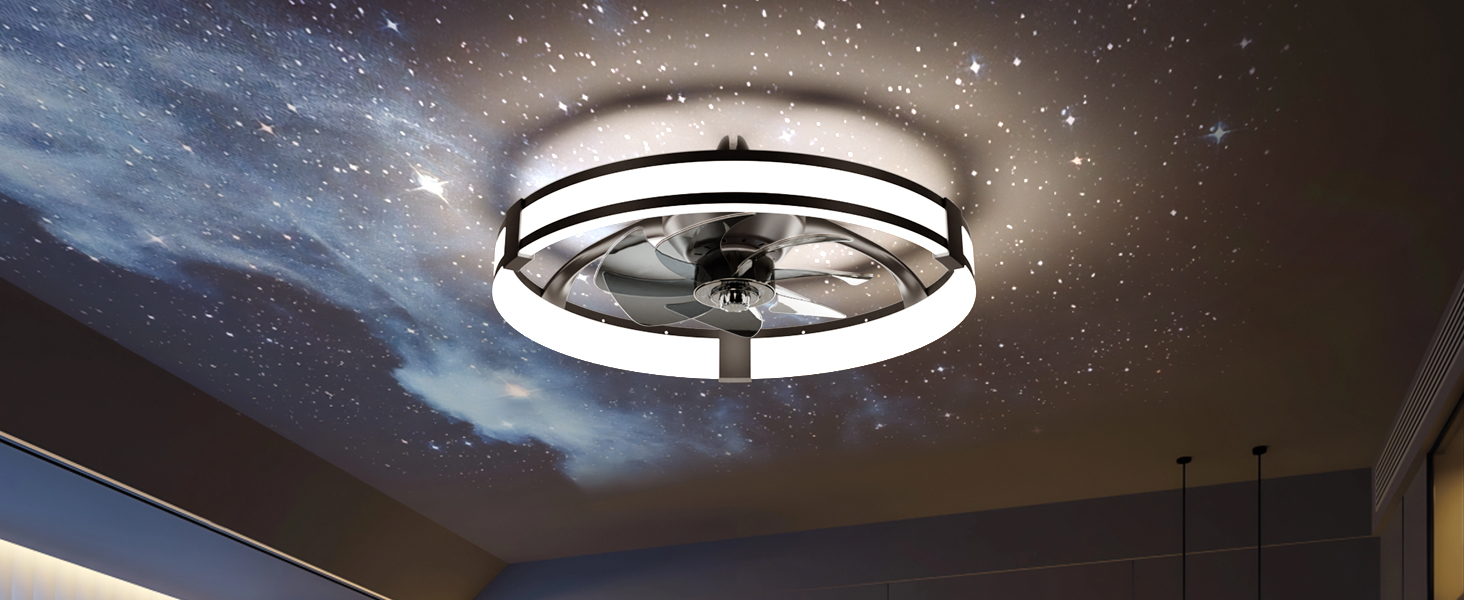
Image: The Aipsun ceiling fan demonstrating app control for light brightness (3840 Lumens) and stepless temperature adjustment.
6.2 Assembling the Fan Unit
Connect the modular components of the fan unit as per the instructions. This typically involves attaching the light ring to the motor housing.
Video: A detailed guide on how to assemble and install the Aipsun Low Profile Ceiling Fan. This video demonstrates the step-by-step process for setting up the fan and light components.
6.3 Wiring and Final Attachment
Connect the electrical wires from the ceiling to the fan unit, ensuring all connections are secure. Carefully lift the fan unit and attach it to the previously installed mounting bracket.
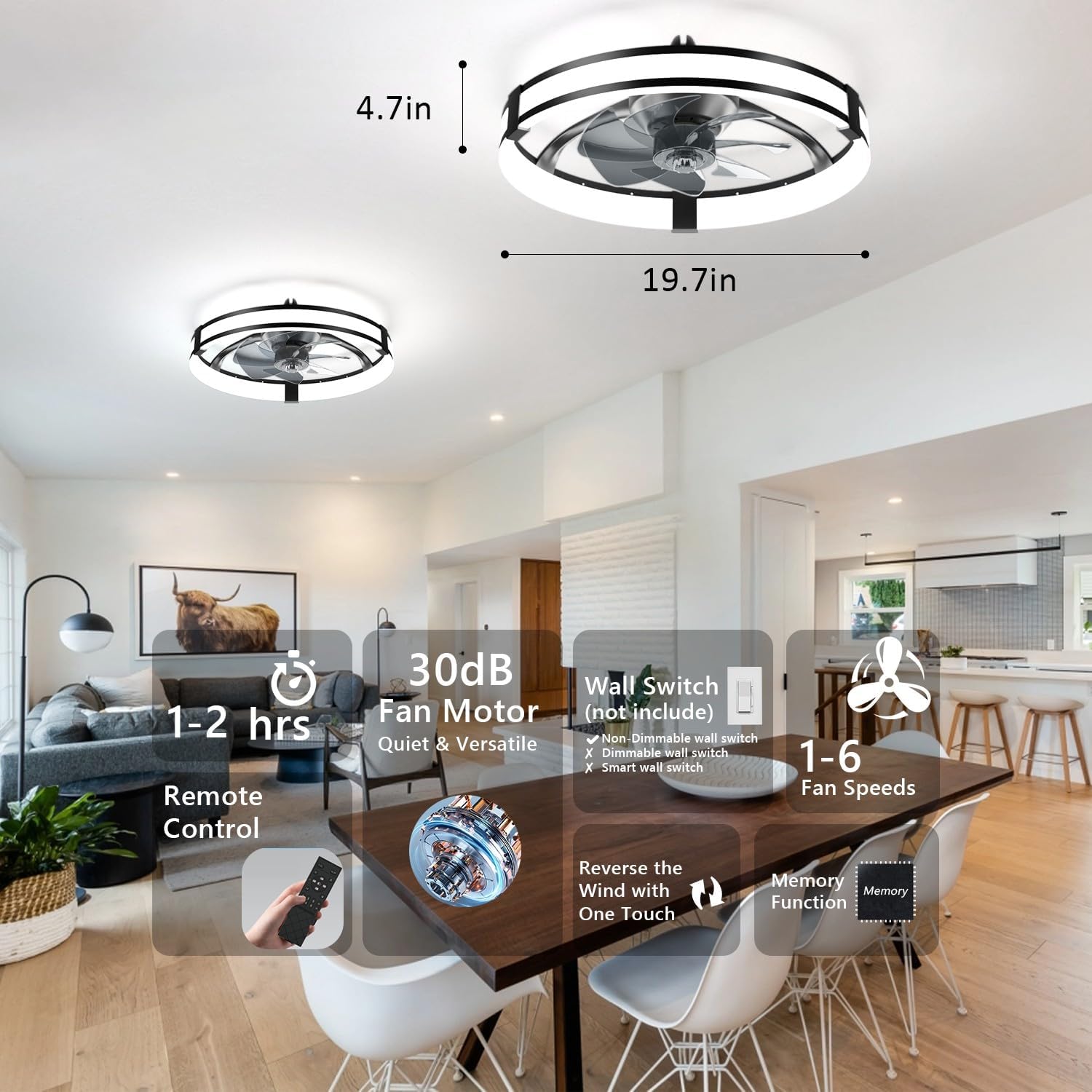
Image: Overview of the Aipsun ceiling fan's features including its dimensions (19.7in diameter, 4.7in height), remote control, quiet 30dB operation, wall switch compatibility, 6 fan speeds, reversible wind function, and memory function.
7. Operation
Your Aipsun ceiling fan can be controlled via the included remote control, a compatible wall switch, or a smartphone application.
7.1 Remote Control Functions
The remote control allows you to:
- Turn the fan ON/OFF.
- Adjust fan speed (1-6 levels).
- Turn the light ON/OFF.
- Adjust light brightness (dimming from 5% to 100%).
- Change light color temperature (Warm 3000K, Neutral 4000K, Cool 6500K).
- Activate the reversible motor for summer (downdraft) or winter (updraft) mode.
- Set a timer for fan operation.
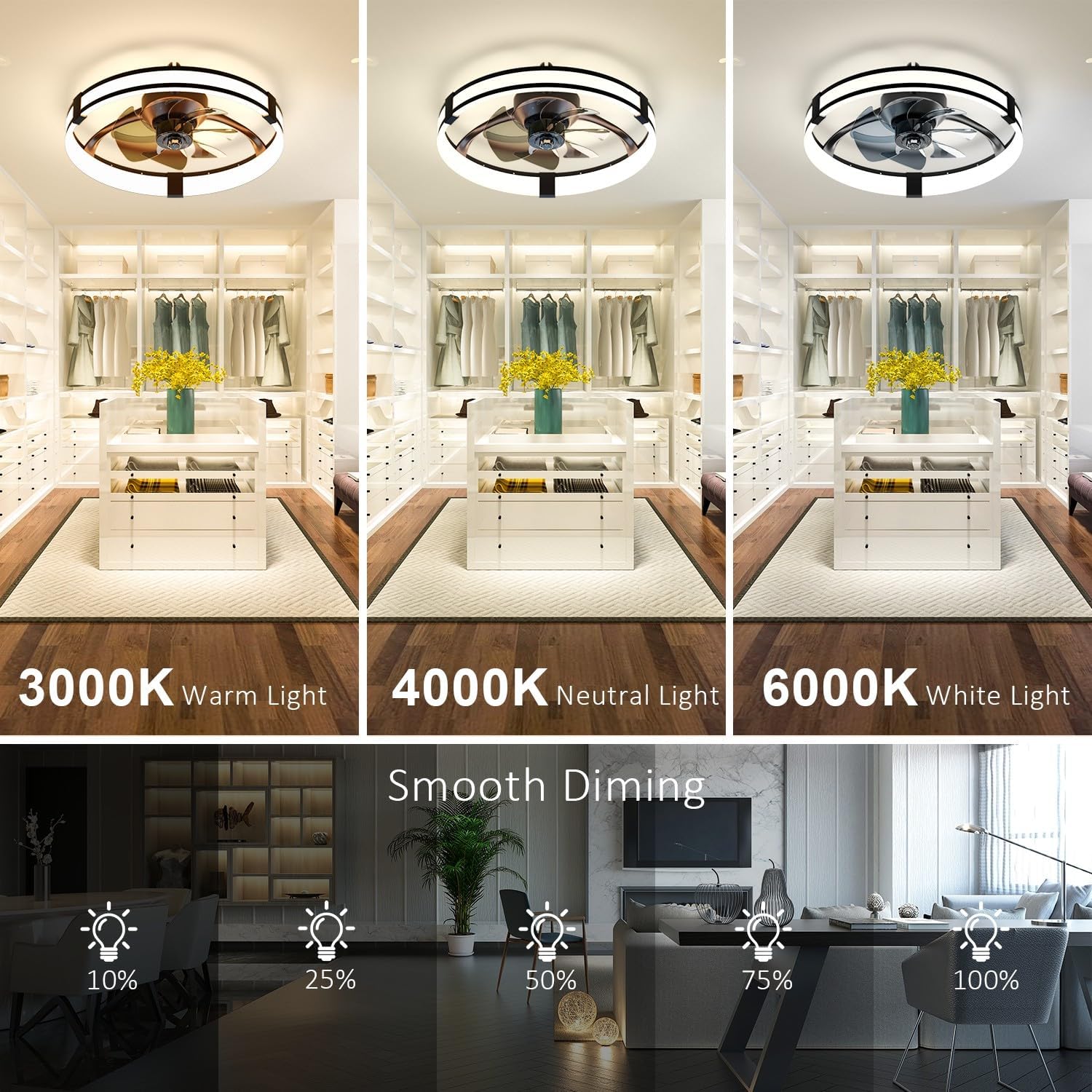
Image: Illustration of the Aipsun ceiling fan's lighting capabilities, including adjustable color temperatures (3000K Warm, 4000K Neutral, 6000K White) and smooth dimming from 10% to 100% brightness.
7.2 App Control
Download the Aipsun app to control your fan from your smartphone. The app provides additional features and convenience for managing light and fan settings.
Video: This video showcases the various lighting and fan speed adjustments available with the Aipsun Low Profile Ceiling Fan, demonstrating its versatility in creating different room ambiances.
7.3 Reversible Motor Function
The fan features a reversible DC motor. In summer mode, the fan blades rotate counter-clockwise to create a downdraft, providing a cooling effect. In winter mode, the blades rotate clockwise to create an updraft, circulating warm air near the ceiling throughout the room.

Image: Visual representation of the Aipsun ceiling fan's reversible motor function, illustrating downward airflow for cooling in Summer Mode and upward airflow for circulating warm air in Winter Mode.
8. Maintenance
Regular maintenance ensures optimal performance and longevity of your ceiling fan.
- Cleaning: Periodically clean the fan and light fixture with a soft, damp cloth. Do not use abrasive cleaners or solvents. Ensure power is off before cleaning.
- Tightening Screws: Check all screws and connections annually to ensure they are secure.
- No Lubrication Needed: The motor is permanently lubricated and does not require oiling.
9. Troubleshooting
If you experience issues with your Aipsun ceiling fan, refer to the following common problems and solutions:
| Problem | Possible Cause | Solution |
|---|---|---|
| Fan does not start | No power to the fan; Loose wire connections; Remote control battery low. | Check circuit breaker/fuses; Ensure all wire connections are secure; Replace remote control battery. |
| Light does not work | No power to the light; Loose wire connections; LED driver issue. | Check power supply; Verify light wire connections; Contact customer support if LED driver is suspected. |
| Fan makes noise | Loose screws; Improper installation; Obstruction. | Tighten all mounting screws; Re-check installation steps; Ensure nothing is obstructing the fan blades. |
| Remote control not working | Low battery; Remote not paired. | Replace battery; Refer to remote pairing instructions in the full manual (if applicable). |
If the problem persists after attempting these solutions, please contact customer support.
10. Warranty and Support
Aipsun offers a comprehensive 3-year service for this ceiling fan, covering malfunctions or defects. For warranty claims, technical assistance, or any questions not addressed in this manual, please contact Aipsun customer support.
Customer Support: Please refer to the contact information provided on the product packaging or the official Aipsun website.