
1. Introduction
The TIMU Air Tracker Tag Wallet Tracker is an Apple MFi Certified Bluetooth smart finder designed to help you locate your valuable items using the Apple Find My network. This ultra-thin device is compatible exclusively with iOS devices and features wireless charging and IP68 water and dust resistance, making it suitable for various environments. It is ideal for tracking wallets, bags, keys, passports, and other personal belongings.
2. Setup and Pairing
Follow these steps to set up your TIMU Air Tracker Tag with your iOS device:
- Activate the Device: Press and hold the function button on the tracker for 5 seconds until you hear a confirmation sound or see an indicator light.
- Open Find My App: On your iPhone or iPad, open the pre-installed Find My application.
- Add New Item: Navigate to the Items tab at the bottom of the screen. Tap the + (Add New Item) icon.
- Select Other Item: Choose the Add Other Item option from the menu.
- Follow On-Screen Prompts: Your device will detect the tracker. Follow the instructions on your screen to name your item and complete the pairing process.

Image: The TIMU Air Tracker Tag shown alongside an iPhone screen displaying the Apple Find My application, illustrating the device's compatibility and interface for tracking.
Note: This device is designed exclusively for use with Apple iOS devices and the Apple Find My network. It is not compatible with Android devices.
3. Operating Instructions
3.1 Locating Items
The TIMU Air Tracker Tag offers multiple ways to locate your items:
- Play Sound (Close Range): When your item is nearby, open the Find My app, select your tracker, and tap Play Sound. The built-in 120-decibel buzzer will emit a loud alert, helping you pinpoint its exact location, even in cluttered spaces.
- Map Navigation (Distant Locations): For items that are out of Bluetooth range, the Find My app will display its last known location on a map. You can use the map to navigate directly to the item's vicinity.
- Siri Integration: You can use voice commands with Siri to locate your items. Simply say, for example, "Hey Siri, find my Wallet."

Image: An iPhone screen showing the Apple Find My app with a map, a prompt for Siri voice command, and an illustration of sound waves, demonstrating the 120dB buzzer feature.
3.2 Left-Behind Remind
Enable the Left-Behind Remind feature in the Find My app to receive instant notifications if you leave your tracked item behind. This proactive alert helps prevent loss by notifying you when the tracker is no longer detected near your iOS device.

Image: A visual representation of a wallet left on the ground, accompanied by a notification bubble on a phone screen indicating a "Wallet left Behind" alert.
4. Charging the Device
The TIMU Air Tracker Tag supports Qi wireless charging for convenience and extended use.
- Wireless Charging: Place the tracker on a Qi-compatible wireless charging pad. Ensure the charging symbol on the tracker aligns with the charging area of the pad.
- Charging Indicator: A red light indicates the device is charging. A green light indicates the device is fully charged.
- Battery Life: A single full charge can provide power for up to 1 year, offering long-lasting performance.
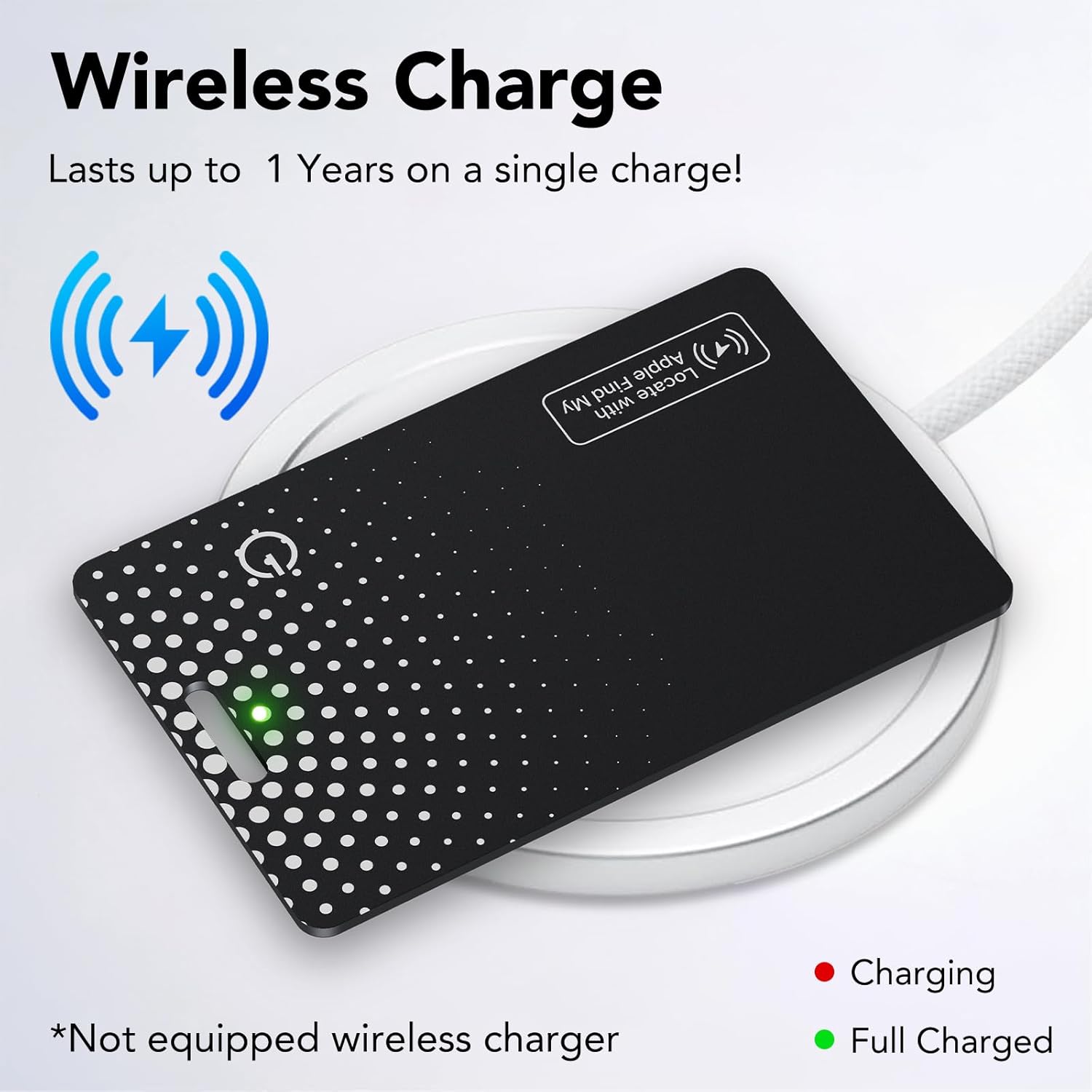
Image: The TIMU Air Tracker Tag positioned on a wireless charging pad, illustrating the charging process with an illuminated indicator light.
Note: A wireless charger is not included with the product.
5. Maintenance and Care
To ensure the longevity and optimal performance of your TIMU Air Tracker Tag, follow these maintenance guidelines:
- Water and Dust Resistance: The device features an IP68 rating, meaning it is resistant to dust and can withstand submersion in water up to 1.5 meters for 30 minutes. This protects against rain splashes and accidental brief submersions. However, it is not intended for prolonged underwater use.
- Cleaning: Wipe the device with a soft, dry, or slightly damp cloth. Avoid using harsh chemicals or abrasive materials.
- Storage: Store the tracker in a cool, dry place when not in use for extended periods.
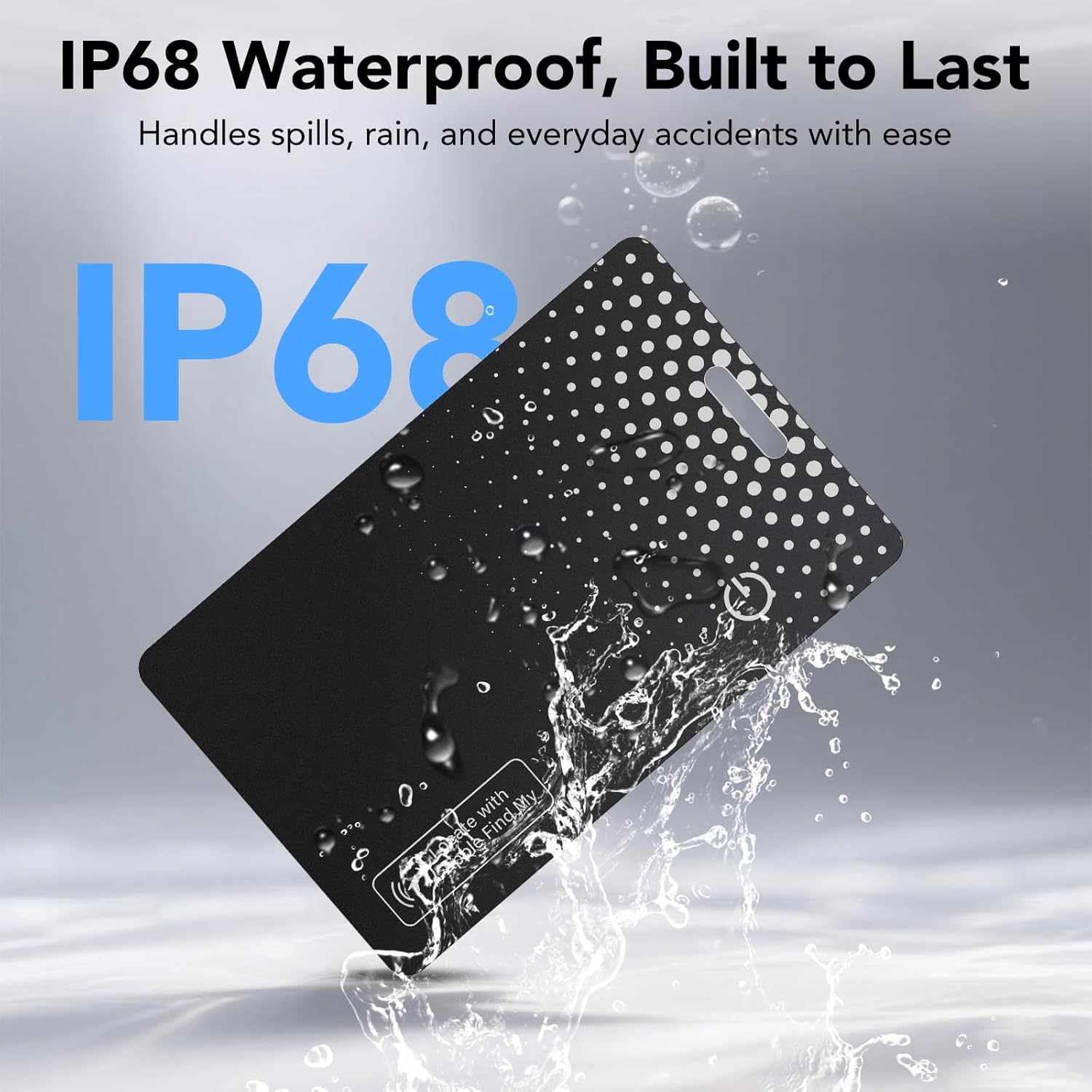
Image: The TIMU Air Tracker Tag being splashed with water, visually confirming its IP68 waterproof and dustproof capabilities.
6. Troubleshooting
If you encounter issues with your TIMU Air Tracker Tag, refer to the following common solutions:
- Device Not Pairing:
- Ensure the tracker is activated by pressing and holding the function button for 5 seconds.
- Verify your iOS device's Bluetooth is enabled.
- Make sure the tracker is within range of your iOS device during the pairing process.
- Restart your iOS device and try the pairing steps again.
- No Sound from Tracker:
- Check the battery level of the tracker in the Find My app. A low battery may affect sound output.
- Ensure your iOS device's volume is not muted or too low.
- Confirm the tracker is within Bluetooth range to play sound.
- Tracker Not Charging:
- Ensure the tracker is correctly aligned on the Qi wireless charging pad.
- Verify that the wireless charging pad is powered on and functioning correctly.
- Check for any obstructions between the tracker and the charging pad.
- Inaccurate Location:
- Location accuracy depends on the Apple Find My network. Ensure your iOS device has a stable internet connection.
- In dense urban areas or indoors, GPS signals can be less accurate.
7. Specifications
| Brand | TIMU |
| Model Number | B0FFGD2WJQ |
| Material | Plastic |
| Connectivity Technology | Bluetooth |
| Control Method | App (Apple Find My) |
| Item Weight | 0.04 Kilograms |
| Water & Dust Resistance | IP68 |
| Buzzer Volume | 120-decibel |
| Charging | Qi Wireless Charging |
| Battery Life | Up to 1 year on a single charge |
| Compatible Devices | Apple, Apple Find My, Apple Watch, iPhone, iPad, ipadOS, Mac, macOS, watchOS |
| Thickness | 1.7 mm |

Image: A detailed diagram highlighting the ultra-slim 1.7mm profile of the tracker and an internal view of its low-power chip, emphasizing its compact and efficient design.
8. Warranty Information
The TIMU Air Tracker Tag Wallet Tracker is covered by a 2-year manufacturer's warranty from the date of purchase. This warranty covers defects in materials and workmanship under normal use. It does not cover damage caused by misuse, accidents, unauthorized modifications, or normal wear and tear.
Please retain your proof of purchase for warranty claims.
9. Customer Support
For further assistance, technical support, or warranty inquiries, please contact TIMU customer service through the retailer's platform or the official TIMU website.
For information regarding the Apple Find My network and its functionalities, please refer to Apple's official support documentation.