
Volam 10.25'' Carplay Screen
Volam 10.25'' Carplay Screen User Manual
Model: 10.25'' Carplay Screen
Introduction
This manual provides comprehensive instructions for the installation, operation, and maintenance of your Volam 10.25'' Carplay Screen. This advanced in-car entertainment system integrates wireless Apple CarPlay and Android Auto, built-in streaming applications like Netflix and YouTube, a high-resolution in-cell display, and a 1080P backup camera to enhance your driving experience. Please read this manual thoroughly before use to ensure proper functionality and safety.
Setup and Installation
Initial Setup
The Volam 10.25'' Carplay Screen features Instant-Wake Technology. Upon restarting your vehicle, the screen will power on immediately, resuming from where it left off without delay.
Customization
You can personalize your display with custom boot animations and wallpapers.
- To customize, upload your desired files via an SD card (not included) to the device.

Image: The 10.25-inch display, highlighting its slim design, 1920x720P resolution, 600 Cd/m2 daylight visibility, and superior cooling capabilities.
Operating Instructions
Wireless CarPlay & Android Auto
Connect your iPhone (iOS 10+) or Android phone (Android 11+) wirelessly to access CarPlay or Android Auto features.
- Enable hands-free calls, music playback, and navigation.
- Utilize voice commands for seamless interaction.
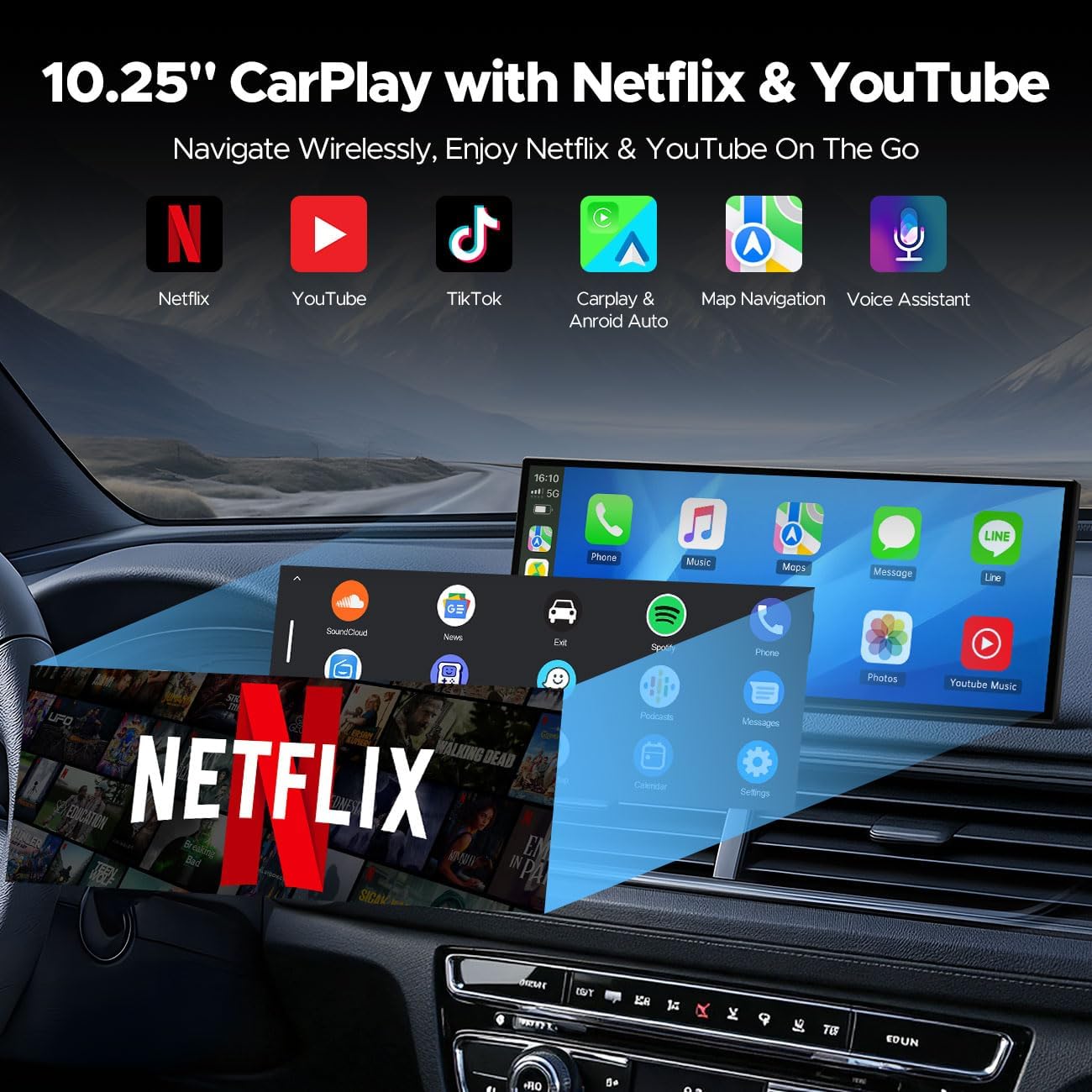
Image: The 10.25-inch CarPlay screen displaying icons for Netflix, YouTube, TikTok, CarPlay & Android Auto, Map Navigation, and Voice Assistant, indicating its multi-functional capabilities.
Built-in Entertainment Apps
The device comes with pre-installed Netflix, YouTube, and TikTok applications.
- Connect the screen to your phone's hotspot to stream content directly.
- Enjoy seamless entertainment without needing your phone for playback.

Image: The Volam Carplay Screen showcasing a variety of built-in entertainment applications, including Netflix, YouTube, TikTok, Prime Video, Hulu, and Spotify, transforming the car into a personal cinema.
1080P Backup Camera
The included 1080P backup camera automatically activates when the vehicle is in reverse.
- Provides a clear view day or night.
- Features customizable guidelines for precise parking assistance.
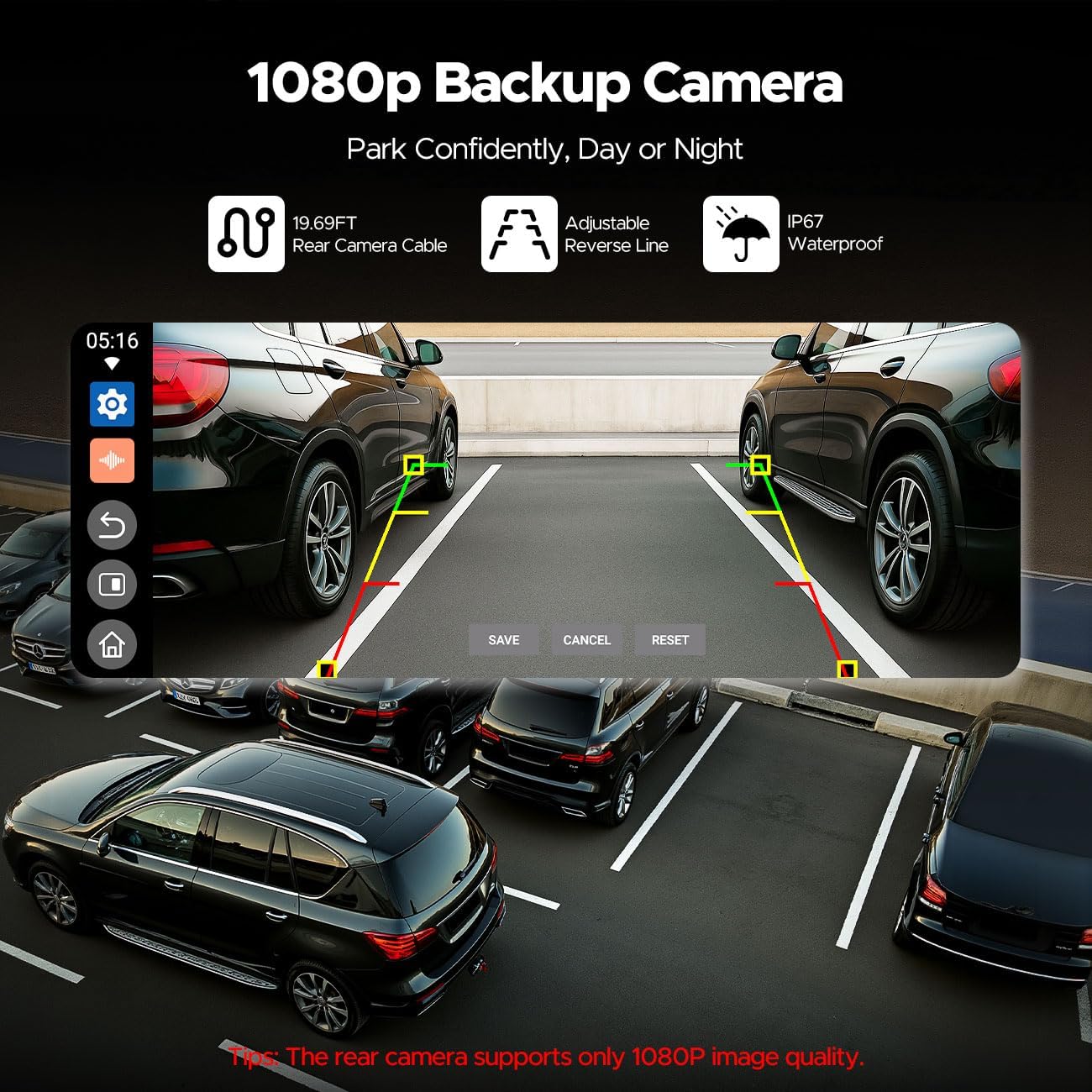
Image: The Volam Carplay Screen showing the 1080P backup camera feed, complete with adjustable reverse lines, designed to assist with confident parking day or night.
Voice Control and Navigation
Utilize voice commands for safer interaction with the device, including making calls and navigating.
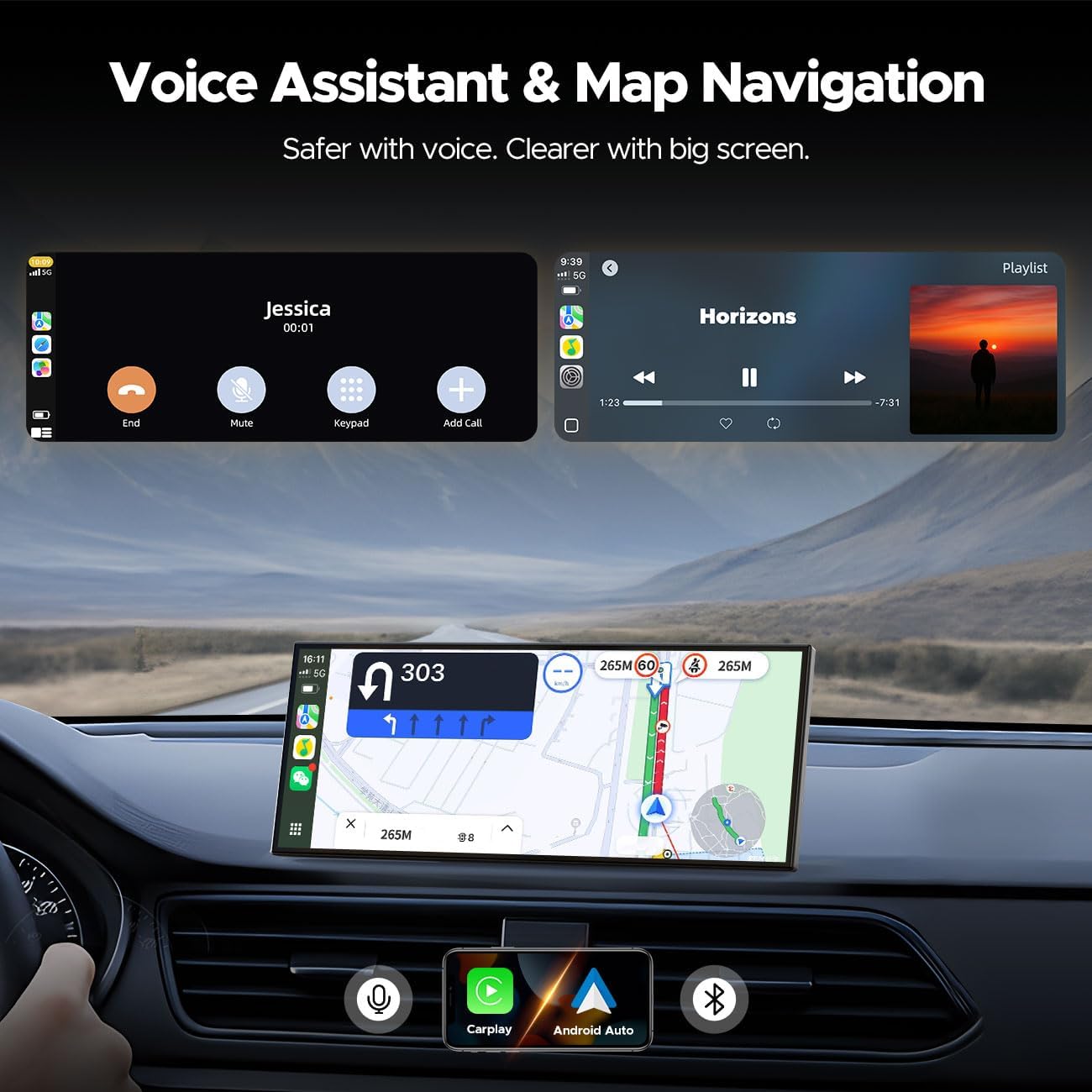
Image: The Volam Carplay Screen illustrating the voice assistant feature for hands-free calling and integrated map navigation, enhancing safety and clarity.
Dual-Band WiFi and Split-Screen Functionality
The device supports Dual-Band WiFi for stable connectivity and True Split-Screen mode.
- Dual-Band WiFi ensures reliable connection for CarPlay and HD streaming.
- Split-Screen allows simultaneous display of navigation for the driver and entertainment for passengers.

Image: The Volam Carplay Screen highlighting its Dual-Band WiFi and Bluetooth capabilities, ensuring seamless connectivity to phones, internet, and the car's systems.

Image: The Volam Carplay Screen showcasing its Smart Split Screen feature, allowing simultaneous display of the rearview camera, navigation, and video content for enhanced multitasking.
Audio Options
The CarPlay Screen offers multiple audio output options:
- Bluetooth: Connects to your car stereo for immersive sound.
- AUX: Supports auxiliary connections for older stereos.
- FM: Allows connection via FM transmission.
- Built-in Speakers: The unit has its own speakers for direct audio output.
Maintenance
To ensure the longevity and optimal performance of your Volam Carplay Screen, follow these maintenance guidelines:
- Cleaning: Use a soft, lint-free cloth to gently wipe the screen. For stubborn smudges, slightly dampen the cloth with water or a screen-safe cleaner. Avoid abrasive materials or harsh chemicals.
- Temperature: Do not expose the device to extreme temperatures, either hot or cold, for extended periods.
- Moisture: Keep the device dry. Avoid contact with liquids.
- Connections: Periodically check all cable connections to ensure they are secure and free from damage.
Troubleshooting
If you encounter issues with your Volam Carplay Screen, refer to the following common problems and solutions:
- No Power:
- Ensure all power cables are securely connected.
- Verify the vehicle's power outlet is functioning.
- The Instant-Wake feature relies on a built-in battery; ensure the vehicle's power supply is consistent.
- No Audio Output:
- Check the selected audio output mode (Bluetooth, AUX, FM, Built-in Speaker).
- Ensure the volume on both the Carplay Screen and your car stereo is turned up.
- If using Bluetooth, ensure the device is properly paired with your car stereo.
- CarPlay/Android Auto Not Connecting:
- Ensure your phone's Wi-Fi and Bluetooth are enabled.
- Verify your phone's operating system meets the minimum requirements (iOS 10+, Android 11+).
- Try restarting both your phone and the Carplay Screen.
- Ensure Dual-Band WiFi is active on the Carplay Screen.
- Backup Camera Not Displaying:
- Ensure the vehicle is in reverse gear.
- Check the camera's cable connection to the main unit.
- Verify the camera itself is not obstructed or damaged.
- Streaming Apps (Netflix/YouTube) Buffering:
- Ensure your phone's hotspot has a strong and stable internet connection.
- Check your data plan for any limitations or throttling.
- Move to an area with better cellular reception if possible.
If the issue persists after attempting these solutions, please contact Volam customer support.
Specifications
| Feature | Detail |
|---|---|
| Brand | Volam |
| Connectivity Technology | Auxiliary, Bluetooth, FM, Wi-Fi |
| Controller Type | Touch screen, Voice Control |
| Compatible Devices | Android phone system 11+, iPhone 10+ |
| Connector Type | USB Type-C |
| Audio Output Mode | Bluetooth, AUX, FM, Speaker |
| Control Method | Touch, Voice |
| Display Size | 10.25 inches (viewable area) within an 11.26 inches full touchscreen |
| Display Resolution | 1920x720P |
| Backup Camera | 1080P (rear camera supports 1080P image quality) |
| UPC | 758918446693 |
Warranty and Support
Volam is committed to customer satisfaction. Your Volam 10.25'' Carplay Screen comes with the following support:
- Warranty: 1-Year Warranty.
- Returns: 30-Day No-Questions-Asked Return Policy.
- Customer Support: 24/7 support is available for any inquiries or assistance you may need.
For further assistance, please refer to the contact information provided with your product packaging or visit the official Volam website.
Ask a question about this manual
Ask about setup, troubleshooting, compatibility, parts, safety, or missing instructions. Manuals+ will review the question and use this page’s manual context to help answer it.