
Introduction
This manual provides detailed instructions for the setup, operation, and maintenance of your TELESIN Fun Shot Mastergrip Phone Camera Grip Photography Kit. This kit is specifically designed for the Samsung Galaxy S25 Ultra to enhance your mobile photography experience.

Image: The TELESIN Fun Shot Mastergrip attached to a Samsung Galaxy S25 Ultra, showcasing its design and compatibility.
Package Contents
Verify that all items are present in your package:
- Mastergrip Shooting Grip x 1
- Dedicated Phone Case x 1 (for Samsung Galaxy S25 Ultra)
- 67mm CPL Filter Lens x 1
- Handle Strap x 1
- Filter Adapter Ring x 1
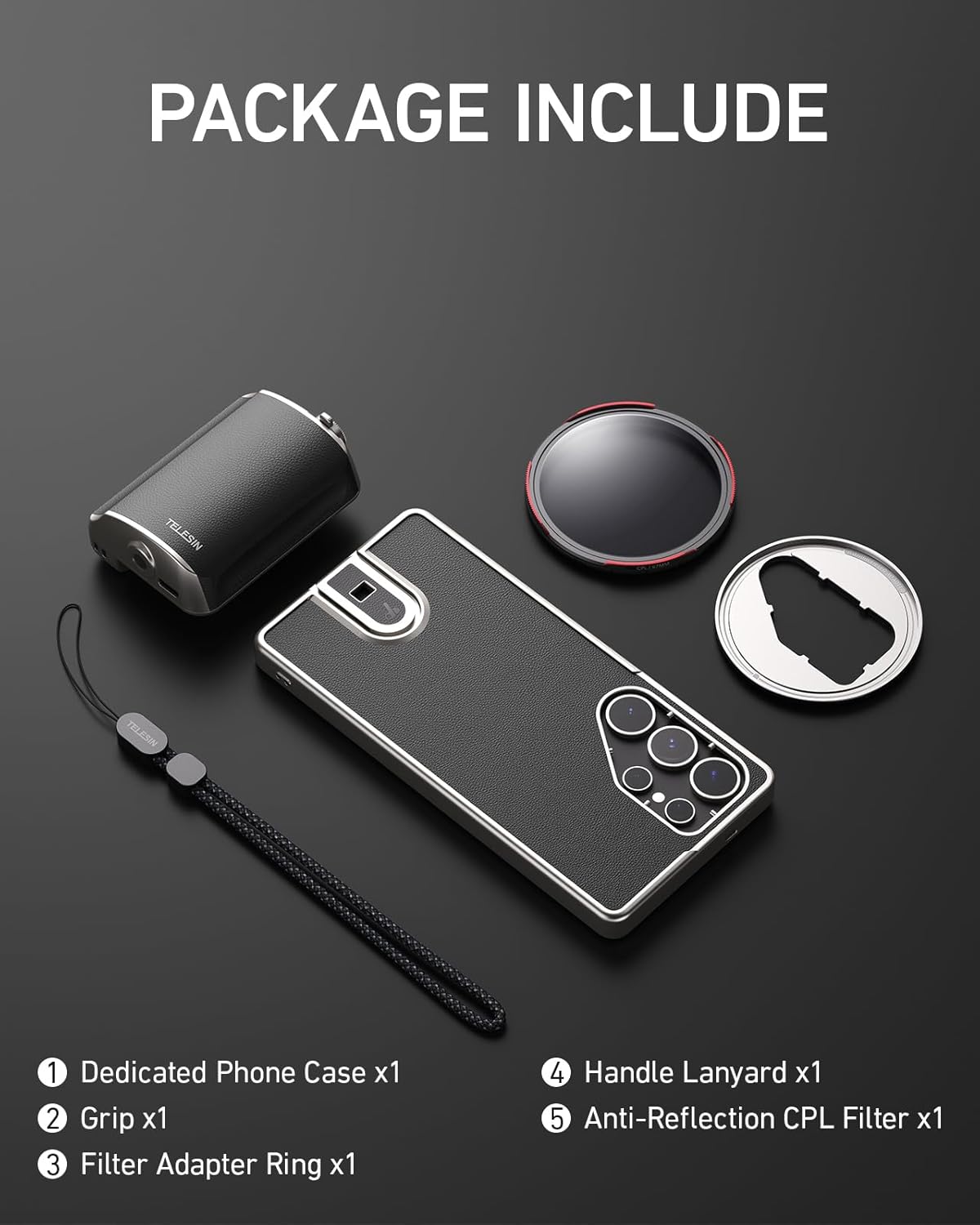
Image: An overhead view of all components included in the TELESIN Fun Shot Mastergrip Photography Kit: the grip, phone case, CPL filter, handle strap, and filter adapter ring.
Setup Instructions
- Install the Phone Case: Carefully place your Samsung Galaxy S25 Ultra into the dedicated phone case. Ensure it fits securely.
- Attach the Mastergrip: Align the phone case with the quick-lock slide rail on the Mastergrip. Slide the phone case into the grip until it clicks into place. Flick the latch to secure it.
- Install the Filter Adapter Ring: Screw the filter adapter ring onto the lens area of the phone case.
- Attach the CPL Filter: Screw the 67mm CPL filter lens onto the installed filter adapter ring.
- Attach the Handle Strap: Secure the handle strap to the designated attachment point on the Mastergrip for added security during use.

Image: Visual guide demonstrating the quick-lock slide rail mechanism for attaching the phone case to the grip, and the process of screwing the 67mm filter onto the adapter ring on the phone case.
Operating Instructions
Basic Controls
The Mastergrip features intuitive controls designed for ease of use:
- Dual-Stage Shutter Button: Press halfway to focus, press fully to capture a photo or start/stop video recording.
- Quick Zoom Slider: Use the slider to smoothly adjust the zoom level of your camera.
- Mode Switch Button: Quickly switch between photo, video, and burst modes.

Image: Detailed view of the Mastergrip's control buttons, including the two-stage shutter, zoom lever, and mode switch, highlighting their ergonomic placement for convenient shooting.
Using the CPL Filter
The included 67mm CPL (Circular Polarizer) filter helps manage reflections and enhance colors:
- Eliminate Reflection: Rotate the CPL filter to reduce glare from water surfaces, glass, or other reflective objects.
- Enhance Contrast: Improve the contrast and saturation of your images, particularly for skies and landscapes.
- Restore Colors: Achieve more vibrant and natural colors by reducing atmospheric haze.

Image: A visual demonstration of the CPL filter's effects, showing how it eliminates reflections, enhances contrast, and restores colors in various outdoor scenes compared to images taken without the filter.
Ergonomics and Versatility
- The ergonomic design provides a comfortable and stable grip for extended shooting sessions.
- Seamlessly transition between portrait and landscape orientations without removing your phone from the grip.
- The 1/4” tripod screw connector allows for attachment to tripods or other accessories.
- A lanyard port is included for attaching the handle strap, providing extra security.

Image: A diagram highlighting the ergonomic features of the Mastergrip, including the fingertip notch and palm contact area, designed for a comfortable and secure hold during photography.

Image: The Mastergrip attached to a tripod, illustrating its expandability. This image also shows the potential for advanced usage with ND filters for effects like motion blur, though ND filters are not included in this specific kit.
Battery Information
The Mastergrip has a built-in 300mAh battery. A full charge provides power for over 10,000 shutter actuations, ensuring reliable performance during extended use.
Maintenance
To ensure the longevity and optimal performance of your Mastergrip kit, follow these maintenance guidelines:
- Cleaning the Grip and Case: The grip and phone case are made from high-quality silicone leather. Wipe them gently with a soft, damp cloth to remove dust or smudges. Avoid harsh chemicals or abrasive materials.
- Cleaning the CPL Filter: Use a microfiber lens cleaning cloth to gently wipe the CPL filter. For stubborn smudges, use a specialized lens cleaning solution. Do not touch the filter surface with your fingers.
- Storage: When not in use, store the Mastergrip kit in a clean, dry place away from direct sunlight and extreme temperatures.
- Battery Care: For optimal battery life, avoid fully discharging the battery frequently. Charge the device regularly, even if not in constant use.
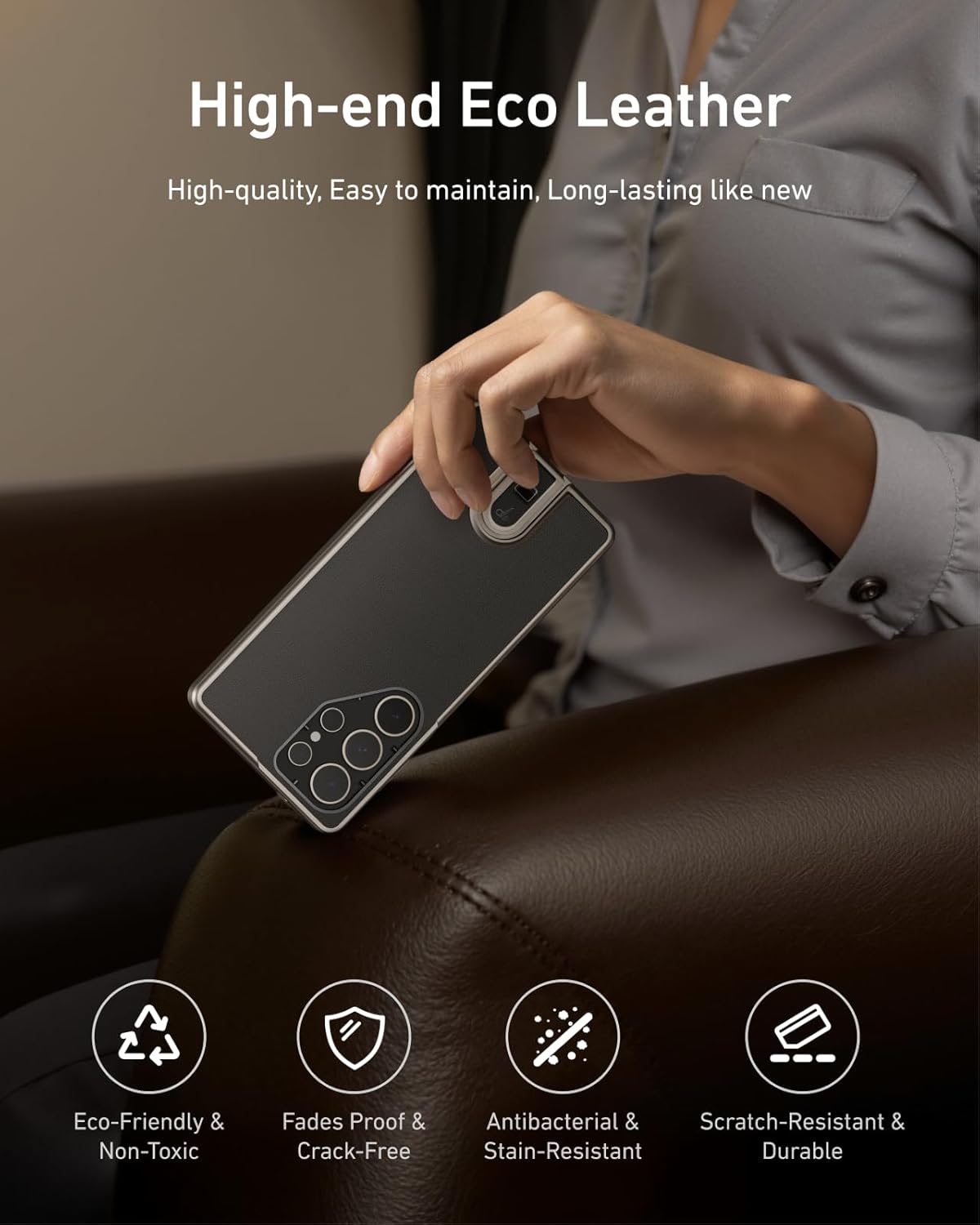
Image: A close-up of the phone case being held, emphasizing its high-end, eco-friendly silicone leather material, which is durable, fade-proof, antibacterial, stain-resistant, and scratch-resistant.
Troubleshooting
| Problem | Possible Cause | Solution |
|---|---|---|
| Grip not connecting to phone | Bluetooth not enabled or paired; low battery. | Ensure Bluetooth is enabled on your phone and the Mastergrip is paired. Check battery level and recharge if necessary. |
| Shutter button unresponsive | Low battery; connection issue; camera app not active. | Recharge the Mastergrip. Re-establish Bluetooth connection. Ensure your phone's camera application is open and active. |
| Filter not screwing on properly | Misalignment; debris in threads. | Ensure the filter adapter ring is correctly installed. Check for any debris in the threads of the filter or adapter ring and clean if necessary. |
| Short battery life | Frequent use; aging battery. | Ensure the device is fully charged before use. If battery life significantly degrades over time, contact support. |
Specifications
- Model Number: GPL-US-P1-TSS-002
- Compatible Devices: Samsung Galaxy S25 Ultra, Smartphones
- Package Dimensions: 8.43 x 7.95 x 2.56 inches
- Item Weight: 13 ounces
- Battery: 1 Lithium Polymer battery (included), 300mAh capacity
- Special Features: Ergonomic Design, Lightweight, 1/4” Tripod Screw Connector
- Included Filter: 67mm CPL Filter Lens
- Manufacturer: TELESIN
Warranty and Support
For warranty information, technical support, or service inquiries, please contact TELESIN customer service. Refer to the product packaging or the official TELESIN website for the most current contact details.
Manufacturer: TELESIN
Website: Visit the TELESIN Store on Amazon