
LEXiBOOK ROB01D
Contents
LEXiBOOK Disney Stitch Interactive Surfer Robot ROB01D Instruction Manual
Model: ROB01D
1. Product Overview
The LEXiBOOK Disney Stitch Interactive Surfer Robot, model ROB01D, is a compact and portable toy designed to provide an interactive and immersive play experience. This robot features a unique self-balancing mechanism, allowing Stitch to sway and move while maintaining equilibrium on its single wheel base. Integrated sensors enable it to react to claps and shakes, triggering iconic sounds and vibrant LED light effects.
Key Features:
- Interactive Fun: Engages users with responsive actions to claps and shakes.
- Dynamic Effects: Features exciting sound and vibrant LED light effects.
- Self-Balancing Design: Expertly balances on a single wheel, mimicking surfing movements.
- Portable: Compact size for easy transport and play anywhere.
2. Safety Information
WARNING:
- Not suitable for children under 36 months.
- Choking hazard - contains small parts.
- Adult supervision is recommended during play.
- Do not immerse the robot in water or expose it to excessive moisture.
- Do not attempt to disassemble or modify the robot.
3. What's in the Box
- 1 x LEXiBOOK Disney Stitch Interactive Surfer Robot
- 1 x Instruction Manual
4. Setup
- Battery Installation: Locate the battery compartment on the robot's base. Insert the required batteries (type and quantity not specified in product details, please refer to packaging for specific requirements), ensuring correct polarity. Securely close the battery compartment.
- Power On: Press the on/off button, typically located on the robot's base or back, to activate the toy.
5. Operating Instructions
The Stitch robot is designed for interactive play through its reactive sensors.
- Interactive Response: The robot is equipped with sensors that respond to external stimuli.
- Clapping: Clap your hands to trigger various sounds and light effects. Experiment with different clapping patterns to discover all reactions.
- Shaking/Tilting: Gently shake or tilt the robot to activate its self-balancing movements, sounds, and lights.
- Tumbling Surfing Action: Observe Stitch as it balances and sways on its single wheel, creating an engaging 'surfing' motion.
6. Maintenance
- Cleaning: Wipe the robot with a soft, dry cloth. Do not use harsh chemicals or abrasive cleaners.
- Battery Care: Remove batteries if the toy will not be used for an extended period to prevent leakage.
- Storage: Store the robot in a cool, dry place away from direct sunlight and extreme temperatures.
7. Troubleshooting
- Robot Not Responding:
- Check if the batteries are correctly installed and not depleted. Replace if necessary.
- Ensure the on/off switch is in the 'ON' position.
- Sound/Light Effects Not Working:
- Verify battery power.
- Ensure the sensors are not obstructed.
- Movement Issues:
- Ensure the robot is on a flat, smooth surface. Uneven surfaces or carpets may affect its balancing ability.
8. Specifications
| Brand | LEXiBOOK |
| Model Number | ROB01D |
| Product Dimensions | 7 x 7.95 x 1.49 inches |
| Item Weight | 6.6 ounces |
| Recommended Age | 3 years and up |
| Manufacturer | Lexibook |
9. Visual Guide

The LEXiBOOK Disney Stitch Interactive Surfer Robot, model ROB01D, shown with its retail packaging. The robot features Stitch balancing on a self-balancing base.

Close-up of the Stitch robot demonstrating its interactive capabilities, including reactive sensors for claps, light effects, and sound effects.

The Stitch robot showcasing its unique self-balancing mechanism, allowing it to sway and move while maintaining equilibrium on its single wheel base.
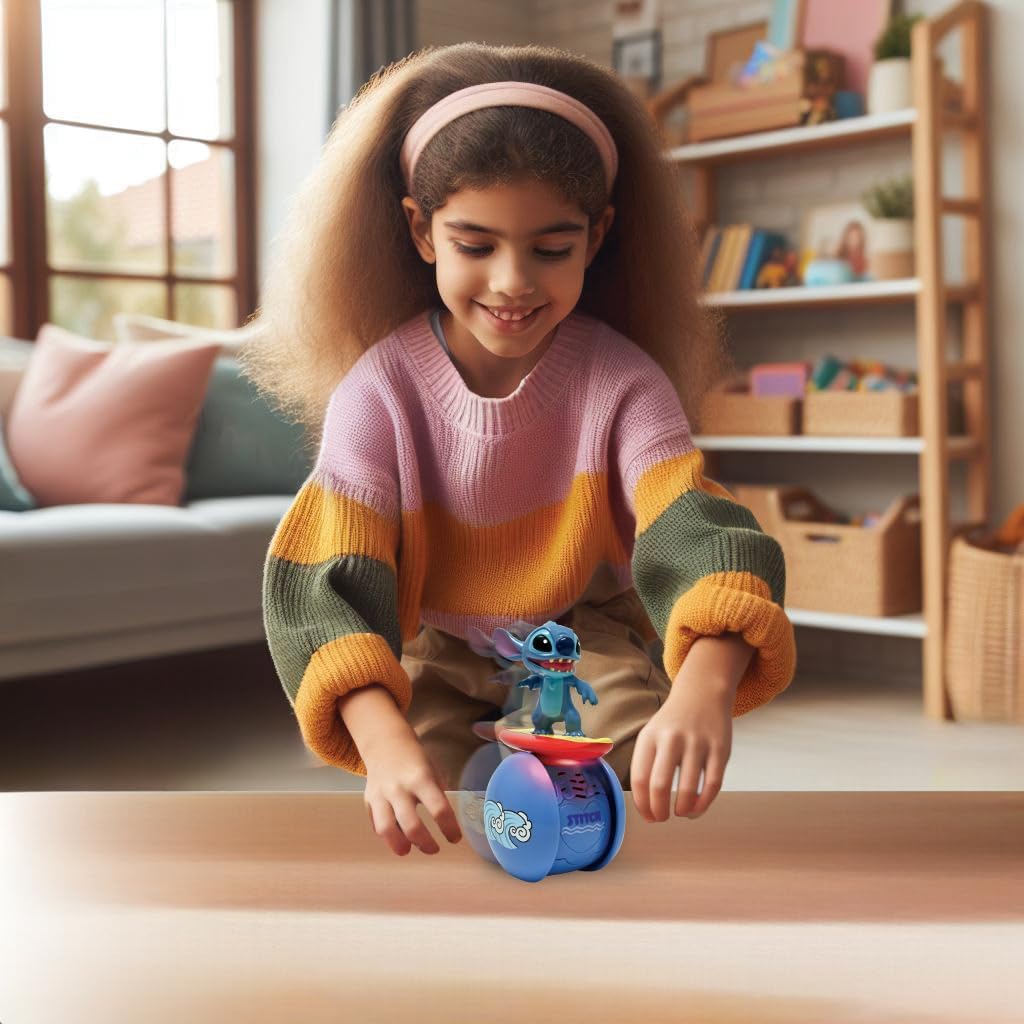
A child interacting with the LEXiBOOK Disney Stitch robot on a table, illustrating its portable and engaging design for play.
Official Product Video
Official product video from Lexibook Limited demonstrating the interactive features and self-balancing movement of the Disney Stitch Surfer Robot.
10. Warranty and Support
For warranty information and customer support, please refer to the contact details provided on the product packaging or visit the official LEXiBOOK website. Keep your purchase receipt as proof of purchase.
Documents and downloads
Ask a question about this manual
Ask about setup, troubleshooting, compatibility, parts, safety, or missing instructions. Manuals+ will review the question and use this page’s manual context to help answer it.