
1. Introduction
This manual provides detailed instructions for the installation, operation, and maintenance of your Daytech Refrigerator & Freezer Door Alarm. This device is designed to alert you when a refrigerator or freezer door has been left open for a set period, helping to prevent energy waste and food spoilage. It features adjustable delay times, two ringing modes (chime/alarm), and five volume levels.
2. Product Overview
2.1. Components
- Main Alarm Unit
- Magnetic Sensor Strip
- AAA Batteries (included)
- Mounting Adhesive Tape
- Mounting Screws (optional)
- User Manual
2.2. Key Features
- Adjustable Delay: Set alerts for 1, 2, 3, or 4 minutes.
- Dual Ringing Modes: Choose between a gentle CHIME or a loud ALARM.
- Adjustable Volume: 5 levels, from 0 dB (silent) to 120 dB.
- Low Battery Warning: Indicates when batteries need replacement.
- Versatile Application: Suitable for refrigerators, freezers, doors, windows, and cabinets.
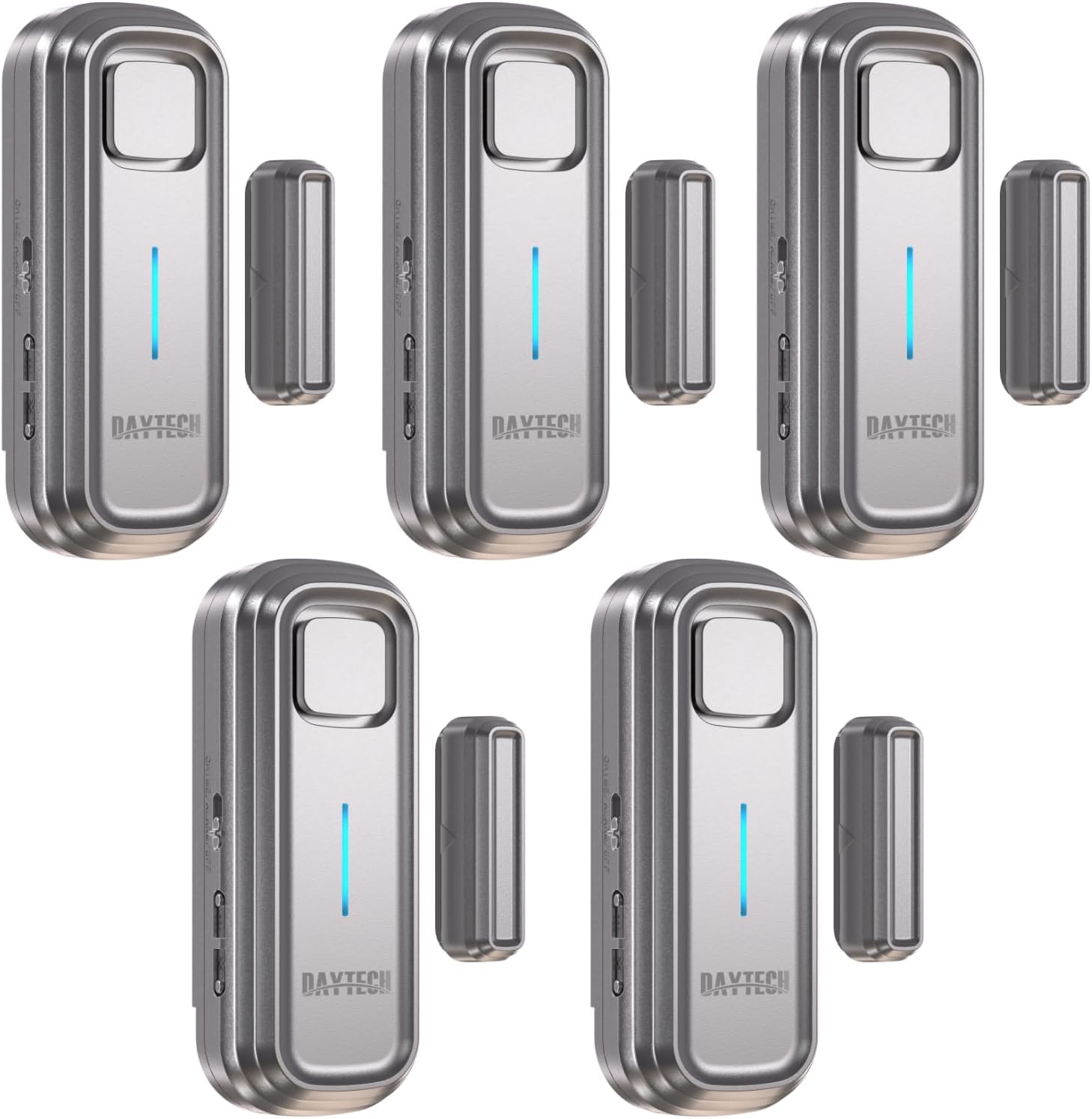
Figure 1: Daytech Refrigerator & Freezer Door Alarm (5-pack shown).

Figure 2: Detailed diagram of the alarm unit's features including buzzer, LED indicator, chime/alarm/off switch, volume control, and work mode set key.
Video 1: Product overview, unboxing, installation, and demonstration of delay and sound settings for the Daytech Freezer Door Alarm.
3. Setup and Installation
3.1. Battery Installation
- Open the battery compartment cover on the back of the main alarm unit.
- Insert 2 AAA batteries, ensuring correct polarity (+/-).
- Close the battery compartment cover securely.
3.2. Mounting the Alarm
- Clean the surface where the alarm will be mounted. Ensure it is dry and free of dust or grease.
- Apply the adhesive tape to the back of the main alarm unit and the magnetic sensor strip.
- Peel off the protective film from the adhesive tape.
- Attach the main alarm unit to the door frame or fixed part of the appliance.
- Attach the magnetic sensor strip to the moving part of the door, aligning the triangle marks on both the main unit and the magnetic strip.
- Ensure the distance between the main unit and the magnetic strip is no more than 0.98 inches (2.5 cm) when the door is closed.
Tip: For optimal performance, ensure the main unit and magnetic strip are perfectly aligned and within the specified distance.

Figure 3: Visual guide for easy installation, showing adhesive application and alignment of the main unit and magnetic sensor.

Figure 4: Examples of suitable installation locations for the door alarm, including refrigerators, freezers, windows, and cabinets.
4. Operating Instructions
4.1. Setting Delay Modes
The alarm offers four adjustable delay modes before an alert sounds. Press the 'SET' key on the side of the main unit to cycle through the modes. Each mode is confirmed by a specific beep pattern:
- Mode 1 (1-minute delay): Alert after 60 seconds, beeps every 15 seconds for 5 seconds until the door closes. (Suitable for refrigerators, basement doors).
- Mode 2 (2-minute delay): Alert after 2 minutes, beeps every 10 seconds for 10 seconds until the door closes. (Suitable for garages, shed doors).
- Mode 3 (3-minute delay): Alert after 3 minutes, beeps every 5 seconds for 15 seconds until the door closes. (Suitable for windows, cabinet doors).
- Mode 4 (4-minute delay): Alert after 4 minutes, beeps every 20 seconds for 15 seconds until the door closes. (Suitable for offices, shop doors).

Figure 5: Illustration of the four selectable delay modes and their respective alert intervals.
4.2. Adjusting Volume and Ringtone
Use the 'CHIME/ALARM/OFF' switch and volume buttons on the side of the main unit to customize the alert sound and loudness:
- Ringtone Selection: Slide the switch to select between CHIME (a gentle reminder) or ALARM (a loud siren). Slide to 'OFF' to disable the sound.
- Volume Adjustment: Press the volume buttons to cycle through 5 adjustable volume levels, ranging from 0 dB (silent) to 120 dB (very loud).
Video 2: Demonstration of the Daytech Freezer Door Alarm's delay function and adjustable volume settings.
5. Maintenance
5.1. Battery Replacement
When the battery is running low, the door ajar alarm will beep for a shorter period of time, indicating that it's time to replace the batteries. To replace:
- Carefully remove the main alarm unit from its mounting surface.
- Open the battery compartment cover.
- Remove the old AAA batteries and insert new ones, observing correct polarity.
- Close the battery compartment cover and re-attach the unit to its mounting surface.
6. Troubleshooting
If you encounter issues with your Daytech Refrigerator & Freezer Door Alarm, please refer to the following common solutions:
- Alarm not activating: Ensure the main unit and magnetic strip are correctly aligned and the gap between them is no more than 0.98 inches (2.5 cm) when the door is closed. Check if the batteries are correctly installed and have sufficient charge.
- False alarms: Verify that the main unit and magnetic strip are securely mounted and not shifting. Ensure no metallic objects are interfering with the magnetic sensor.
- Alarm too quiet or too loud: Adjust the volume settings using the dedicated buttons on the side of the main unit.
- Alarm stops after 30 minutes: This is a built-in feature. If the refrigerator door is left open, the alarm will stop after 30 minutes of continuous activation to conserve battery life.
7. Specifications
- Manufacturer: Daytech
- Model Number: DA10SV-DT-5
- Item Weight: 1.03 pounds
- Product Dimensions: 4.72 x 5.11 x 2.75 inches
- Power Source: 2 x AAA Alkaline Batteries (included)
- Volume Levels: 5 (0 dB to 120 dB)
- Delay Settings: 1, 2, 3, or 4 minutes
- Included Components: Freezer Alarm (Main Unit + Magnetic Strip)
8. Warranty and Support
The Daytech Refrigerator & Freezer Door Alarm comes with a 1-Year Manufacturer Warranty. For technical support, troubleshooting assistance, or warranty claims, please refer to the contact information provided with your product packaging or visit the official Daytech website.