
1. Introduction
Thank you for choosing the RENPHO Active Thermacool 2 Massage Gun. This device is designed to provide targeted percussion massage with integrated heat and cold therapy functions to support muscle recovery and relaxation. Please read this manual thoroughly before use to ensure proper operation and to maximize the benefits of your device.
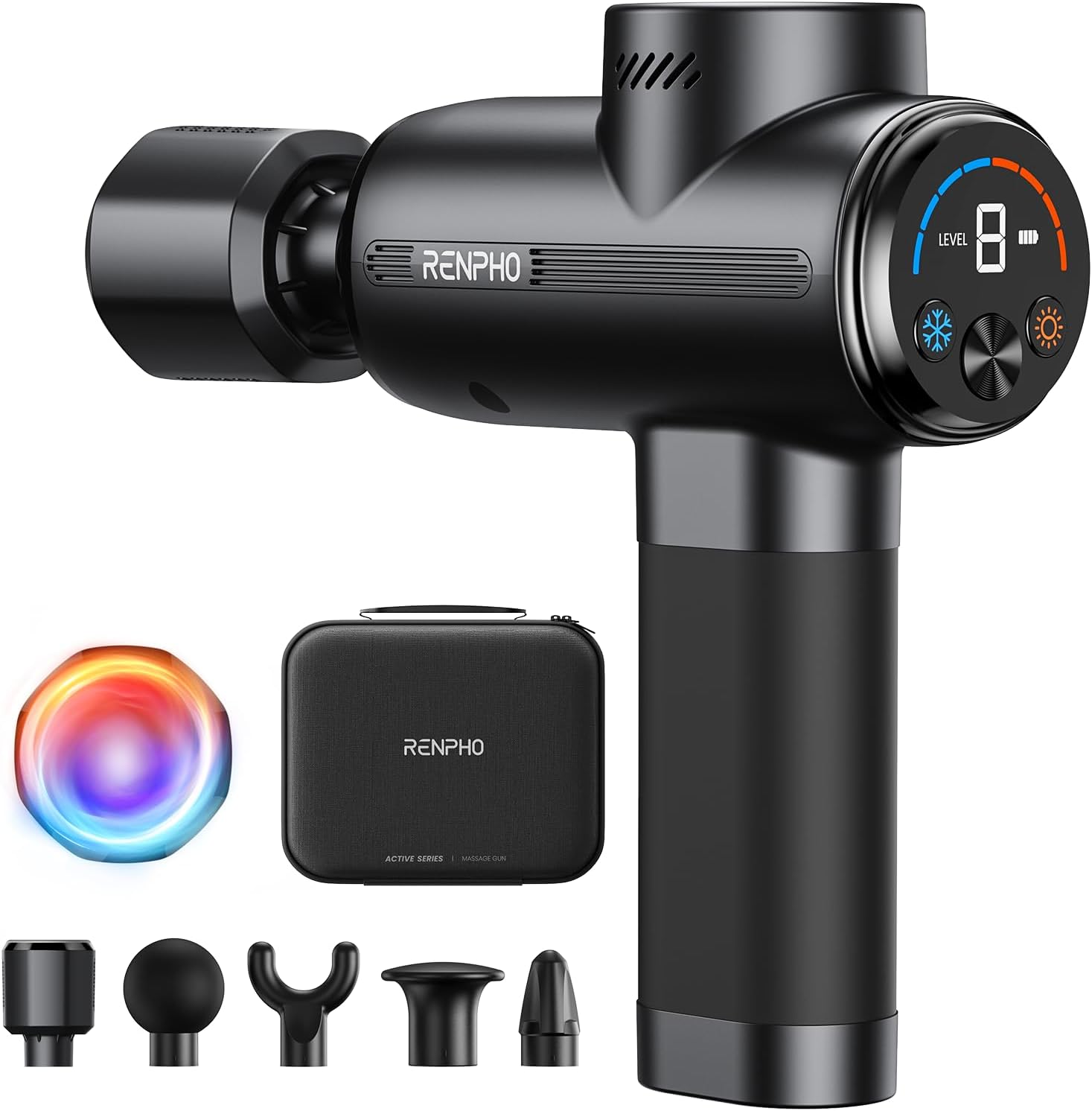
Image: The RENPHO Active Thermacool 2 Massage Gun, its various attachments, and the included carry case.
2. Package Contents
Verify that all items are present in your package:
- RENPHO Active Thermacool 2 Massage Gun
- Heat & Cool Head Attachment
- Flat Head Attachment
- Bullet Head Attachment
- Ball Head Attachment
- U-Shaped Head Attachment
- USB-C Charging Cable
- Carry Case
- User Manual

Image: Visual representation of the items included in the product package.
3. Safety Instructions
To reduce the risk of electric shock, fire, and injury, please observe the following safety precautions:
- Do not immerse the device in water or use it near water.
- Keep the device away from heat sources and direct sunlight.
- Do not operate the device if it has been damaged or dropped.
- Consult a physician before use if you have any medical conditions, are pregnant, or have a pacemaker.
- Do not use on sensitive skin areas, open wounds, or areas with poor circulation.
- Keep out of reach of children.
- Use only the provided charging cable.
4. Product Features
- Integrated VA Display: Clearly shows speed level, battery status, and temperature settings.
- Dual-Temperature Therapy: Offers both heating (up to 113°F / 45°C) and cooling (down to 46°F / 8°C) functions for varied muscle relief.
- Deep Tissue Percussion: Delivers up to 3200 RPM with an 8mm amplitude for effective muscle penetration.
- Brushless Motor: Provides powerful performance with quiet operation (approximately 40 dB).
- Long-Lasting Battery: Equipped with a 2500mAh battery for extended use.
- Ergonomic Design: Engineered for comfortable handling and reduced wrist strain.

Image: The intuitive control panel with VA display, showing buttons for cold control, warm control, battery indicator, speed level, temperature display, and power.
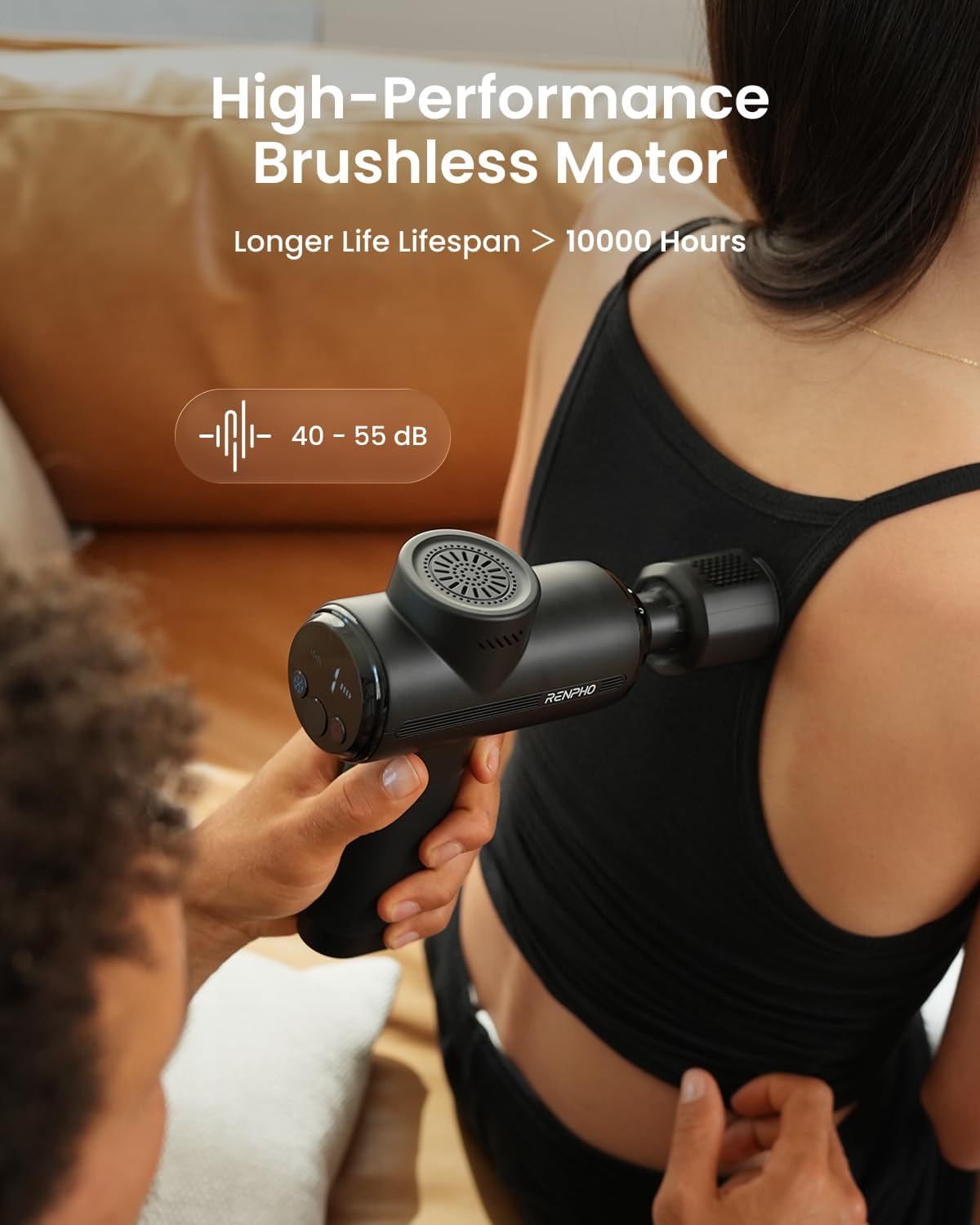
Image: The device in use, highlighting its high-performance brushless motor and quiet operation (40-55 dB).
5. Getting Started
5.1 Charging the Device
- Before first use, fully charge the massage gun.
- Connect the provided USB-C charging cable to the charging port on the device.
- Plug the other end of the cable into a compatible USB power adapter (not included).
- The battery indicator on the VA display will show charging progress. The device is fully charged when the indicator shows full.
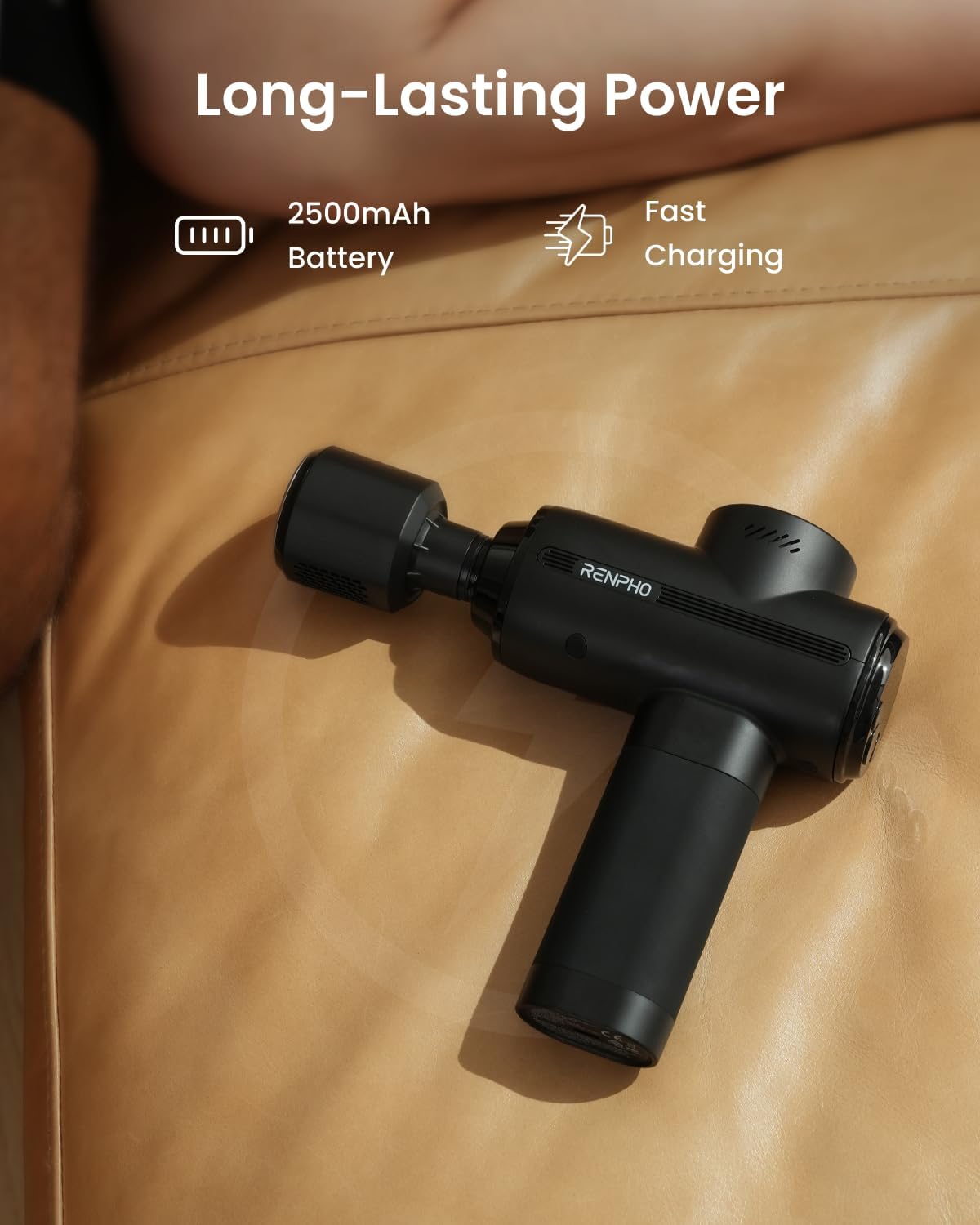
Image: The massage gun with its USB-C charging port, emphasizing its 2500mAh battery and fast charging.
5.2 Attaching Massage Heads
- Ensure the device is powered off before changing attachments.
- Gently insert the desired massage head into the front opening of the gun.
- To remove, pull the massage head straight out.
6. Operation
6.1 Powering On/Off
- To power on, press and hold the power button on the VA display for a few seconds until the screen illuminates.
- To power off, press and hold the power button again until the screen turns off.
6.2 Adjusting Percussion Speed
- Once powered on, the device will start at the lowest speed setting.
- Press the '+' button to increase the percussion speed.
- Press the '-' button to decrease the percussion speed.
- The current speed level (1-5) will be displayed on the VA screen.
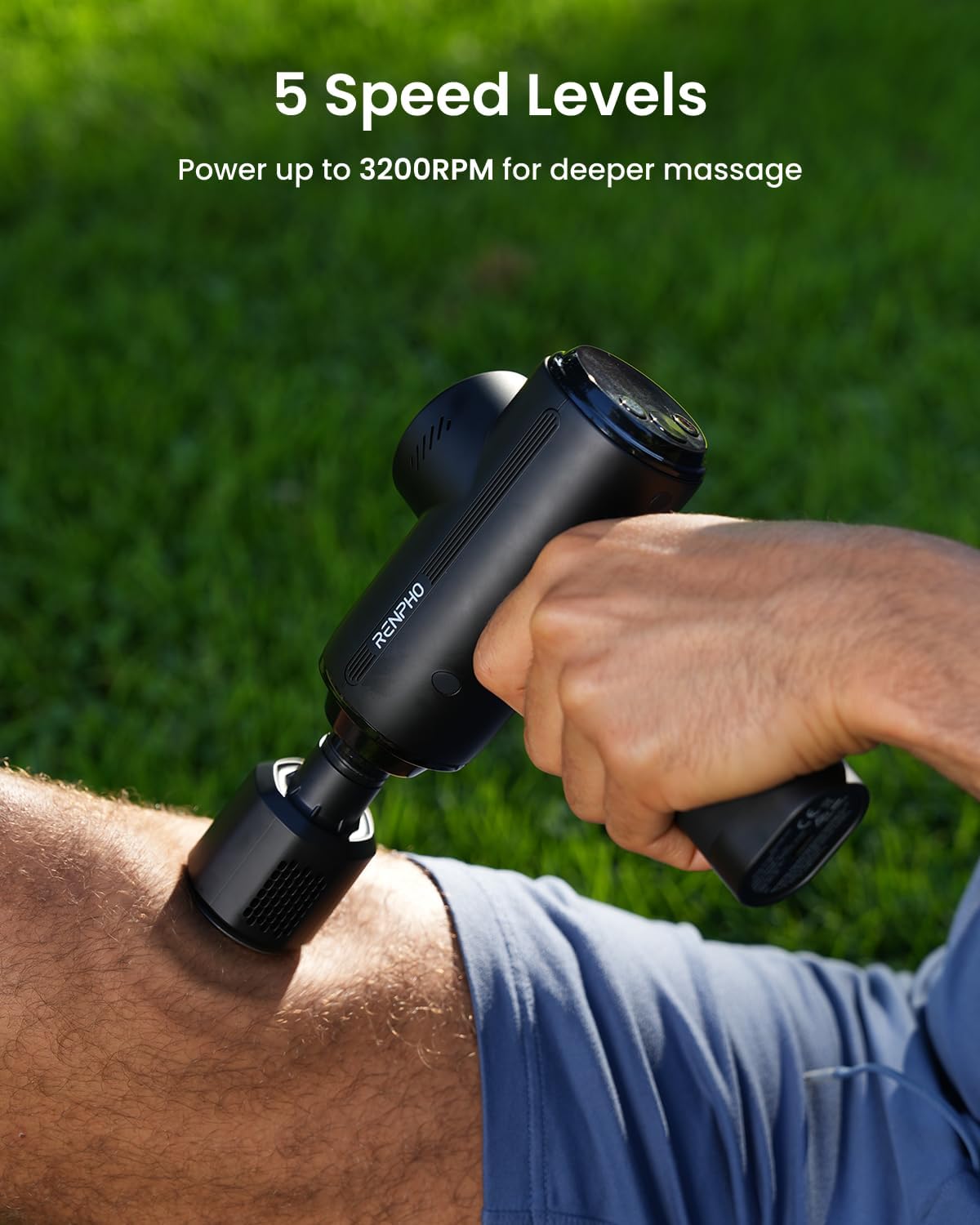
Image: The device in use, illustrating its 5 speed levels for varied massage intensity.
6.3 Using Heat Therapy
Attach the Heat & Cool Head for this function.
- With the device powered on, press the 'Warm Control' button (sun icon) on the VA display.
- The temperature indicator will show the current heat level. The device offers multiple heat settings, reaching up to 113°F (45°C).
- Apply the heated head to the desired muscle area to help relax stiff muscles and soothe tightness.

Image: Heat therapy in use, showing the device applied to a leg to relax stiff muscles and reduce pain.
6.4 Using Cold Therapy
Attach the Heat & Cool Head for this function.
- With the device powered on, press the 'Cold Control' button (snowflake icon) on the VA display.
- The temperature indicator will show the current cold level. The device offers multiple cold settings, cooling down to 46°F (8°C).
- Apply the cooled head to the desired muscle area to help ease inflammation and numb soreness.

Image: Cold therapy in use, showing the device applied to a knee to ease inflammation and numb soreness.

Image: Detail of the Heat & Cold Action, displaying temperature ranges for Heat Mode (39°C-45°C / 102°F-113°F) and Cool Mode (8°C-14°C / 46.4°F-57.2°F).
6.5 Recommended Usage
Use the massage gun for a maximum of 15-20 minutes per session. Focus on each muscle group for 1-2 minutes. Avoid prolonged use on a single area.
7. Care and Maintenance
7.1 Cleaning
- Ensure the device is powered off and unplugged before cleaning.
- Wipe the device and massage heads with a slightly damp cloth.
- Do not use abrasive cleaners or immerse any part of the device in water.
7.2 Storage
- Store the massage gun and its attachments in the provided carry case.
- Keep in a cool, dry place away from direct sunlight and extreme temperatures.
8. Troubleshooting
If you encounter issues with your device, refer to the following common problems and solutions:
| Problem | Possible Cause | Solution |
|---|---|---|
| Device does not turn on | Low battery; Device not powered on correctly | Charge the device fully; Press and hold the power button for a few seconds |
| No percussion/weak percussion | Low battery; Incorrect speed setting | Charge the device; Increase the speed level using the '+' button |
| Heat/Cold function not working | Heat & Cool Head not attached; Function not activated | Ensure the Heat & Cool Head is securely attached; Press the respective 'Warm Control' or 'Cold Control' button |
| Device stops unexpectedly | Overuse protection activated; Low battery | Allow the device to cool down; Charge the device |
9. Specifications
| Feature | Detail |
|---|---|
| Model Number | R-WMG13 |
| Product Dimensions | 6.69 x 7.36 x 2.17 inches |
| Item Weight | 1.48 Pounds (0.67 Kilograms) |
| Power Source | Battery Powered (1 Lithium Ion battery included) |
| Battery Capacity | 2500mAh |
| Percussion Speed | Up to 3200 RPM (5 levels) |
| Amplitude | 8mm |
| Heat Temperature Range | Up to 113°F (45°C) |
| Cold Temperature Range | Down to 46°F (8°C) |
| Noise Level | Approximately 40 dB |
| Material | Acrylonitrile Butadiene Styrene, Silicone |
| Manufacturer | RENPHO |
10. Warranty and Support
10.1 Legal Disclaimer
Statements regarding dietary supplements have not been evaluated by the FDA and are not intended to diagnose, treat, cure, or prevent any disease or health condition.
10.2 Customer Support
For product support, warranty information, or any questions not covered in this manual, please contact RENPHO customer service. Refer to the product packaging or the official RENPHO website for current contact details.