1. Introduction
The BAOFENG BD-V21A is a compact and reliable UHF single-band two-way radio designed for clear and secure communication. It features intelligent noise reduction, encrypted call capabilities, and convenient USB-C charging, making it suitable for various environments requiring robust communication.
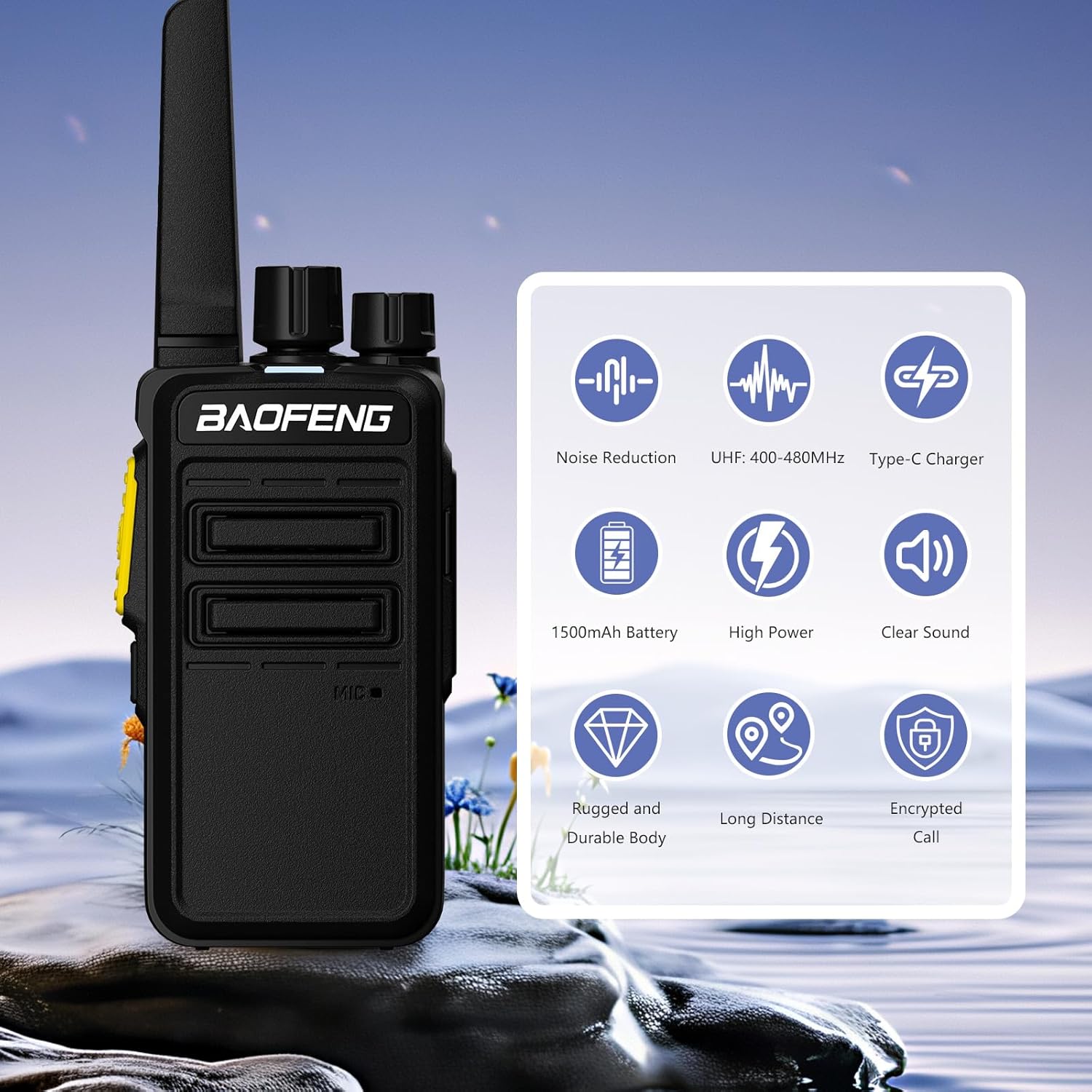
Image: BAOFENG BD-V21A radio with icons illustrating its main features.
2. Package Contents
Before proceeding, please verify that all items listed below are included in your package:
- 2 x BAOFENG BD-V21A Radios
- 2 x USB-C Charger Cables
- 2 x 1500mAh Batteries
- 2 x Belt Clips
- 1 x User Manual
- 2 x Speaker Microphones

Image: All components included in the BAOFENG BD-V21A product package.
3. Product Overview
Familiarize yourself with the various parts of your BAOFENG BD-V21A radio:

Image: Labeled diagram of the BAOFENG BD-V21A radio components.
- Antenna: For transmitting and receiving radio signals.
- Encoder: Used for channel selection.
- Power/Volume Knob: Turns the radio on/off and adjusts speaker volume.
- Speaker: Outputs received audio.
- Microphone: Captures your voice for transmission.
- PTT Key (Push-to-Talk): Press and hold to transmit, release to receive.
- SK-Monitor: Short press to monitor current channel activity; long press for squelch off.
- Speaker Mic Jack: Connects external speaker microphones or programming cables.
- Battery Pack: Provides power to the radio.
- Battery Release Latch: Releases the battery pack for removal.
4. Setup
4.1. Battery Installation and Charging
The radio comes with a rechargeable 1500mAh Li-ion battery. Ensure the battery is fully charged before first use.
- Align the battery pack with the grooves on the back of the radio.
- Slide the battery pack upwards until it clicks into place.
- To charge, connect the USB-C cable to the radio's charging port and to a compatible USB power source (e.g., laptop, power bank, car adapter).
- The charging indicator light will show charging status (refer to radio's LED indicator for details).

Image: Various methods for charging the BAOFENG BD-V21A radio using a USB-C cable.
4.2. Attaching Accessories
- Belt Clip: Secure the belt clip to the back of the radio using the provided screws.
- Speaker Microphone: Insert the speaker microphone's plug into the Speaker Mic Jack (8) on the side of the radio.
5. Operating Instructions
5.1. Power On/Off and Volume Adjustment
- Power On: Rotate the Power/Volume Knob (3) clockwise until you hear a click.
- Power Off: Rotate the Power/Volume Knob (3) counter-clockwise until you hear a click.
- Volume Adjustment: Rotate the Power/Volume Knob (3) clockwise to increase volume and counter-clockwise to decrease volume.
5.2. Channel Selection
Rotate the Encoder (2) to select one of the 16 available channels. The radio will typically announce the channel number.
5.3. Transmitting and Receiving
- To Transmit: Press and hold the PTT Key (6). Speak clearly into the Microphone (5) or external speaker microphone. Release the PTT Key to stop transmitting.
- To Receive: Ensure the PTT Key (6) is not pressed. The radio will automatically receive signals on the selected channel.
5.4. VOX (Voice-Activated Transmission)
The BD-V21A supports VOX with 5-level sensitivity settings. When VOX is enabled, the radio will automatically transmit when it detects your voice, without needing to press the PTT key. This feature is typically programmed via software.
5.5. Channel Scan
The channel scan function allows the radio to automatically scan through programmed channels to detect activity. This feature is usually activated via a programmable side key or software.
5.6. Encrypted Calls
The BD-V21A offers encrypted call functionality with up to 32 key configurations to enhance communication privacy. This feature helps prevent unauthorized listening. Configuration of encryption keys is typically done via programming software.

Image: Visual representation of the encrypted call feature for secure communication.
5.7. Noise Reduction
The radio incorporates intelligent noise reduction technology to filter out background noise, ensuring clearer audio transmission and reception, especially in noisy environments.
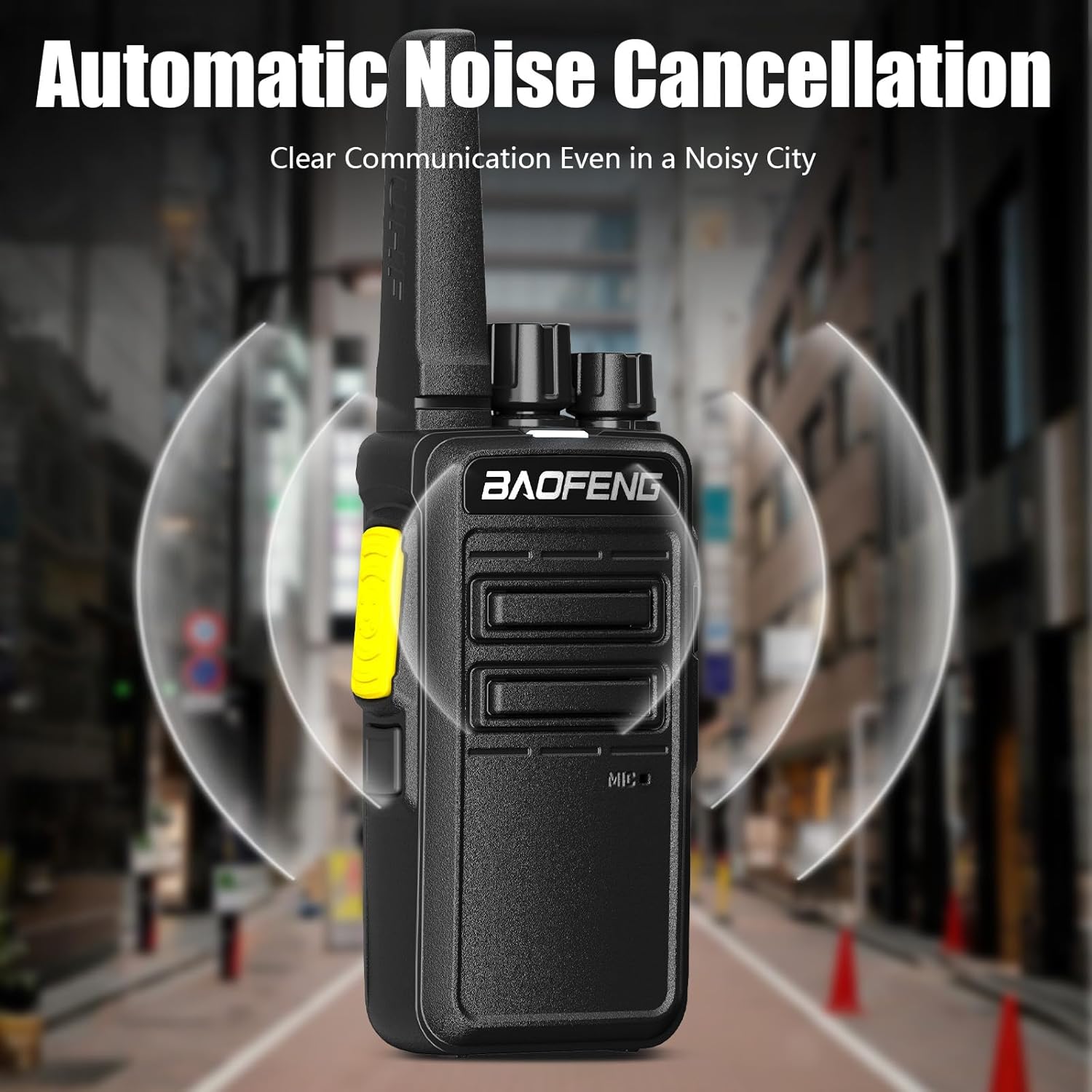
Image: Illustration of the automatic noise cancellation feature.
6. Maintenance
- Cleaning: Use a soft, damp cloth to clean the radio's surface. Do not use harsh chemicals or solvents.
- Battery Care: Avoid overcharging or completely draining the battery. Store the radio and battery in a cool, dry place when not in use for extended periods.
- Storage: Store the radio in a dry, dust-free environment away from direct sunlight and extreme temperatures.
- Durability: The radio features an anti-fall and dust-proof design for enhanced durability.

Image: The radio's robust construction, highlighting its resistance to drops and dust.
7. Troubleshooting
| Problem | Possible Cause | Solution |
|---|---|---|
| Radio does not power on | Battery is low or not installed correctly. | Charge the battery. Ensure the battery is securely attached. |
| Cannot transmit or receive | Incorrect channel selected, out of range, or PTT key issue. | Verify channel. Move closer to other radios. Check PTT key functionality. |
| Poor audio quality / Noise | Weak signal, interference, or squelch level setting. | Adjust squelch level. Move to an area with better signal. |
| Battery drains quickly | Frequent transmission, old battery, or high power setting. | Reduce transmission time. Consider replacing old battery. Use lower power setting if possible. |
8. Specifications
General
- Frequency Range: UHF 400-480MHz (RX&TX)
- Channels: 16
- Working Temperature: -10°C to +60°C
- Operation Voltage: 3.7V DC
- Operate Mode: Simplex
- Dimensions (with antenna): 164 x 60 x 32.5 mm
- Weight (Battery pack included): 160g
- Antenna Impedance: 50Ω
- CTCSS/DCS: 51 Groups standard CTCSS, 105 groups standard DCS, support non-standard analog CTCSS
- Squelch: 4 Groups (Normally open, Normal, Strengthened, Strict)
- VOX: 5-Level voice-activated level setting
- Charging: Type-C USB

Image: The radio's UHF single band frequency capability.
Transmitter
- Frequency Stability: ±2.5ppm
- Output Power: ≤2W ERP
- Max Frequency Deviation: ≤2.5KHz
- Audio Distortion: ≤3%
- Adjacent Channel Power: <-60dB
Receiver
- RF Sensitivity: <0.2UV@20db SINAD
- Audio Distortion: ≤3%
- Audio Response: 300Hz-3KHz
- Adjacent Channel Selectivity: Within European legal terms
9. Warranty and Support
Warranty: A 1-year warranty is provided exclusively through "Shiqun Electronics Co., Ltd." Please retain your proof of purchase for warranty claims.
For technical support, troubleshooting assistance, or warranty inquiries, please contact the seller directly or visit the official BAOFENG website for further resources.
BAOFENG Official Store: Visit the BAOFENG Store on Amazon


