
1. Introduction
Thank you for choosing the JTF XM806 Orthodontic Electric Toothbrush. This device is specifically designed to provide effective and gentle oral cleaning for individuals with braces, retainers, or aligners. Its advanced sonic technology, combined with specialized U-shaped brush heads, ensures thorough plaque removal and gum care. Please read this manual carefully before use to ensure proper operation and maintenance.
2. Package Contents
- 1 x JTF Orthodontic Electric Toothbrush (Main Unit)
- 6 x U-Shaped Soft Bristles Brush Heads
- 1 x Type-C Charger Cable (adapter not included)
- 1 x User's Manual
3. Product Overview
The JTF XM806 electric toothbrush features a sleek design with a single control button and indicator lights for different brushing modes. It is equipped with a powerful motor delivering up to 31,000 vibrations per minute for deep cleaning. The U-shaped brush heads are uniquely contoured to navigate around orthodontic appliances.

Key Features Overview: High-frequency vibrations, U-shaped brush head, smart timer, and multiple cleaning settings.
4. Setup
4.1. Charging the Toothbrush
Before first use, fully charge the toothbrush. Connect the Type-C charger cable to the charging port at the bottom of the toothbrush and plug the USB end into a 5V charging adapter (not included). The indicator light will show charging status. A full charge takes approximately 2 hours and provides up to 45 days of use (based on 2 minutes, twice daily).
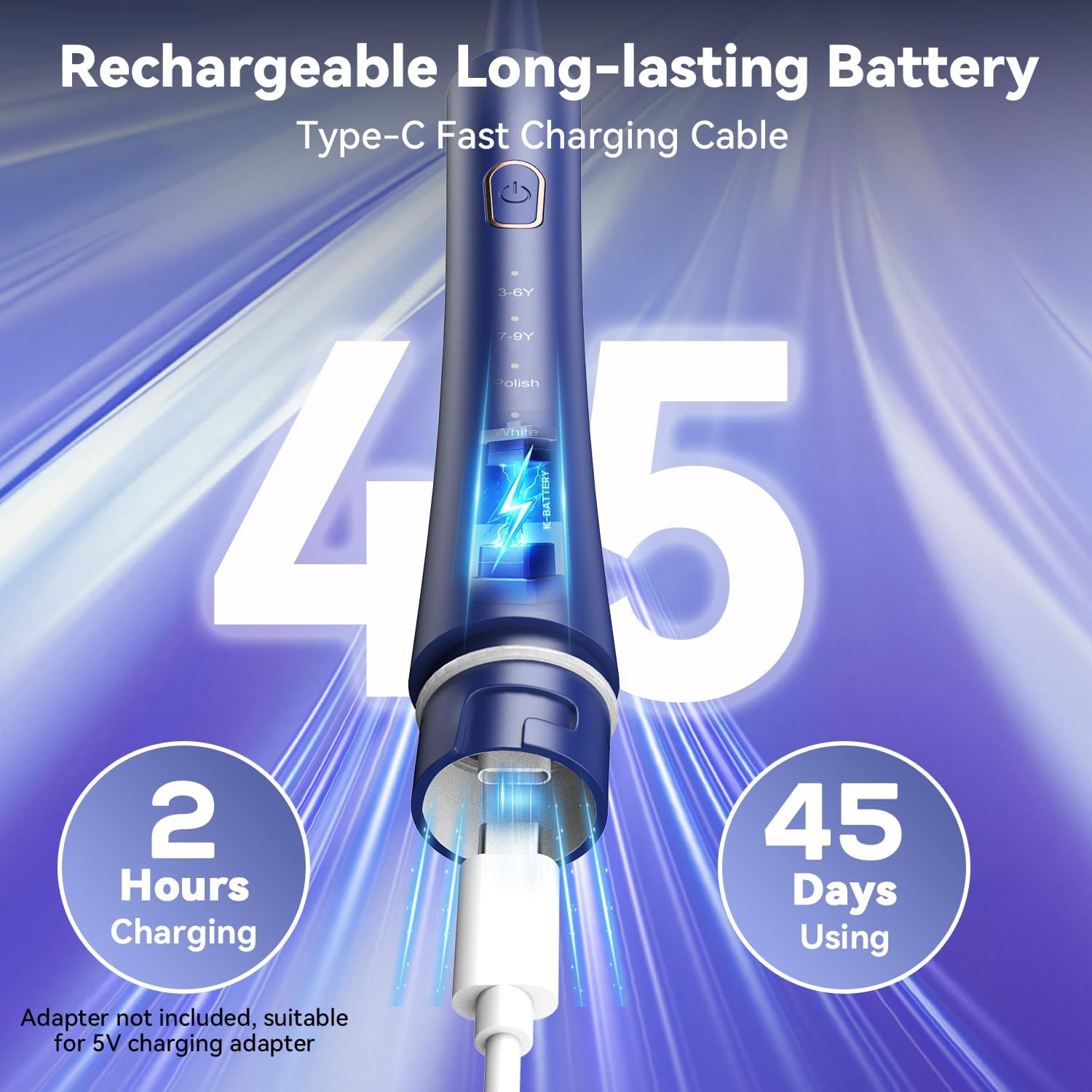
The toothbrush charges quickly via a Type-C cable, offering extended battery life.
4.2. Attaching a Brush Head
Align the U-shaped brush head with the metal shaft on the toothbrush handle and push it down firmly until it clicks into place. Ensure it is securely attached before use.

The U-shaped brush head is designed to effectively clean around braces and dental devices.
5. Operating Instructions
5.1. Power On/Off and Mode Selection
Press the power button once to turn on the toothbrush. To cycle through the 5 brushing modes, press the power button repeatedly. The corresponding indicator light will illuminate. To turn off the toothbrush, press and hold the power button for 3 seconds, or cycle through all modes until it turns off automatically.

Select from five distinct brushing modes to suit your oral care needs.
5.2. Brushing Modes
- Clean: Standard mode for daily cleaning, effective for removing plaque.
- Polish: Designed to brighten and polish the front teeth, helping to remove surface stains.
- Milder: Gentle cleaning for sensitive teeth and gums, or for initial use.
- White: A powerful mode for deep cleaning and stain removal, similar to the Refresh mode.
- Massage: Provides a gentle massage for gums, promoting gum health.
5.3. Smart Timer Function
The toothbrush features a built-in 2-minute smart timer, recommended by dentists for optimal brushing time. It also includes a 30-second pause reminder, which briefly stops vibrations to signal when to move to a different quadrant of your mouth, ensuring all areas are cleaned evenly.

The smart timer ensures a complete and balanced brushing routine.
6. Maintenance
6.1. Cleaning the Toothbrush
After each use, rinse the brush head thoroughly under running water. Wipe the handle with a damp cloth. The toothbrush is IPX7 waterproof, allowing it to be rinsed directly or used in the shower, but ensure the base cover is tightly closed.

The IPX7 waterproof design allows for easy cleaning and safe use in wet environments.
6.2. Replacing Brush Heads
It is recommended to replace brush heads every 3 months, or sooner if the bristles become frayed. The included 6 U-shaped brush heads can last for approximately 18 months.

The kit includes six U-shaped brush heads for extended use.
7. Safety Information
- Do not charge the device while wet.
- Always follow the instructions provided with the device.
- Avoid using the unit in hot water or near a heat source.
- The toothbrush is made of safe, food-grade materials.
- Hypoallergenic and BPA-free materials.
8. Specifications
| Feature | Detail |
|---|---|
| Model Number | XM806 |
| Vibrations per Minute | Up to 31,000 |
| Brush Heads Included | 6 U-Shaped Soft Brush Heads |
| Brushing Modes | 5 (Clean, Polish, Milder, White, Massage) |
| Timer | 2-Minute Smart Timer with 30-Second Zone Reminders |
| Waterproof Rating | IPX7 |
| Battery Type | Lithium Polymer (included) |
| Charging Time | 2 hours |
| Battery Life | Up to 45 days (2 minutes, twice daily) |
| Power Source | Battery Powered |
| Charging Cable | Type-C (adapter not included) |
| Item Weight | 5.29 ounces |
| Dimensions | 10.04 x 2.76 x 1.34 inches |
9. Troubleshooting
If you experience any issues with your JTF Orthodontic Electric Toothbrush, please consider the following:
- Toothbrush not turning on: Ensure the battery is charged.
- Weak vibrations: The battery might be low; recharge the device.
- Brush head not secure: Re-attach the brush head firmly until it clicks.
- Charging issues: Ensure the Type-C cable is properly connected and the 5V adapter is functional. Do not charge if the device is wet.
10. Warranty and Support
JTF is committed to providing quality oral care products. If you have any questions or require assistance with your orthodontic electric toothbrush, please contact our customer support team. Refer to the product packaging or our official website for contact information.