
Introduction
The Garmin Montana 710 is a rugged GPS handheld navigator designed for outdoor enthusiasts. Featuring a large 5-inch glove-friendly touchscreen, this device provides reliable navigation with preloaded topographical maps and access to satellite imagery. It is built to withstand challenging environments, meeting MIL-STD 810 standards for thermal, shock, water, and vibration resistance.
Key Features
- 5-inch Glove-Friendly Touchscreen: Large, easy-to-view color display designed for use with gloves.
- Rugged Design: IPX7 water rating and MIL-STD 810 compliant for thermal, shock, and vibration protection.
- Versatile Mapping: Preloaded worldwide topographical maps with 32 GB memory for additional map downloads. View terrain contours, elevations, coastlines, rivers, and landmarks.
- Enhanced Location Accuracy: Utilizes GPS and Galileo networks for precise positioning in challenging terrains.
- Satellite Imagery: Access high-resolution satellite imagery with direct-to-device downloads via Wi-Fi connectivity.
- Navigation Sensors: Includes a 3-axis compass, altimeter, and barometer.
- Garmin Explore App Compatibility: Plan and review trip data, manage waypoints, courses, and activities.
- Long Battery Life: Up to 24 hours in GPS mode and up to 432 hours in expedition mode.
Setup
Initial Power On
- Ensure the Lithium Ion battery is inserted correctly.
- Press and hold the power button located on the side of the device until the Garmin logo appears.
- Follow the on-screen prompts to select your language, units of measure, and initial settings.
Satellite System Configuration
The Montana 710 supports multiple Global Navigation Satellite Systems (GNSS) for improved accuracy. To configure your satellite system:
- From the main menu, select Setup > System > Satellite.
- Choose your preferred satellite system: GPS, GPS + Galileo, or GPS + GLONASS. For optimal accuracy, selecting multiple systems is recommended.
- Enable WAAS/EGNOS if you are in North America or Europe for further accuracy enhancements.
Operating the Device
Navigation and Mapping
The Montana 710 comes with preloaded topographical maps. You can navigate on foot, bike, kayak, ATV, and more.
- Viewing Maps: From the main menu, select Map to view your current location and surrounding terrain.
- Zooming: Use the plus (+) and minus (-) icons on the map screen to zoom in and out.
- Panning: Drag your finger across the screen to pan the map.
- Creating Routes: Use the Course Planner to create custom routes directly on the device or via the Garmin Explore app.
Touchscreen Sensitivity
The device features a glove-friendly touchscreen with adjustable sensitivity for various conditions.
- From the main menu, select Setup > Accessibility > Touchscreen Sensitivity.
- Choose from Rain, Normal, or Glove mode based on your current environment.
Garmin Explore App Integration
Pair your Montana 710 with the Garmin Explore app for enhanced trip planning and data management.
- Download the Garmin Explore app on your smartphone.
- Enable Bluetooth on your Montana 710 via Setup > Bluetooth Audio.
- Follow the app's instructions to pair your device and sync data.
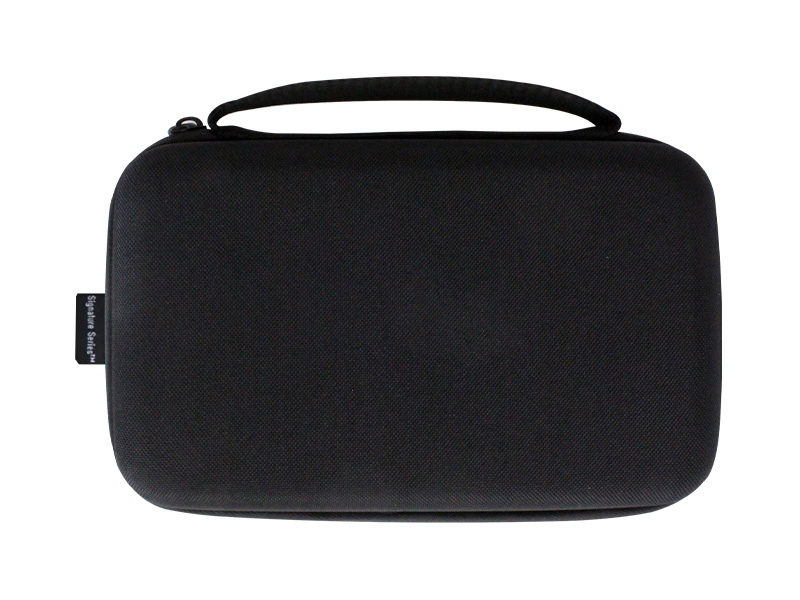
Image: Garmin Montana 710 displaying the Garmin Explore app interface on a smartphone. This image illustrates how the Garmin Explore app can be used to plan and review trip data, manage waypoints, courses, and activities, enhancing the navigation experience.
Media Integration
Product Images

Image: Garmin Montana 710 displaying an elevation profile. This image shows the device's capability to display elevation data, crucial for hikers and climbers to monitor their ascent and descent.
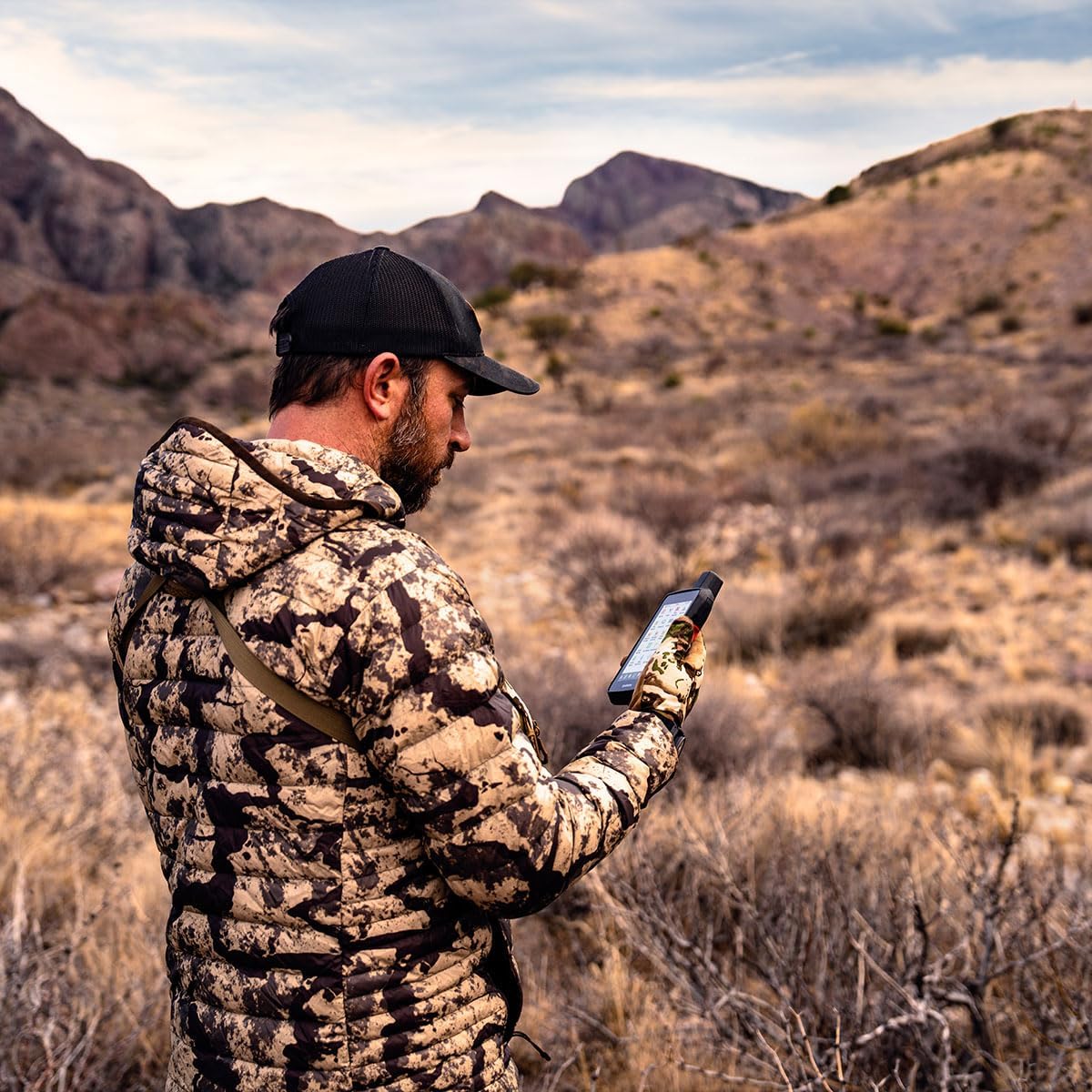
Image: Garmin Montana 710 displaying high-resolution satellite imagery. This image highlights the device's ability to download and display detailed satellite views, aiding in route planning and landmark identification.

Image: Garmin Montana 710 mounted on an ATV handlebar. This image demonstrates the device's versatility and rugged mounting options for various outdoor vehicles.
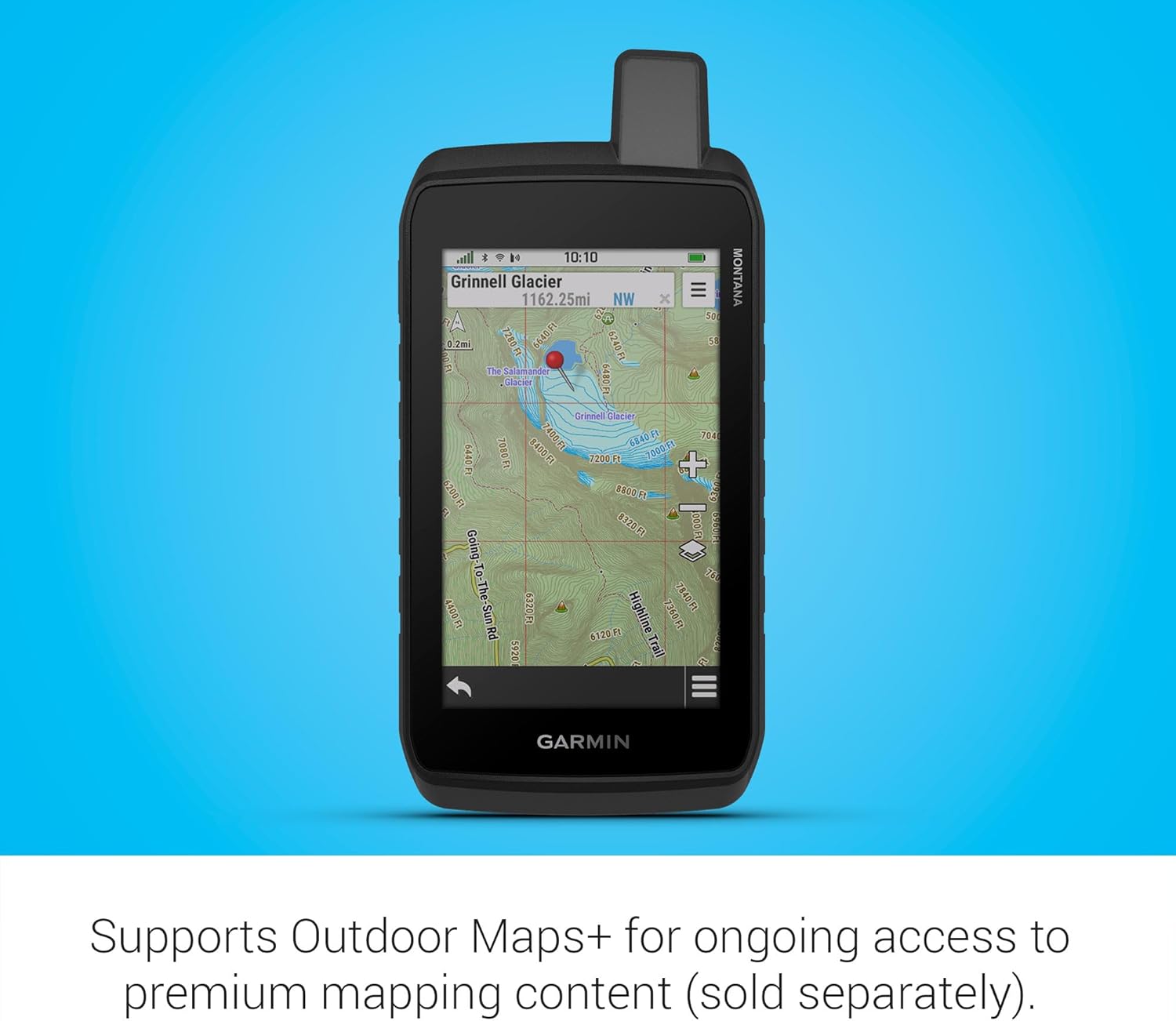
Image: Garmin Montana 710 mounted on a bicycle handlebar. This image showcases the device's adaptability for cycling, providing navigation and tracking for bike routes.
Official Product Videos
Garmin Montana 700 Series Rugged GPS Touchscreen Navigators
Video: An overview of the Garmin Montana 700 Series Rugged GPS Touchscreen Navigators, highlighting their key features and applications for outdoor adventures.
Garmin Montana Rugged GPS Handheld
Video: A demonstration of the Garmin Montana Rugged GPS Handheld, showcasing its robust build and user interface in various outdoor settings.
Maintenance
Battery Care
- The device uses a rechargeable Lithium Ion battery.
- To maximize battery life, avoid extreme temperatures when storing the device.
- Charge the battery fully before extended use.
- Spare batteries can be purchased separately for longer trips.
Cleaning
- Clean the device with a soft, lint-free cloth.
- Avoid using abrasive cleaners or solvents that may damage the screen or casing.
- For waterproof integrity, ensure the battery cover and any port covers are securely closed.
Troubleshooting
- Device not powering on: Ensure the battery is charged and correctly inserted. Try connecting to a power source.
- Poor GPS signal: Move to an open area with a clear view of the sky. Ensure multiple satellite systems are enabled in settings.
- Touchscreen unresponsive: Check touchscreen sensitivity settings. Clean the screen for any debris or moisture.
- Connectivity issues with Garmin Explore App: Ensure Bluetooth is enabled on both devices and they are within range. Restart both devices if necessary.
Specifications
| Feature | Specification |
|---|---|
| Item Weight | 14.5 ounces |
| Product Dimensions | 3.4 x 1.3 x 7.2 inches |
| Item Model Number | Garmin 010-02963-00 Gift Bundle |
| Batteries | 1 Lithium Ion batteries required (included) |
| Display Size | 5 Inches |
| Battery Life | 24 Hours (GPS mode) |
| Voice Command | Touchscreen |
| Special Feature | Bluetooth, Touchscreen |
| Connectivity Technology | Bluetooth |
| Map Type | Topographical |
| Memory Storage Capacity | 32 GB |
Warranty & Support
The Garmin Montana 710 comes with a 1 Year Limited Warranty. For detailed warranty information, product support, or service inquiries, please visit the Certified Brands website or contact their customer service.
