1. Introduction
This manual provides essential information for the safe and efficient operation, maintenance, and troubleshooting of your SILVEL Air Purifier KF370117-01. Please read this manual thoroughly before using the appliance and retain it for future reference.
The SILVEL Air Purifier is designed to improve indoor air quality by filtering various airborne pollutants, making it suitable for large rooms, offices, and open spaces.
3. Product Features
- Efficient Purification: This air purifier is designed to filter pollutants and improve air circulation, capable of purifying up to 5,000 square feet per hour, suitable for large rooms, offices, and open spaces.
- Four-Layer Filtration System: The unit employs a four-layer filtration system to effectively capture micron-level airborne particles and larger pollutants, contributing to improved indoor air quality. This includes a Pre-Filter Layer, H13 True HEPA Layer, Activated Carbon Layer, and a Net Filter.
- Quiet Operation and Timer: Features a sleep mode with a noise level as low as 25 decibels. Includes timer functions (2, 4, 6, or 8 hours) for scheduled operation.
- Automatic Air Quality Detection: The air purifier intelligently detects air quality and automatically adjusts its power to optimize purification when pollution is detected.
- Smart Control: The unit can be controlled via a mobile application using Wi-Fi, allowing for remote monitoring of air quality and adjustment of settings.
Filtration System Overview

Image Description: This diagram illustrates the four stages of the air purifier's filtration system. From left to right, it shows: 1) Pre-Filter Layer for dust, lint, and pet hair; 2) H13 True HEPA Layer for dust, smoke particles, pollen, and dander; 3) Activated Carbon Layer for smoke, odors, fumes, and VOCs; and 4) Net Filter to catch large particles. Air flows through these layers for comprehensive purification.
5. Operating Instructions
Control Panel Overview

Image Description: A hand is shown interacting with the touch control panel on top of the air purifier. The panel displays air quality readings, temperature, and various function icons for power, fan speed, timer, and mode selection.
- Power On/Off: Press the power button on the control panel to turn the unit on or off.
- Fan Speed Adjustment: Select from multiple fan speed options (e.g., Low, Medium, High) to adjust the purification intensity.
- Mode Selection:
- Auto Mode: The purifier automatically adjusts fan speed based on detected air quality.
- Sleep Mode: Operates at the lowest fan speed with minimal noise (approx. 25dB) and dimmed lights for undisturbed rest.
- Timer Function: Set the operating time for 2, 4, 6, or 8 hours. The unit will automatically shut off after the selected duration.
- Wi-Fi Connectivity: Follow the instructions in the separate app manual to connect your air purifier to your mobile device for smart control and monitoring.
Air Quality Display

Image Description: The air purifier is shown in a room, projecting visual indicators of air quality. Three gauges represent 'Very Good' (0-75), 'Moderate' (75-150), and 'Bad' (>150) air quality levels, demonstrating the unit's real-time monitoring capability.
Sleep Mode Operation
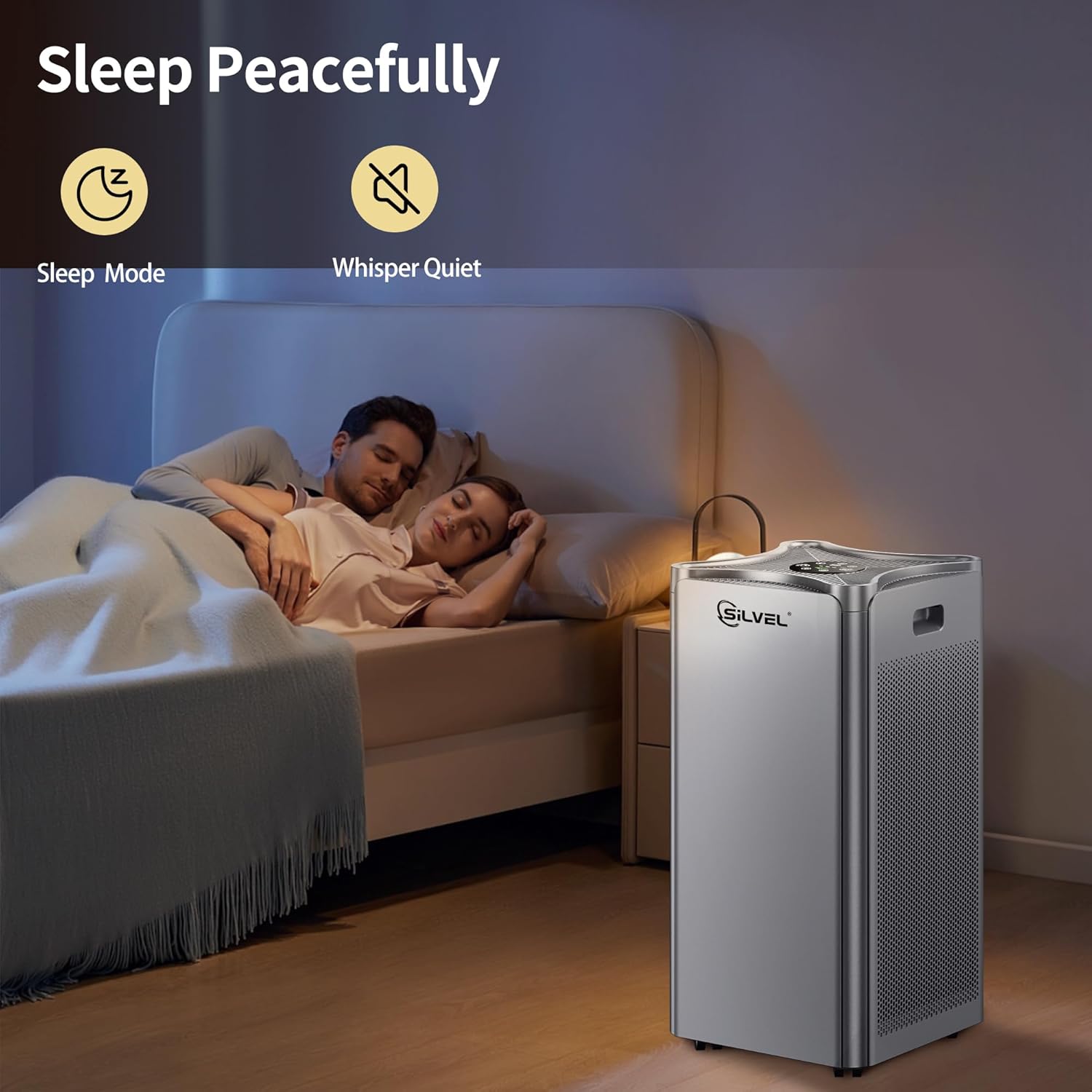
Image Description: The air purifier is positioned next to a bed in a dimly lit bedroom, indicating its quiet operation during sleep mode. A sleeping couple is visible in the background, emphasizing the low noise level.
6. Maintenance
Regular maintenance ensures optimal performance and extends the lifespan of your air purifier.
Filter Replacement and Cleaning
The SILVEL Air Purifier KF370117-01 features washable filters. Regular cleaning and timely replacement of filters are crucial for maintaining purification efficiency.
- Power Off and Unplug: Always turn off and unplug the air purifier before performing any maintenance.
- Access Filters: Open the filter compartment according to the diagrams in the product manual (not provided here, refer to physical manual).
- Clean Pre-Filter: The pre-filter layer can be gently cleaned with a soft brush or vacuum cleaner to remove dust and large particles. For washable pre-filters, rinse under cool water and ensure it is completely dry before reinstallation.
- HEPA and Activated Carbon Filter: The H13 True HEPA and Activated Carbon filters are not washable and should be replaced every 6-8 months, or sooner depending on air quality and usage. Refer to the filter indicator light on the control panel for replacement reminders.
- Reinstall Filters: Place the filters back into the unit in the correct order and close the filter compartment securely.
- Reset Filter Indicator: After replacing filters, press and hold the filter reset button (if available) for 3-5 seconds to reset the filter life indicator.
Exterior Cleaning
Wipe the exterior of the air purifier with a soft, dry cloth. Do not use abrasive cleaners or solvents.
9. Warranty and Support
For warranty information, please refer to the warranty card included with your product or contact SILVEL customer support directly. If you encounter any issues or have questions regarding your air purifier, please contact our customer service team for assistance.
Customer Support: Please visit the official SILVEL website or refer to your purchase documentation for contact details.
