
1. Introduction
Thank you for choosing the CHUBORY F89 Foldable Drone with Camera. This manual provides essential information for the safe operation, setup, and maintenance of your drone. Please read this manual thoroughly before operating the device to ensure proper function and to avoid damage or injury. The F89 drone is designed for ease of use, featuring a foldable design and intelligent flight modes, making it suitable for beginners.
2. Package Contents
Carefully unpack your CHUBORY F89 drone and verify that all items listed below are present and in good condition. If any items are missing or damaged, please contact customer support.
- CHUBORY F89 Foldable Drone
- Remote Controller
- Lithium-Ion Batteries (3 included)
- USB Charging Cable
- Spare Propellers (4 pieces)
- Screwdriver
- Portable Carrying Case
- User Manual (this document)

Image: The CHUBORY F89 drone, remote controller, three batteries, spare propellers, USB charging cable, and a carrying case, all included in the package.
3. Product Overview
The CHUBORY F89 drone features a compact, foldable design for portability. It is equipped with durable alloy brushless motors for enhanced flight performance and wind resistance. The drone includes a dual camera system, allowing for versatile aerial photography and video recording.
- Brushless Motors: Provide strong wind resistance, faster, and quieter flight.
- Dual Camera System: Switchable front camera and bottom optical flow camera for diverse perspectives.
- Long Flight Time: Three upgraded batteries offer a total of 54 minutes of flight (18 minutes per battery).
- Foldable Design: Easy to transport and store in the included carrying case.
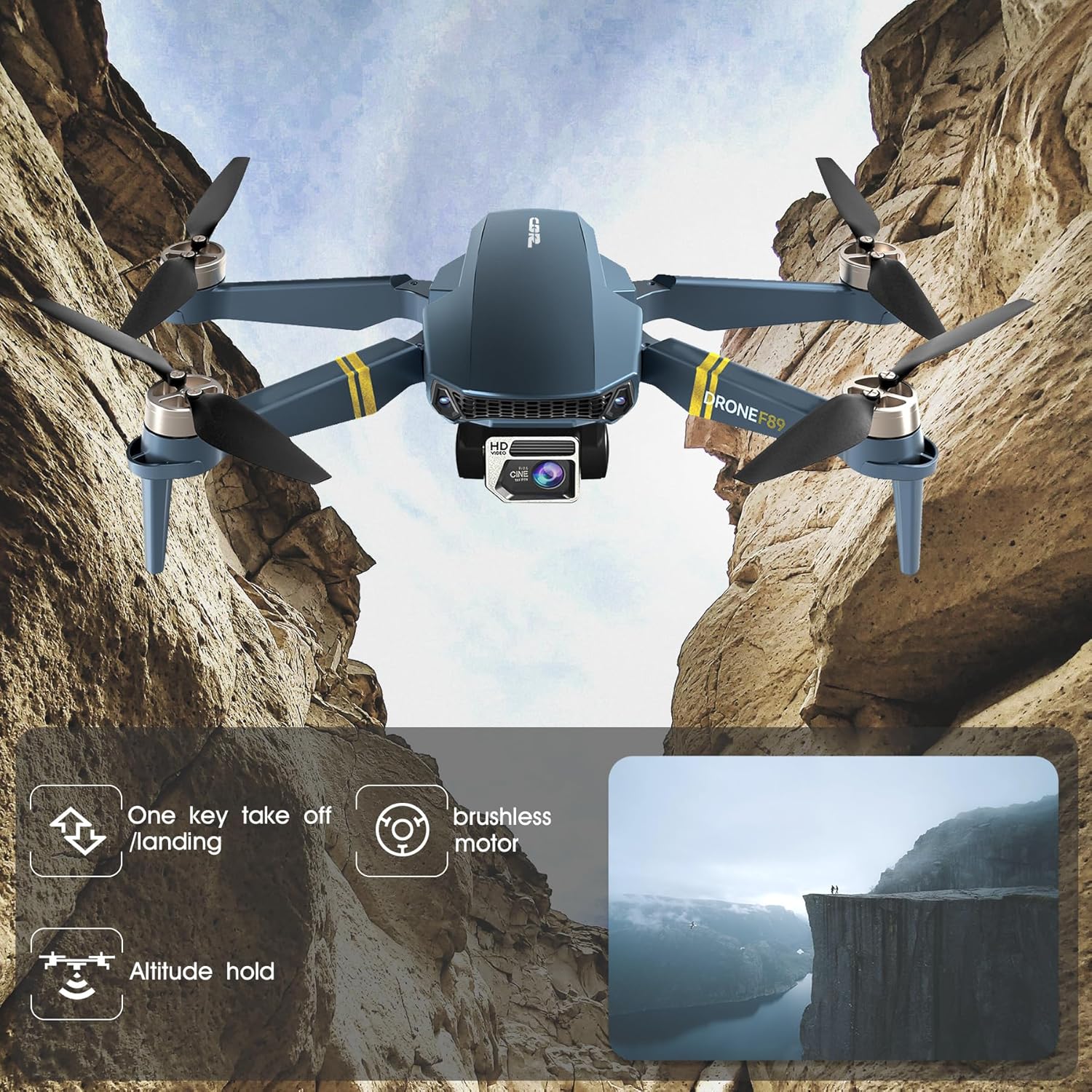
Image: The CHUBORY F89 drone in flight, illustrating key features such as one-key take-off/landing, brushless motors, and altitude hold.
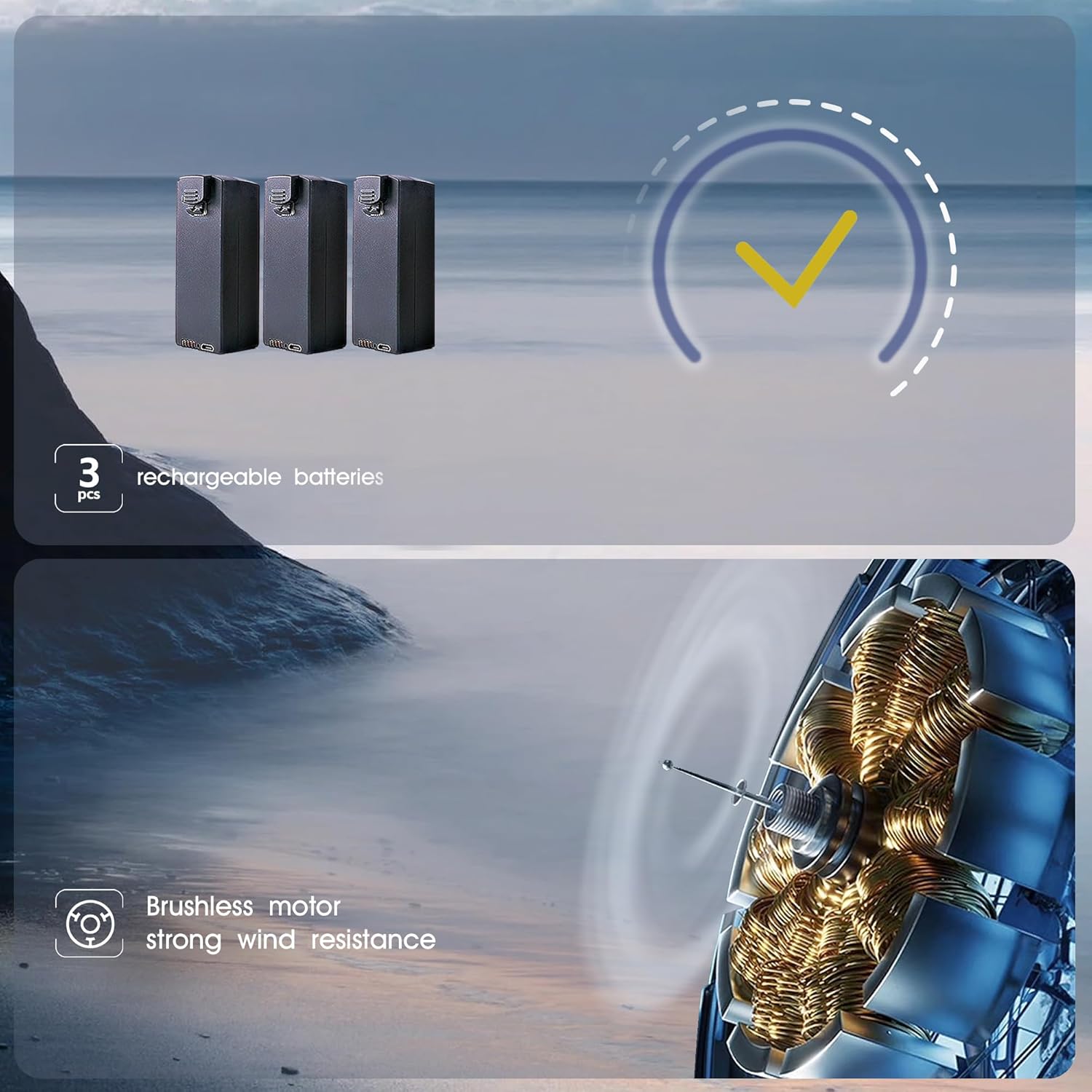
Image: Depiction of the three rechargeable batteries included with the drone and an illustration of the brushless motor technology.
4. Setup
4.1 Battery Charging and Installation
- Charge Batteries: Connect the provided USB charging cable to each drone battery and a suitable USB power adapter (not included). The indicator light on the battery will show charging status. Ensure all three batteries are fully charged before first use.
- Install Drone Battery: Insert a fully charged battery into the battery compartment on the drone until it clicks securely into place.
- Install Remote Controller Batteries: Open the battery compartment on the remote controller and insert the required batteries (type not specified, typically AA or AAA, refer to controller markings).
4.2 Propeller Installation
The drone comes with propellers pre-installed. If replacement is necessary, ensure you match the propellers correctly (A and B) to their respective motor arms as indicated on the drone. Use the provided screwdriver to secure them.
4.3 Remote Controller Pairing
- Place the drone on a flat, level surface.
- Turn on the drone. The indicator lights will flash.
- Turn on the remote controller.
- Push the left joystick up and then pull it down. The drone lights will stop flashing and remain solid, indicating successful pairing.
4.4 App Installation and WiFi Connection
- Download the dedicated drone control app from your smartphone's app store (refer to the packaging or quick start guide for the app name).
- Turn on the drone.
- On your smartphone, go to WiFi settings and connect to the drone's WiFi network (usually named something like "CHUBORY-F89-XXXX").
- Open the app. You should see the live camera feed from the drone.
5. Operating Instructions
5.1 Pre-Flight Checklist
- Ensure drone and remote controller batteries are fully charged.
- Check propellers for any damage and ensure they are securely attached.
- Ensure the drone is placed on a flat, level surface before take-off.
- Fly in an open area, away from obstacles, people, and animals.
- Be aware of local regulations regarding drone flight.
5.2 Basic Flight Controls
- One-Key Take-off: Press the one-key take-off button on the remote controller, and the drone will automatically ascend to a certain altitude and hover.
- One-Key Landing: Press the one-key landing button, and the drone will automatically descend and land.
- Altitude Hold: The drone maintains a stable altitude, allowing for easier control of horizontal movement.
- Speed Adjustment: The drone offers 3-speed modes (30%, 60%, 100%) for different skill levels and flight conditions. Adjust using the speed button on the remote.

Image: Visual representation of the drone's user-friendly features, including 3-speed regulation, one-key take-off/landing, and optical flow positioning.
5.3 Camera Operation
- Switchable Cameras: The drone features a front camera and a bottom optical flow camera. You can switch between them via the remote controller or the app to capture different perspectives.
- Photo/Video Capture: Use the dedicated buttons on the remote controller or the app interface to take wide-angle photos or record videos.
5.4 Intelligent Flight Modes
- Optical Flow Positioning: Utilizes a downward-facing camera to maintain stable hovering, especially indoors or at low altitudes.
- Headless Mode: Eliminates the need to distinguish the drone's head direction, making it easier for beginners to control.
- Follow Me: The drone will automatically follow the remote controller or the connected smartphone.
- Trajectory Flight: Draw a path on your smartphone screen, and the drone will fly along the specified route.
- Gesture Selfie: Perform specific hand gestures in front of the camera to trigger photo or video capture.
- One-Key Flip & Roll: Execute aerial stunts with a single button press.
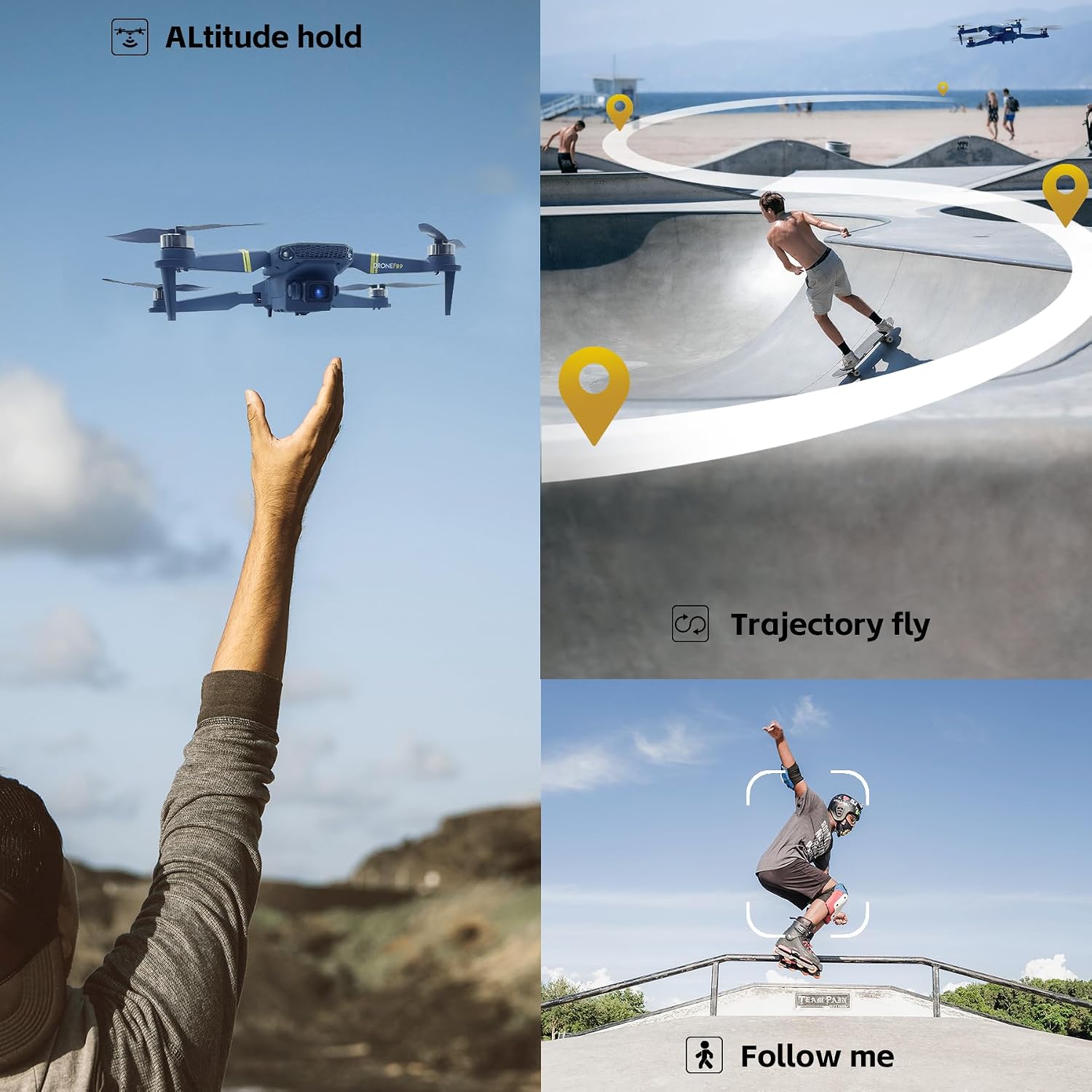
Image: Illustrations of the drone's advanced flight capabilities, including altitude hold, trajectory flight, and follow me mode.
6. Maintenance
6.1 Battery Care
- Always use the original charging cable.
- Do not overcharge or over-discharge batteries.
- Store batteries in a cool, dry place away from direct sunlight and extreme temperatures.
- If not used for an extended period, charge batteries to about 50% capacity every three months.
6.2 Cleaning and Storage
- Clean the drone with a soft, dry cloth. Do not use solvents or harsh chemicals.
- Inspect propellers and motors regularly for debris or damage.
- When storing, fold the drone and place it in its carrying case to protect it from dust and physical damage.
7. Troubleshooting
- Drone not responding: Ensure batteries are charged and correctly installed in both the drone and remote controller. Re-pair the drone and controller.
- Drone unstable during flight: Calibrate the gyroscope (refer to quick start guide for specific steps). Ensure propellers are not damaged and are installed correctly. Fly in calm conditions.
- Camera feed not appearing in app: Ensure your smartphone is connected to the drone's WiFi network. Restart the app and the drone.
- Short flight time: Ensure batteries are fully charged. Flight time can be affected by aggressive flying, wind conditions, and temperature.
8. Specifications
| Feature | Specification |
|---|---|
| Brand | CHUBORY |
| Model | F89 |
| Product Dimensions | 13.5 x 7.5 x 4.5 cm (folded) |
| Item Weight | 153 g |
| Batteries | 3 Lithium Ion batteries (included) |
| Flight Time per Battery | Approximately 18 minutes |
| Total Flight Time | Approximately 54 minutes (with 3 batteries) |
| Connectivity Technology | Wi-Fi |
| Motor Type | Brushless |
| Camera | Front camera and bottom optical flow camera (switchable) |
| Special Features | Optical Flow Positioning, Altitude Hold, One-key Take-off/Landing, One-key Flip & Roll, Follow Me, Trajectory Flight, Headless Mode, Speed Adjustment, Gesture Selfie |
9. Warranty and Support
The CHUBORY F89 drone comes with a one-year warranty. For any questions, technical assistance, or warranty claims, please contact CHUBORY customer support. We offer permanent support to ensure your satisfaction with our product.
For further assistance, please visit the official CHUBORY store or contact your retailer.


