
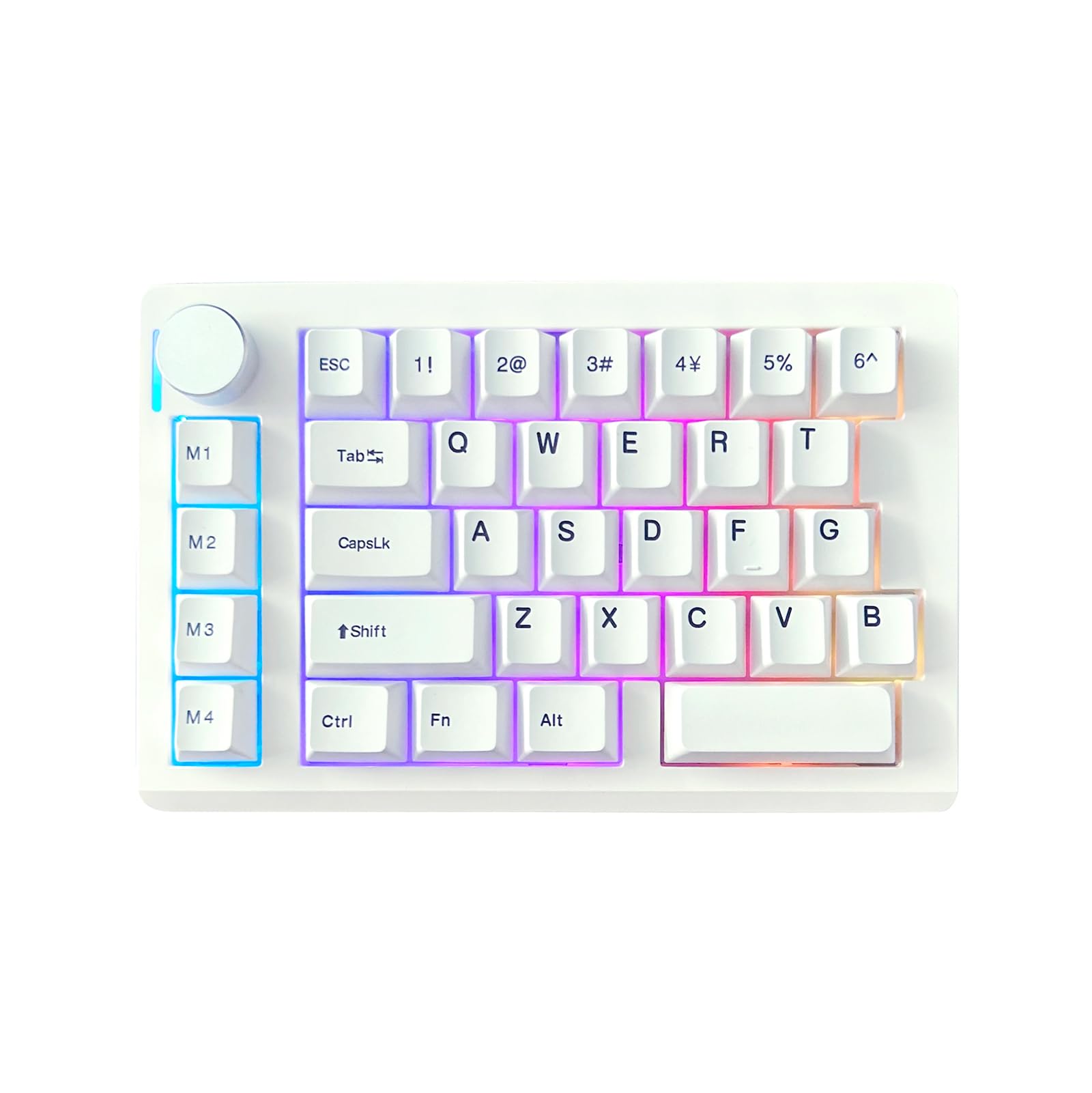
Figure 1.1: ZUOYA HE33 Rapid Trigger Magnetic Switch Gaming Keyboard.
1. Introduction
The ZUOYA HE33 is a compact, one-handed gaming keypad featuring advanced Hall Effect magnetic switches. Designed for competitive gaming, it offers rapid trigger functionality, adjustable actuation points, and a high polling rate for precise and responsive input. This manual provides instructions for setup, operation, customization, and maintenance of your HE33 keyboard.
2. Package Contents
Verify that all items are present in the package:
- HE33 Magnetic Switch Keyboard
- Type-C Cable
- Keycap Puller
- User Manual (this document)
3. Product Overview
The HE33 keyboard is engineered for high-performance gaming with several key features:
- Hall Effect Magnetic Switches: Provides adjustable actuation from 0.1mm to 4.0mm with 0.1mm accuracy, ensuring precise and customizable key response. These switches are non-contact, offering a lifespan of up to 100 million presses and are hot-swappable.
- Rapid Trigger Technology: Allows keys to reset instantly upon release, enabling faster repeated inputs.
- 8KHz Polling Rate & 32KHz Scan Rate: Delivers ultra-low latency (0.125ms) for immediate keystroke transmission.
- Dynamic Keystroke (DKS) & Snap Key (SOCD): Advanced features for programming multiple functions per key based on trigger depth or release, and for optimized directional input in games.
- N-Key Rollover (NKRO): Ensures every keypress is registered accurately, even when multiple keys are pressed simultaneously.
- RGB Backlighting: Customizable 16.8 million color RGB backlight with various lighting modes.
- One-Handed Ergonomic Design: A compact 33-key layout designed for efficiency and increased mouse movement space. Includes a multi-function volume knob.

Figure 3.1: ZUOYA HE33 keyboard highlighting magnetic switch technology and faster response speed.

Figure 3.2: Overview of key features such as magnetic axis, adjustable sensitivity, DKS, SOCD, and RGB lighting.
4. Setup
- Connect the Keyboard: Use the provided Type-C cable to connect the HE33 keyboard to an available USB port on your computer (PC or Mac).
- System Recognition: Your operating system should automatically detect and install the necessary drivers. This may take a few moments.
- Initial Test: Open a text editor or any application and test the keys to ensure proper functionality.
5. Operating Instructions
5.1 Basic Key Functions
The HE33 features a standard QWERTY layout for its primary keys. The 'Fn' key can be used in combination with other keys for secondary functions, if programmed.
5.2 Multi-function Knob
The knob located on the top left of the keyboard typically controls volume by default. Rotate clockwise to increase volume, counter-clockwise to decrease. Pressing the knob usually mutes/unmutes audio. Its function can be customized via the online driver.
5.3 One-Handed Ergonomics
The compact 33-key design is optimized for one-handed use, providing essential gaming keys within easy reach. The layout can be switched between left-handed and right-handed modes via the customization software.
6. Customization
The ZUOYA HE33 keyboard is highly customizable through its dedicated online driver. This web-based tool allows you to:
- Adjust Actuation Points: Fine-tune the trigger travel for each key from 0.1mm to 4.0mm.
- Configure Rapid Trigger: Enable and adjust the rapid trigger sensitivity.
- Program DKS/SOCD/MT/TGL: Set up advanced key functions for dynamic keystrokes, snap key inputs, and other gaming optimizations.
- Customize RGB Backlighting: Choose from over 20 lighting modes and 16.8 million colors.
- Record Macros: Create and assign complex macro sequences to keys.
- Switch Handedness: Adjust the keyboard layout for left or right-handed use.
Access the online driver by visiting the official ZUOYA website. The web interface provides real-time visual feedback for your adjustments.
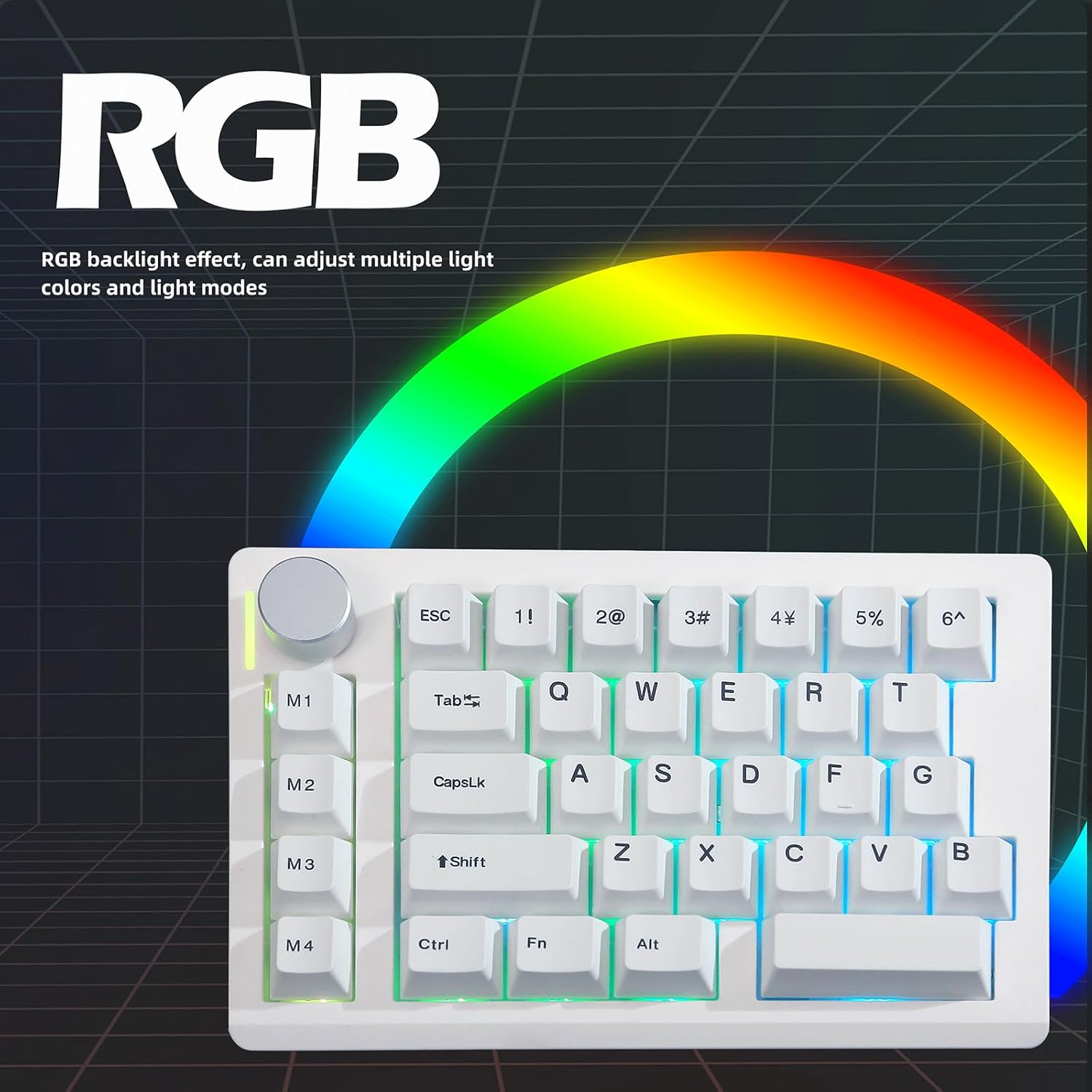
Figure 6.1: The HE33 keyboard features customizable RGB backlighting with multiple effects and colors.
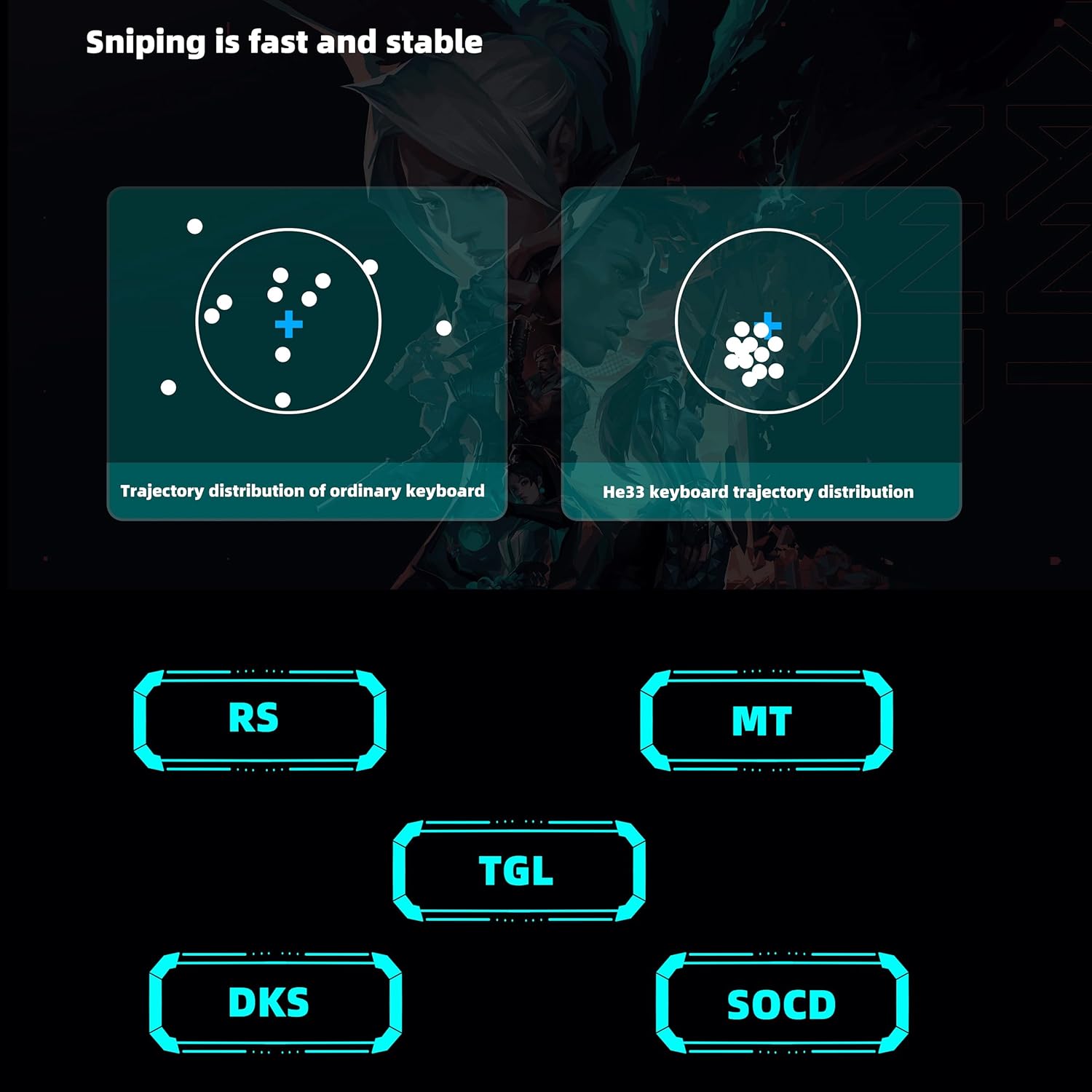
Figure 6.2: Illustration of advanced features like DKS and SOCD for enhanced gaming precision.
7. Maintenance
7.1 Cleaning
- Disconnect the keyboard from your computer before cleaning.
- Use a soft, lint-free cloth slightly dampened with water or a mild cleaning solution to wipe the surface.
- For dust and debris between keycaps, use compressed air.
- The included keycap puller can be used to carefully remove keycaps for deeper cleaning or switch replacement.
7.2 Switch Replacement (Hot-Swappable)
The HE33 features hot-swappable magnetic switches. To replace a switch:
- Carefully remove the keycap using the keycap puller.
- Gently pull the switch straight up from the PCB using a switch puller (not included, but compatible with standard mechanical switch pullers).
- Align the pins of the new switch with the holes on the PCB and press it firmly until it clicks into place.
- Reattach the keycap.
8. Troubleshooting
- Keyboard Not Responding:
- Ensure the Type-C cable is securely connected to both the keyboard and the computer.
- Try connecting to a different USB port.
- Test the keyboard on another computer to rule out system-specific issues.
- Keys Not Registering Correctly:
- Check for debris under the keycap.
- If a specific key is problematic, consider replacing the magnetic switch (refer to Section 7.2).
- Ensure no software conflicts are present; try disabling other keyboard-related software.
- RGB Lighting Not Working:
- Verify that the RGB settings are correctly configured in the online ZUOYA driver.
- Ensure the keyboard is receiving sufficient power from the USB port.
- Customization Software Issues:
- Ensure your web browser is up to date.
- Clear browser cache and cookies if experiencing loading issues.
- Confirm you are using the official ZUOYA online driver.
9. Specifications

Figure 9.1: Physical dimensions of the ZUOYA HE33 keyboard.
| Feature | Detail |
|---|---|
| Model | HE33 Rapid Trigger Keyboard |
| Keys | 33 Keys |
| Switch Type | Hall Effect Magnetic Switches |
| Actuation Travel | Adjustable 0.1-4.0 mm (0.1mm accuracy) |
| Polling Rate | 8000 Hz |
| Scan Rate | 32000 Hz (32KHz single key scanning rate) |
| Latency | 0.125 ms |
| N-Key Rollover (NKRO) | Supported |
| DKS Technology | Supported |
| Connectivity | Wired (Type-C) |
| System Support | Windows, macOS, Linux |
| Backlighting | RGB (16.8 million colors, 20+ modes) |
| Material | Plastic (ABS keycaps) |
| Dimensions (approx.) | 18.7 cm (L) x 11.7 cm (W) x 3.5 cm (H) |
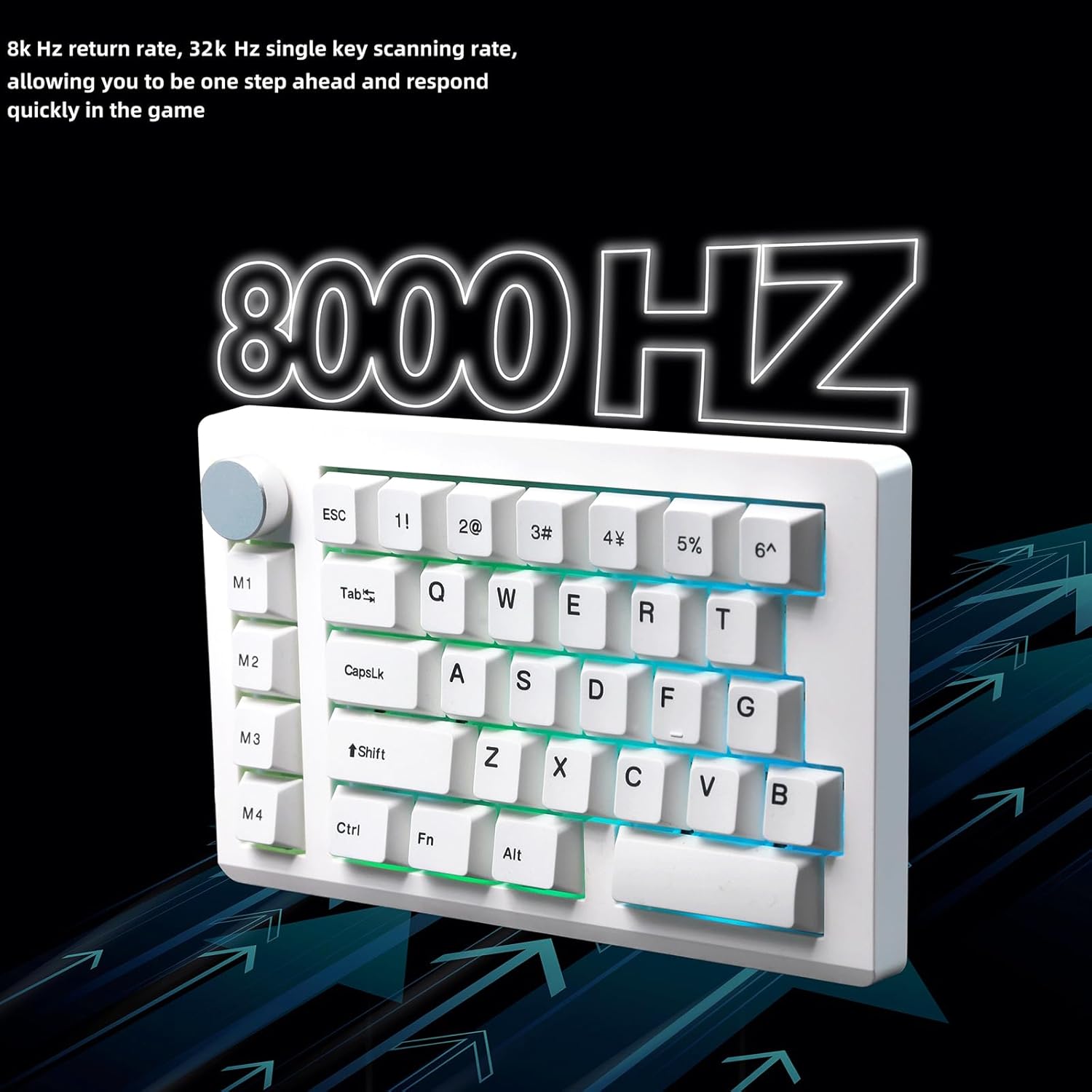
Figure 9.2: Visual representation of the 8KHz return rate and 32KHz scan rate for quick response.
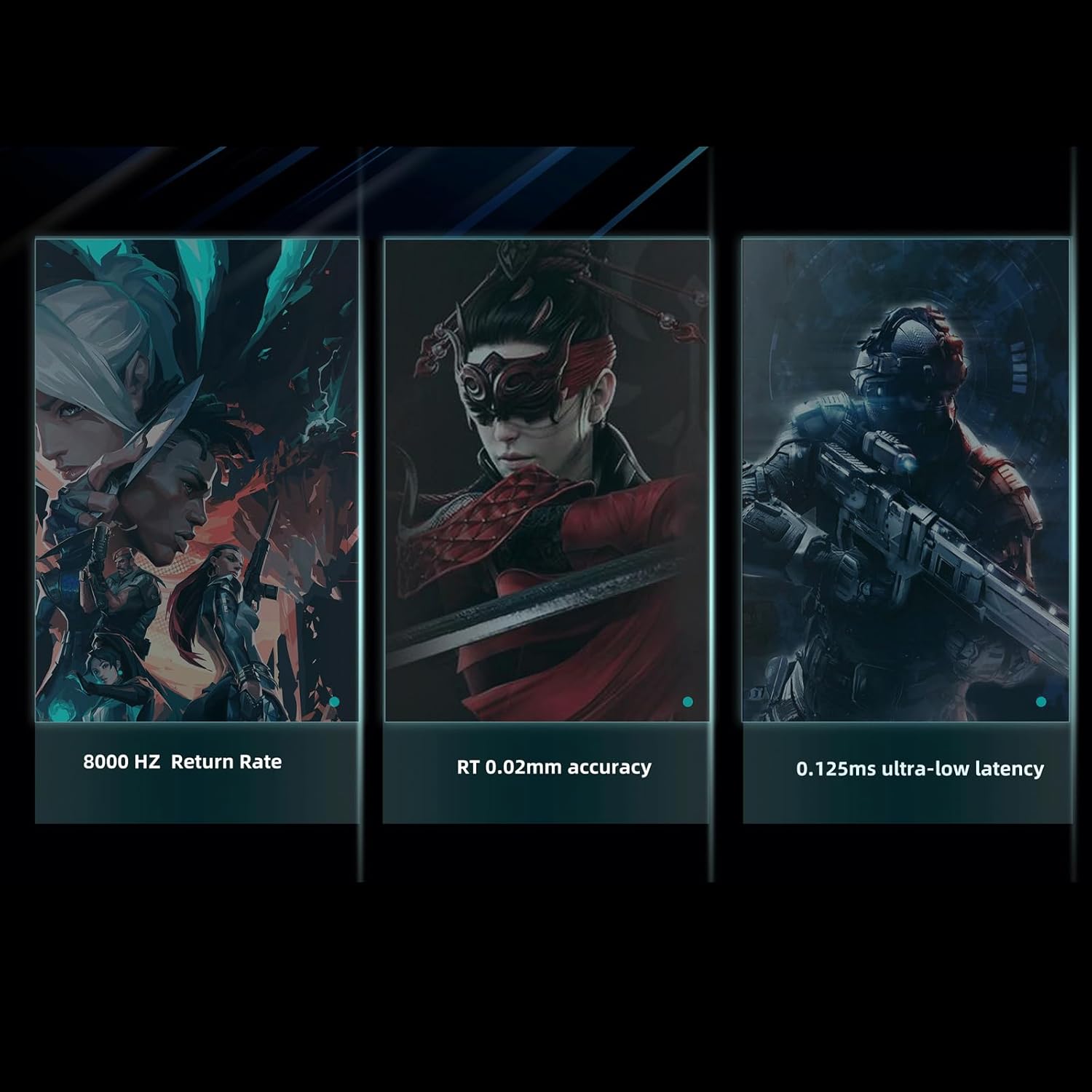
Figure 9.3: Key performance indicators including return rate, actuation accuracy, and latency.

Figure 9.4: Latency comparison demonstrating the HE33's superior response time.
10. Warranty and Support
For warranty information, technical support, or further assistance, please refer to the official ZUOYA website or contact their customer service directly. Keep your purchase receipt for warranty claims.
Manufacturer: ZUOYA
Date First Available: June 21, 2025