1. Introduction
This manual provides essential instructions for the proper setup, operation, and maintenance of your RETROSUN remote control replacement. This remote is specifically designed for compatibility with the REPOWER XT-ME-03 Under Desk Elliptical, as well as other Electric Ellipse Leg Exercisers and Seated Pedal Exercisers.
The remote control incorporates infrared 3.0 technology, ensuring reliable communication with your exerciser. It is constructed from high-quality ABS material and features a new-generation smart chip for instant button response and a reliable operating range of up to 8 meters (26 feet). Its 120-degree wide-angle design minimizes positioning constraints, and the ergonomic curved shape is designed for comfortable use.
2. Setup
2.1 Battery Installation
The remote control requires button cell batteries for operation. Batteries are not included with the remote control and must be purchased separately. The remote typically uses a 3V Lithium button battery (e.g., CR2032).
- Locate the battery compartment on the back or side of the remote control.
- Open the battery compartment cover. This may involve sliding a cover or gently prying it open with a small tool.
- Insert the new button cell battery(ies) according to the polarity indicators (+ and -) inside the compartment. Ensure the positive (+) side faces upwards.
- Close the battery compartment cover securely.
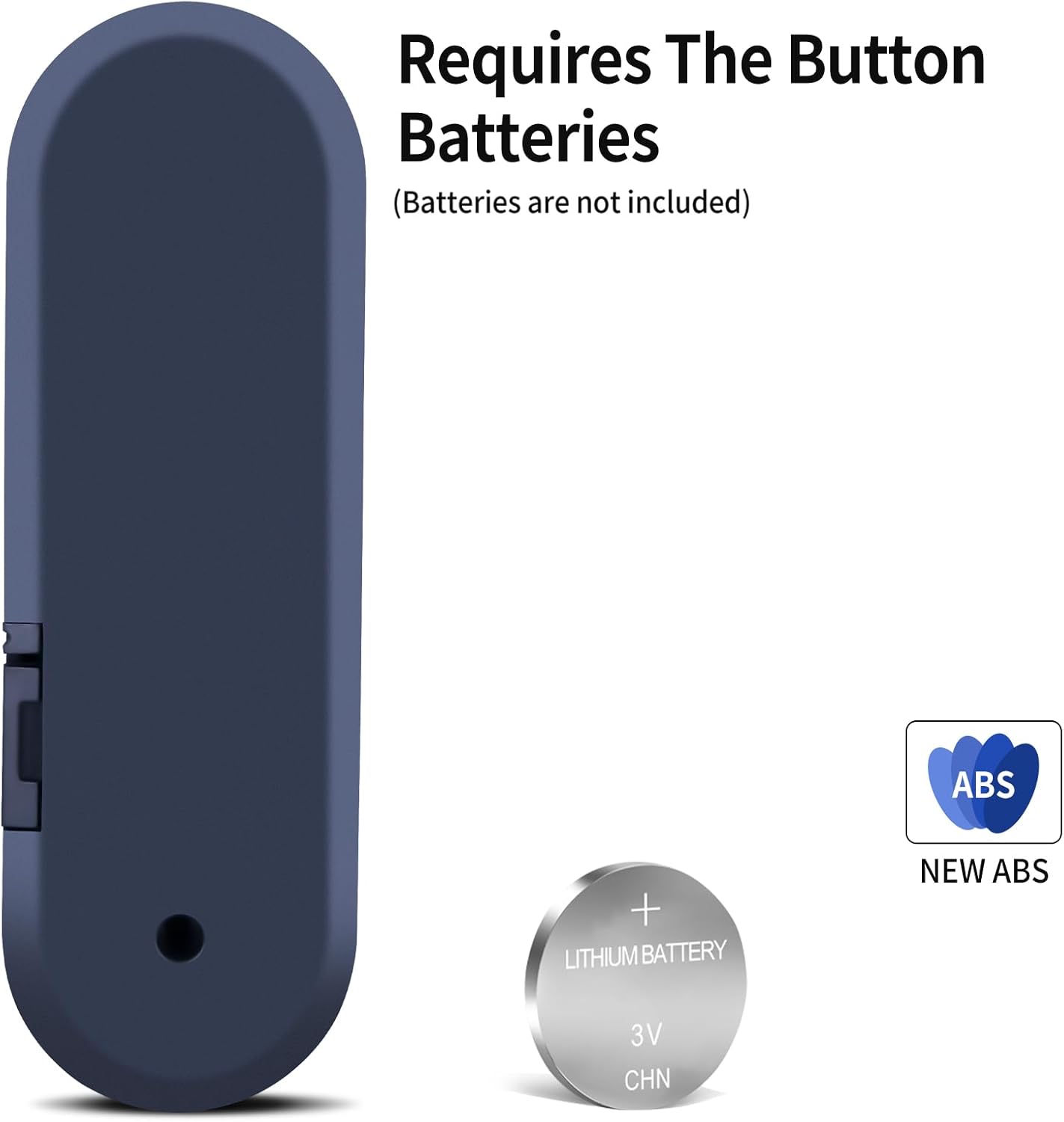
Figure 2.1: Battery compartment and required battery type (CR2032). Batteries are not included.
2.2 Initial Use
This remote control does not require any programming or pairing. Once the batteries are correctly installed, it is ready for immediate use with compatible exercisers.
3. Operating Instructions
Point the remote control directly towards the infrared receiver on your exerciser. Ensure there are no obstructions between the remote and the exerciser.

Figure 3.1: Front view of the remote control with button layout.
3.1 Button Functions
- SPEED +: Increases the exercise speed.
- SPEED -: Decreases the exercise speed.
- TIME +: Increases the exercise duration.
- TIME -: Decreases the exercise duration.
- DATA: Cycles through various display data on the exerciser's screen (e.g., distance, calories, time).
- DIRECTION: Changes the direction of the elliptical's movement (forward/backward).
- START / STOP: Initiates or pauses/stops the exercise program.
4. Maintenance
4.1 Cleaning
To clean the remote control, gently wipe its surface with a soft, dry cloth. For stubborn dirt, a slightly damp cloth can be used, followed by immediate drying. Avoid using abrasive cleaners, solvents, or harsh chemicals, as these can damage the remote's finish or internal components.
4.2 Storage
Store the remote control in a cool, dry place away from direct sunlight, extreme temperatures, and high humidity. If the remote will not be used for an extended period, it is recommended to remove the batteries to prevent leakage and potential damage.
5. Troubleshooting
If you experience issues with your remote control, please refer to the following common troubleshooting steps:
- Remote not responding:
- Ensure the batteries are correctly installed with the correct polarity.
- Replace old or depleted batteries with new ones.
- Check for any obstructions between the remote control and the exerciser's infrared receiver.
- Ensure you are within the effective operating range (up to 8 meters / 26 feet) and pointing the remote directly at the exerciser.
- Limited functionality:
- Verify that your exerciser model (REPOWER XT-ME-03 or similar compatible models) is indeed supported by this specific remote control. This remote is not universal.
6. Specifications
- Model Number: GW387
- Brand: RETROSUN
- Connectivity Technology: Infrared
- Compatible Devices: REPOWER XT-ME-03 Under Desk Elliptical, Electric Ellipse Leg Exerciser, Seated Pedal Exerciser
- Max Number of Supported Devices: 1
- Special Feature: Ergonomic design
- Item Weight: 1.06 ounces (approximately 30 grams)
- Package Dimensions: 4.72 x 1.54 x 0.39 inches (approximately 12 x 3.9 x 1 cm)

Figure 6.1: Remote control dimensions.
7. Warranty and Support
Specific warranty information for this product is not provided within this manual. For details regarding warranty coverage, returns, or technical support, please refer to the product packaging, the seller's information, or contact the manufacturer directly.