
Metz 32MQF7000Z
Contents
Metz 32MQF7000Z QLED TV User Manual
Model: 32MQF7000Z | Brand: Metz
Product Overview
The Metz 32MQF7000Z is a 32-inch QLED Smart TV designed to deliver a superior visual and audio experience. Featuring Google TV with Google Assistant, HDR10, Dolby Audio, and Bluetooth 5.1, this television offers advanced connectivity and smart features for modern entertainment needs. Its QLED+ technology ensures vibrant and long-lasting colors, while Eye-Care features prioritize user comfort.

Front view of the Metz 32MQF7000Z 32-inch QLED TV, showcasing its sleek design and vibrant display.
Safety Information
Please read all safety instructions carefully before operating the television. Keep this manual for future reference. Always ensure the TV is placed on a stable surface or securely mounted to prevent tipping. Do not expose the TV to rain or moisture. Disconnect the power cord during lightning storms or when unused for long periods. Refer to the full safety guidelines in the included printed manual.
What's in the Box
Upon unpacking your Metz 32MQF7000Z QLED TV, please verify that all components are present:
- Metz 32MQF7000Z QLED TV Unit
- Remote Control
- Power Cable
- User Manual (this document)
- Bases (TV Stand Feet)
Setup
1. Attaching the Bases
Carefully place the TV screen-down on a soft, clean surface to prevent scratches. Align the bases with the screw holes on the bottom of the TV. Secure them using the provided screws. Ensure the bases are firmly attached before placing the TV upright.
2. Connecting Peripherals
Connect your devices to the appropriate ports on the back of the TV. The Metz 32MQF7000Z features multiple connectivity options:
- HDMI Ports (x2): For connecting Blu-ray players, game consoles, set-top boxes, etc.
- USB Ports (x2): For connecting USB storage devices to play media or for software updates.
- LAN Port: For a wired internet connection.
- Antenna/Cable Input (DVB-T/T2/S/S2/C ATV, CI+): For connecting an antenna or cable TV signal.
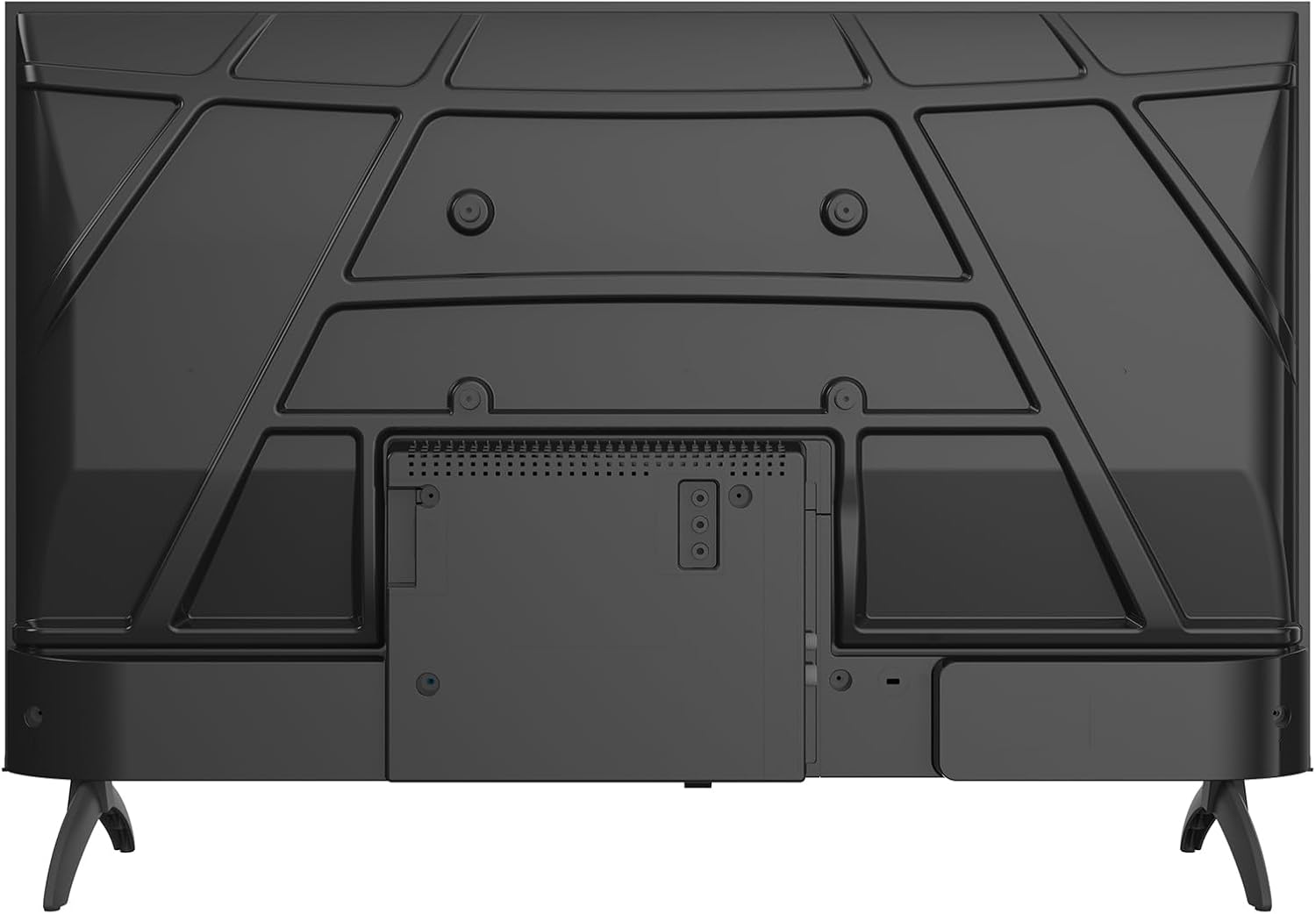
Rear view of the TV, illustrating the placement of various input and output ports for connectivity.
3. Powering On and Initial Setup
Plug the power cable into the TV and then into a wall outlet. Press the power button on the TV or the remote control. Follow the on-screen instructions to complete the initial setup, including language selection, network connection (Wi-Fi or LAN), and Google TV account setup.

Image showing the dimensions of the Metz 32MQF7000Z TV and an overview of the remote control layout.
Operating the TV
Remote Control Functions
The included remote control allows full navigation and control of your Metz QLED TV. Key functions include power on/off, volume control, channel selection, input source switching, and access to Google TV features like Google Assistant.
Google TV Interface
Your TV runs on Google TV, providing personalized recommendations, voice control via Google Assistant, and access to a vast library of apps and content. Navigate using the directional pad on your remote. You can also cast content from your mobile devices using Chromecast built-in.

The TV supports multi-screen display, allowing easy casting from mobile devices for an immersive viewing experience.
Picture Settings (QLED+, HDR10, HLG)
The Metz 32MQF7000Z features QLED+ technology for vibrant colors and enhanced brightness. HDR10 and HLG support provide superior contrast and color depth for compatible content. Access picture settings through the TV's menu to adjust brightness, contrast, color, and sharpness to your preference. The Sapphire Crystal Optics further enhance visual clarity and light uniformity.

This image demonstrates the vivid and realistic colors achieved with QLED+ technology, offering over 100% BT.709 color gamut coverage.
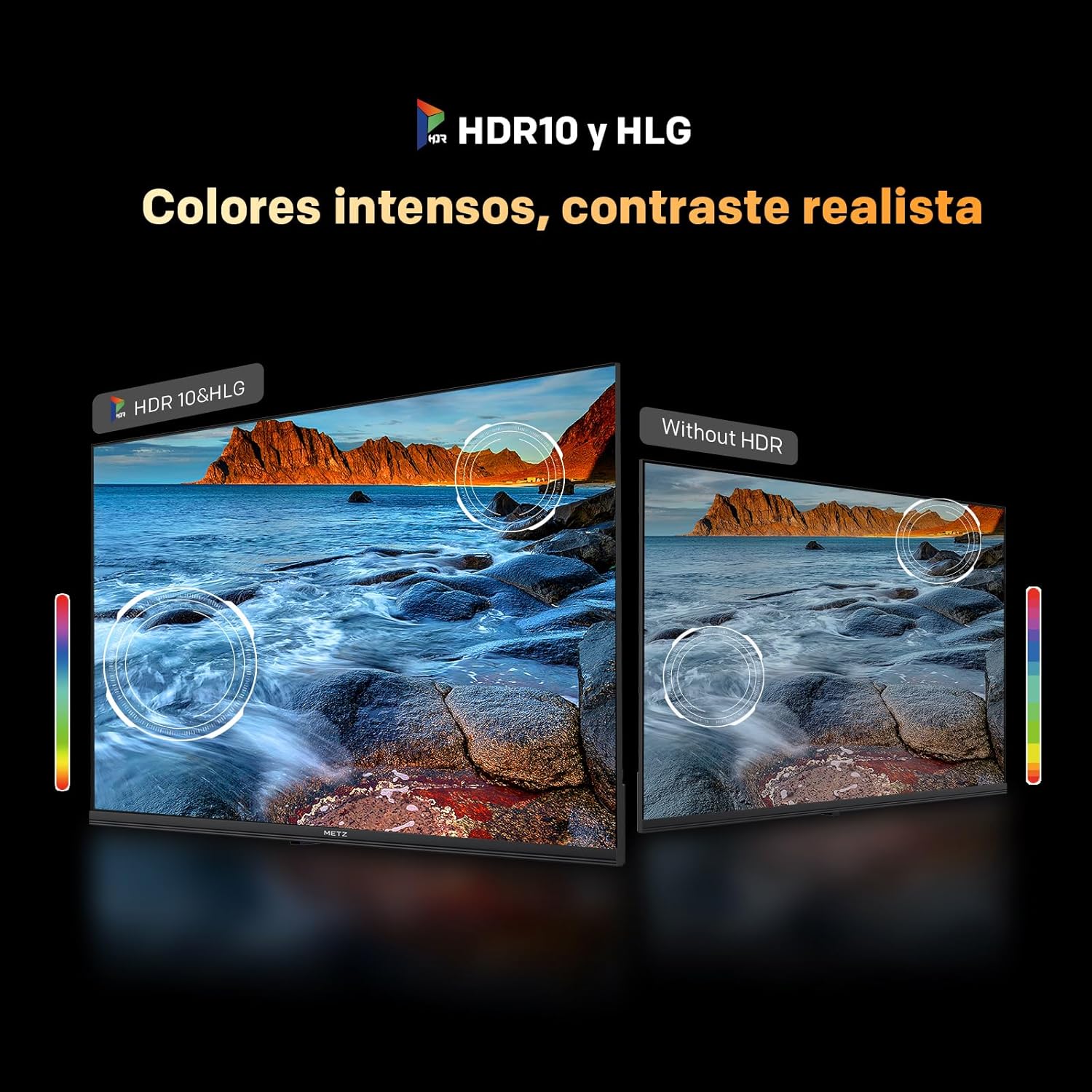
Visual comparison highlighting the enhanced contrast and intense colors provided by HDR10 and HLG technologies.
Sound Settings (Dolby Audio, Wonder Audio)
Experience rich and clear sound with Dolby Audio and Metz's proprietary Wonder Audio technology. Wonder Audio offers six adaptive sound modes (Standard, Movie, Music, Concert, News, Personal) and dialogue clarity enhancement to optimize audio for different content types. Adjust sound settings via the TV menu.
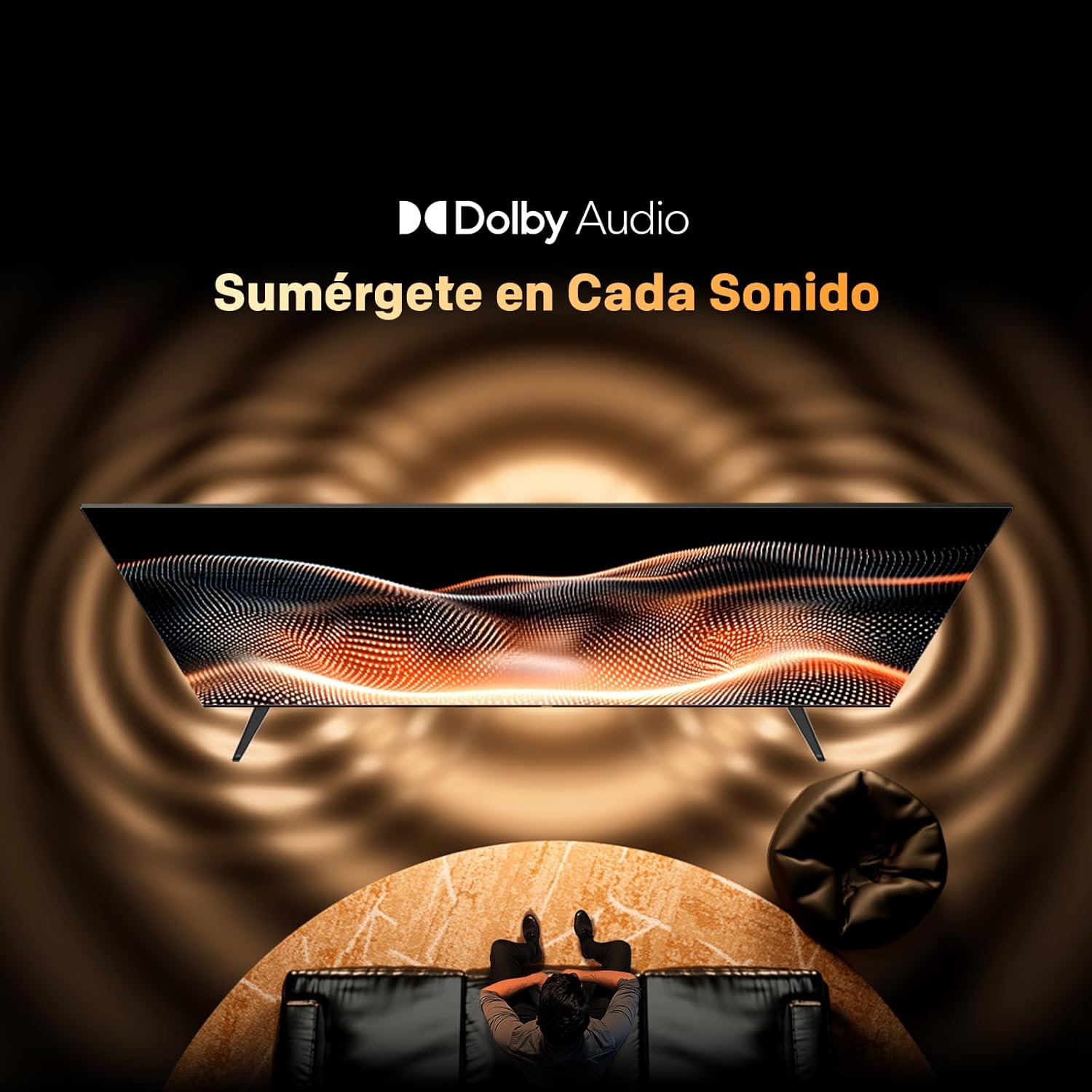
An overhead view illustrating the immersive sound experience provided by Dolby Audio, surrounding the viewer.

This image depicts the Metz Acoustic Laboratory's dedication to sound, highlighting adaptive sound modes and dialogue clarity enhancement.
Maintenance
Cleaning the TV
To clean the screen, gently wipe it with a soft, lint-free cloth. For stubborn marks, slightly dampen the cloth with water or a screen-cleaning solution. Avoid using harsh chemicals or abrasive materials. For the TV body, use a dry, soft cloth. Ensure the TV is unplugged before cleaning.
Eye-Care Technology
The Metz 32MQF7000Z incorporates Eye-Care technology, featuring a flicker-free display and low blue light emission to reduce eye strain during prolonged viewing. This technology is designed to provide a more comfortable and safer viewing experience for all users.
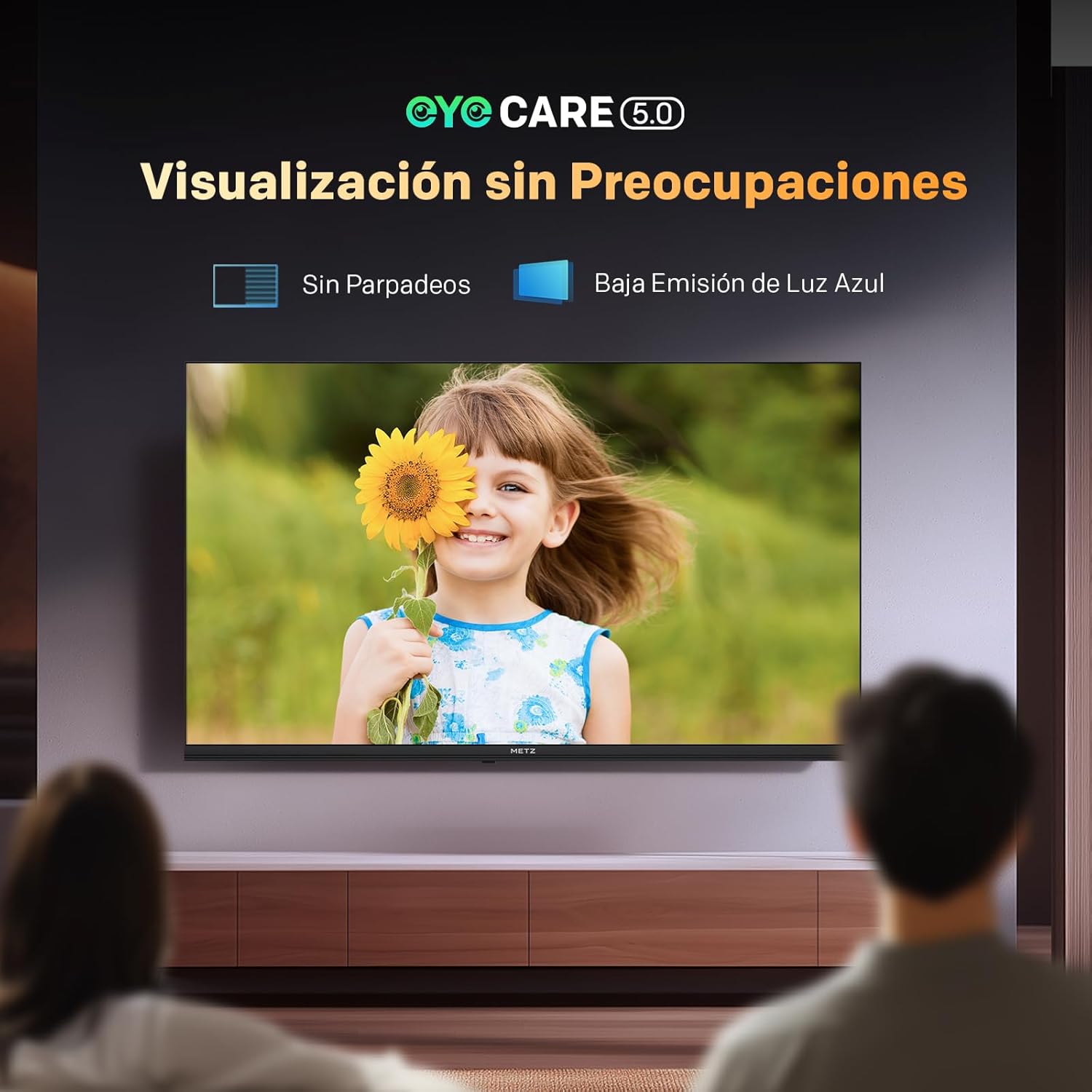
A visual representation of the Eye-Care 5.0 technology, promoting worry-free viewing with flicker-free and low blue light features.
Troubleshooting
| Problem | Possible Cause | Solution |
|---|---|---|
| No Power | Power cable disconnected; power outlet issue. | Check power cable connection. Try a different outlet. |
| No Picture, but Sound is Present | Incorrect input source; faulty cable. | Verify input source. Check HDMI/AV cable connections. |
| No Sound, but Picture is Present | Volume muted or too low; incorrect audio output setting. | Increase volume. Check audio settings and external speaker connections. |
| Remote Control Not Working | Dead batteries; obstruction; remote not paired. | Replace batteries. Remove obstructions. Re-pair remote if necessary. |
| Cannot Connect to Wi-Fi | Incorrect password; router issue; TV too far from router. | Re-enter password. Restart router. Move TV closer or use wired connection. |
Specifications
| Feature | Detail |
|---|---|
| Model | 32MQF7000Z |
| Screen Size | 32 inches |
| Display Technology | QLED |
| Resolution | 768p (1366 x 768 pixels) |
| Refresh Rate | 60 Hz |
| Dimensions (W x D x H) | 71.5 x 21.4 x 47.5 cm (with stand) |
| Weight | 3.5 kg |
| Special Features | Flicker Free, Chromecast, Game Mode, Eye Care |
| Connectivity | Bluetooth 5.1, Wi-Fi, 2x USB, 2x HDMI, LAN, DVB-T/T2/S/S2/C ATV, CI+ |
| Aspect Ratio | 16:9 |
| Energy Efficiency Class | E |

Official EU Energy Label for the Metz 32MQF7000Z, showing its energy efficiency class E.
For more detailed product information, refer to the EPREL database: https://eprel.ec.europa.eu/qr/2277252
Warranty and Support
The Metz 32MQF7000Z QLED TV comes with a 2-year manufacturer's warranty. This warranty covers defects in materials and workmanship under normal use. For warranty claims or technical support, please contact Metz customer service. Keep your proof of purchase for warranty validation.
For further assistance, visit the official Metz website or contact their support channels. Contact information can typically be found on the manufacturer's website or in the packaging materials.
Documents and downloads
Ask a question about this manual
Ask about setup, troubleshooting, compatibility, parts, safety, or missing instructions. Manuals+ will review the question and use this page’s manual context to help answer it.