1. Introduction
Thank you for choosing the VARMINPOOL Smart Pool Heat Pump. This manual provides essential information for the safe and efficient installation, operation, and maintenance of your new pool heater. This 27000 BTU electric heat pump is designed for in-ground and above-ground pools up to 7000 gallons, featuring WiFi remote control and a durable titanium heat exchanger.
Please read this manual thoroughly before attempting any installation or operation. Keep this manual for future reference.
2. Safety Information
WARNING: Improper installation, adjustment, alteration, service, or maintenance can cause property damage, injury, or death. Read the installation, operating, and maintenance instructions thoroughly before installing or servicing this equipment.
- Always disconnect power to the unit at the main breaker before performing any service or maintenance.
- Ensure all electrical connections are made by a qualified electrician and comply with local and national electrical codes.
- All plumbing connections should be watertight to prevent leaks.
- Do not operate the unit if any part is damaged or missing.
- Keep children and pets away from the unit during operation.
3. Product Overview
The VARMINPOOL Smart Pool Heat Pump offers an updated, compact design without compromising power. It efficiently heats and cools your pool water, extending your swimming season.
Key Features:
- WiFi Remote Control: Connects to the Smart Life app for remote monitoring and control, including scheduling functions to optimize energy use.
- Energy Saving: Compact structure engineered to consume less energy while maintaining reliable pool temperature control.
- Robust Build: Features fully galvanized modular steel panel housing, designed to withstand various weather conditions.
- Heating & Cooling Duo-Mode: Provides both heating (59-104°F) and cooling (45-87°F) capabilities for year-round pool enjoyment.
- Low Ambient Temperature Operation: Capable of operating down to 25°F.
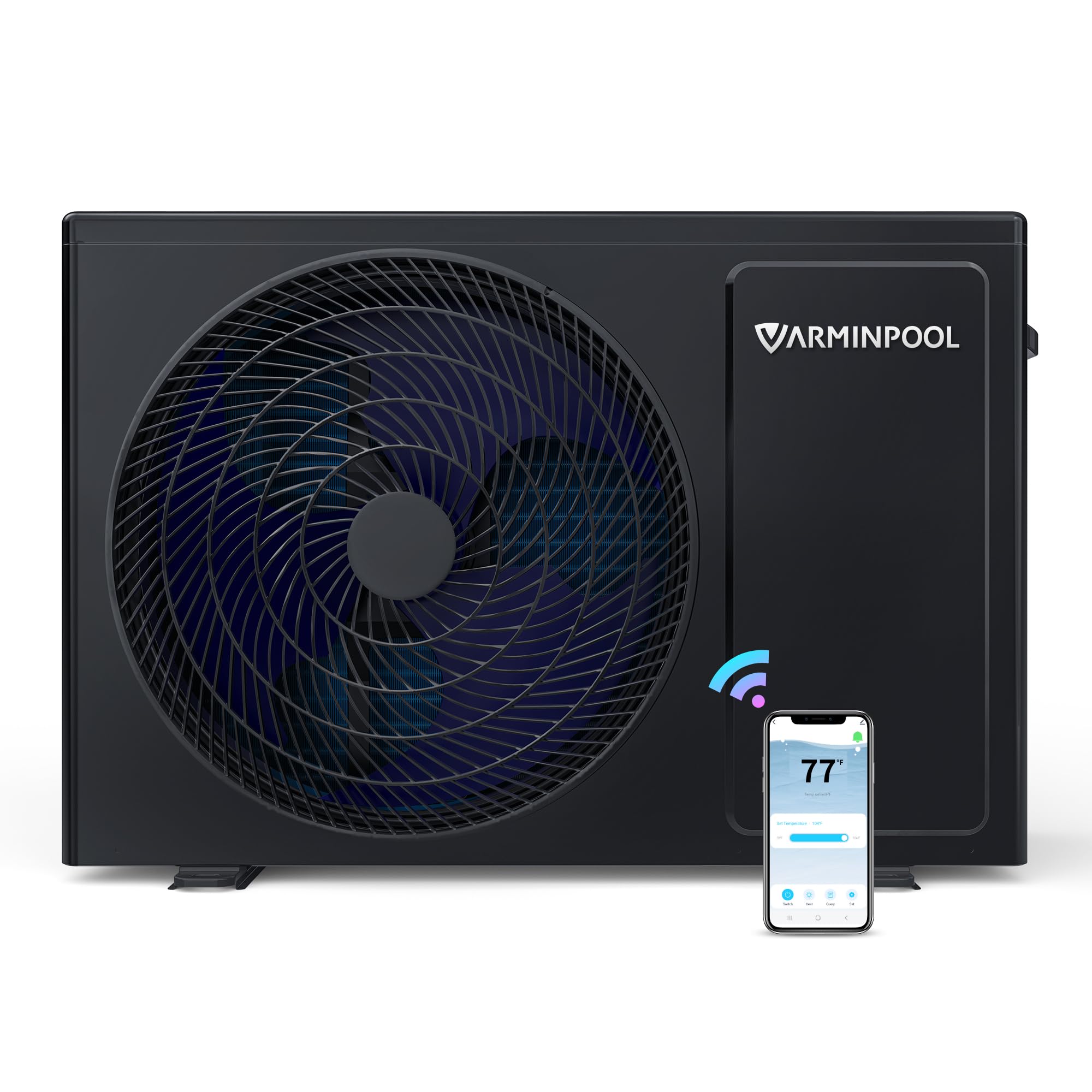
Figure 3.1: VARMINPOOL Smart Pool Heat Pump unit.
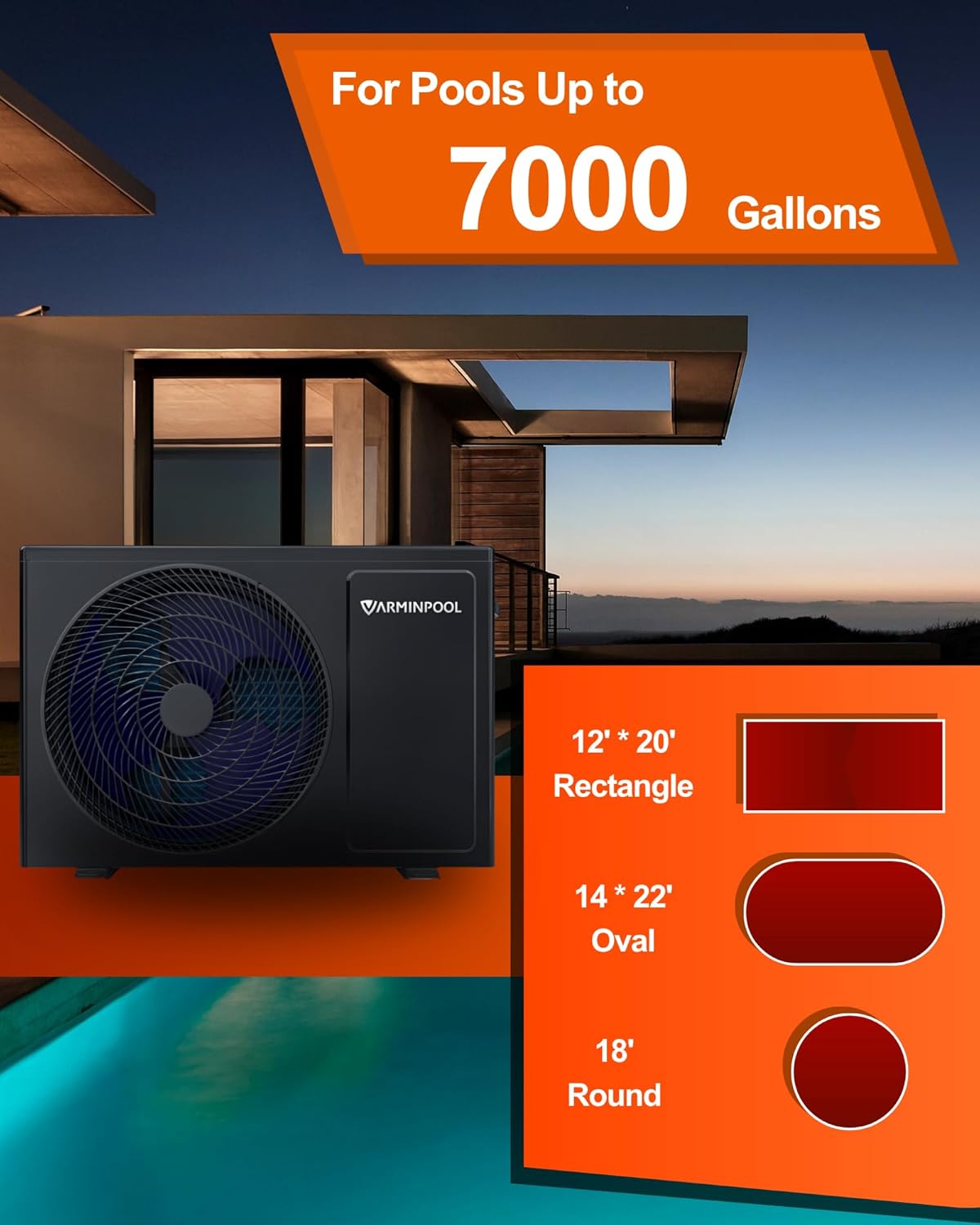
Figure 3.2: Heat pump suitability for various pool sizes up to 7000 gallons.

Figure 3.3: Unit highlighting 27000 BTU capacity, WiFi Remote Control, Heat & Cool Duo Mode, and Low Ambient Temperature Operation.
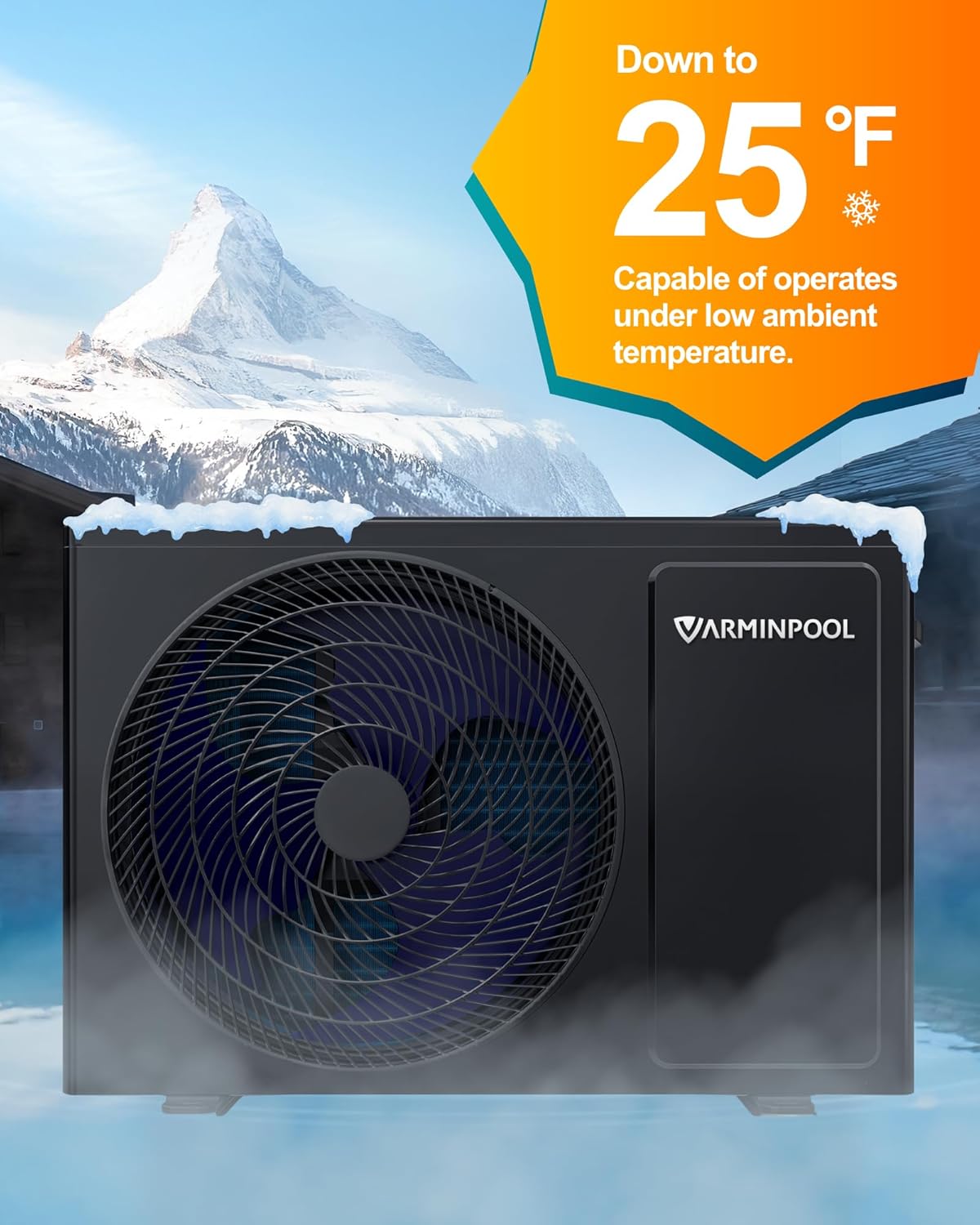
Figure 3.4: Heat pump capable of operating in low ambient temperatures down to 25°F.
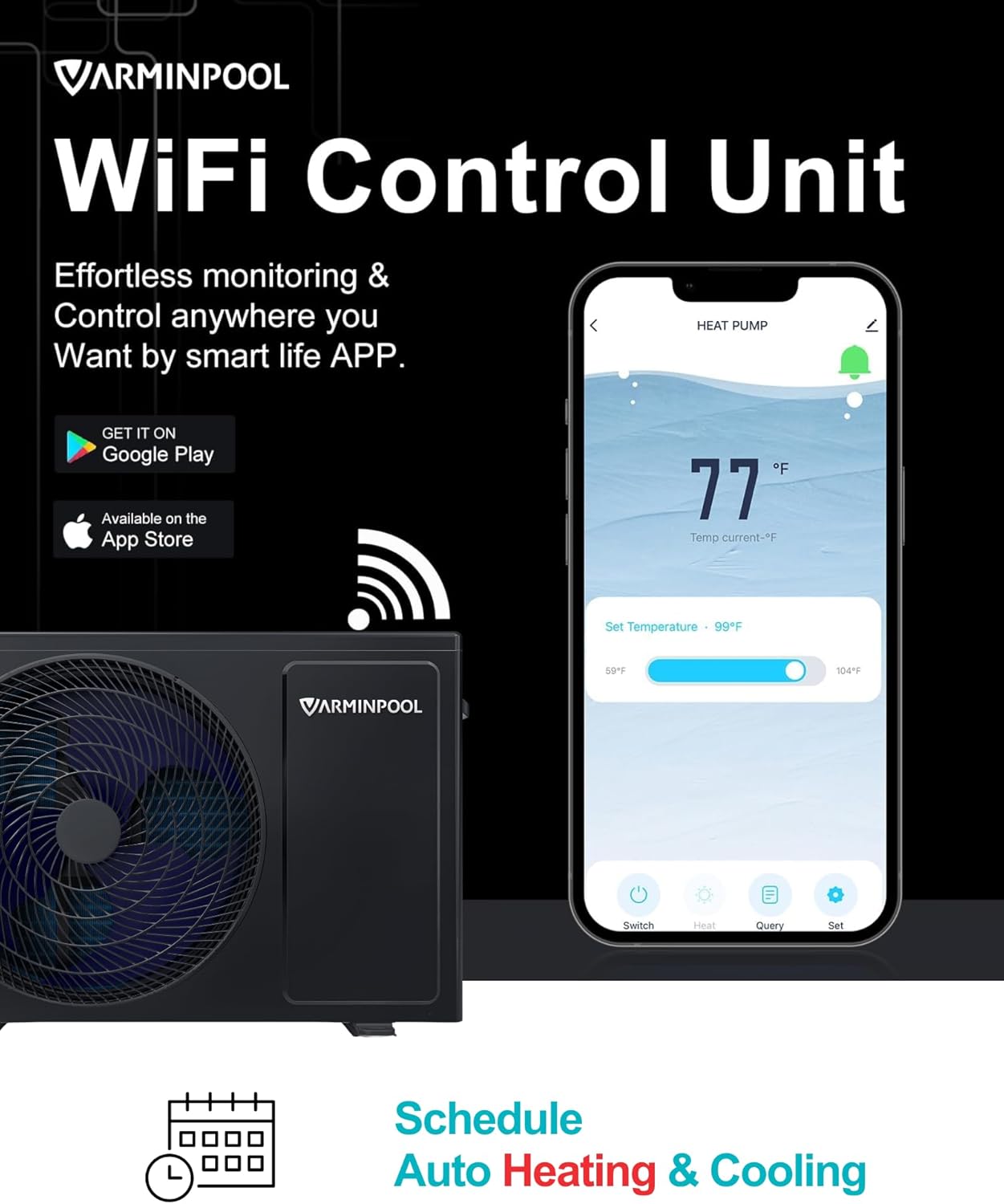
Figure 3.5: The WiFi control unit and Smart Life app for effortless monitoring and scheduling.

Figure 3.6: The heat pump operates at a quiet 48dB, comparable to a gentle breeze.

Figure 3.7: Heating mode (59-104°F) for spa tubs and cooling mode (45-87°F) for cold plunges.
4. Specifications
| Specification | Detail |
|---|---|
| Brand | VARMINPOOL |
| Model Number | KSPF-007L1MR1A1 |
| Style | 27000 BTU |
| Product Dimensions | 33"L x 14"W x 22"H |
| Item Weight | 80 Pounds |
| Power Source | AC (120 Volts, 15 Amps) |
| Material | Metal (Titanium Heat Exchanger) |
| Color | Grey |
| Smart Home Compatibility | Smart Home Compatible (Smart Life App) |
5. Setup and Installation
Proper installation is crucial for the performance and longevity of your heat pump. It is recommended that plumbing and electrical work be performed by qualified professionals.
5.1 Pre-Installation Checks
- Ensure the installation site is level and provides adequate clearance for airflow around the unit.
- Verify that your existing pool pump can push water at a rate greater than 1500 gallons per hour.
- Confirm that the electrical supply matches the unit's requirements (120V, 15 Amps).
5.2 Plumbing Connection
The heat pump should be installed after the pool filter and before any chlorinator or other chemical feeders. It is highly recommended to install bypass valves to allow for maintenance or bypassing the heater when not in use.
Video 5.1: Detailed installation guide for the VARMINPOOL pool heat pump, covering plumbing connections, electrical wiring, and initial startup procedures.

Figure 5.1: Typical plumbing schematic showing heat pump integration after the filter and before the chlorinator.
- Identify the water inlet and outlet ports on the back of the heat pump.
- Cut into your existing pool return line after the filter.
- Use PVC primer and cement to connect the heat pump to your pool's plumbing system. Ensure all connections are secure and watertight.
- The unit comes with easy-to-use attachments that twist on and off for convenient connection.
5.3 Electrical Connection
The VARMINPOOL heat pump requires a 120V, 15 Amp electrical supply. It is crucial to use the correct breaker size to protect the unit from electrical surges.
Video 5.2: This video demonstrates the complete process of replacing an old pool heat pump with a new VARMINPOOL unit, including electrical disconnection, plumbing adjustments, and initial setup.
- Ensure power is disconnected at the main breaker before starting any electrical work.
- Connect the two hot wires and the ground wire from your electrical supply to the corresponding terminals in the heat pump's electrical box.
- Confirm the breaker in your electrical panel is rated for 15 Amps to match the heat pump's requirements.
5.4 Condensate Drain Connection
Connect the provided condensate drain line to the port at the bottom of the unit. Ensure the drain line is routed away from the unit to prevent water accumulation.
6. Operating Instructions
Your VARMINPOOL Smart Pool Heat Pump can be operated directly from its control panel or remotely via the Smart Life app.
6.1 Control Panel Operation
- Once powered on, the display will show the current water temperature.
- Use the up/down arrows to adjust the desired temperature.
- Press the 'M' button to cycle through different modes (e.g., heating, cooling).
- The control panel is protected by a weatherproof cover.
6.2 WiFi Remote Control (Smart Life App)
For enhanced control and convenience, download the Smart Life app on your smartphone. The app allows you to monitor and control your heat pump from anywhere.
Video 6.1: An overview of the VARMINPOOL Smart Pool Heat Pump's WiFi control features and the Smart Life app interface, demonstrating remote monitoring and temperature scheduling.
- Download the Smart Life app from your device's app store (Google Play or Apple App Store).
- Follow the in-app instructions to pair your heat pump with your WiFi network.
- Once connected, you can adjust temperature, switch modes, set schedules, and receive notifications directly from your phone.
- The app also allows you to share control with other users.
7. Maintenance
Regular maintenance ensures optimal performance and extends the lifespan of your heat pump.
- Clean Coils: Periodically inspect and clean the evaporator coils to ensure efficient heat transfer. Remove any debris, leaves, or dirt.
- Check Water Flow: Ensure proper water flow through the unit. Clogged filters or low pump pressure can affect performance.
- Inspect Wiring: Annually check electrical connections for any signs of wear or corrosion.
- Winterization: In colder climates, follow proper winterization procedures to protect the unit from freezing. Consult a pool professional if unsure.
8. Troubleshooting
If you encounter issues with your heat pump, refer to the following common troubleshooting steps:
| Problem | Possible Cause | Solution |
|---|---|---|
| Unit not turning on | No power, tripped breaker, loose wiring | Check power supply, reset breaker, inspect wiring connections. |
| Not heating/cooling effectively | Low water flow, dirty coils, incorrect temperature setting | Ensure pool pump is running, clean pool filter and heat pump coils, verify temperature settings. |
| Unusual noise | Debris in fan, loose components | Inspect fan for obstructions, tighten any loose parts. If noise persists, contact support. |
For persistent issues or error codes not listed, please contact VARMINPOOL customer support.
9. Warranty and Support
Your VARMINPOOL Smart Pool Heat Pump comes with a 12-month product protection, ensuring support from real people who understand pool systems.

Figure 9.1: Enjoy 12 months of product protection with your VARMINPOOL heat pump.
US-Based Customer Support:
Need help with setup, installation, or troubleshooting? Our dedicated support team is ready to assist you.

Figure 9.2: US-based customer support available to help with setup, installation, or troubleshooting.
- Email: support@varminpool.com
- Phone: (978) 736-6880 (Mon-Fri, 9am-6pm ET)
We aim to reply to you within 24 hours.


