1. Introduction
This manual provides essential information for the safe and efficient operation, installation, and maintenance of your VARMINPOOL 27000BTU Smart Electric Pool Heat Pump. This unit is designed to heat and cool pools up to 7,000 gallons, ensuring a stable water temperature for consistent comfort. Please read this manual thoroughly before installation and use, and retain it for future reference.
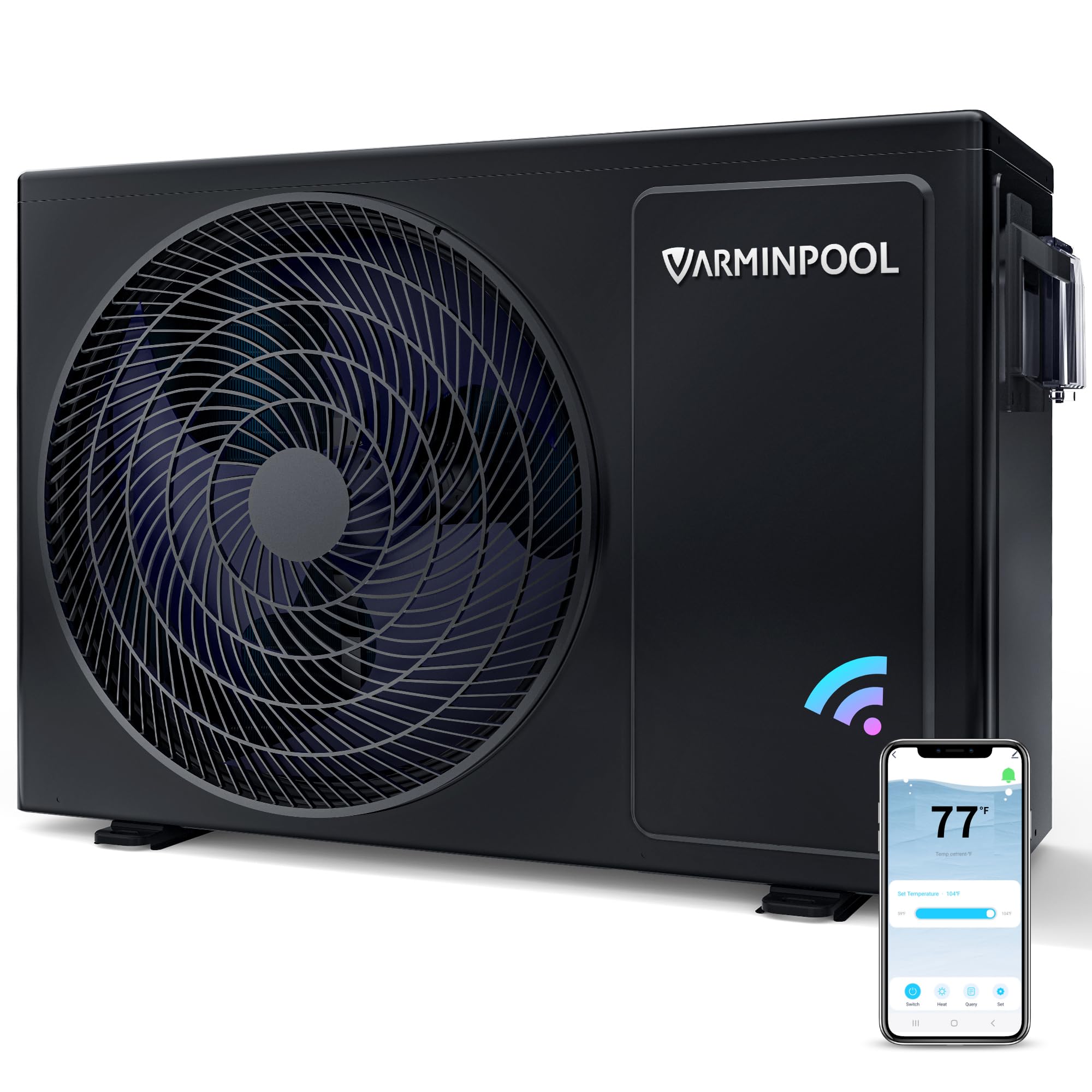
Image 1: VARMINPOOL 27000BTU Pool Heat Pump. This image shows the main unit of the VARMINPOOL 27000BTU Pool Heat Pump, highlighting its compact design and front fan grille.
2. Safety Information
Always observe the following safety precautions to reduce the risk of fire, electric shock, or injury.
- Electrical Safety: All electrical work must be performed by a qualified electrician in accordance with local and national electrical codes. Ensure the power supply is disconnected before any installation or maintenance.
- Water Safety: Ensure proper water flow and pressure. Do not operate the unit without water circulating through it.
- Placement: Install the unit on a stable, level surface with adequate ventilation. Do not block air intake or exhaust.
- Children: Keep children away from the unit during operation and maintenance.
- Maintenance: Only perform maintenance as described in this manual. For complex repairs, contact qualified service personnel.
3. Product Overview
The VARMINPOOL 27000BTU Pool Heat Pump features advanced technology for efficient pool temperature management.
Key Features:
- Heating & Cooling: Provides both heating and cooling functions for year-round pool enjoyment.
- Smart Control: Integrated Wi-Fi for remote control and scheduling via a dedicated mobile application.
- Titanium Heat Exchanger: Durable and corrosion-resistant for extended lifespan.
- Energy Efficient: Designed for reduced energy consumption.
- Quiet Operation: Operates at a low noise level of 48dB.

Image 2: VARMINPOOL Pool Heat Pump features. This image highlights the 27000 BTU capacity, WiFi remote control, Heat & Cool Duo Mode, and Low Ambient Temperature Operation Capability.
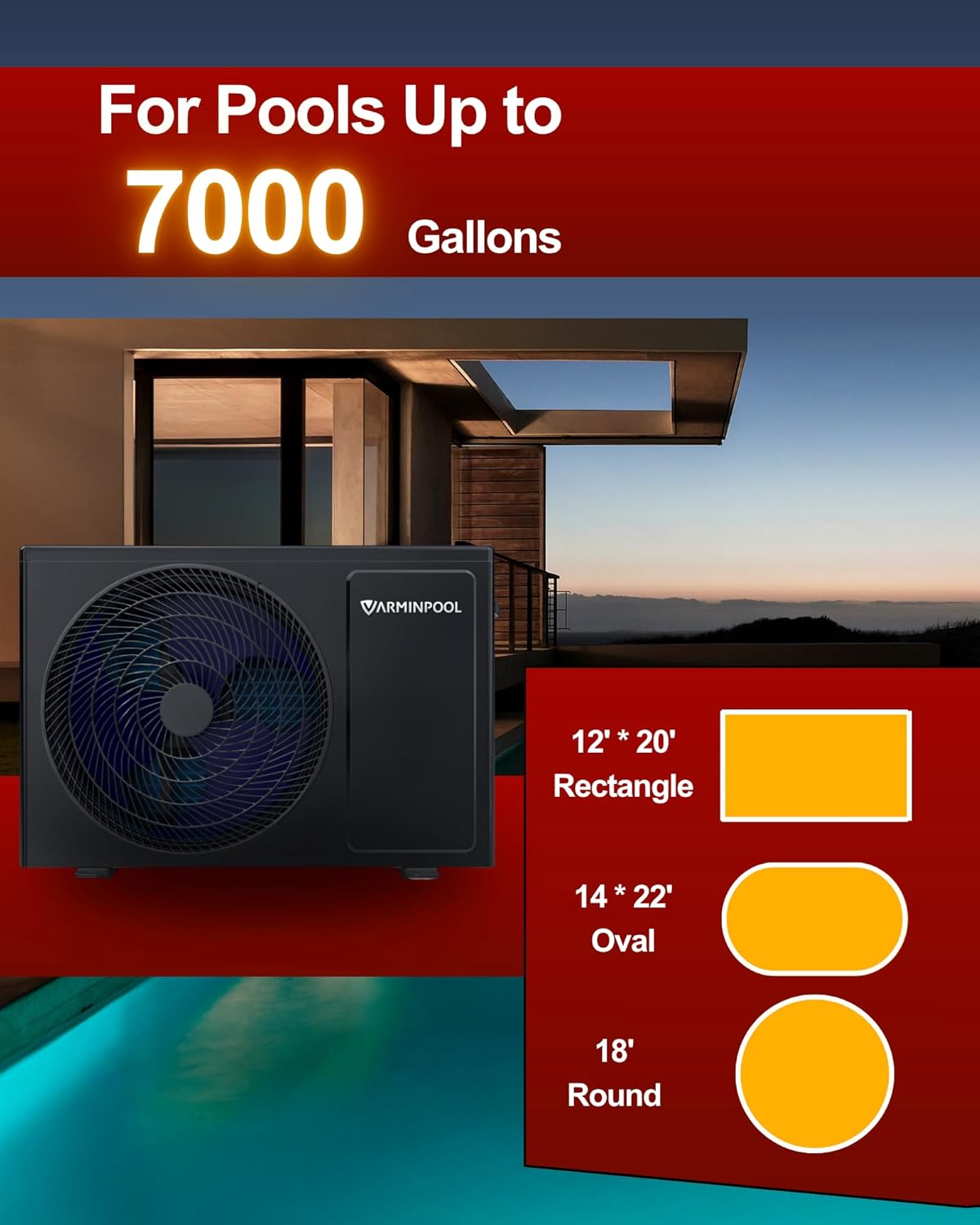
Image 3: Pool size compatibility. This image illustrates that the heat pump is suitable for pools up to 7000 gallons, showing examples of compatible rectangular, oval, and round pool dimensions.
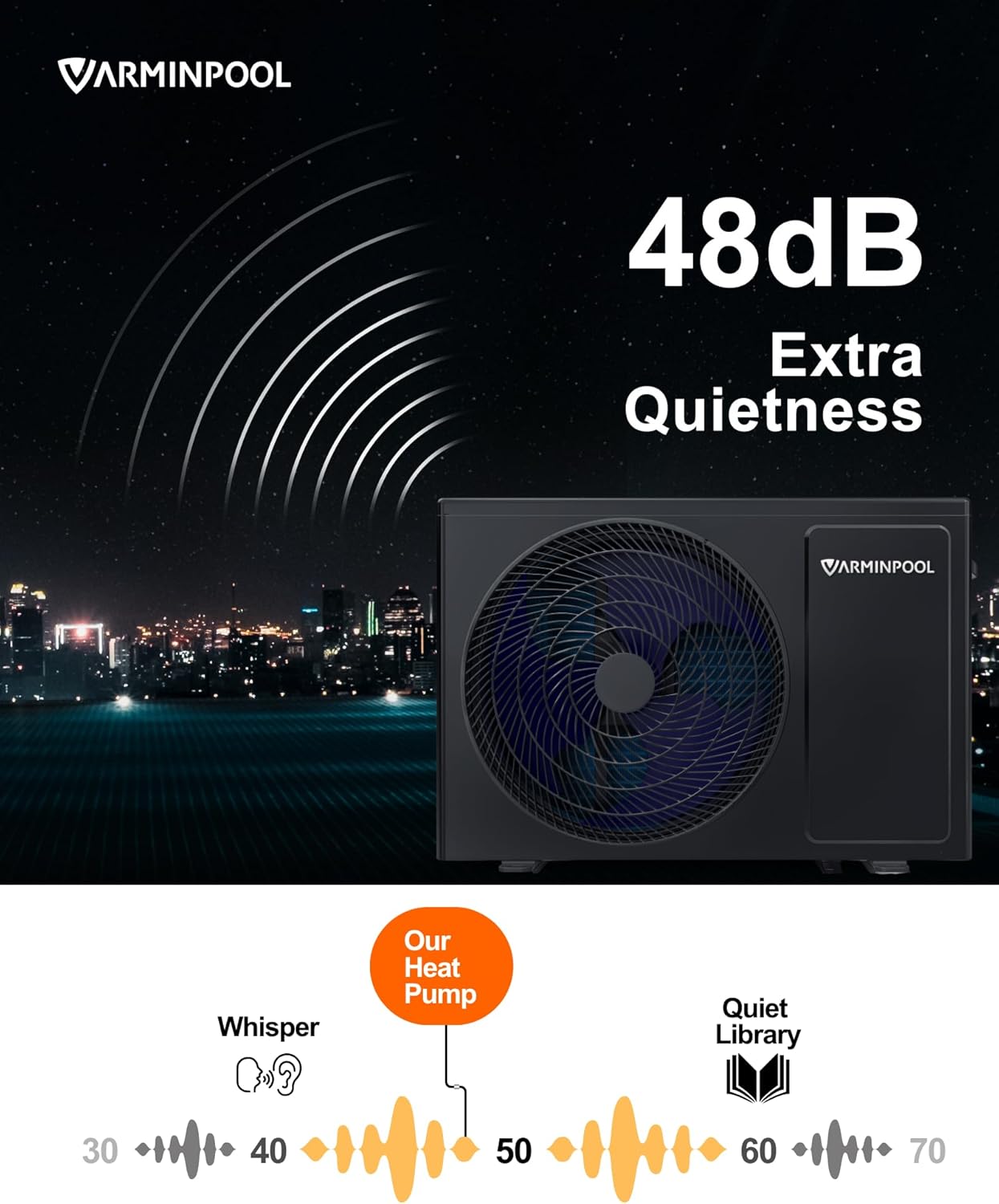
Image 4: Quiet operation of VARMINPOOL heat pump. This image visually represents the heat pump's low noise level of 48dB, comparing it to a whisper and a quiet library.
4. Setup & Installation
Proper installation is crucial for the performance and longevity of your heat pump. It is recommended that installation be performed by a qualified professional.
4.1. Site Preparation
- Ensure the installation site is level and stable, capable of supporting the unit's weight (approximately 97 lbs).
- Provide adequate clearance around the unit for proper airflow and maintenance access.
4.2. Electrical Connection
Before connecting any electrical components, ensure all power to the pool equipment is turned off at the main breaker panel.
- The unit requires a 120V AC power source.
- Install a dedicated 15-amp breaker for the heat pump to protect against electrical surges. (Note: If replacing an older unit, you may need to downgrade from a 60-amp breaker).
- Connect the two hot wires and the ground wire from the power supply to the appropriate terminals within the heat pump's electrical panel.
Video 1: How to install pool heat pump. This video demonstrates the process of removing an old pool heater and installing a new VARMINPOOL unit, including electrical disconnections, plumbing adjustments, and final connections.
4.3. Plumbing Connection
The heat pump should be plumbed into your existing pool circulation system after the filter and before any chlorinator or other chemical feeders.
- Identify the water inlet and outlet ports on the back of the heat pump.
- Cut into your existing PVC plumbing to create an inflow and outflow line for the heat pump.
- Use standard PVC primer and cement to attach elbows and pipes, ensuring a watertight seal.
- Optional but highly recommended: Install bypass valves on the inflow and outflow lines to allow for maintenance or bypassing the heater when not in use.

Image 5: Reinforced Evaporator. This image shows a close-up of the heat pump's reinforced evaporator, highlighting its extra thick galvanized steel shell designed for prolonged optimal performance.
4.4. Condensate Drain Line
Connect the provided condensate drain line to the port at the bottom of the unit. This line will drain condensation that forms during operation.
5. Operating Instructions
Your VARMINPOOL heat pump can be operated via its integrated control panel or through the Smart Life mobile application.
5.1. Control Panel Operation
- The control panel features a large display and intuitive buttons for setting the desired water temperature.
- Use the up/down arrows to adjust the temperature. The display will show the current water temperature.
- A weatherproof cover protects the control panel.
5.2. APP Control (Wi-Fi)
For enhanced convenience, control and schedule your heat pump using the Smart Life app.
- Download the Smart Life app from your device's app store (QR code provided in the product manual).
- Pair your heat pump with the app following the in-app instructions.
- Through the app, you can remotely set temperatures, switch between heating and cooling modes, and create custom schedules for operation.
- The app allows for sharing control with multiple users.
Video 2: Smart Heat Pump. This video showcases the smart features of the VARMINPOOL heat pump, including its Wi-Fi connectivity and control via a mobile application for effortless monitoring and scheduling.
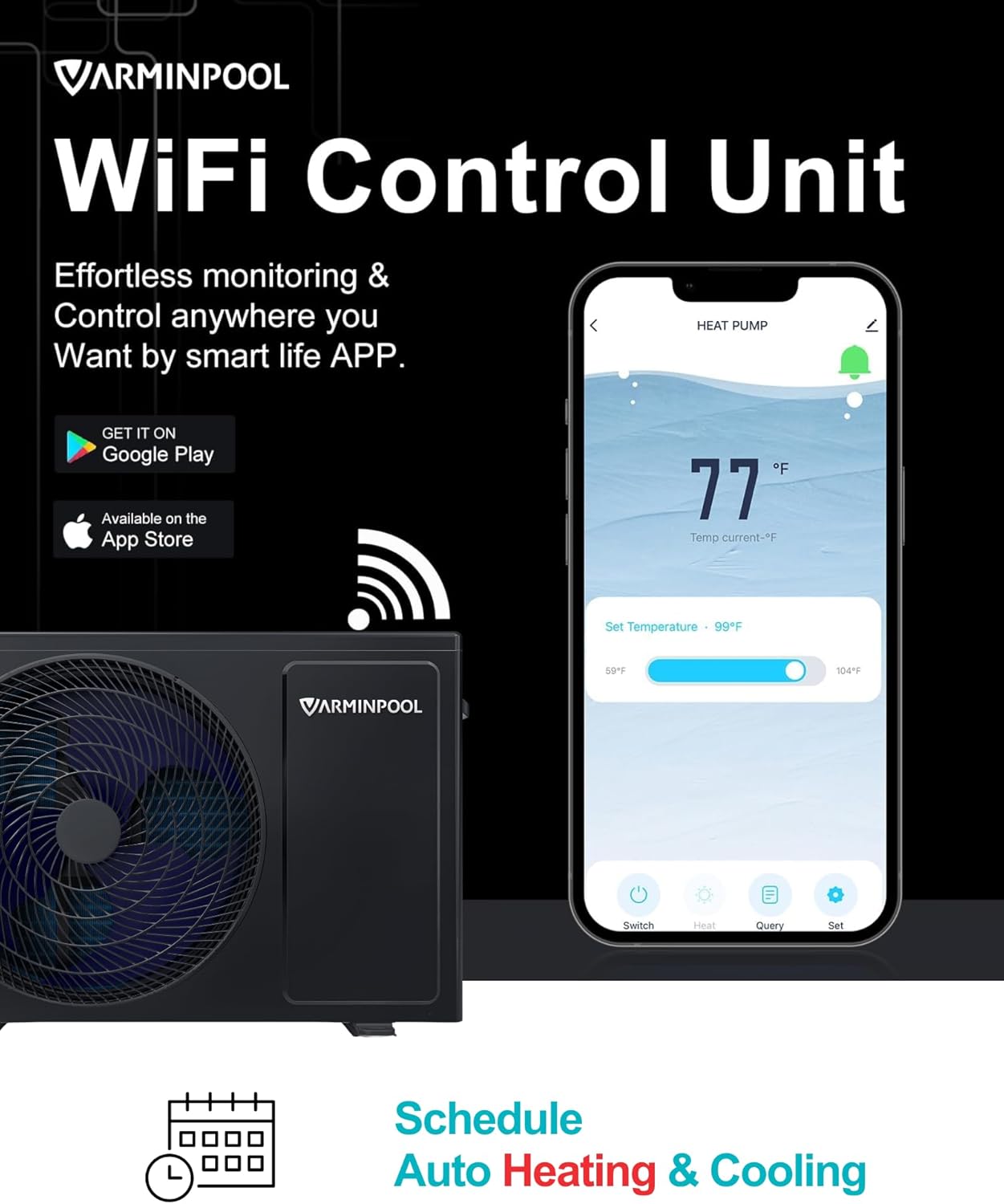
Image 6: WiFi Control Unit and Scheduling. This image displays the heat pump's WiFi control unit and a smartphone screen demonstrating the Smart Life app interface for effortless monitoring, control, and scheduling of heating and cooling.

Image 7: Heating and Cooling Modes. This image illustrates the dual functionality of the heat pump, showing a 'Cold Plunge' scenario with a cooling mode range of 45-87°F and a 'Spa Tub' scenario with a heating mode range of 59-104°F.
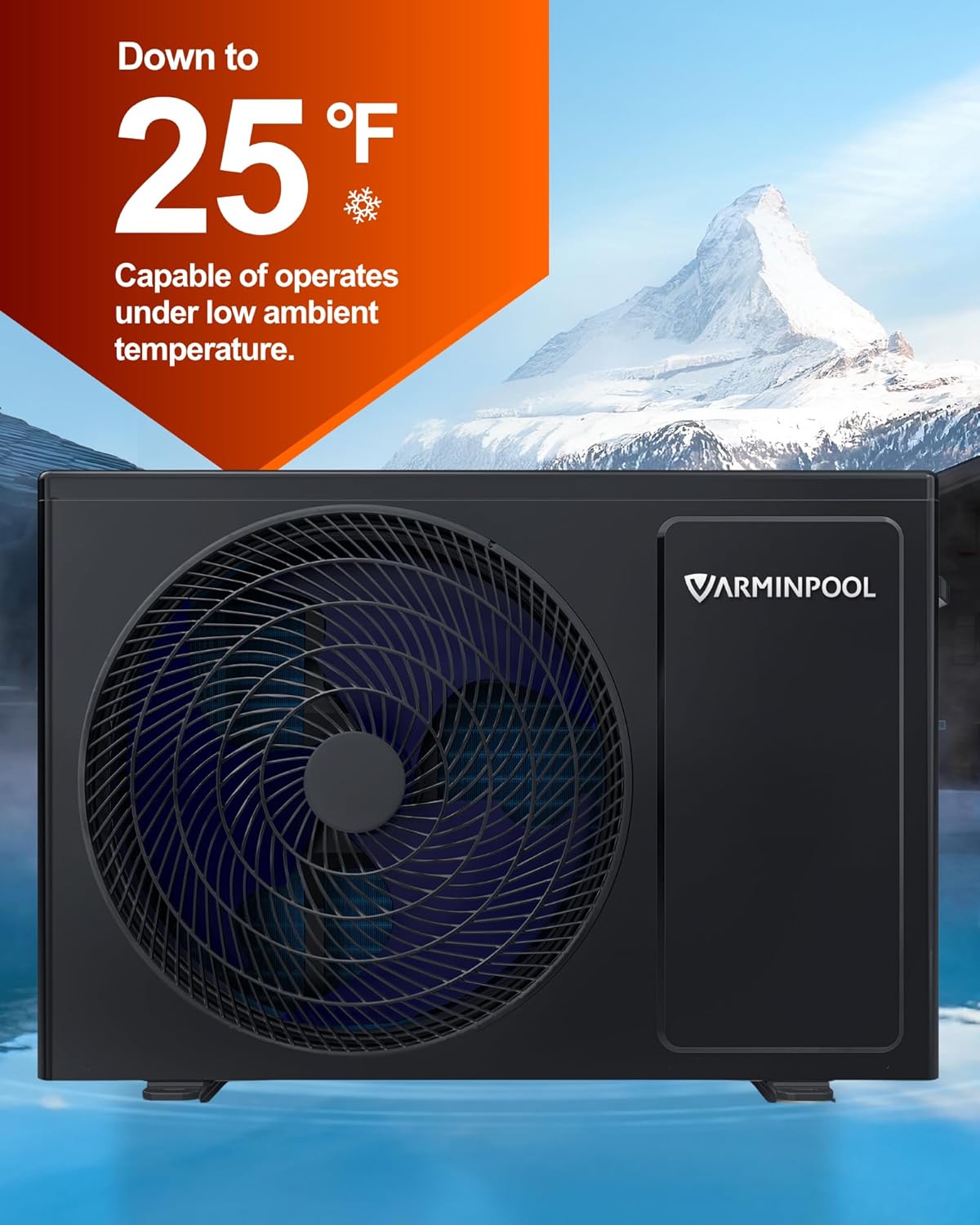
Image 8: Low Ambient Temperature Operation. This image highlights the heat pump's capability to operate effectively in low ambient temperatures, down to 25°F, ensuring pool heating even in colder conditions.
6. Maintenance
Regular maintenance ensures optimal performance and extends the life of your heat pump.
- Clean the Unit: Periodically clean the exterior of the unit and ensure the fan grille is free from debris.
- Check Airflow: Ensure nothing obstructs the air intake or exhaust vents.
- Inspect Plumbing: Regularly check for any leaks or damage to the plumbing connections.
- Winterization: In colder climates, follow proper winterization procedures to protect the unit from freezing temperatures. Consult a professional if unsure.
7. Troubleshooting
If you encounter issues with your heat pump, refer to the following common troubleshooting steps:
- Unit Not Turning On: Check the circuit breaker for the unit and the main pool pump. Ensure all electrical connections are secure.
- No Heating/Cooling: Verify the desired temperature setting on the control panel or app. Ensure the pool pump is running and there is adequate water flow through the unit. Check for any error codes on the display.
- Low Water Flow: Inspect the pool filter for cleanliness and ensure the pool pump is operating correctly. Check for any blockages in the plumbing lines.
- Unusual Noise: Check for any debris in the fan or around the unit. If the noise persists, contact customer support.
For issues not covered here, or if troubleshooting steps do not resolve the problem, please contact VARMINPOOL customer support.
8. Specifications
| Feature | Specification |
|---|---|
| Brand | VARMINPOOL |
| Model Number | KSPF-007L1MR1A1 |
| Size | 27000BTU Upgrade |
| Color | Grey |
| Material | Metal |
| Style | Above Ground |
| Product Dimensions | 33"L x 14"W x 22"H |
| Power Source | AC (120V) |
| Item Weight | 97 Pounds |
| Maximum Flow Rate | 25 Gallons Per Minute |
9. Warranty & Support
VARMINPOOL offers a 36-month product protection for this heat pump, ensuring peace of mind for your investment.
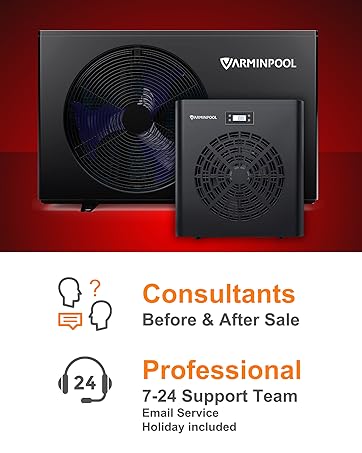
Image 9: 36 Months Product Protection. This image prominently displays a '36 Months Product Protection' badge, indicating the warranty period for the VARMINPOOL product.
For any questions, concerns, or technical support, please refer to the contact information provided with your product packaging or visit the official VARMINPOOL website. Professional 7-24 support is available via email, including holidays.

Image 10: VARMINPOOL Customer Support. This image highlights VARMINPOOL's customer support, including consultants for pre and post-sale inquiries and a professional 7-24 support team available via email, even on holidays.


