
Introduction
This manual provides detailed instructions for the Conyat J52 Language Translator Earbuds. These earbuds offer a versatile 3-in-1 functionality, combining real-time language translation, high-quality music playback, and clear call capabilities. Designed for ease of use, the J52 earbuds support 164 languages and dialects, feature multiple translation modes, and are built for comfort and durability.

Image: The Conyat J52 Language Translator Earbuds in their charging case, showcasing the digital LED power display.
Setup
1. Unboxing and Initial Charge
Upon opening the package, ensure all components are present: the Conyat J52 earbuds, the charging case, and a Type-C charging cable. Before first use, fully charge the earbuds and case. Connect the Type-C cable to the charging case and a power source. The LED display on the case will indicate charging status.
2. App Download and Installation
The Conyat J52 earbuds require the 'Ear Dance' application for full translation functionality. You can download the app using one of the following methods:
- Scan QR Code: Locate the QR code in the user manual included with your product. Use your smartphone's camera to scan it and follow the link to download the app.
- Search App Stores: Search for 'Ear Dance' in the Apple App Store (for iOS devices) or Google Play Store (for Android devices) and install the application.
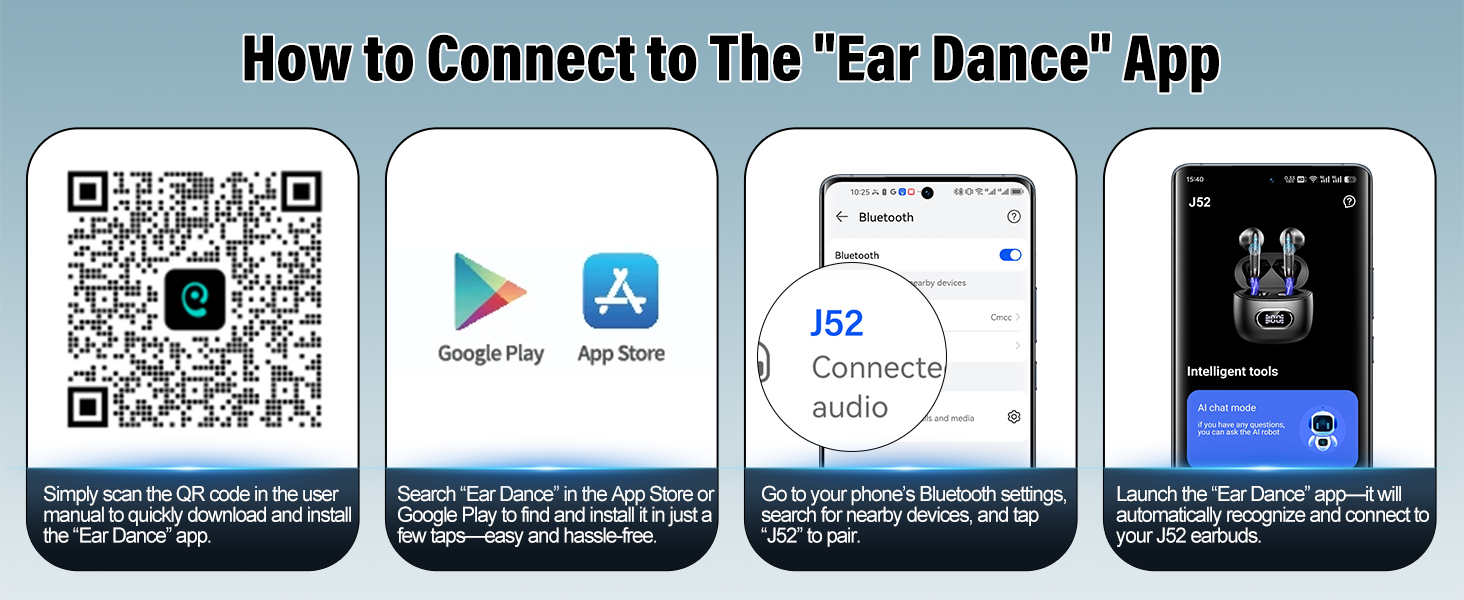
Image: Visual guide on how to connect the earbuds to the 'Ear Dance' app, showing QR code, app store icons, Bluetooth pairing, and app launch.
3. Bluetooth Pairing
- Ensure the earbuds are charged and removed from the charging case.
- Open your phone's Bluetooth settings.
- Search for nearby devices and select 'J52' to pair.
- Once paired, launch the 'Ear Dance' app. It will automatically connect to your J52 earbuds.
4. Entering the Authorization Code
To activate all features within the 'Ear Dance' app, you may need to enter an authorization code.
- After connecting your earbuds, go to the 'Mine' section within the 'Ear Dance' app.
- Tap 'Bind Device'.
- Tap the 'Scan' button in the app and use your phone's camera to scan the QR code found in the instruction manual that came with your product. Alternatively, manually enter the code if provided.

Image: Step-by-step guide on how to bind the device and enter the authorization code within the 'Ear Dance' application.
5. First Use Preparation
When using the earbuds for the first time, ensure you remove any protective film from the charging contacts on the earbuds. This allows for proper charging and connection.
Operating Instructions
Smart Touch Controls
The Conyat J52 earbuds feature intuitive touch controls for various functions:
- Play/Pause: Double Tap (R/L earbud)
- Voice Assistant: Triple Tap (R/L earbud)
- Hang Up: Long Tap 2s (R/L earbud)
- Next Song: Long Tap 2s (R earbud)
- Answer Call: Double Tap (R/L earbud)
- Previous Song: Long Tap 2s (L earbud)
- Volume Up: Click once (R earbud)
- Volume Down: Click once (L earbud)
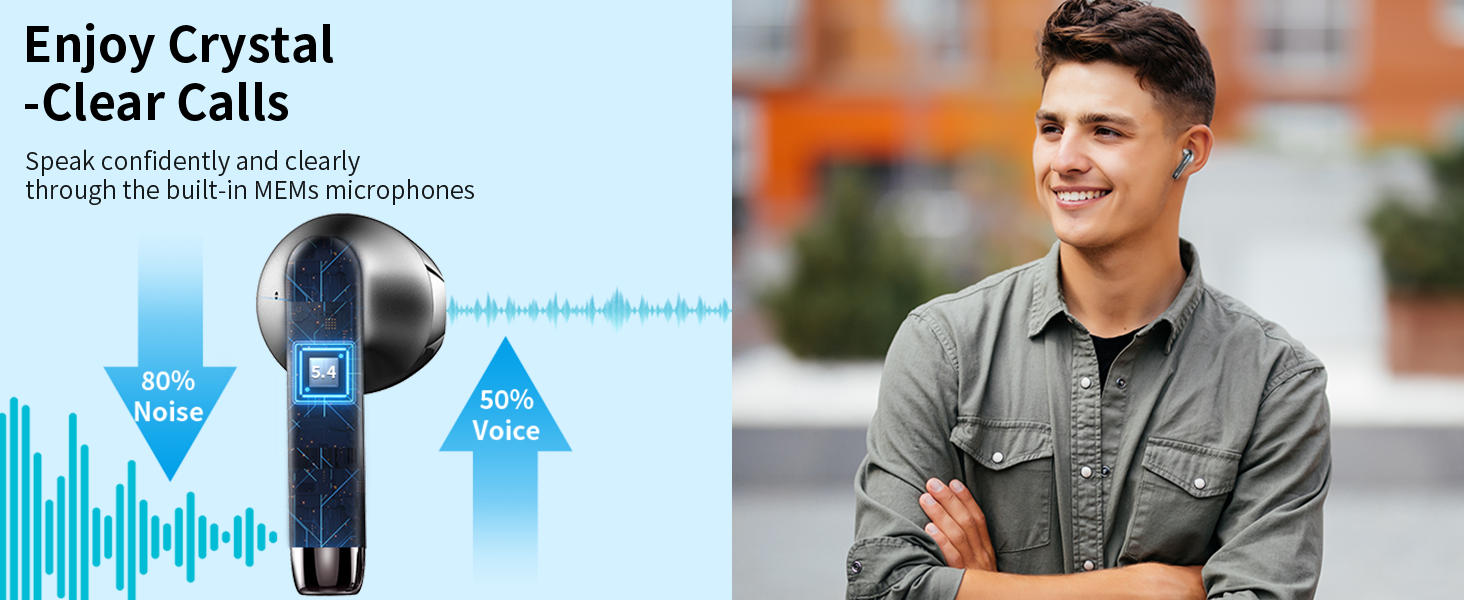
Image: A visual representation of the smart touch control gestures for various functions on the Conyat J52 earbuds.
Translation Modes
The Conyat J52 earbuds offer six distinct translation modes through the 'Ear Dance' app to suit various communication needs:

Image: An infographic illustrating the various translation modes available with the Conyat J52 earbuds, including Free Talk, Photo Translation, AI Chat, Voice Notes, Headphone + Phone Mode, and Audio/Video Calls.
- Conversation Mode (Free Talk Mode): This mode enables instant two-way translation for natural conversations. The J52 automatically detects and translates speech in real-time, facilitating smooth communication between two or more people.
- Headphone + Phone Mode: In this mode, one person wears the earbuds, and the translation is played through the phone's speaker, allowing for a shared listening experience during calls or face-to-face interactions.
- Voice Memo Mode (Voice Notes): Convert spoken words into text. This mode is useful for transcribing lectures, meetings, or personal notes, providing a written record of spoken content.
- Camera Mode (Photo Translation): Translate text from images. Simply use your phone's camera through the app to capture text from signs, menus, or documents, and the app will provide an instant translation.
- Audio & Video Translation via Shared Links: Enjoy real-time translation during online calls. By sharing a link, participants can join and receive translations without needing to download the app.
- AI Chat Mode: Powered by advanced AI, this mode acts as an intelligent assistant, providing fast and accurate answers to your questions in various languages.
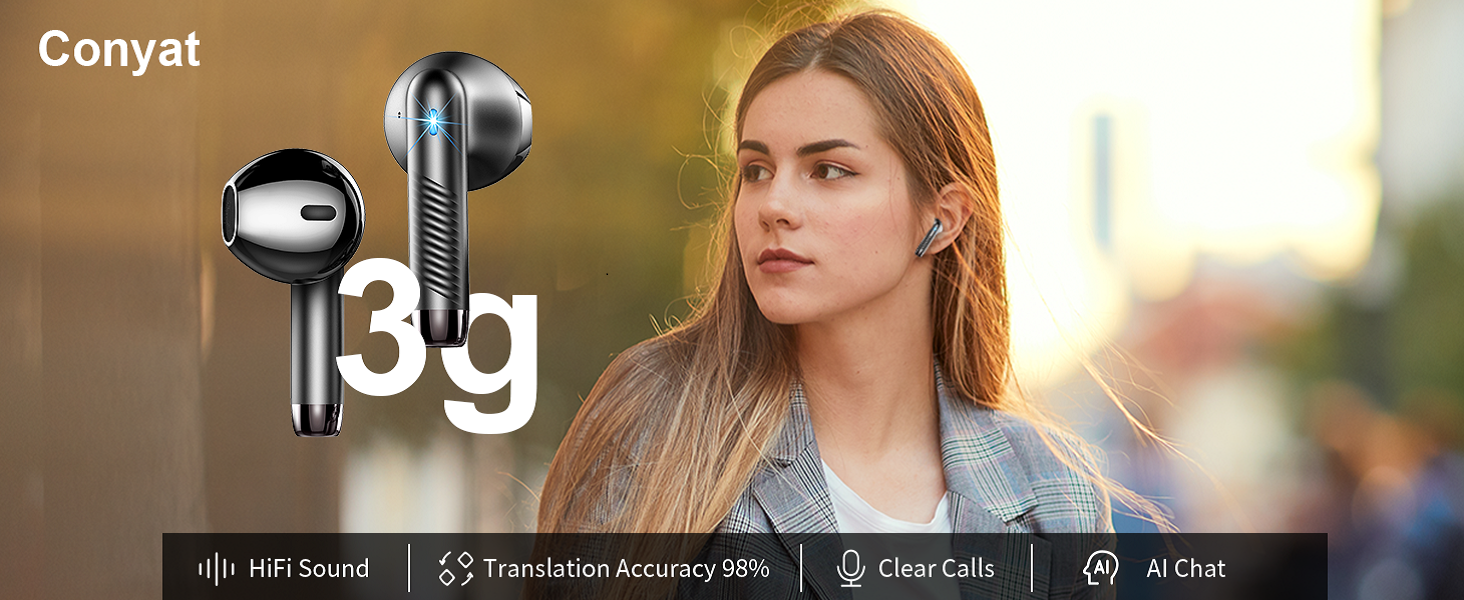
Image: A visual display of the 'Ear Dance' app interface, showcasing the different translation modes available for selection.
Maintenance
Cleaning
The Conyat J52 earbuds are IPX7 waterproof, meaning they are resistant to splashes and sweat. However, regular cleaning is recommended to maintain performance and hygiene:
- Wipe the earbuds and charging case with a soft, dry, lint-free cloth.
- Do not use abrasive cleaners, solvents, or aerosol sprays.
- Ensure charging contacts are clean and dry before placing earbuds back in the case.
Charging and Battery Care
The earbuds provide over 7 hours of playback on a single charge, with up to 42 hours total using the charging case. The case features a digital LED power display to monitor battery levels.
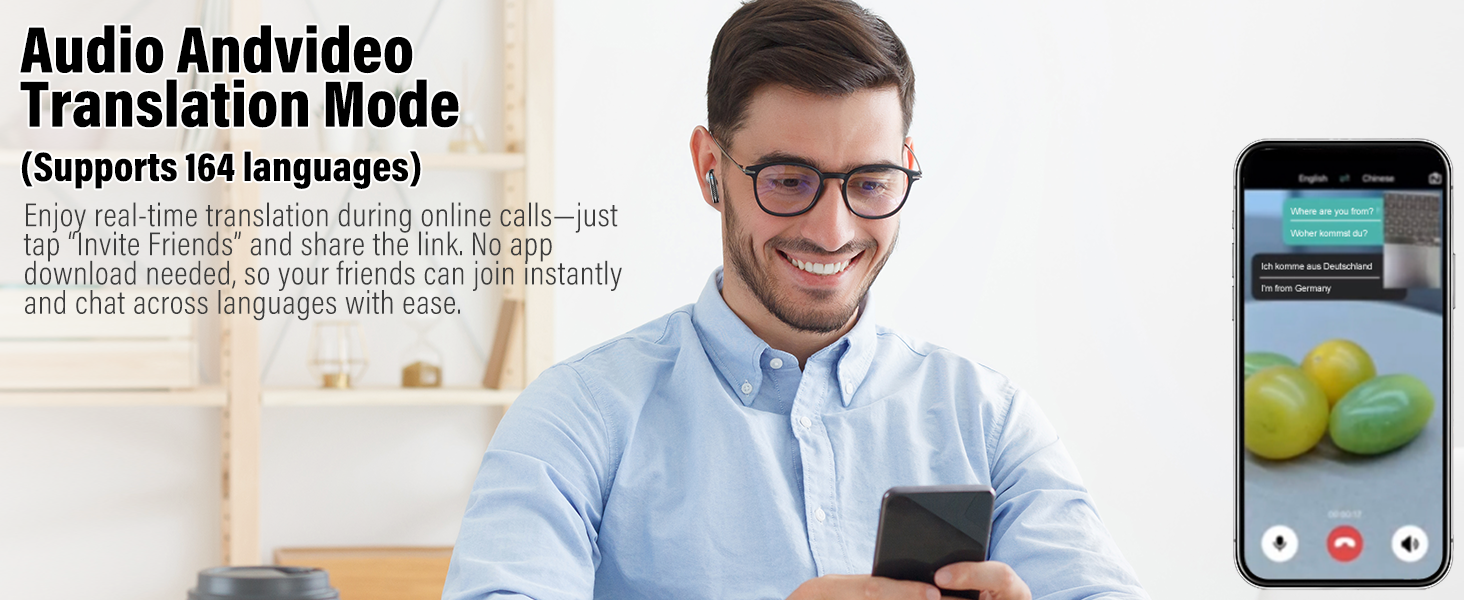
Image: An illustration detailing the digital power display on the charging case and the extended battery life of up to 42 hours with the case.
- Use the provided Type-C charging cable for optimal charging.
- Avoid exposing the device to extreme temperatures.
- Store the earbuds in their charging case when not in use to protect them and keep them charged.
Storage
Store the earbuds and charging case in a cool, dry place away from direct sunlight and extreme temperatures. Keep them away from children and pets.
Troubleshooting
- Earbuds not pairing: Ensure earbuds are charged, removed from the case, and Bluetooth is enabled on your device. Try restarting your phone and the earbuds.
- Translation is slow or inaccurate: Ensure a stable internet connection for optimal performance. Speak clearly and at a moderate pace. Check the selected source and target languages in the app.
- No audio during translation: Verify that the volume on your phone and earbuds is not muted or too low. Check the app settings for audio output preferences.
- Earbuds not charging: Ensure the charging cable is securely connected to both the case and the power source. Clean the charging contacts on both the earbuds and the case.
- App issues: Ensure the 'Ear Dance' app is updated to the latest version. Try closing and reopening the app, or reinstalling it if problems persist.
For further assistance, refer to the 'Help & Feedback' section within the 'Ear Dance' app.
Specifications
| Feature | Detail |
|---|---|
| Model Number | J52 |
| Brand | Conyat |
| Color | Black |
| Translation Languages | 164 languages and dialects |
| Battery Life (Earbuds) | Over 7 hours (single charge) |
| Battery Life (with Case) | Up to 42 hours |
| Charging Port | Type-C |
| Waterproof Rating | IPX7 |
| Item Weight | 3.84 ounces |
| Included Components | Bluetooth Headset, Charging Case, Type-C Cable |
Warranty Information
Conyat offers a 12-month quality guarantee for the J52 Language Translator Earbuds. Additionally, a 30-day worry-free trial period is provided. For specific terms and conditions, please refer to the product packaging or contact customer support.
Customer Support
For any inquiries, technical assistance, or support needs, Conyat provides 24-hour customer service. Please refer to the contact information provided on the product packaging or within the 'Ear Dance' application for the most direct support channels.
You can also find more information about the product and brand on the official Conyat store page: Conyat Store