
1. Introduction
Thank you for choosing the APTOOK OX-R180B Commercial Dehumidifier. This unit is designed for efficient moisture removal in large, high-humidity environments such as basements, crawl spaces, warehouses, and garages. It features a built-in pump for continuous drainage, automatic defrost, and digital controls for ease of use. Please read this manual thoroughly before operation to ensure safe and optimal performance.
2. Safety Information
WARNING: Failure to follow these safety instructions could result in electric shock, fire, or serious injury.
- Always connect the unit to a grounded electrical outlet with the correct voltage.
- Do not operate the dehumidifier with a damaged power cord or plug.
- Keep the unit away from water sources and do not immerse it in water.
- Ensure proper ventilation around the unit; do not block air inlets or outlets.
- Do not allow children to operate or play near the dehumidifier.
- Unplug the unit before cleaning, maintenance, or moving.
- Do not use the unit in areas where flammable liquids or gases are stored.
- Only use accessories recommended by the manufacturer.
3. Product Overview
The APTOOK OX-R180B is a robust commercial dehumidifier designed for effective moisture control in large areas up to 6,000 sq.ft. It can remove up to 180 pints of moisture per day (at 90°F, 90% RH).
Key Features:
- High Capacity: 180 Pints/Day moisture removal, suitable for up to 6,000 sq.ft.
- Built-in Condensate Pump: Allows for continuous drainage with a 24 ft drain hose, eliminating manual emptying.
- Auto Defrost: Maintains performance in cooler environments (down to 33°F).
- Memory Restart: Automatically resumes previous settings after a power interruption.
- Digital Control Panel: Easy-to-read display for setting target humidity, monitoring conditions, and managing operation.
- 24-Hour Timer: For scheduled operation.
- Portability: Equipped with wheels and carry handles for easy movement.
- Washable Filter: For easy maintenance.

Figure 3.1: Front view of the APTOOK OX-R180B Commercial Dehumidifier.

Figure 3.2: Close-up of the Smart LCD Control Panel.
4. Setup
4.1 Unpacking
- Carefully remove the dehumidifier from its packaging.
- Inspect the unit for any shipping damage. If damage is found, contact your retailer immediately.
- Remove all packing materials and ensure all included components are present: dehumidifier unit, 24 ft drain hose, user manual.
4.2 Placement
- Place the dehumidifier on a level, stable surface.
- Ensure there is at least 12 inches (30 cm) of clearance around all sides of the unit for proper airflow.
- Avoid placing the unit near heat sources or in direct sunlight.
- For optimal performance, close all doors and windows in the area where the dehumidifier is operating.

Figure 4.1: Dehumidifier operating in a crawl space, demonstrating suitable placement.
4.3 Drainage Setup (Continuous Drainage with Pump)
This unit features a built-in condensate pump for continuous drainage, allowing water to be pumped vertically or horizontally to a drain location.
- Locate the drain outlet on the unit.
- Connect the provided 24 ft drain hose to the drain outlet. Ensure the connection is secure to prevent leaks.
- Route the drain hose to a suitable drain point, such as a floor drain, sink, or outside. The pump can lift water up to 13 feet vertically.
- Ensure the hose is not kinked or obstructed, which could prevent proper drainage.

Figure 4.2: Diagram illustrating the built-in condensate pump and drainage hose setup.

Figure 4.3: Close-up of the drain hose connection point.
5. Operating Instructions
5.1 Control Panel Functions
The digital control panel allows you to manage all functions of the dehumidifier.
- POWER Button: Press to turn the unit ON or OFF. Press and hold for 5 seconds to switch between Fahrenheit (°F) and Celsius (°C).
- UP/DOWN Arrows: Use to adjust the target humidity level (RH%) or timer settings.
- FULL Indicator: Illuminates when the internal reservoir is full (if not using continuous drainage) or if there is a pump error.
- PURGE Button: Manually activates the condensate pump to drain any accumulated water.
- TIMER Button: Press to set the 24-hour timer for delayed start or stop.
- DEFROST Indicator: Illuminates when the unit is in defrost mode.
- Display: Shows current temperature (IN/OUT F), relative humidity (IN/OUT %RH), and set humidity/timer.
5.2 Initial Operation
- Plug the power cord into a grounded electrical outlet.
- Press the POWER button to turn on the unit. The display will show the current room temperature and humidity.
- Use the UP/DOWN arrows to set your desired humidity level. A common setting for comfort is between 45% and 55% relative humidity. The unit will operate until the set humidity is reached, then cycle off. It will restart when humidity rises above the set point.
5.3 Timer Function
The 24-hour timer allows you to schedule when the unit turns on or off.
- To set Auto-Off: While the unit is running, press the TIMER button. Use the UP/DOWN arrows to select the desired number of hours (1-24) after which the unit will turn off. The timer will activate after a few seconds.
- To set Auto-On: While the unit is off, press the TIMER button. Use the UP/DOWN arrows to select the desired number of hours (1-24) after which the unit will turn on. The timer will activate after a few seconds.
- To cancel the timer, press the TIMER button again.
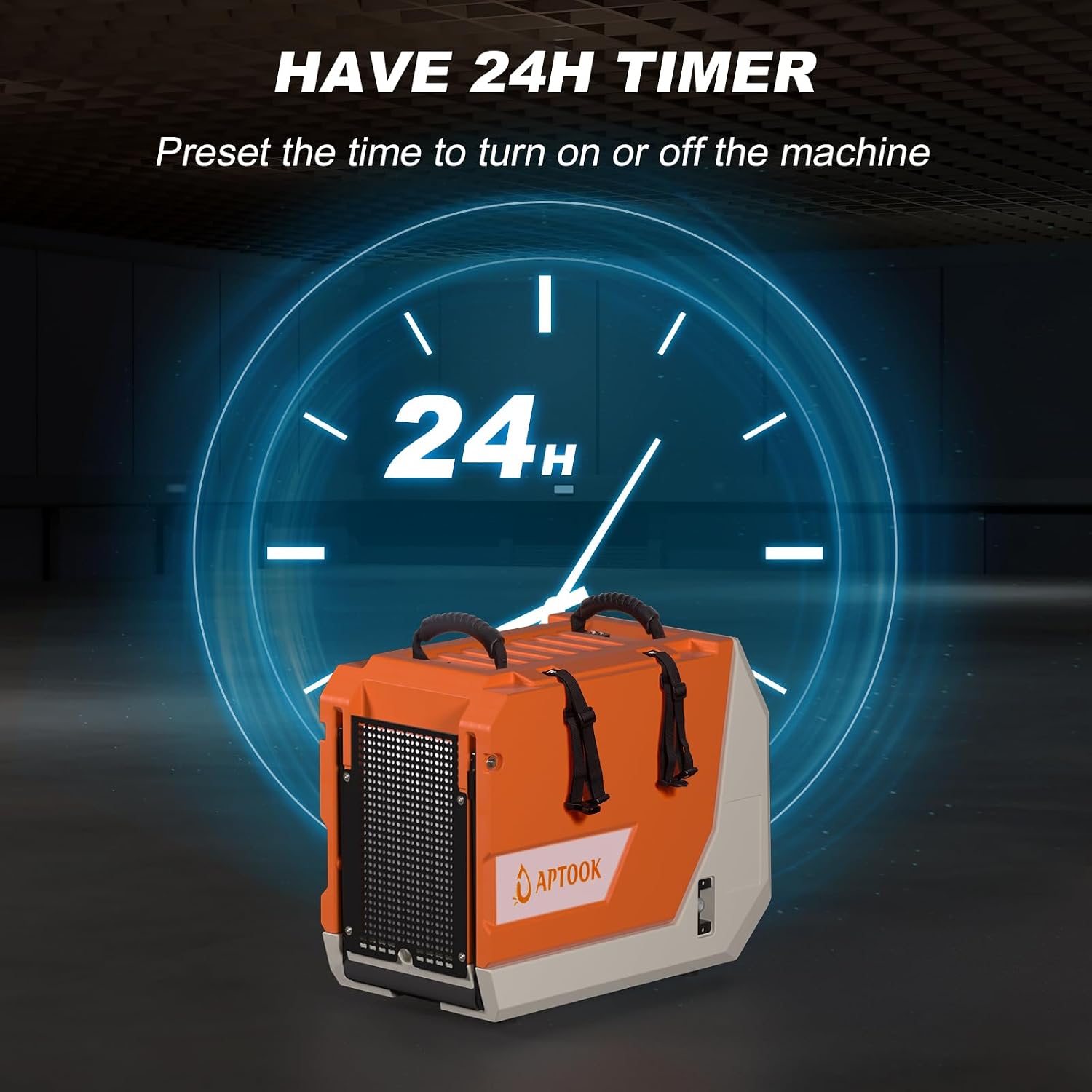
Figure 5.1: Visual representation of the 24-hour timer function.
6. Maintenance
Regular maintenance ensures efficient operation and extends the lifespan of your dehumidifier.
6.1 Cleaning the Air Filter
The air filter should be cleaned every 2-4 weeks, or more frequently depending on usage and air quality.
- Unplug the dehumidifier from the power outlet.
- Locate the air filter access panel (typically on the side or back of the unit).
- Remove the filter.
- Wash the filter with warm, soapy water, or vacuum it clean.
- Rinse thoroughly and allow the filter to air dry completely before reinstalling.
- Reinsert the dry filter and close the access panel.

Figure 6.1: View of the removable and washable air filter.
6.2 Cleaning the Unit
- Unplug the unit before cleaning.
- Wipe the exterior with a soft, damp cloth. Do not use harsh chemicals or abrasive cleaners.
- Clean the air inlet and outlet grilles with a vacuum cleaner or soft brush to remove dust.
6.3 Storage
If storing the unit for an extended period:
- Unplug the unit and clean the filter.
- Ensure all water is drained from the unit by pressing the PURGE button.
- Coil the power cord and drain hose neatly.
- Store the unit upright in a clean, dry place, away from extreme temperatures.
7. Troubleshooting
Before contacting customer support, please refer to the following troubleshooting guide.
| Problem | Possible Cause | Solution |
|---|---|---|
| Dehumidifier does not turn on. | No power; Power cord not plugged in; Circuit breaker tripped. | Check power connection; Reset circuit breaker. |
| Unit is running but not removing moisture. | Air filter clogged; Room temperature too low; Humidity setting too high; Doors/windows open. | Clean air filter; Ensure room temperature is above 33°F; Lower humidity setting; Close doors/windows. |
| "FULL" indicator is on. | Internal reservoir full (if not using continuous drain); Drain hose kinked/blocked; Pump malfunction. | Ensure continuous drainage is properly set up; Check drain hose for obstructions; Press PURGE button to manually drain. |
| Unit is noisy. | Unit not on a level surface; Fan obstruction. | Place on a level surface; Check for and remove any obstructions from the fan. |
| Unit is in defrost mode frequently. | Operating in a very cold environment. | This is normal operation in low temperatures. Ensure room temperature is within operating range (33-110°F). |
8. Specifications
| Specification | Detail |
|---|---|
| Model Number | OX-R180B |
| Brand | APTOOK |
| Moisture Removal Capacity | 180 Pints/Day (at 90°F, 90% RH) |
| Coverage Area | Up to 6,000 Square Feet |
| Air Flow Capacity | 386 Cubic Feet Per Minute (CFM) |
| Operating Temperature Range | 33°F - 110°F |
| Operating Humidity Range | 10% - 90% RH |
| Drainage Method | Built-in Pump (Continuous) |
| Drain Hose Length | 24 ft. |
| Wattage | 740 watts |
| Product Dimensions (D x W x H) | 22" x 28" x 13.4" |
| Item Weight | 80 Pounds |
| Special Features | Adjustable Humidity Control, Automatic Defrost, Automatic Moisture Removal, Built-In Pump, Continuous Draining, Memory Restart, Digital Control, Wheels, Carry Handles |
9. Warranty and Support
The APTOOK OX-R180B Commercial Dehumidifier comes with a 1-year warranty covering manufacturing defects. Additionally, APTOOK offers a 30-day money-back guarantee and aims to respond to customer inquiries within 12 hours.
For warranty claims, technical support, or any questions regarding your product, please refer to the contact information provided at your point of purchase or visit the official APTOOK website.