1. Product Overview
This PowerHOOD 12V AC Adapter is designed to provide reliable power to your compatible Shark FlexBreeze fans. It features advanced technology for efficient and safe operation, ensuring your devices receive stable power.
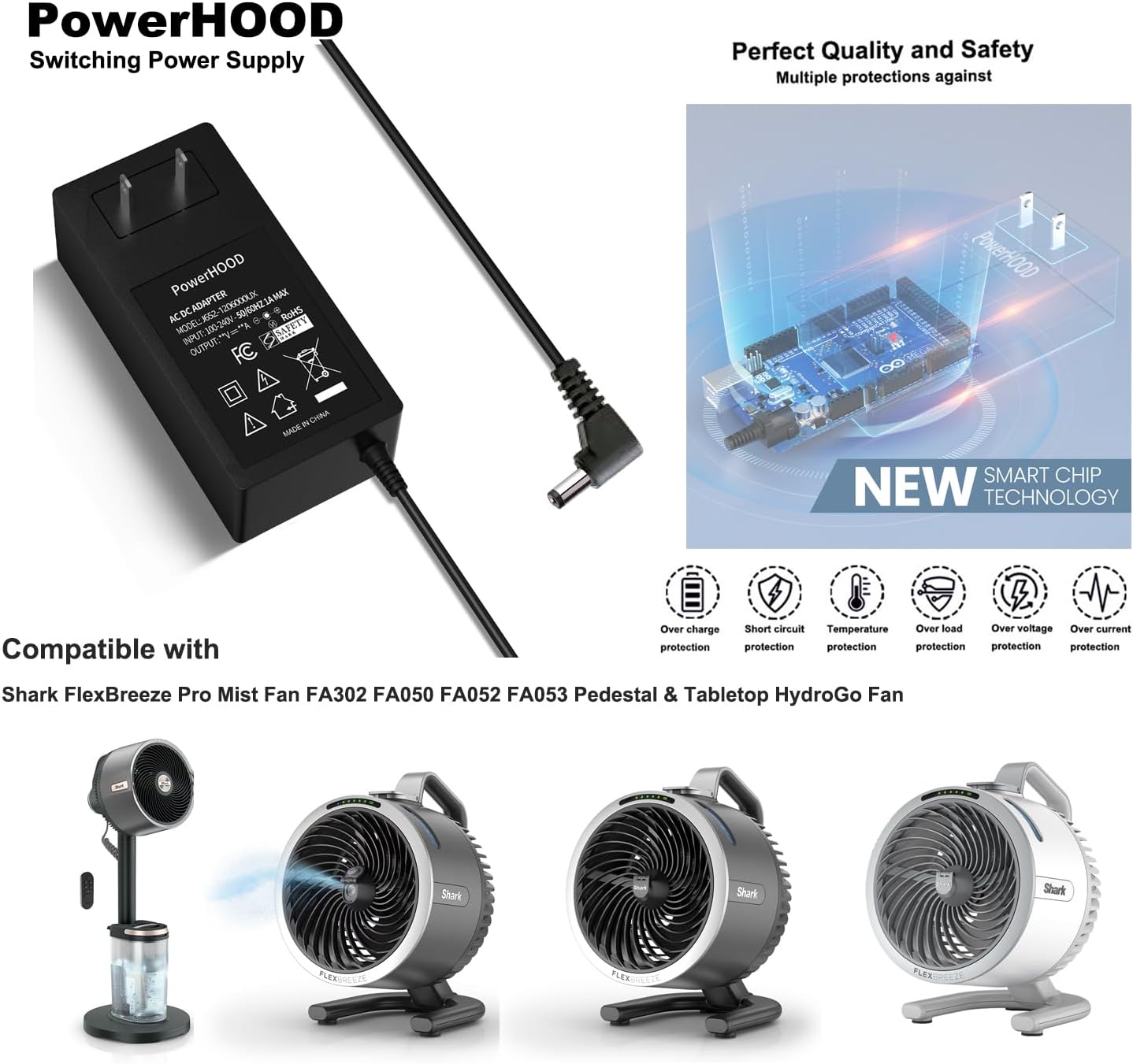
Image 1: The PowerHOOD 12V AC Adapter shown with various compatible Shark FlexBreeze fan models, illustrating its intended use.
2. Setup Instructions
- Unpack the Adapter: Carefully remove the AC adapter from its packaging.
- Connect to Device: Insert the barrel tip connector of the adapter into the DC input port of your Shark FlexBreeze fan. Ensure a secure connection.
- Connect to Power Outlet: Plug the AC adapter into a standard AC 100-240V, 50/60Hz wall outlet.
- Verify Power: Once connected, your fan should receive power. Refer to your fan's manual for specific power indicators.
3. Operating Instructions
The PowerHOOD AC adapter is designed for continuous and safe operation. It incorporates multiple protection features to safeguard both the adapter and your connected device.
- Overcharge Protection: Prevents damage from excessive charging.
- Short Circuit Protection: Automatically cuts power in case of a short circuit.
- Overload Protection: Protects against drawing too much current.
- Overvoltage Protection: Safeguards against voltage spikes.
- Overcurrent Protection: Prevents damage from excessive current flow.
- Temperature Protection: Monitors and regulates internal temperature to prevent overheating.
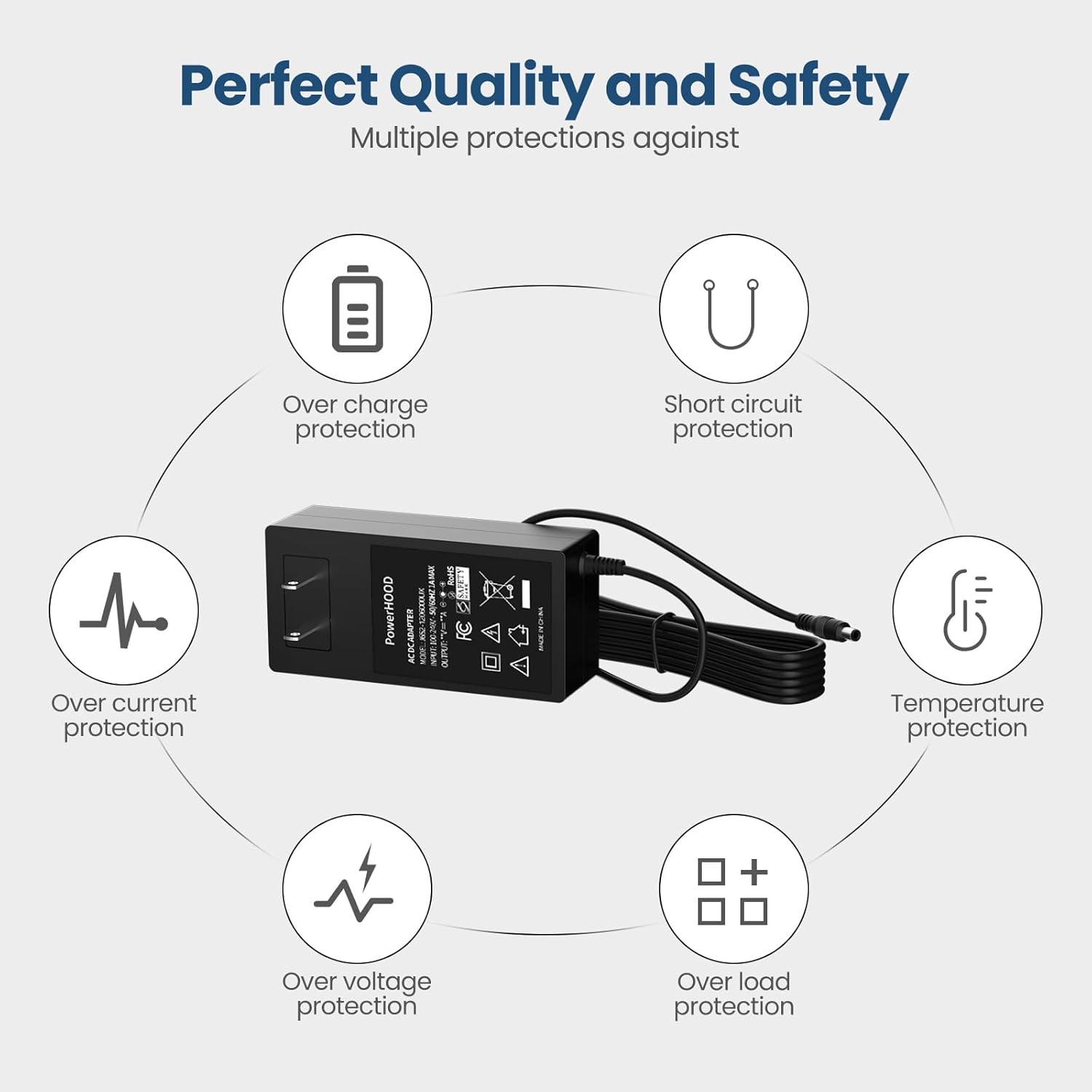
Image 2: Visual representation of the adapter's built-in safety features, including overcharge, short circuit, temperature, overcurrent, overvoltage, and overload protection.

Image 3: An illustration highlighting the smart chip technology integrated into the PowerHOOD adapter for enhanced performance and safety.
4. Maintenance
- Cleaning: Disconnect the adapter from the power outlet and your device before cleaning. Use a dry, soft cloth to wipe the surface. Do not use liquid cleaners or abrasive materials.
- Storage: Store the adapter in a cool, dry place away from direct sunlight and moisture when not in use. Avoid wrapping the cable too tightly.
- Inspection: Periodically inspect the adapter and cable for any signs of damage, such as frayed wires or cracked casing. Discontinue use if damage is found.
5. Troubleshooting
- Device Not Powering On:
- Ensure the adapter is securely plugged into both the fan and the wall outlet.
- Check if the wall outlet is functional by plugging in another device.
- Verify that the fan's power switch is in the 'ON' position.
- Adapter Overheating:
- Ensure the adapter is used in a well-ventilated area.
- Confirm that the connected device is compatible and not drawing excessive power.
- If overheating persists, discontinue use and contact support.
6. Specifications
| Model Number | J652-1206000UX |
| Input Voltage | AC 100-240V, 50/60Hz |
| Output Voltage | DC 12V |
| Output Current | 3 Amps |
| Wattage | 36 Watts |
| Connector Type | Barrel Tip |
| Compatible Devices | Shark FlexBreeze Pro Mist Fan FA302, FA050, FA052, FA053; Pedestal & Tabletop HydroGo Fan FA222 |
| Package Dimensions | 3 x 2 x 1 inches |
| Item Weight | 6 ounces |
7. Warranty and Support
PowerHOOD products are designed for reliability and safety, incorporating multiple protection features. For any questions, technical assistance, or support regarding your PowerHOOD 12V AC Adapter, please refer to the contact information provided with your purchase or visit the official PowerHOOD website.
