
OnePlus OnePlus Watch 3
OnePlus Watch 3 43mm Silver Steel User Manual
Comprehensive Guide for Your Smartwatch
1. Introduction
This user manual provides essential information for the safe and efficient operation of your OnePlus Watch 3 43mm Silver Steel. Please read this manual thoroughly before using the device to ensure proper functionality and to prevent damage. Keep this manual for future reference.
2. What's in the Box
Verify that all items are present in the package:
- OnePlus Watch 3 (43mm Silver Steel)
- Watch Straps
- Charging Cable
- Quick Start Guide

Image: OnePlus Watch 3 43mm Silver Steel, front view with strap.
3. Product Overview
3.1 Design and Components
The OnePlus Watch 3 features a 43mm round display encased in polished stainless steel. The crown and side button provide tactile control, complementing the touchscreen interface. The device is designed for comfortable wear with a fluoroelastomer band.
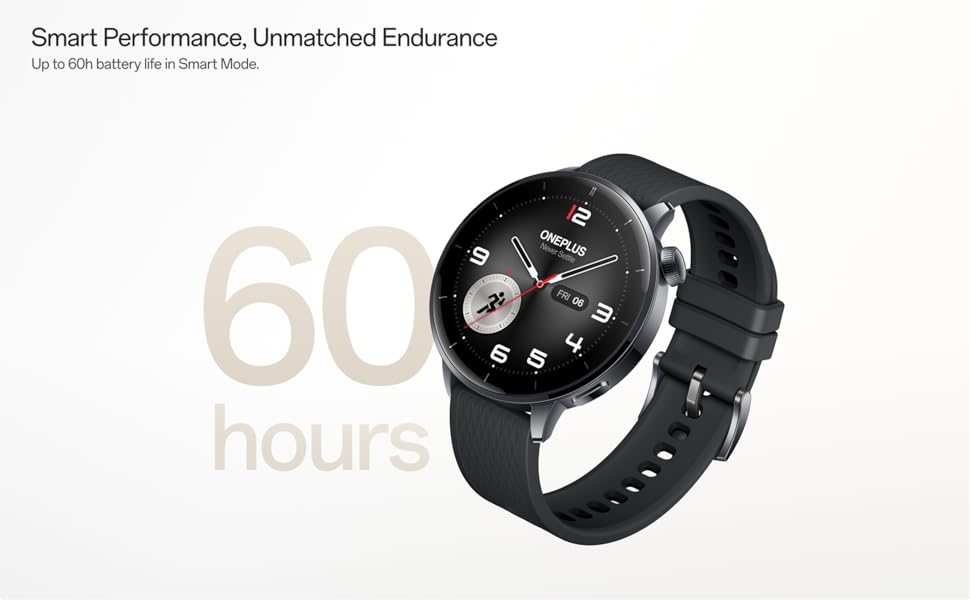
Image: OnePlus Watch 3 43mm Silver Steel, highlighting its refined design and polished stainless steel case.
3.2 Key Features
- Display: 1.32-inch round AMOLED touchscreen.
- Operating System: WearOS.
- Storage: 32GB internal storage.
- Connectivity: Bluetooth, Multi-GNSS (Beidou, GPS, Galileo, GLONASS, QZSS).
- Water Resistance: IP68 rating.
- Battery: 345mAh Lithium-Ion, offering up to 60 hours in Smart Mode.
4. Setup
4.1 Initial Charging
Before first use, fully charge your OnePlus Watch 3. Connect the charging cable to the watch's charging port and a compatible USB power adapter. The watch display will indicate charging status.
4.2 Powering On/Off
- Power On: Press and hold the side button (crown) until the OnePlus logo appears.
- Power Off: Press and hold the side button, then select 'Power Off' from the options on the screen.
4.3 Pairing with Your Smartphone
- Ensure your smartphone has Bluetooth enabled and is connected to the internet.
- Download and install the Wear OS by Google app from your phone's app store.
- Open the Wear OS app and follow the on-screen instructions to pair your OnePlus Watch 3.
- Accept all necessary permissions for full functionality.
5. Operating the Watch
5.1 Navigation
- Touchscreen: Swipe up, down, left, or right to navigate through menus and notifications. Tap to select items.
- Crown: Rotate the crown to scroll through lists or adjust settings. Press the crown to return to the watch face or access the app drawer.
- Side Button: Customizable for quick access to a specific app or function.
5.2 Customizing Watch Faces
To change your watch face, long-press on the current watch face and swipe left or right to browse available options. Tap to select. Additional watch faces can be downloaded via the Wear OS app or Google Play Store on your watch.
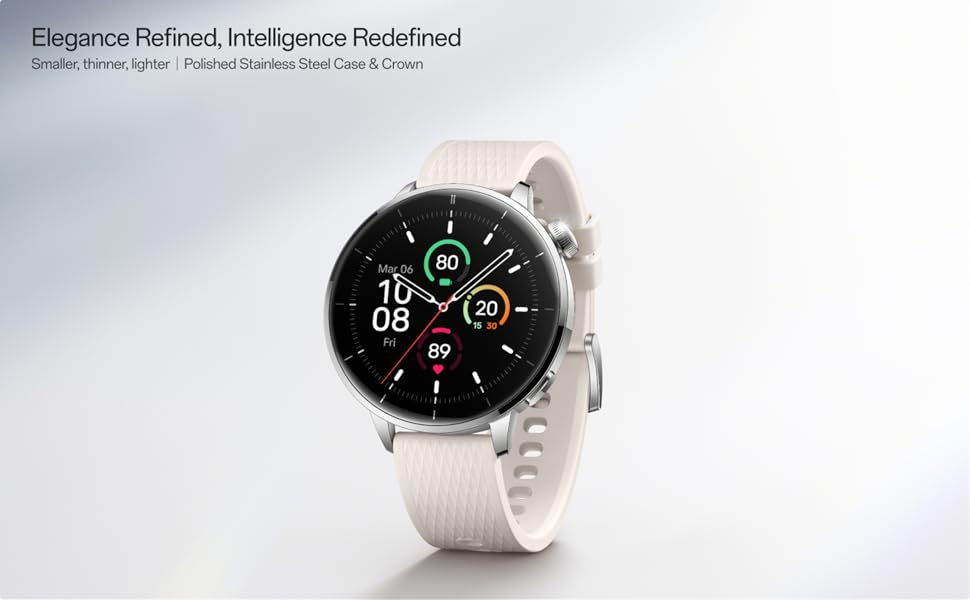
Image: Two OnePlus Watch 3 devices showing different watch faces, illustrating customization options.
6. Health Monitoring
The OnePlus Watch 3 offers comprehensive health tracking features:
- Heart Rate Monitoring: Continuous tracking of your heart rate throughout the day.
- Blood Oxygen (SpO2) Measurement: On-demand and continuous blood oxygen level monitoring.
- Sleep Tracking: Monitors sleep stages, duration, and detects potential sleep breathing risks.
- Cycle Tracking: For tracking menstrual cycles.
- Stress Monitoring: Analyzes heart rate variability to estimate stress levels.

Image: The OnePlus Watch 3 and a smartphone screen showing various health metrics like daily activity, heart rate, and sleep data.
7. Fitness Tracking
The watch supports 11 professional fitness modes and provides fat burning evaluation. Utilize the built-in Multi-GNSS for accurate outdoor activity tracking.
- Activity Tracking: Records steps, distance, calories burned, and active minutes.
- Workout Modes: Select from various modes like running, cycling, swimming, and more for tailored tracking.
- GPS Tracking: Integrated GPS for precise route mapping during outdoor workouts.

Image: A person wearing the OnePlus Watch 3 during a cycling activity, demonstrating its use for fitness tracking.
8. Smart Features
Running on WearOS, the OnePlus Watch 3 integrates seamlessly with your digital life:
- Notifications: Receive calls, messages, and app alerts directly on your wrist.
- Google Play Apps: Access a wide range of applications from the Google Play Store.
- Google Wallet: Make contactless payments.
- Music Control: Control music playback on your connected smartphone.
- Voice Assistant: Utilize Google Assistant for hands-free commands.

Image: The OnePlus Watch 3 screen showing multiple app icons, representing its WearOS ecosystem and access to Google Play apps.
9. Battery Management
The OnePlus Watch 3 is equipped with a 345mAh battery, providing up to 60 hours of use in Smart Mode. Battery life can vary based on usage and settings.
- Charging: Use the provided charging cable. A full charge takes approximately 30 minutes.
- Battery Saver Mode: Enable this mode to extend battery life by limiting certain features.
- Tips for Extending Battery Life: Reduce screen brightness, disable always-on display, limit background app refresh, and turn off unnecessary notifications.
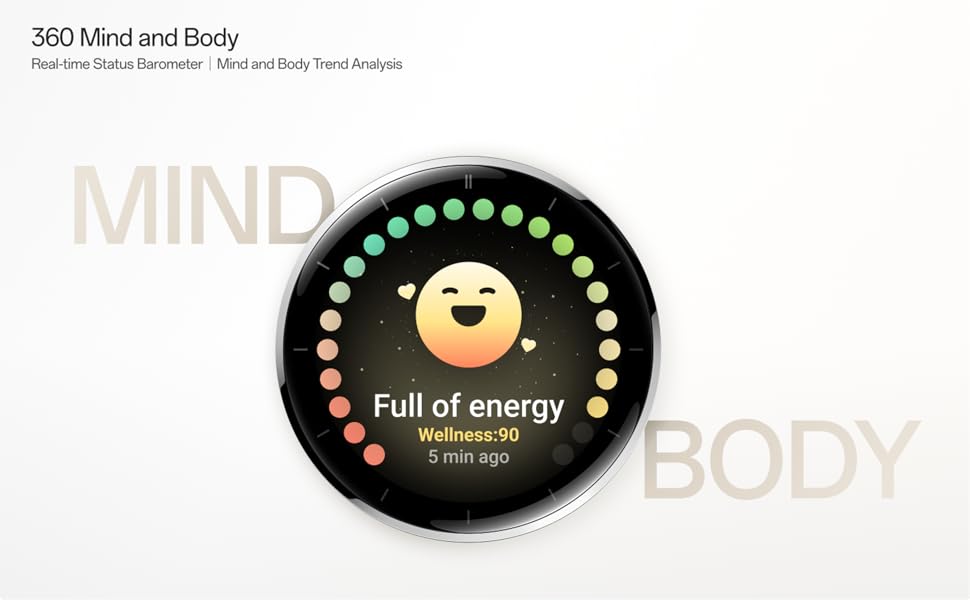
Image: The OnePlus Watch 3 with a large '60 hours' text, emphasizing its extended battery life in Smart Mode.
10. Maintenance
10.1 Cleaning
Regularly clean your watch and strap to prevent skin irritation and maintain functionality.
- Wipe the watch screen and body with a soft, lint-free cloth.
- For the strap, use mild soap and water, then rinse thoroughly and dry completely before wearing.
- Avoid using harsh chemicals or abrasive materials.
10.2 Water Resistance
The OnePlus Watch 3 has an IP68 water resistance rating. This means it is protected against dust and can withstand immersion in water up to 1.5 meters for 30 minutes. It is suitable for everyday use and activities like hand washing or light rain. Avoid using it for diving, high-pressure water activities, or in hot water/steam.
11. Troubleshooting
If you encounter issues with your OnePlus Watch 3, try the following steps:
- Watch Not Turning On: Ensure the watch is fully charged.
- Pairing Issues: Check if Bluetooth is enabled on your phone and watch. Restart both devices and try pairing again.
- Inaccurate Readings: Ensure the watch is worn snugly on your wrist, not too tight or too loose. Clean the sensors on the back of the watch.
- App Crashes/Slow Performance: Restart the watch. If the issue persists, consider resetting the watch to factory settings (this will erase all data).
- Battery Draining Quickly: Review battery management tips in Section 9.
For further assistance, refer to the official OnePlus support website or contact customer service.
12. Specifications
| Feature | Specification |
|---|---|
| Model Number | OnePlus Watch 3 |
| Display Size | 1.32 inches |
| Display Type | AMOLED |
| Operating System | WearOS |
| Memory Storage Capacity | 32 GB |
| Connectivity | Bluetooth |
| GPS | Beidou, GPS, Galileo, GLONASS, QZSS |
| Battery Capacity | 345 mAh Lithium Ion |
| Water Resistance | IP68 |
| Item Weight | 9.9 ounces (0.28 Kilograms) |
| Package Dimensions | 4.72 x 4.69 x 2.56 inches |
13. Warranty and Support
For warranty information, please refer to the warranty card included with your product or visit the official OnePlus website. For technical support, software updates, and frequently asked questions, please visit the OnePlus support page:
Related documentsOnePlus Watch 3


Ask a question about this manual
Ask about setup, troubleshooting, compatibility, parts, safety, or missing instructions. Manuals+ will review the question and use this page’s manual context to help answer it.