1. Introduction
This manual provides essential instructions for the safe and effective use of your eeTao Replacement Charger. This charger is specifically designed to be compatible with the VIAFLY V16 Pro and Lubluelu 202 Cordless Stick Vacuum Cleaners, providing a reliable power supply for their 25.9V 2600mAh Li-ion batteries.
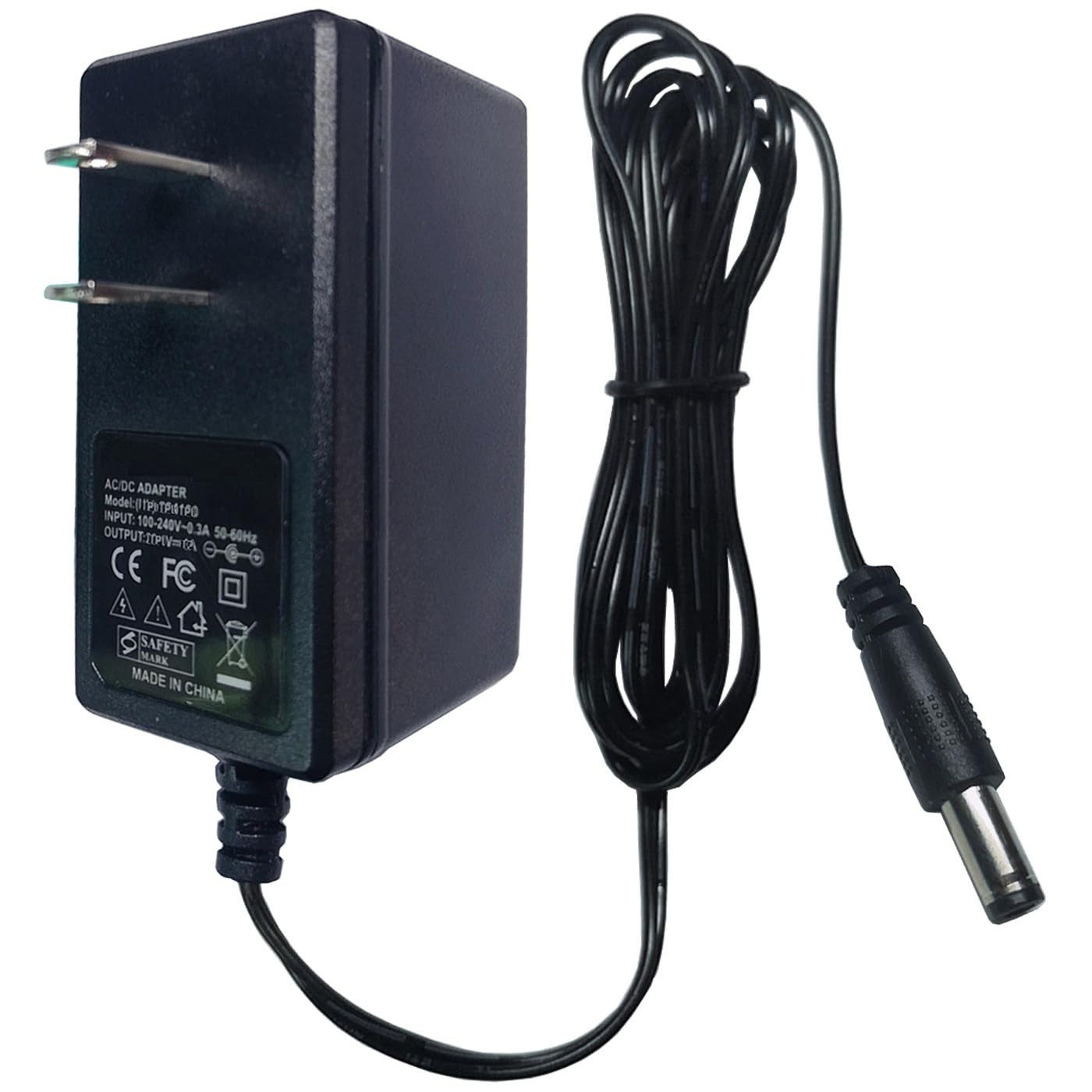
Image 1: eeTao Replacement Charger compatibility with VIAFLY V16 Pro and Lubluelu 202 vacuum cleaners.
2. Important Safety Information
Please read and understand all safety instructions before using the charger. Failure to follow these instructions may result in electric shock, fire, or serious injury.
- Use the charger only with the specified VIAFLY V16 Pro and Lubluelu 202 Cordless Stick Vacuum Cleaners.
- Ensure the input voltage of the power outlet matches the charger's specifications (100-240VAC 50/60Hz).
- Do not expose the charger to rain, moisture, or extreme temperatures. Use indoors only.
- Avoid dropping or subjecting the charger to strong impacts.
- Do not disassemble, modify, or attempt to repair the charger. Refer servicing to qualified personnel.
- Keep the charger away from children and pets.
- Unplug the charger from the power outlet when not in use or during electrical storms.
- The charger features Over Voltage Protection (OVP), Over Current Protection (OCP), and Short Circuit Protection (SCP) for enhanced safety.

Image 2: Charger security protection features.
3. What's in the Box
Upon opening the package, you should find the following item:
- 1 x eeTao Replacement Charger
4. Setup Instructions
Follow these steps to set up your eeTao Replacement Charger:
- Inspect the Charger: Before first use, visually inspect the charger and its cable for any signs of damage. Do not use if damaged.
- Connect to Vacuum: Locate the charging port on your VIAFLY V16 Pro or Lubluelu 202 Cordless Stick Vacuum Cleaner. Insert the barrel connector of the charger firmly into the vacuum's charging port.
- Connect to Power Outlet: Plug the charger's Type A (North American 2-pin) power plug into a standard 100-240VAC wall outlet.
- Verify Connection: Ensure both connections are secure. The vacuum's charging indicator (if present) should activate, indicating that charging has begun.

Image 3: eeTao Replacement Charger.
5. Operating Instructions
Once properly connected, the charger will automatically begin charging the vacuum's battery. The charging process is typically indicated by an LED light on the vacuum cleaner itself (refer to your vacuum's manual for specific indicator behavior).
- Allow the vacuum's battery to charge fully for optimal performance.
- The charger is designed with a premium cable construction, featuring an inner insulator, coarsening core, and TPE protective layer for durability and efficient power transfer.
- The charger's built-in protection mechanisms (OVP, OCP, SCP) ensure safe charging by preventing over-voltage, over-current, and short-circuit conditions.

Image 4: Premium cable construction details.
6. Maintenance
Proper maintenance ensures the longevity and safe operation of your charger:
- Cleaning: Disconnect the charger from the power outlet and the vacuum before cleaning. Wipe the exterior with a soft, dry cloth. Do not use liquid cleaners or abrasive materials.
- Storage: Store the charger in a cool, dry place away from direct sunlight and extreme temperatures when not in use. Avoid tightly coiling the cable to prevent damage.
- Battery Life: Note that rechargeable batteries are not permanent and typically have an average lifespan of 1 to 3 years. If the vacuum's battery is damaged or has reached the end of its life cycle, the charger may not be able to charge it effectively.
7. Troubleshooting
If you encounter issues with your charger, refer to the following common problems and solutions:
- Charger Not Working / Vacuum Not Charging:
- Ensure the charger is securely plugged into both the wall outlet and the vacuum's charging port.
- Check if the wall outlet is functional by plugging in another device.
- Inspect the charger cable and connector for any visible damage. If damaged, discontinue use.
- Confirm that the vacuum's battery is not damaged or at the end of its lifespan, as a faulty battery will not accept a charge.
- Slow Charging:
- Ensure the charger is connected directly to a wall outlet, not through a power strip or extension cord that may reduce power delivery.
- Verify that the charger is the correct model for your vacuum.
8. Specifications
| Brand | eeTao |
| Model Number | VIAFLY V16 Pro and Lubluelu 202 Charger |
| Compatible Devices | VIAFLY V16 Pro and Lubluelu 202 Cordless Stick Vacuum Cleaners |
| Input Voltage | 100-240VAC, 50/60Hz |
| Output Voltage | 29.6 Volts (DC) |
| Output Current | 1 Amps |
| Connector Type | Barrel |
| Power Source | Corded Electric |
| Special Feature | Short Circuit Protection (OVP, OCP, SCP) |
| Color | Black |
| Item Weight | 5 Ounces |
9. Warranty and Support
Your eeTao Replacement Charger comes with the following warranty:
- Warranty: 30 Days Refund - 24 Months Exchange
For technical support, warranty claims, or any questions regarding your product, please contact eeTao customer service through the retailer where the product was purchased. Please have your purchase details and product model number ready when contacting support.


